







- Inside the Ubuntu 13.10 Linux ‘Saucy Salamander’ Linux Desktop
- Ubuntu 13.10 Isn’t a Sharp Departure From Prior Releases
- Full Disk Encryption Is an Installation Option
- Ubuntu One Provides Cloud Access to Apps, Photos and Music
- Ubuntu 13.10 Is Powered by a Linux 3.11 Kernel
- Security and Privacy Settings Come Together in 13.10
- Ubuntu Smart Scopes Expands Search Options
- Users Can Filter Smart Scopes Search Results
- Firefox Is the Default Web Browser in Ubuntu 13.10
- LibreOffice Provides Word Processing, Spreadsheet, Presentation Apps
- Need More Apps? Just Go to Ubuntu Software Centre
Inside the Ubuntu 13.10 Linux ‘Saucy Salamander’ Linux Desktop
By Sean Michael Kerner
Ubuntu 13.10 Isn’t a Sharp Departure From Prior Releases
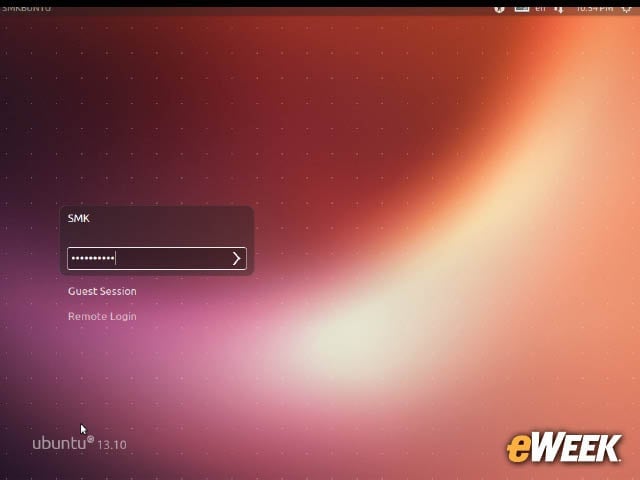
For current Ubuntu Linux users, the basic desktop login and interface carry forward from the 13.04 release.
Full Disk Encryption Is an Installation Option
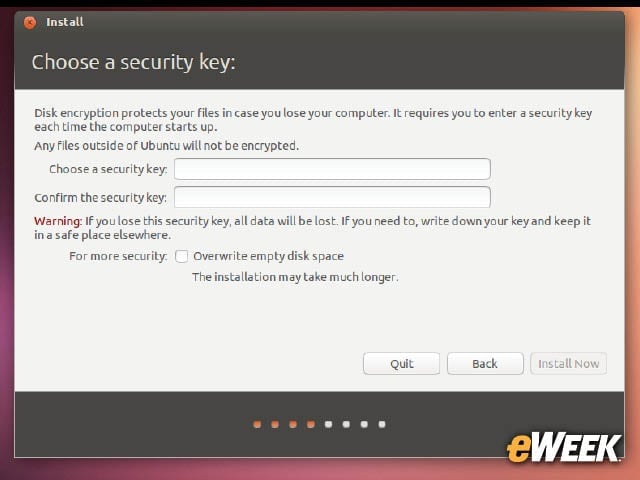
In this modern era where data thefts and breaches are commonplace, disk encryption is a key feature and it is one that is part of the Ubuntu 13.10 experience.
Ubuntu One Provides Cloud Access to Apps, Photos and Music
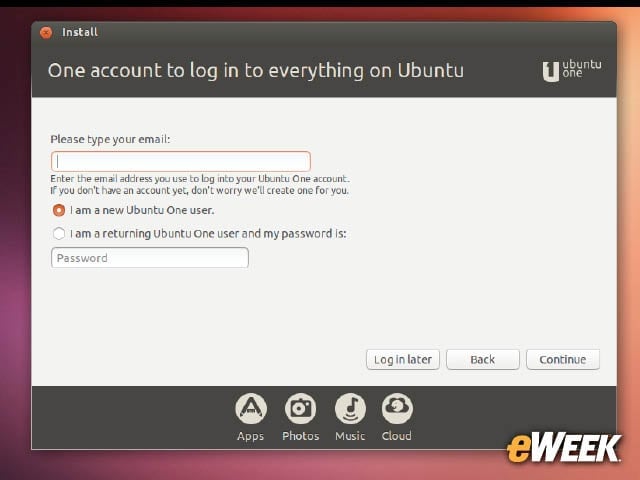
Apple’s iCloud isn’t the only operating system with cloud backup for users. Ubuntu 13.10 includes the Ubuntu One system, which provides cloud-based access to apps, photos and music.
Ubuntu 13.10 Is Powered by a Linux 3.11 Kernel
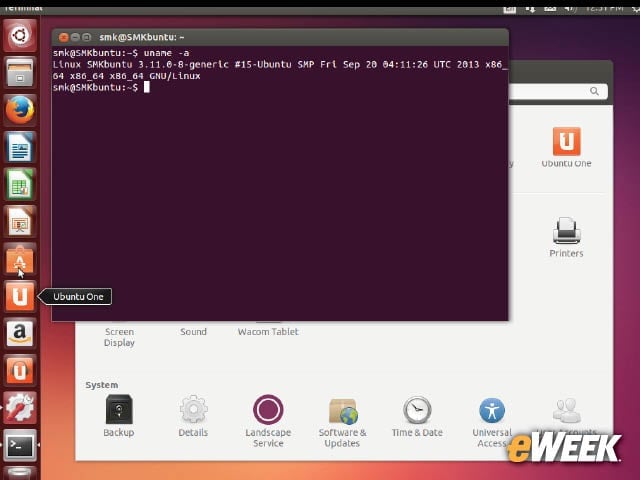
Sitting at the core of Ubuntu 13.10 is the new Linux 3.11 Linux kernel, which was officially released by Linux creator Linus Torvalds in early September.
Security and Privacy Settings Come Together in 13.10
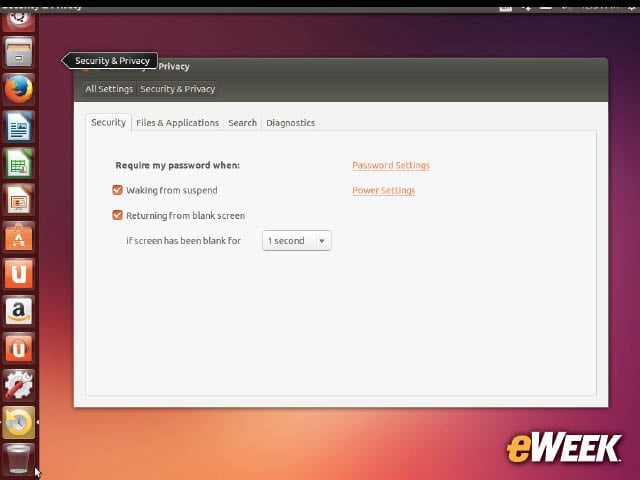
Ubuntu has included security settings for the user desktop alongside privacy settings for determining what information should be kept private.
Ubuntu Smart Scopes Expands Search Options
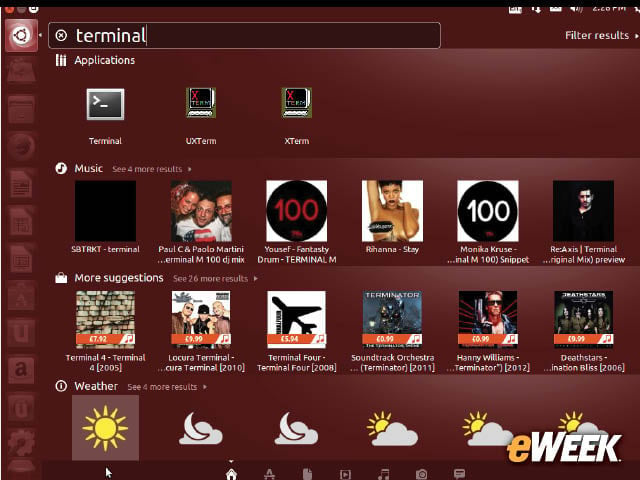
Ubuntu 13.10 introduces a feature called Smart Scopes, which is supposed to bring in relevant search information from beyond just the user’s desktop. A simple search for the commonly used Terminal application, however, shows how the relevancy of the results can be somewhat inappropriate.
Users Can Filter Smart Scopes Search Results
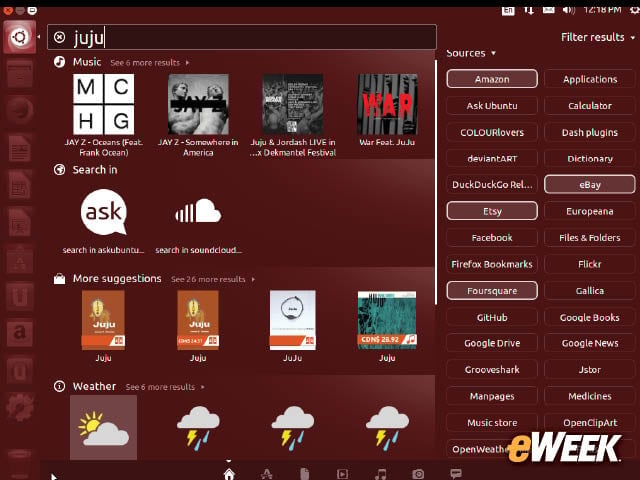
Ubuntu 13.10 provides a long list of different filters for search results to help users find information.
Firefox Is the Default Web Browser in Ubuntu 13.10
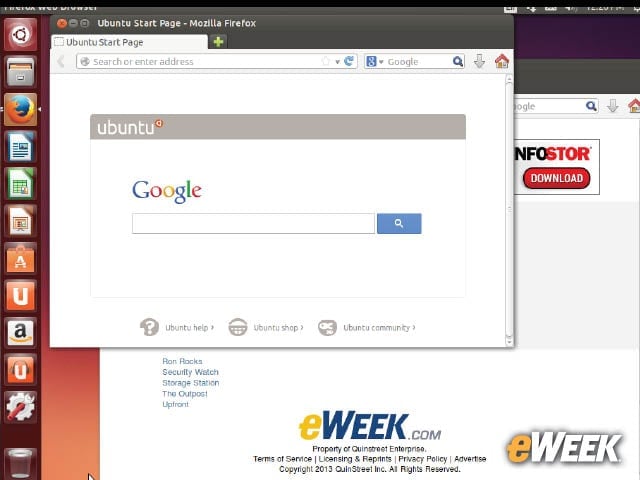
Although there had been some discussion during the Ubuntu 13.10 development process about using Google Chrome as the default browser, Mozilla Firefox remains the default.
LibreOffice Provides Word Processing, Spreadsheet, Presentation Apps
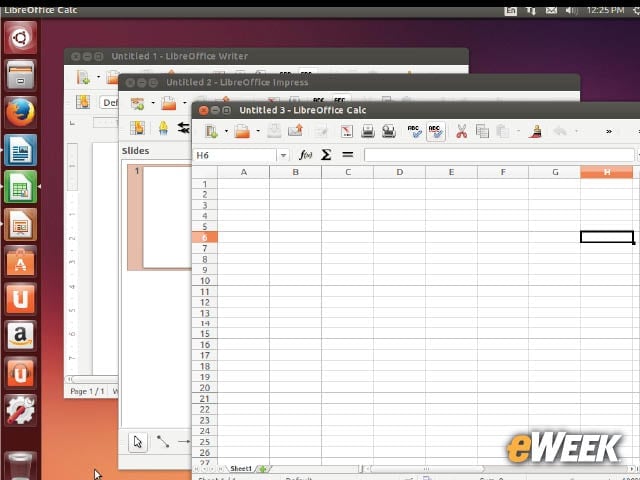
For core office suite functionality, the default application that is included with Ubuntu 13.10 is, once again, LibreOffice.
Need More Apps? Just Go to Ubuntu Software Centre
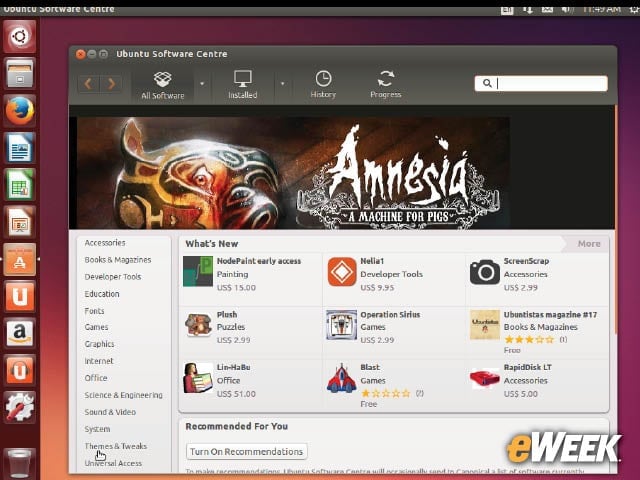
While the Ubuntu 13.10 Linux distribution comes with a lot of applications, even more are available to users via the Ubuntu Software Centre. The Ubuntu Software Centre shows both free and paid commercial applications.