








KDE Plasma 5.10 Puts Folders on Linux Desktop, Improves Search

Thanks to its latest update—version 5.10—that debuted on May 30, the open-source KDE Plasma desktop now provides users with a refined user interface and new capabilities. KDE has long taken a different view on how a desktop should work and look, but with the 5.10 update, Plasma now enables users to have a familiar “folder view” of the desktop, where icons for files and folders (instead of just function widgets) can be placed. Other enhancements include improved search functionality with Krunner that displays both local and web search results. The KDE desktop is an optional choice for many different Linux distributions and is often the default used for openSUSE. In this slide show, eWEEK takes a look at some of the highlights of the KDE Plasma 5.10 update.
Folder View Is the Default
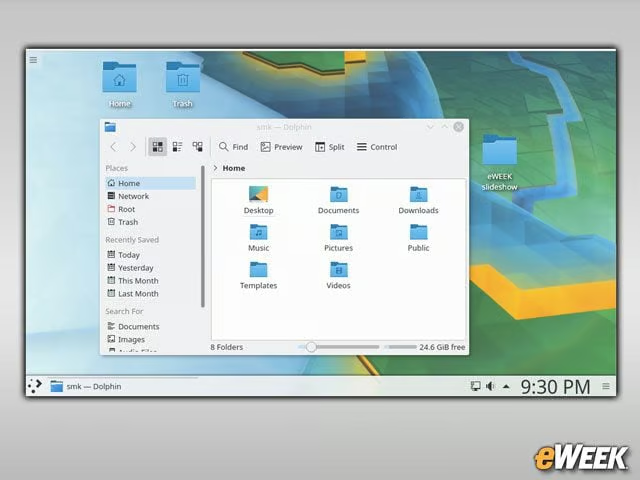
While a folder view of the desktop has been the default choice in most mainstream operating system desktops, that hasn’t been the case with KDE. That as, until version 5.10 of KDE Plasma, whose folder view is now the default, enabling users to drag, drop and move their folders as they see fit.
Boot Splash Screen Selection Options
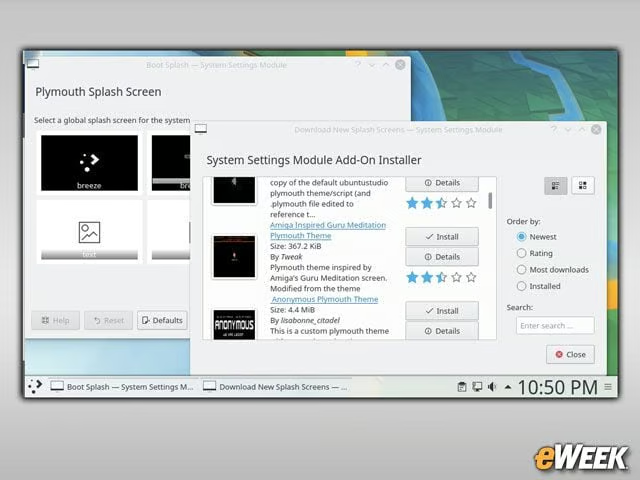
KDE Plasma 5.10 has an updated Plymouth KControl Module to enable users to download and select boot time splashes.
Media Controls Come to Lock Screen
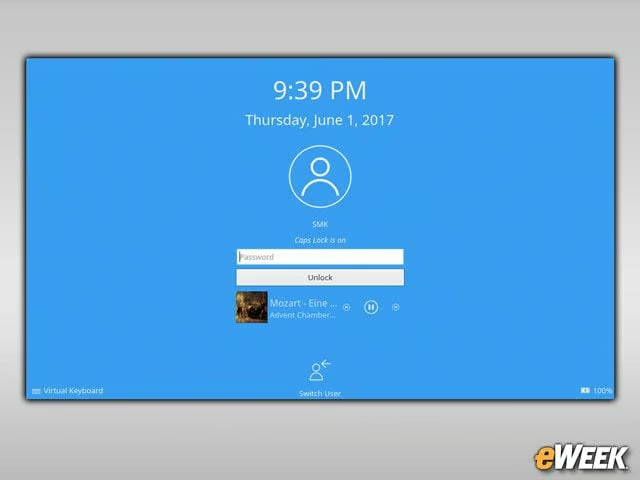
Another common feature of other operating system desktops that is now coming to KDE Plasma is the ability to control media from the lock screen.
Discover Software Center Gets Snappy
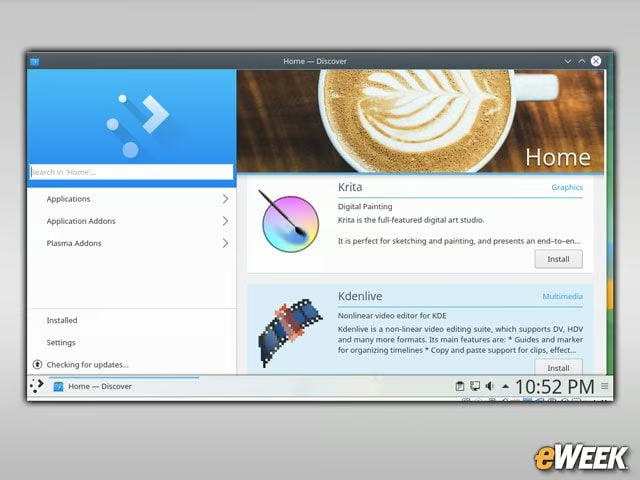
The KDE Plasma Discover Software Center application that enables users to find and install software applications has been updated to provide provisional support for the Flatpak and Snappy package formats. Both Flatpak and Snappy offer users and developers the promise of application packages that can run across multiple Linux distributions.
Search the Web With Krunner
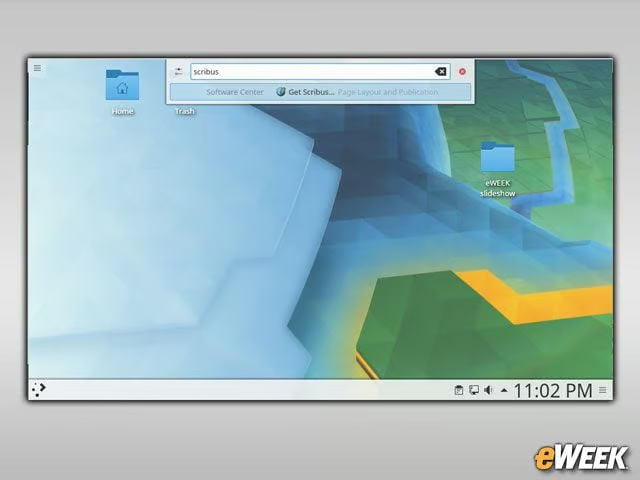
The Krunner desktop search tool will now show users applications that have not yet been installed but can be downloaded via the Discover Software Center.
Task Manager Improvements
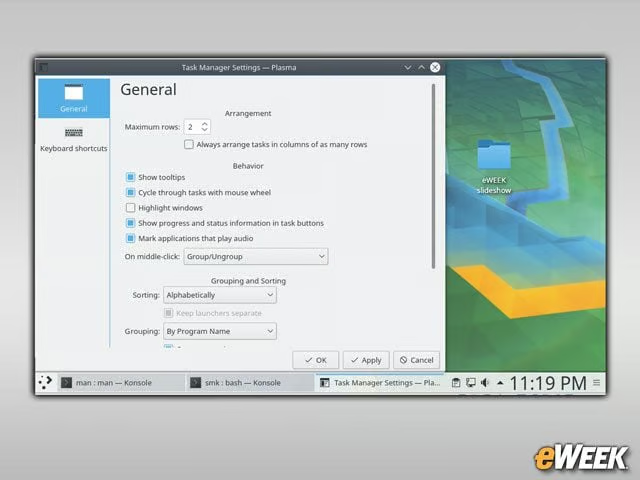
The KDE Plasma Task Manager benefits from multiple improvements, including the ability to group open application task windows.
Getting Plasma
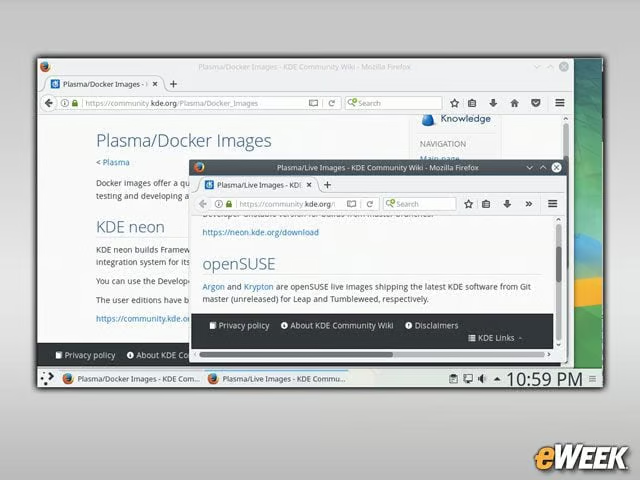
The KDE Plasma 5.10 desktop is available in the public software repositories of many leading Linux distributions. The KDE Neon and openSUSE Linux distributions already provide live images for users to try. In addition, there are now also Docker container images for users to easily experience Plasma.