






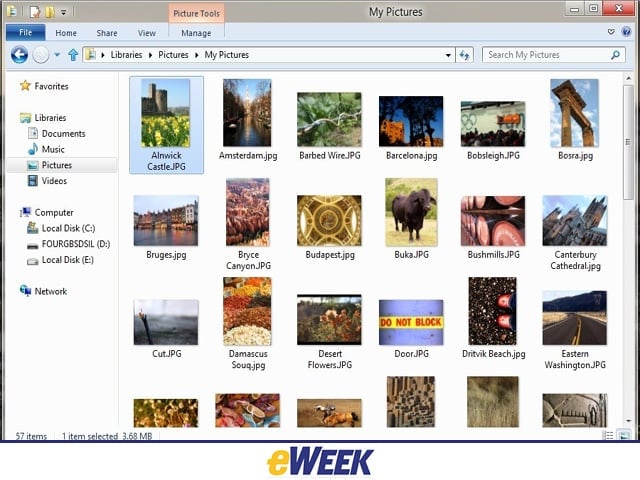

Minimized Ribbon
Ever since it was first announced, Microsoft’s decision to include a user-interface “ribbon” in Windows 8 has proven somewhat controversial. Those who dislike its inclusion can take a little bit of heart, however, in how it’s been minimalized.
Lossless Picture Rotation
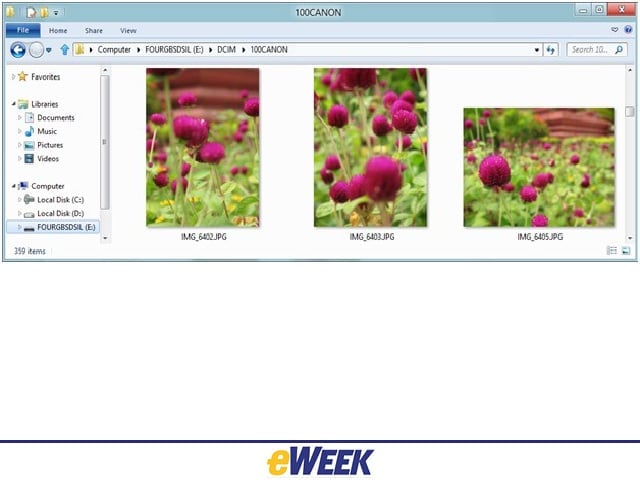
Microsoft’s Windows team has designed Windows 8 Explorer to respect EXIF orientation information for JPEG images, meaning less time spent fixing pictures’ orientation.
File Conflicts
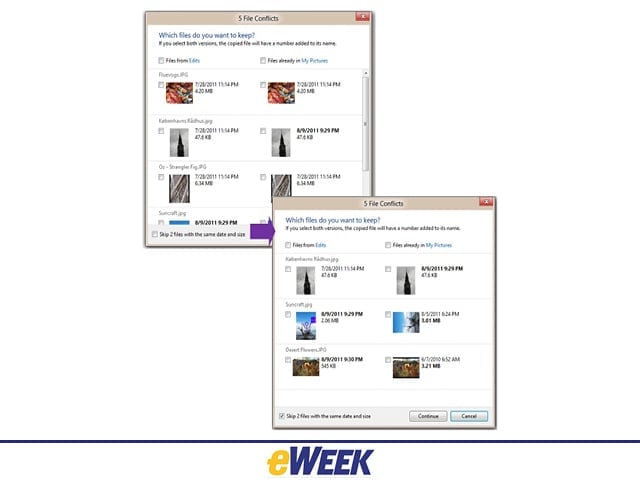
Windows 8 will include a new option in conflict-resolution dialogs that allows the user to filter out files that match on name, size and/or time-stamp. Windows 8 will then avoid copying or moving those files.
Sensors
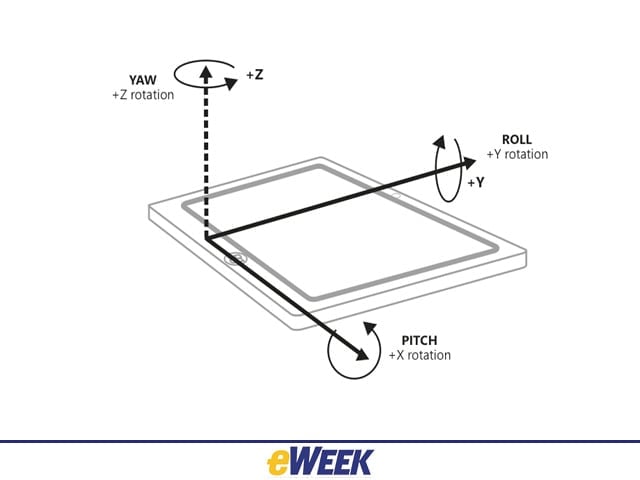
In order to optimize Windows 8’s functionality on tablets, hardware partners must include a performance-calibrated combination of gyroscope, three-axis accelerometer and magnetometer.
Suspended Metro
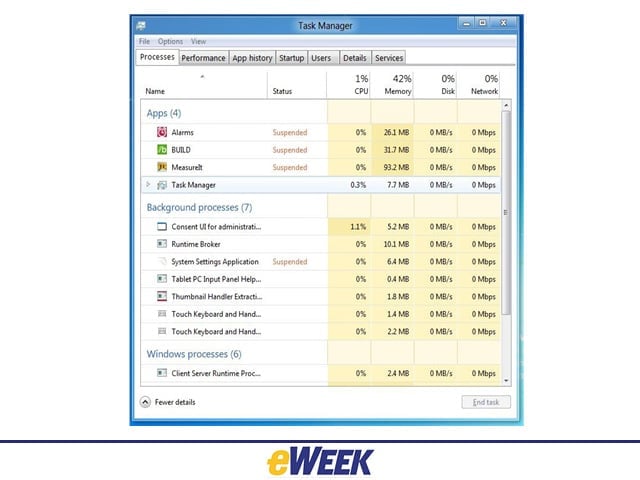
In a bid to improve power efficiency for applications, Windows 8’s Metro-style apps are suspended in the background-with minimal impact on battery performance.
Airplane Mode
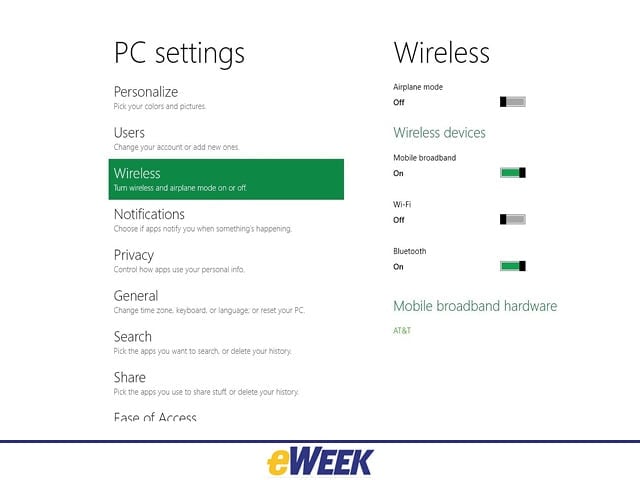
Windows 8 allows users to turn airplane mode on or off with one click.
Metered
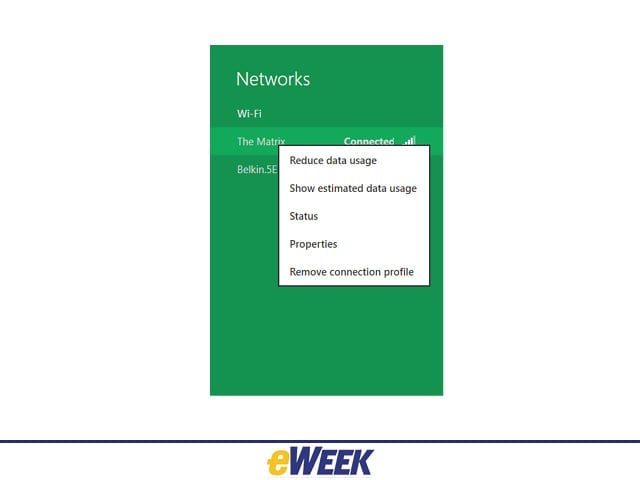
Users will have the ability to mark a wireless network as metered or unmetered, essential when operating a Windows 8 tablet across multiple connections.
PC Refresh
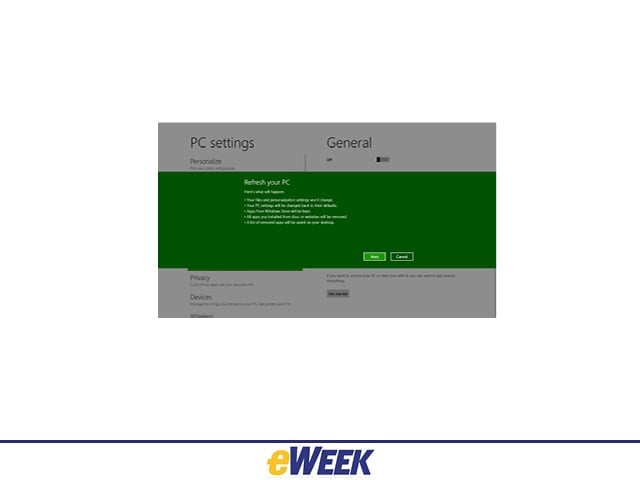
Windows 8’s granular refresh ability allows users to save certain data while reverting the PC’s overall settings to default.
Picture Passwords
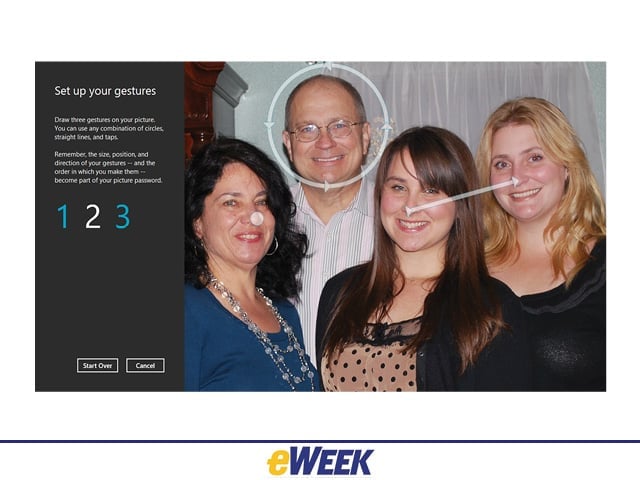
Windows 8’s picture password requires users to tap and swipe selected parts of an image in order to unlock the system.
Online Credentials
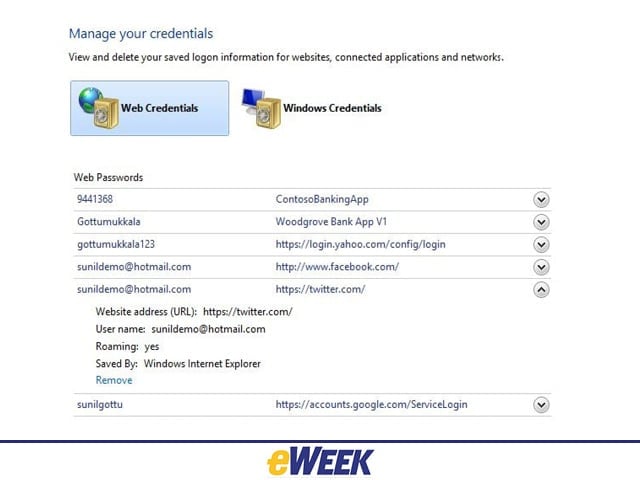
Windows 8 lets its users store and manage their sign-in credentials from across various Web properties.