








Seven Tips for Setting Up Self-Service IT
Businesses can save big by helping customers and employees help themselves when it comes to high-volume, low-risk requests that eat up precious staff time.
Build a Knowledge Base

The No. 1 thing about self-service is giving people the option to solve a problem themselves. Ninety-one percent of users would rather read a quick how-to or browse articles instead of sitting on hold or waiting for an email reply. Always remember: The bigger the library, the better.
Continually Improve the Knowledge Base

Now that you’ve built a library to refer to, it’s important to keep the information up-to-date. If an issue gets solved and helps a lot of people, that article needs to be front and center. What about that one-in-a-million, random-chance issue? Archive how it was solved, someone will thank you later when it happens again.
Offer Updates

Instead of hoping people got the memo, send out an email when something has an update. If you’re working on a mobile platform, this is especially important because everyone turns off push notifications. Keep the people informed and they won’t flood your team with tickets.
Offer More Self-Service Opportunities
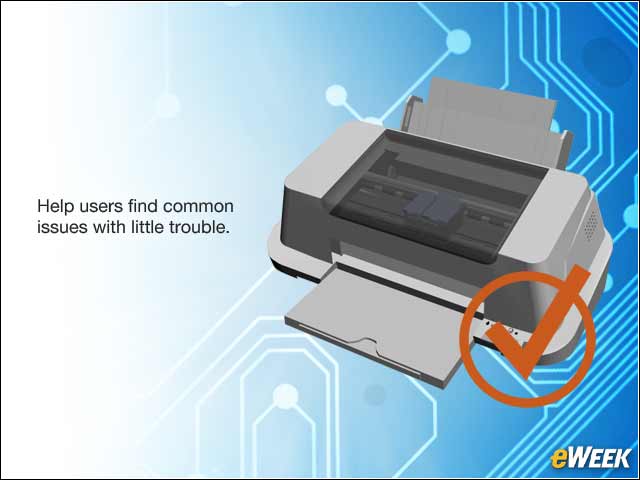
If an easy fix to a common problem exists, offer a quick FAQ instead of making users slog through endless articles and Google searches. Allow users to find any common issues with little trouble. By doing this, your team can focus on the big stuff—i.e., not fixing the printer’s toner, again.
Keep It Easy

Don’t make solving problems impossible. Keep your content easy to read and easier to solve. Your portal should be simple and effective. If it takes a master’s degree to navigate, you’re doing it wrong.
Trust User Feedback

Allow customers to rate the level of helpfulness to your articles. If an article has a high success rate, self-servers will gravitate to it because people found that it worked. If something gets the opposite reaction, maybe it’s time to re-think the solution. Listen to the people.
Strive for More

Just because your portal works right now doesn’t mean it’ll be as top-notch in the future. The trick to self-service is keeping people engaged in solutions, but doing so without trouble. As your IT tech improves, so should your self–service.