







- 10 Android for Work Features Sure to Appeal to Enterprises
- There’s Finally a Mobile Device Management Platform for Android
- It Supports Development of Android Business Apps
- Google Says Its Security Is Stronger
- IT Managers Get a Handle on Android Devices in the Workplace
- Android for Works Forms Firewall Between Personal, Work IDs
- Full Support for Enterprise Apps
- Chrome Is at the Center of the Browsing Experience
- Monitoring Is at the Center of the Platform
- You Don’t Need to Have Google Apps to Use Android for Work
- Google Has Lined Up Android for Work Partners
10 Android for Work Features Sure to Appeal to Enterprises
By Don Reisinger
There’s Finally a Mobile Device Management Platform for Android
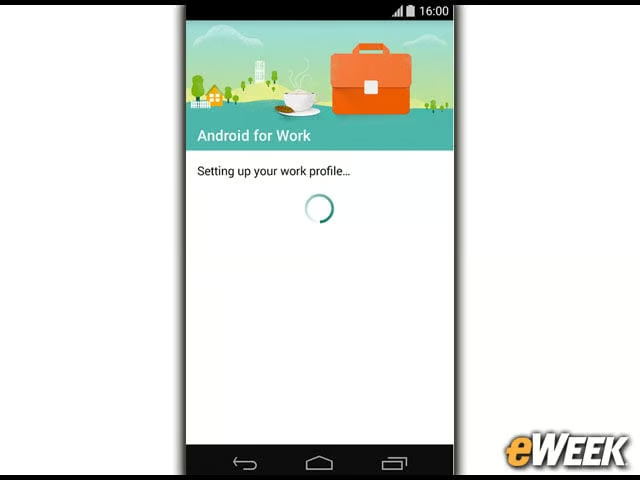
Android for Work is only available on Google’s Android platform. There has been some hope that Google would offer this mobile device management platform for other mobile operating systems, similar to the platform-agnostic Good, but that really doesn’t make sense and it won’t happen. Android for Work is for the Android mobile environment and will stay there.
It Supports Development of Android Business Apps

One of the core features of any enterprise mobile platform is the ability to create native apps for internal use. While the feature to allow developers to create business applications technically was already available on the Android OS platform, it’s now a central feature in Android for Work. Companies can design an app internally and then deploy it across all the mobile devices capable of running Android for Work.
Google Says Its Security Is Stronger
Google says that Android for Work delivers stronger security for companies. The firm points to a remote data wipe feature, the ability for IT to approve apps for download and more as proof that Android is more secure for corporate users. Security is potentially a major issue for Google’s Android and one the company will want to address.
IT Managers Get a Handle on Android Devices in the Workplace

Android for Work includes management features that allow corporate IT departments to establish data and application access policies for all those personal Android devices coming into the workplace. IT managers can set security and data access compliance controls across the Android product lineup using a single console. Android for Work puts the control back in the hands of IT, even where BYOD has been going on for years.
Android for Works Forms Firewall Between Personal, Work IDs
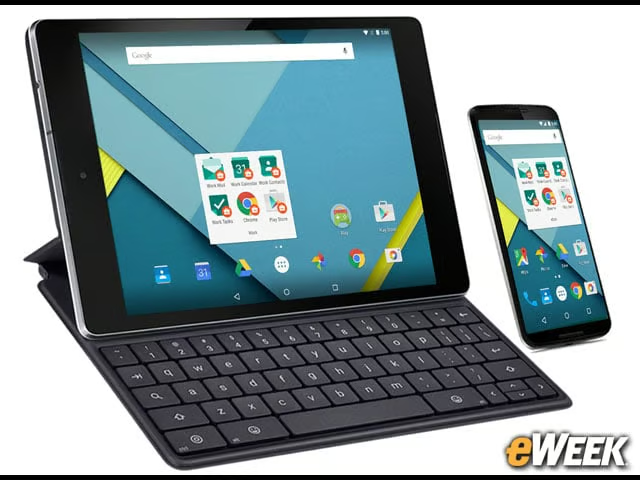
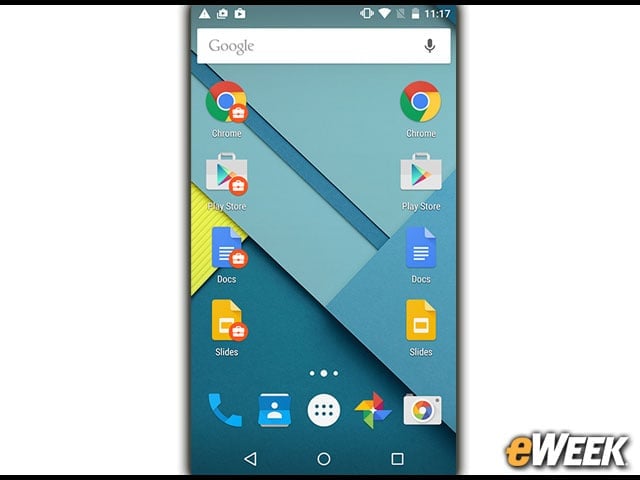
There’s a clear firewall between business and personal on Android for Work. Google says that employees can bring their own Android devices into the office and download Android for Work. From there, the enterprise will have control over the corporate side where all the mission-critical apps are, but will not in any way interfere with personal data and apps.
Full Support for Enterprise Apps
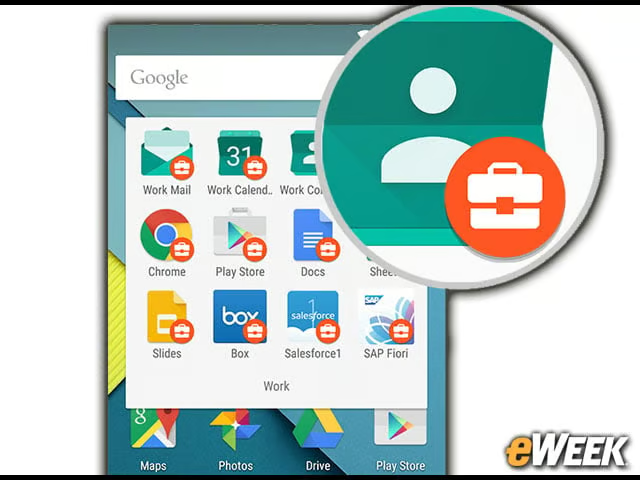
One of the nice things about Android for Work is that it’s fully compatible with widely used enterprise applications from other software producers. In fact, if a company is already heavily invested in solutions from Citrix, for example, it can use those apps within the Android for Work environment and maintain control. It’s a key feature that will appeal to the IT side.
Chrome Is at the Center of the Browsing Experience
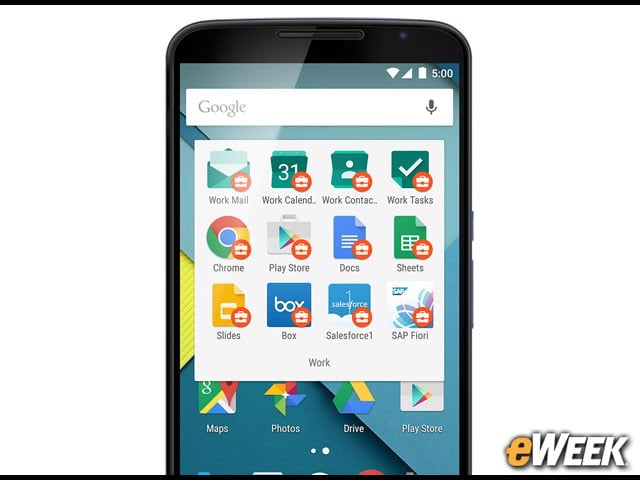
It should come as no surprise, given how important Chrome is to Google, that the company will allow for browser control via Chrome. So, while companies can opt to deploy Opera or another browser for Android devices, the Android for Work console is optimized for Chrome. Thus, chances are that companies that want to use Android for Work will use Chrome so they have the most control.
Monitoring Is at the Center of the Platform
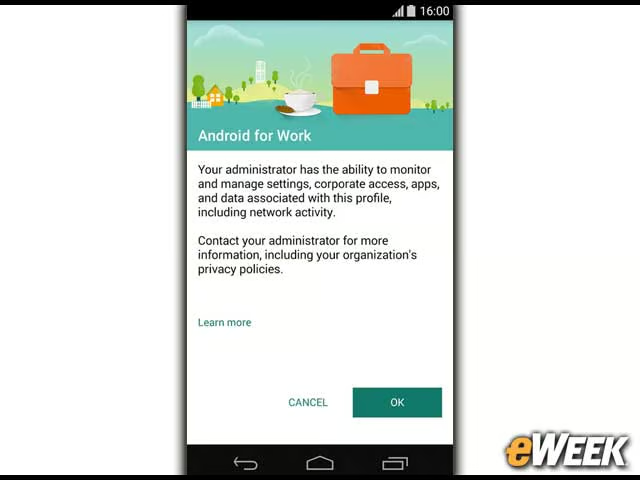
When users download Android for Work for the first time, Google automatically tells them that it’s possible for IT administrators to fully monitor all of their activities within the corporate environment. That’s important to keep in mind. While Android for Work could be running on a personal device, at least on the corporate side of the firewall, IT has full monitoring capabilities.
You Don’t Need to Have Google Apps to Use Android for Work
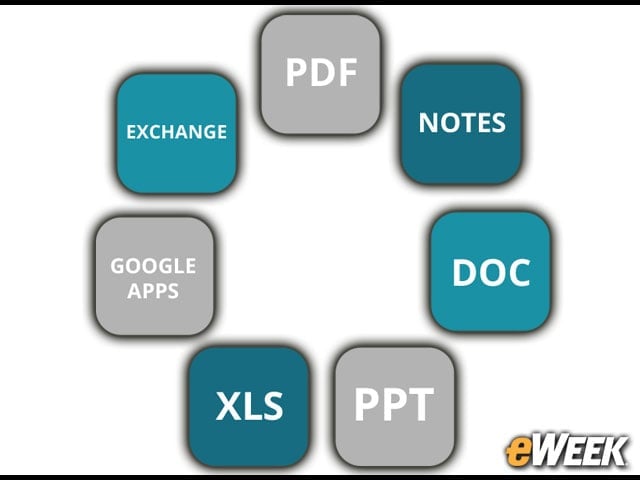
It’s worth noting that Google doesn’t necessarily require that Android for Work users actually use Google Apps. The platform supports Google Apps, of course, but if companies want to use Microsoft Office applications or Zoho, that’s fine. The only caveat is that the level of control over those apps may not be the same.
Google Has Lined Up Android for Work Partners

Google advises users that third-party application support is not universal and Android for Work is only compatible with “partner solutions.” However, the number of partners Google has lined up to support Android for Work is fairly diverse, as it includes BlackBerry, Citrix, IBM, SAP and SOTI, which offers its own mobile device management platform.