








- 10 BlackBerry Enterprise-Friendly Apps to Help You Stay Productive
- LinkedIn Shouldn’t Be Overlooked
- BlackBerry Maps Nice for Corporate Users
- Password Keeper for More Security
- Remote Desktop for BlackBerry
- DictaNote Voice Dictation
- Box File Storage
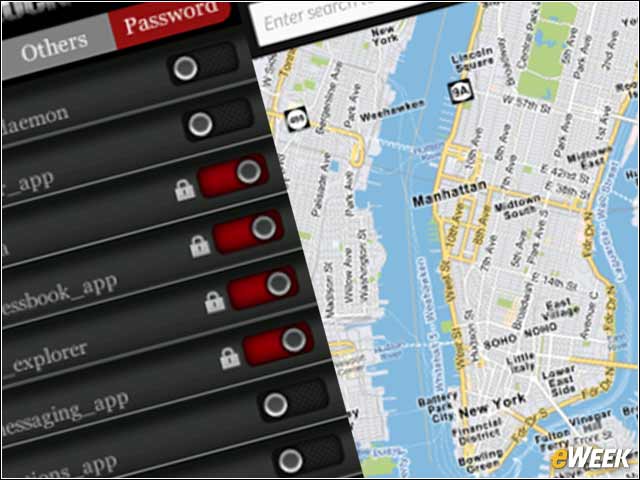
- AppsLock-Pro Restricts Unauthorized Access
- Calendar Synchronization
- Podio Workflow Application
- Cisco WebEx Meetings
10 BlackBerry Enterprise-Friendly Apps to Help You Stay Productive
by Don Reisinger
LinkedIn Shouldn’t Be Overlooked

LinkedIn has proven to be an important social network for corporate users. For years now, employees, IT staff and executives have been running to LinkedIn to connect with friends, find jobs and recruit solid staff. It’s still a highly useful platform for those efforts and shouldn’t be overlooked as a free option on BlackBerry 10.
BlackBerry Maps Nice for Corporate Users
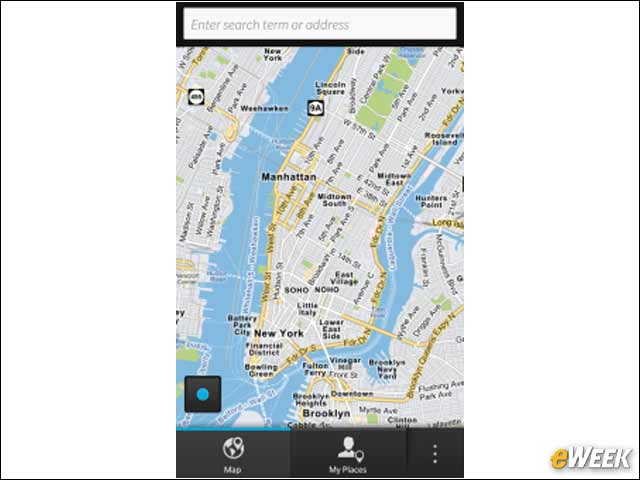
BlackBerry Maps is by no means as useful as Google Maps, but the free application is still an awfully nice alternative for corporate users who quickly want to discover where they are. BlackBerry Maps is simple to use, easy to navigate and, overall, a high-quality program. It’s a worthy addition to any corporate user’s BlackBerry.
Password Keeper for More Security
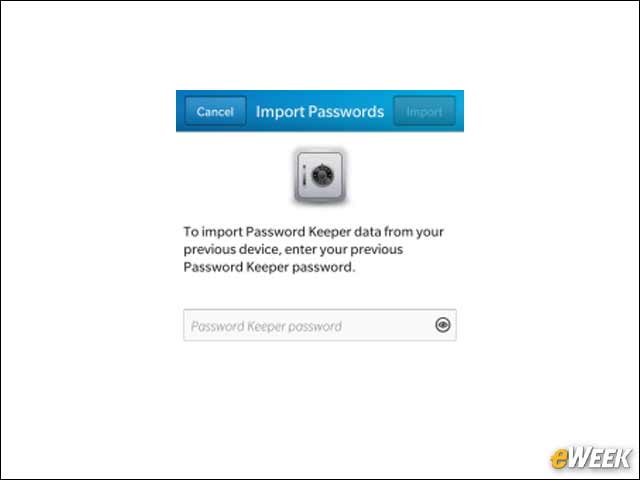
Password Keeper adds a bit more security to the BlackBerry platform. The application keeps passwords, log-ins, and other important information encrypted and away from the prying eyes of hackers. And for a free app, it does an awful lot of good stuff.
Remote Desktop for BlackBerry
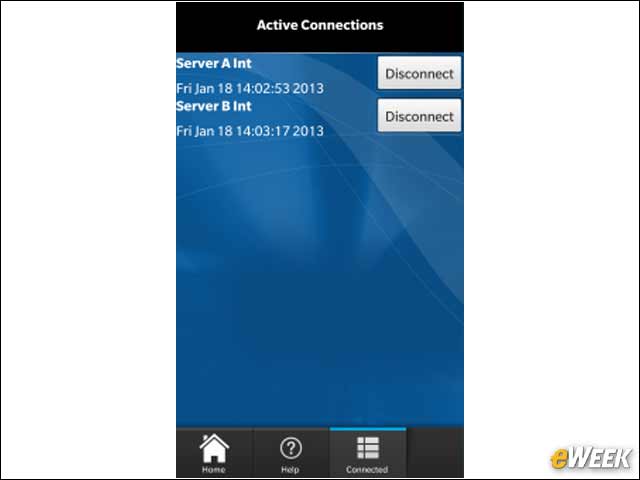
Remote Desktop for BlackBerry is a little expensive, coming in at $4.99, but it allows users to quickly access their computers from the mobile device. It’s a great alternative to higher-priced desktop-mirroring applications out there and would work exceedingly well for the average mobile user.
DictaNote Voice Dictation
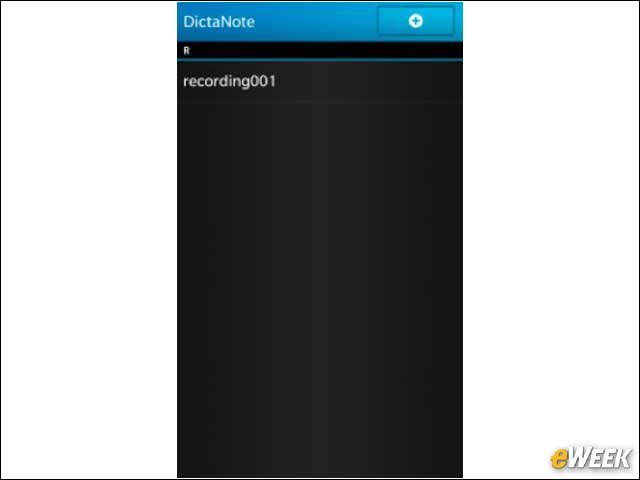
DictaNote’s name speaks for itself: Users are able to dictate to their BlackBerry devices exactly what they want typed out. Those notes can then be shared with others via text message or email. It’s a highly useful, free application.
Box File Storage
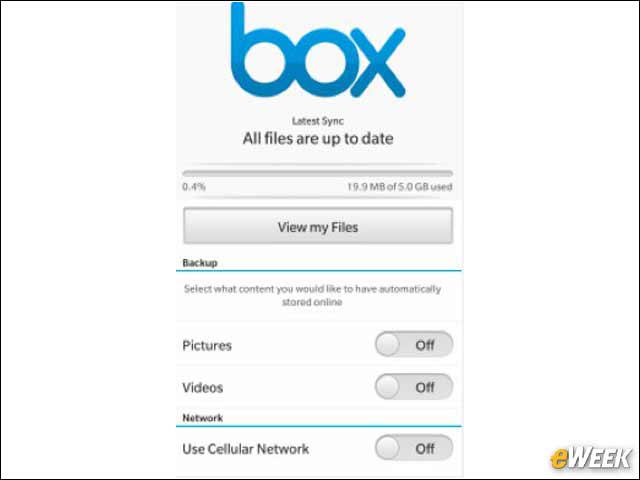
Box is one of the most secure cloud-based storage solutions in the wild, and since it’s free, it’s a great program to download to any BlackBerry device. Enterprise users looking to send data-heavy files to others should consider downloading Box.
AppsLock-Pro Restricts Unauthorized Access
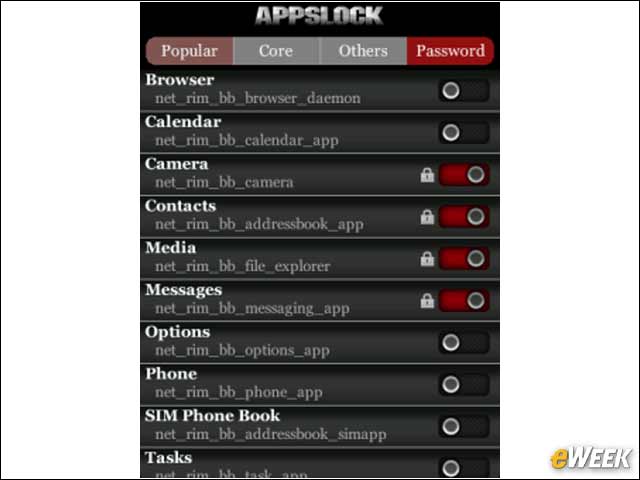
AppsLock-Pro has a free version, but considering the Pro alternative sets customers back just $1.99, it’s worth getting the higher-end option. With AppsLock Pro, enterprise users can essentially restrict unauthorized access to any application they choose. That becomes especially important when companies are running proprietary apps on mobile devices.
Calendar Synchronization
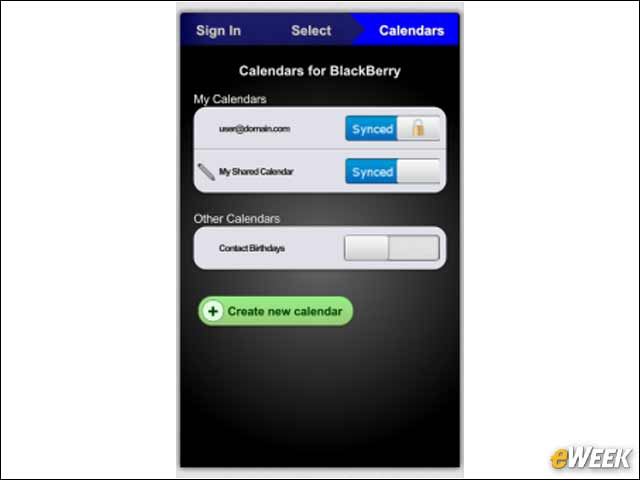
Calendar Sync will set enterprise users back $1.99. For that price, they’ll get the ability to take their Google calendars and automatically sync them with their BlackBerry calendars. The application essentially makes BlackBerry 10’s calendaring application just a bit better. And that’s awfully nice to see.
Podio Workflow Application
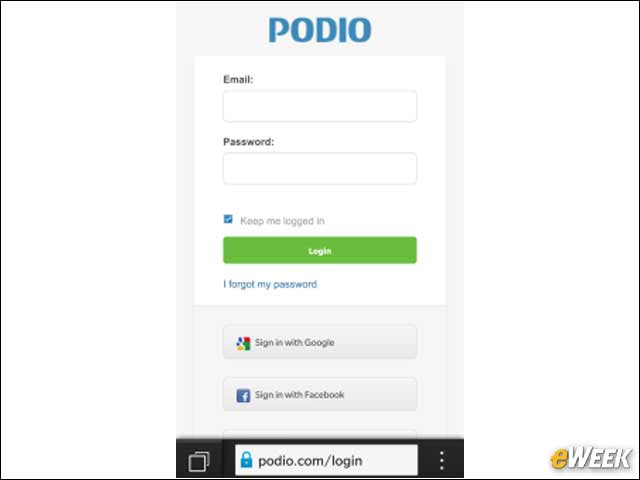
Podio is one of the nicest project management applications out there. And the company’s free application takes much of its online counterpart’s functionality, like managing workspaces and answering questions, and delivers it to mobile devices. Podio is definitely a nice option if a company needs some improved project management.
Cisco WebEx Meetings
Cisco WebEx Meetings does exactly what customers would expect: create mobile Web and audio conferences and hold meetings from a BlackBerry 10 device. Scheduling can also be handled from the application. Best of all, it’s free.