







10 iPad Apps That Let You Work Anywhere
by Nicholas Kolakowski
Name: Pages
Cost:
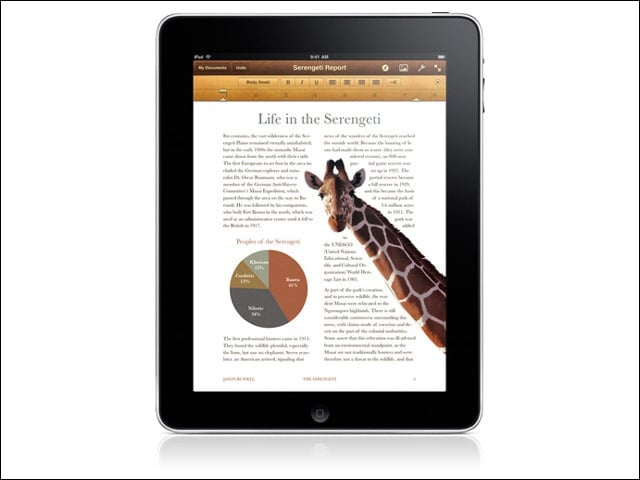
$9.99A word-processing app specially modified for the iPad, Pages allows users to leverage 16 predesigned templates (such as flyers, letters, reports, etc.), and add tables and other elements via touch. Completed documents can be exported to Pages 09, Microsoft Word or PDF and sent via e-mail.
Name: GoodReader for iPad
Cost:
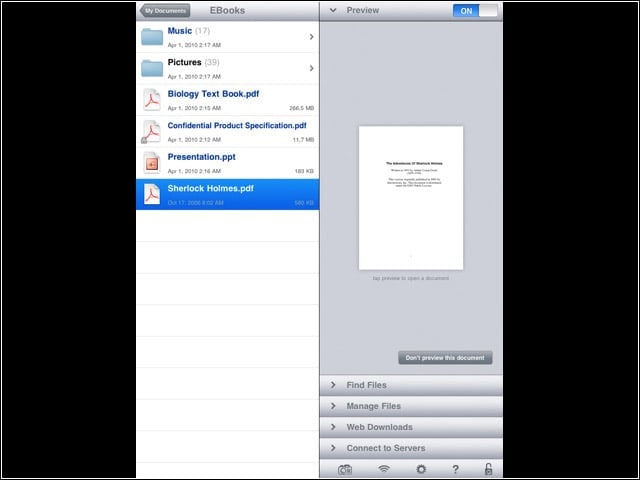
$0.99An iPad app for reading larger PDF or .txt files, capable of reflowing text in PDFs in order to minimize left-and-right scrolling, and the ability to search through a document for specific terms. Supported file types include .doc, .ppt, .xls, iWork -08/09, HTML and Safari Web archives, high-resolution images, and audio and video.
Name: Numbers
Cost:
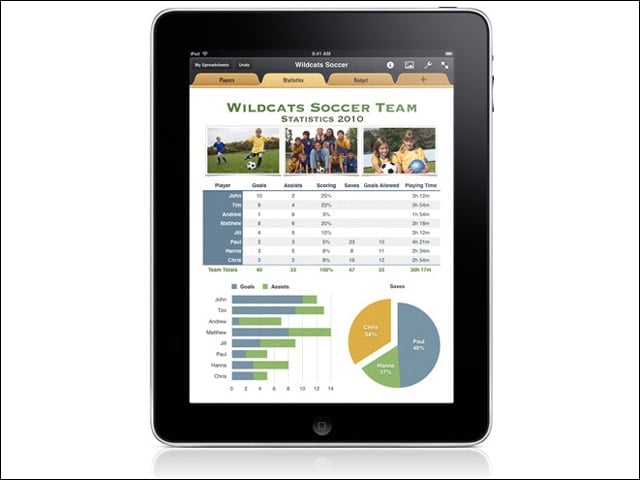
$9.99An iPad app for organizing data and performing calculations, with 16 predesigned templates (budget, travel planner, etc.) and the ability to enter and edit data via a variety of finger taps and swipes. Also includes a calculation engine with more than 250 functions.
Name: Keynote
Cost:
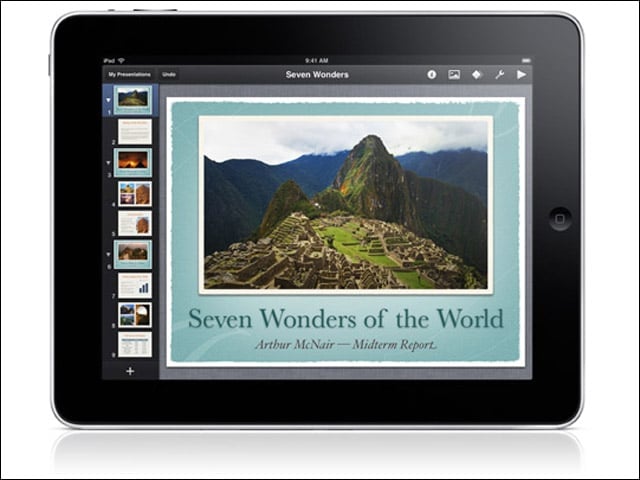
$9.99A presentation app with 12 prebuilt themes, animations and slide transitions, and ability to add photos and videos via the Media Browser, as well as display slides on a larger screen by connecting the iPad to a projectors VGA adapter via the iPad Dock Connector.
Name: Things for iPad
Cost:
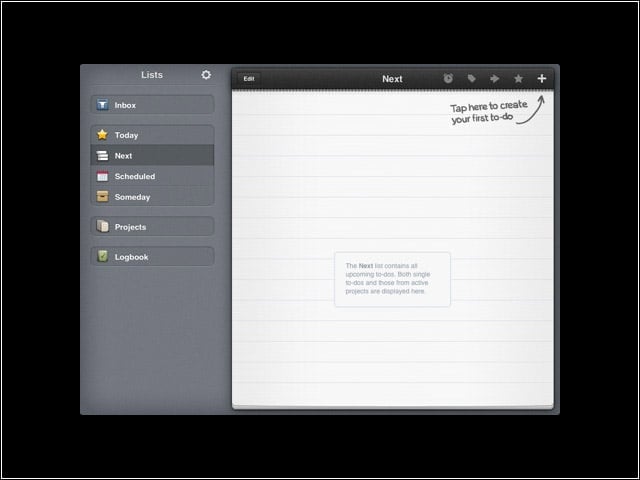
$19.99A task manager for the iPad that allows users to manage their to-do lists, projects, schedules and notes. The app can sync wirelessly with the desktop version of Things via a WiFi connection.
Name: iBooks
Cost:
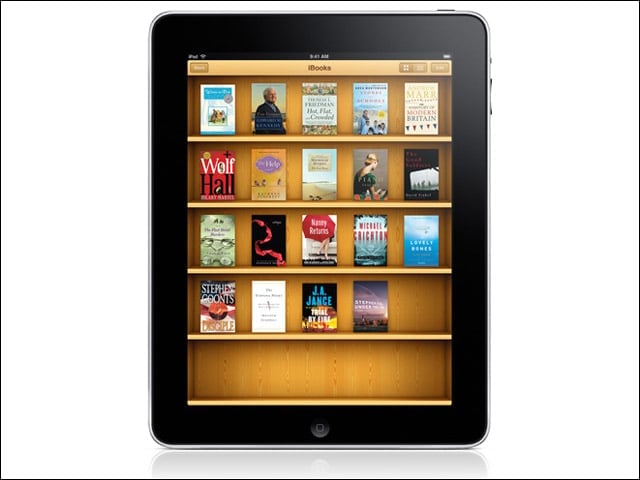
FreeApples e-reader for the iPad features the ability to download books via the iBookstore, adjust aspects such as brightness and font size, find words or phrases via the built-in search feature, and highlight passages. It only supports books in ePub format.
Name: WolframAlpha
Cost:
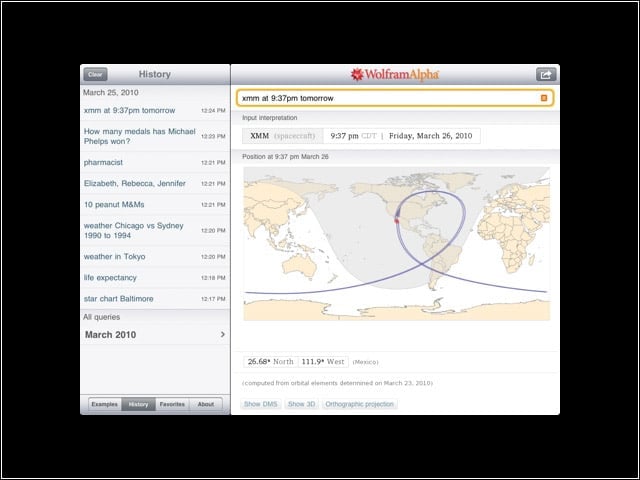
$1.99The iPad version of this “computational knowledge engine” displays numerical results in response to queries (“unemployment rate, U.S.”) and performs computations in response to mathematical inputs (“2x2x2x2”).
Name: WinAdmin, iPad Edition
Cost:
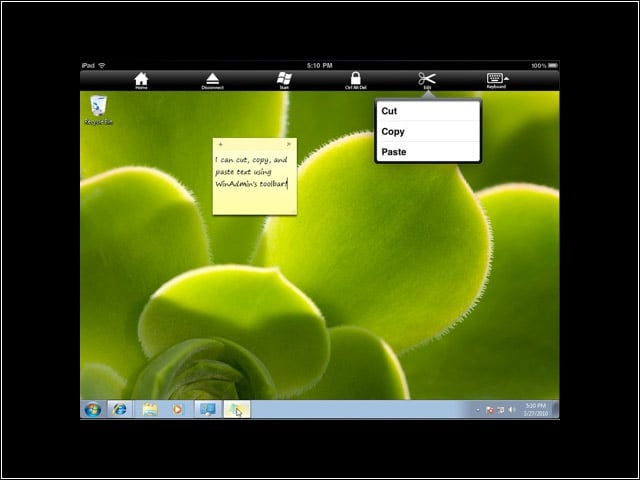
$8.99A Microsoft Windows remote desktop protocol (RDP) client for accessing Windows PCs remotely via the iPad. Supports Windows 2000 Server, Windows Server 2003, Vista, Windows 7 and Windows Server 2008.
Name: Twitterrific for iPad
Cost:
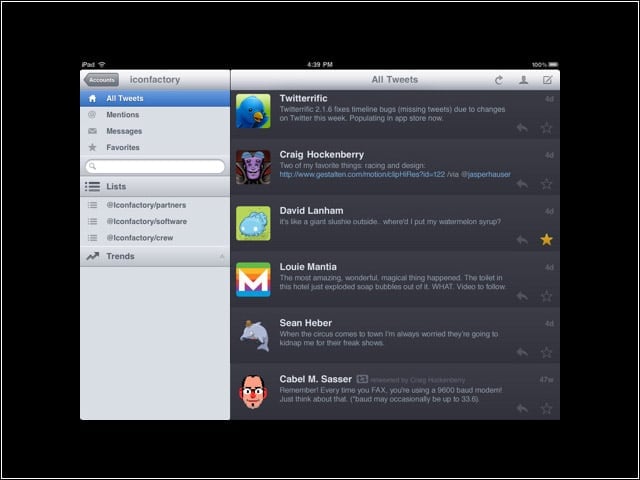
FreeA Twitter client formatted for the iPad that aggregates replies, re-tweets and direct messages.
Name: Bloomberg for iPad
Cost:
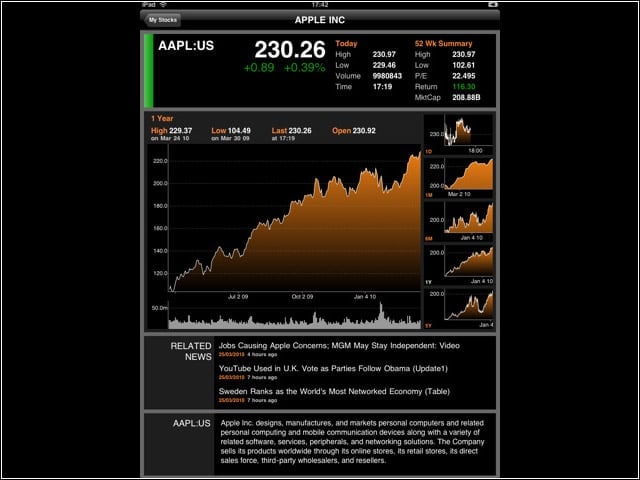
FreeAn iPad app that offers updated information on stock quotes, company descriptions, price charts, analysis of market trends and news.
