









- BlackBerry Passport Seeks Status as Smartphone for C-Level Executives
- The BlackBerry Passport Poses With a Real Passport
- BBOS 10.3 Comes With New Features for the Enterprise
- The Passport Sports a Larger Screen Than Most BlackBerry Handsets
- BlackBerry Passport: The Rear View
- A Multiport Is for USB, HDMI, Power Connectors
- BlackBerry Controls Are on the Right Side
- The Top View Is Familiar Too
- Only Use Precision Tools to Open the Passport’s Case
- A Look Inside the BlackBerry Passport
BlackBerry Passport Seeks Status as Smartphone for C-Level Executives
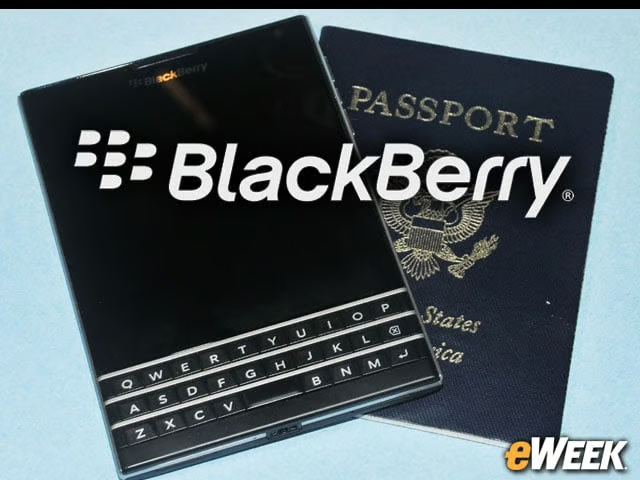
By Wayne Rash
The BlackBerry Passport Poses With a Real Passport
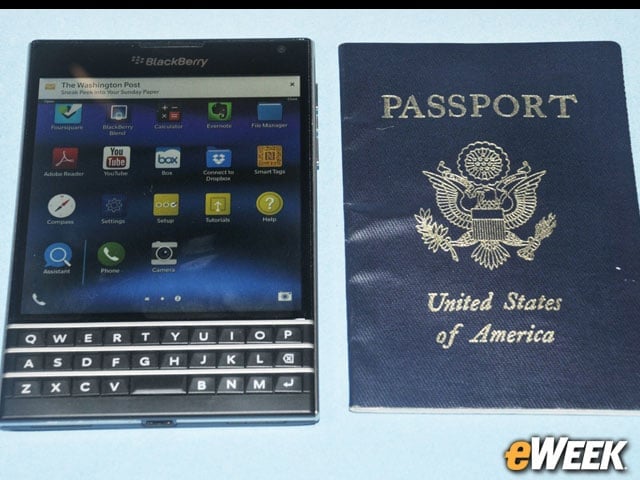
The BlackBerry Passport is approximately the same size as a passport, which may be a familiar form factor for the intended audience, who may not be big users of smartphones. The screen is square, and the extra width gives more real estate for documents, allowing users to see more columns of things like spreadsheets.
BBOS 10.3 Comes With New Features for the Enterprise
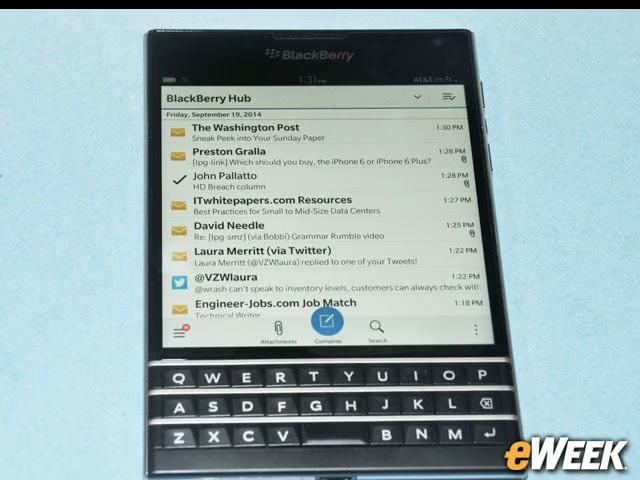
One significant feature with the new version of BBOS is that the BlackBerry Hub, which is the unified messaging center for BlackBerry devices, now provides an indication to what the device thinks you’ll likely want to do next. Here the “Compose” button is enlarged, under the assumption that you’re going to want to write a message.
The Passport Sports a Larger Screen Than Most BlackBerry Handsets
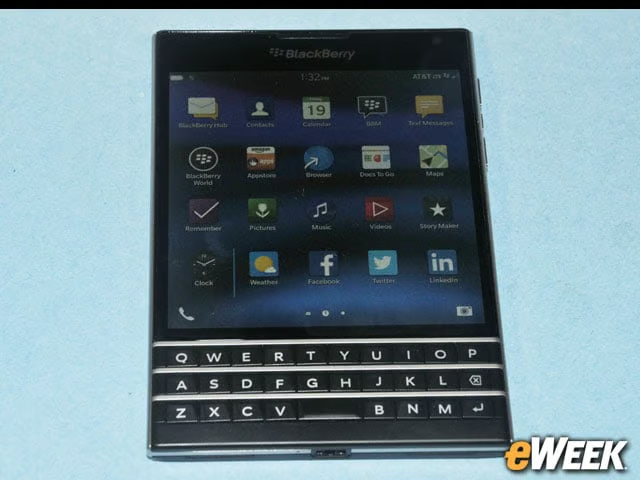
The new home screen has room for more icons because the screen is larger than most other BlackBerry devices, and it’s square. Below that you see the physical keyboard, which is compressed to three rows of keys. A fourth row of virtual keys appears on the screen above when needed. Notably, the keys are touch-sensitive, which means that you can brush your fingers across the keys lightly to scroll the screen.
BlackBerry Passport: The Rear View
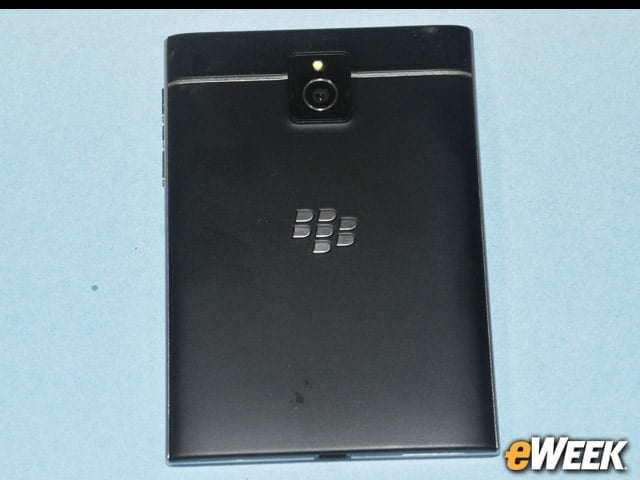
The familiar silver metallic BlackBerry logo adorns the back of the device, but unlike on the Z10, this is not the near-field communication (NFC) antenna, which is instead buried inside. Above that you can see the 13-megapixel camera and the flash; this camera will shoot 60 fps video at 1080p high-definition video. The horizontal line shows the division where you can open up a small area on the rear.
A Multiport Is for USB, HDMI, Power Connectors
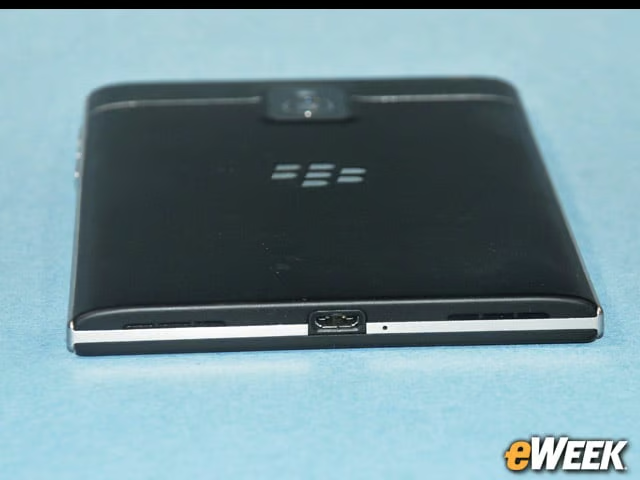
What looks like a micro-USB port is actually more than that. While it will work as a USB connector and it gives you a place to plug in the power supply, it’s also a spot for the HDMI dongle. The small hole next to the port is a port for one of the microphones. You can see two speaker ports on the back.
BlackBerry Controls Are on the Right Side
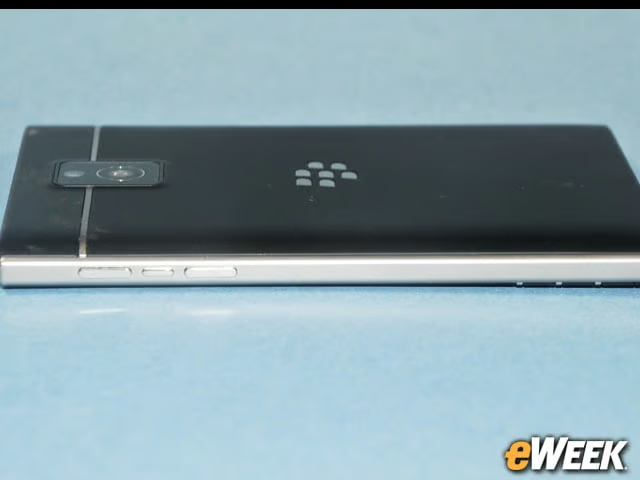
On the side are the volume up and down buttons, as well as a multipurpose button that does things such as start and stop videos, pause playbacks and invoke the voice assistant.
The Top View Is Familiar Too
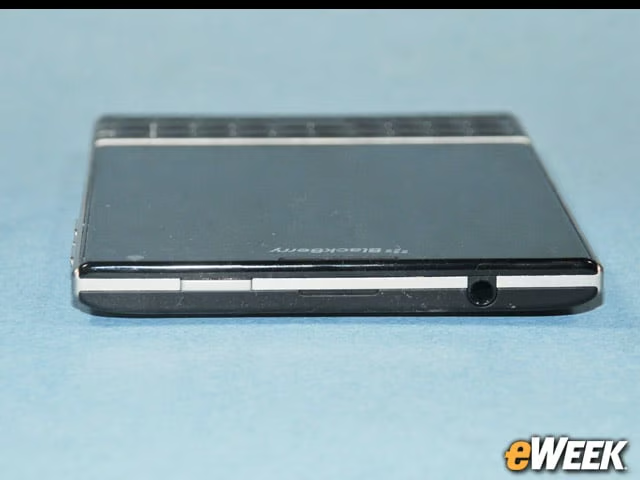
The BlackBerry Passport has its power-sleep button in the familiar place on top, although instead of being in the center of the device, it’s off to one side. Next to the button is the headset jack.
Only Use Precision Tools to Open the Passport’s Case
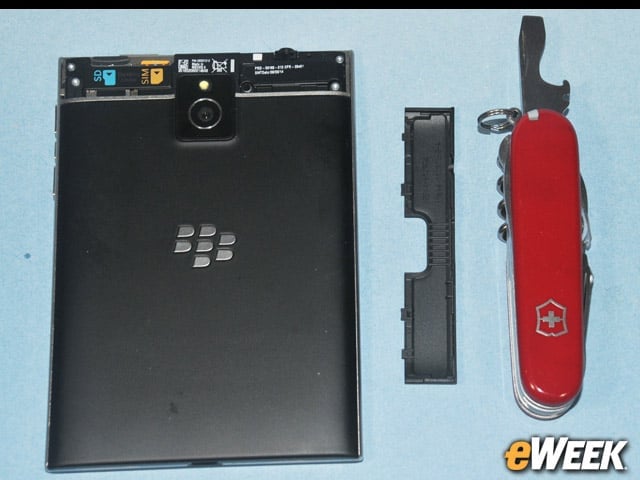
Theoretically, you can remove the hatch that covers the SIM and SD memory card. Theoretically. I was shown how to do this by people from Canada who apparently have special powers. Fortunately, for backup I had the awesome power of the Swiss army, which provided the technology for certain and safe removal of that recalcitrant hatch.
A Look Inside the BlackBerry Passport
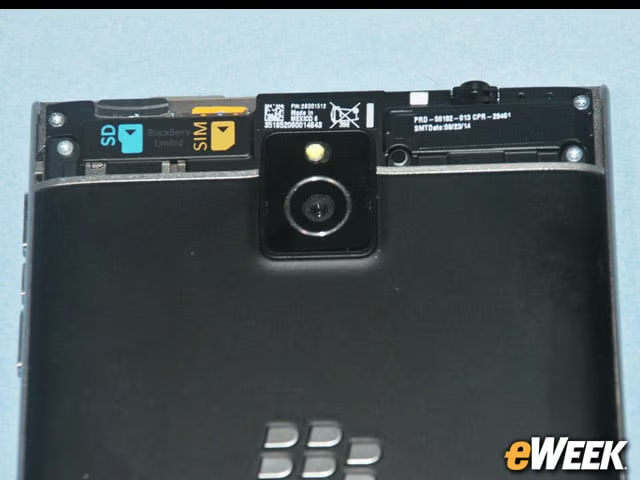
When you do finally get the hatch off at the back of the BlackBerry Passport, this is what you see. These slots are for a nano-SIM and a micro-USB card. Both slide in against spring-loaded catches, which make them easy to remove, although if you’re not careful, you can pop a nano-SIM across the room. Everything else back there is either antennas or a 3,450-mAh battery.