







eWEEK Labs Walk-Through: RIM BlackBerry Bold Smartphone
by Andrew Garcia
Front
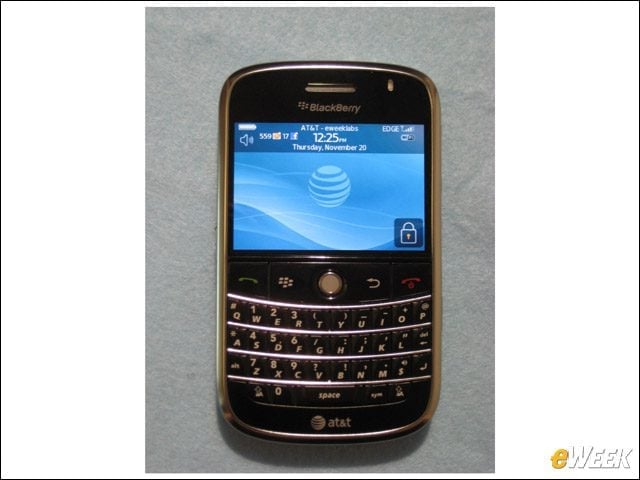
The Bold offers a QWERTY keyboard and the now-standard trackball, but the Bold has the nicest screen seen on any BlackBerry.
Media Player
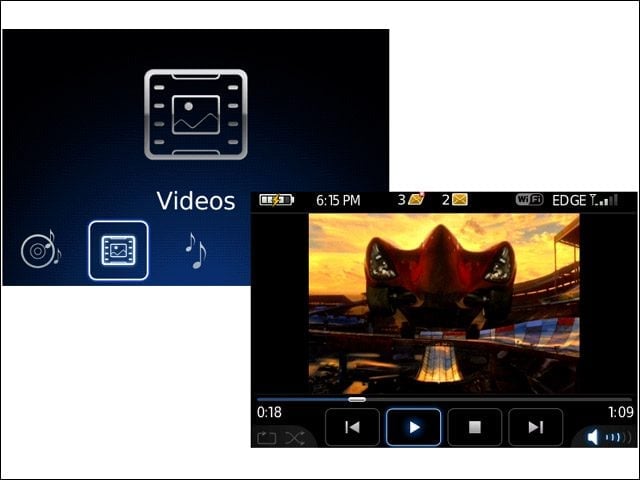
The Bold’s Media Player takes good advantage of the Bold’s hardware, delivering crisp images and vibrant sound.
Back
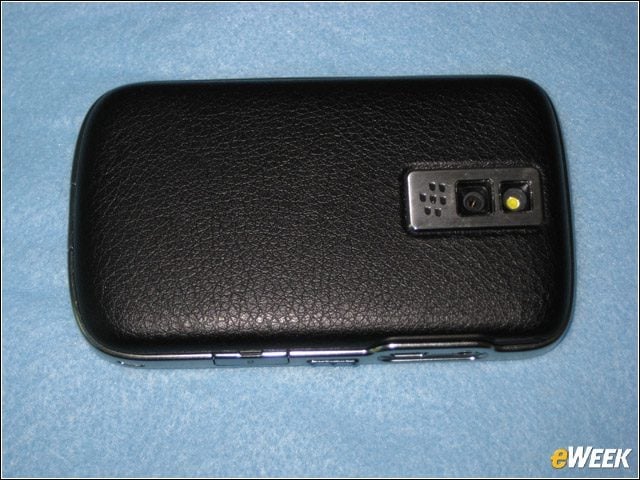
The Bold has a textured and padded finish on the back of the device, plus a 2-megapixel still and video camera with flash.
Main Screen
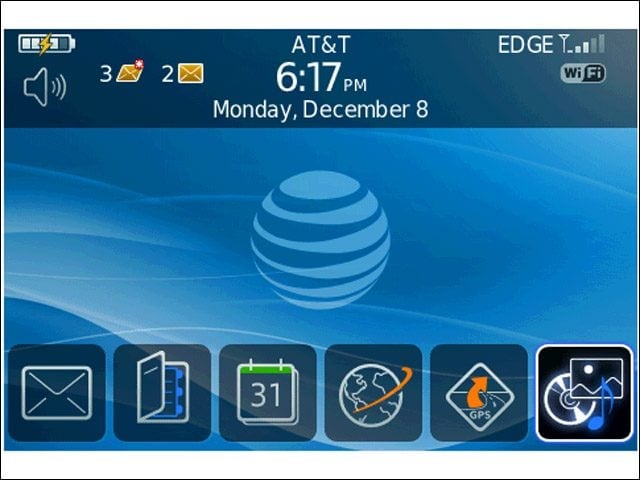
The main screen shows shortcuts for applications used most recently.
Applications
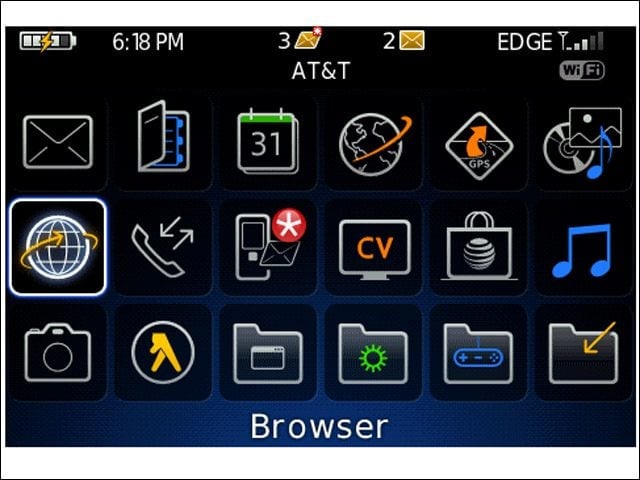
The Bold comes with a new theme that will only show the name of the highlighted application. Since the icons can be a bit indistinct from one another, it takes awhile to get used to what is what.
Left Side
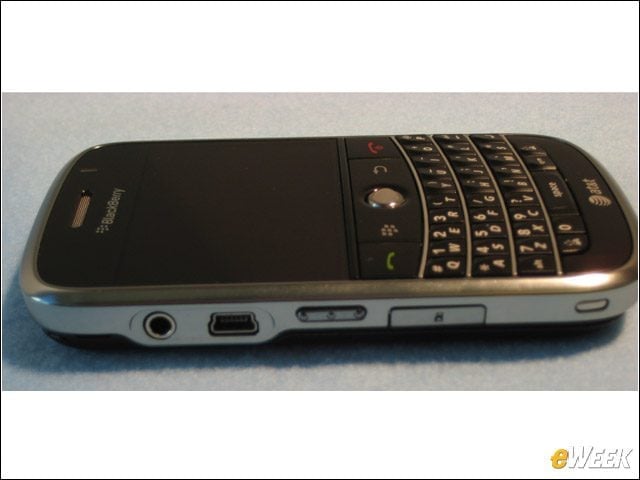
The left side holds the Mini USB port, 3.5mm headset jack, MicroSD slot and a button to engage the voice dialing feature.
MicroSD
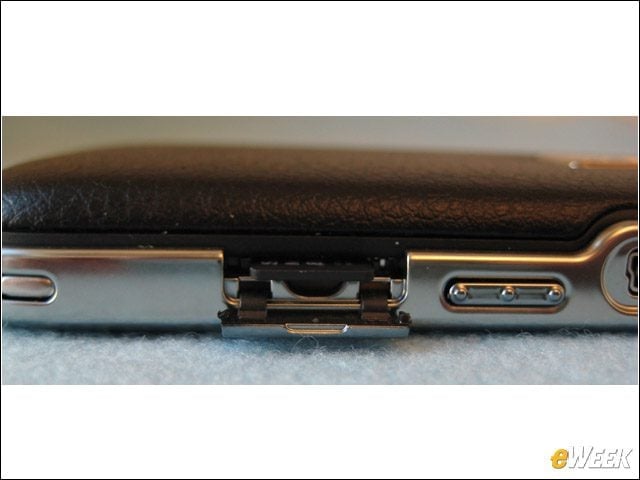
The MicroSD slot claims to work with cards up to 32GB capacity, but some may find it difficult to swap cards as the flip door prevents easy grasping.
Right Side
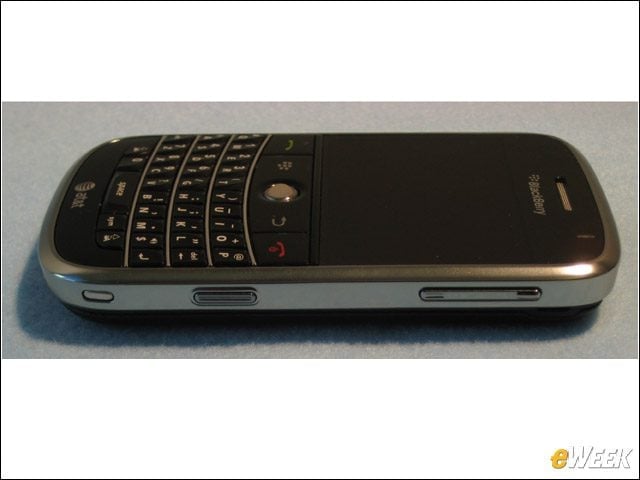
The right side of the device has physical buttons to control volume and to access the camera.
Connections
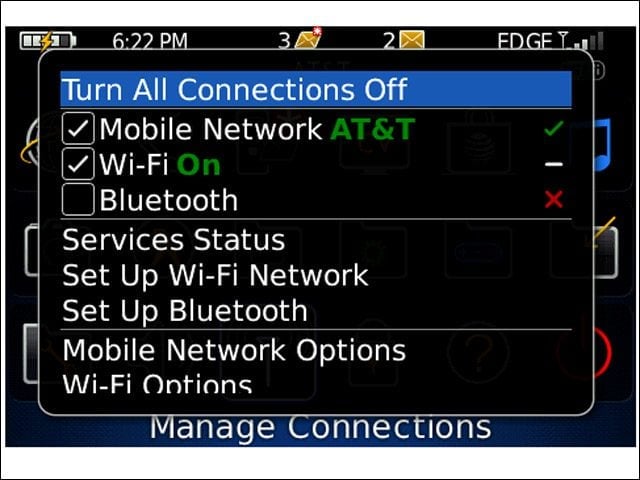
The Bold is the first BlackBerry with HSDPA 3G support for GSM networks, and it also comes with Bluetooth 2.0 (with A2DP) and Wi-Fi.
802.11a
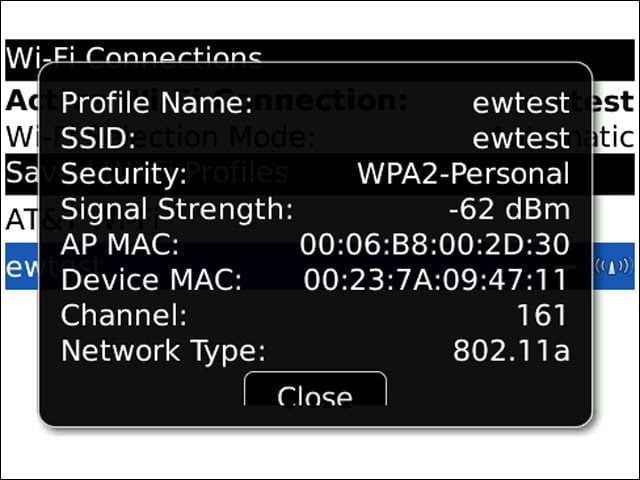
The Bold is the extremely rare mobile phone that works with both the 2.4GHz and 5GHz Wi-Fi bands.
Battery
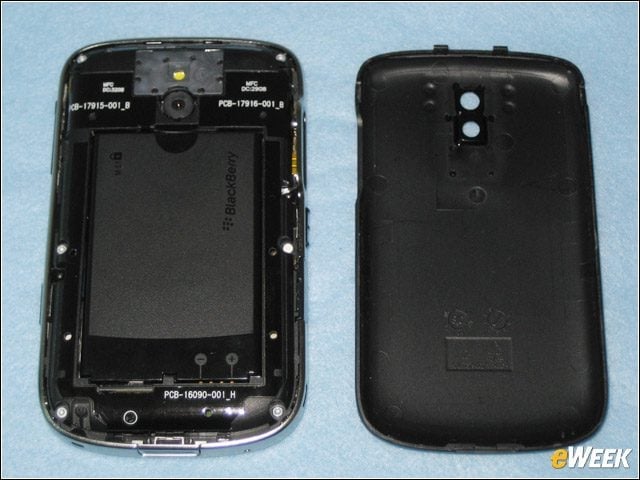
The Bold comes with a 1,500-MAhr battery that provided more than 5 hours of talk time in my tests.
Page View
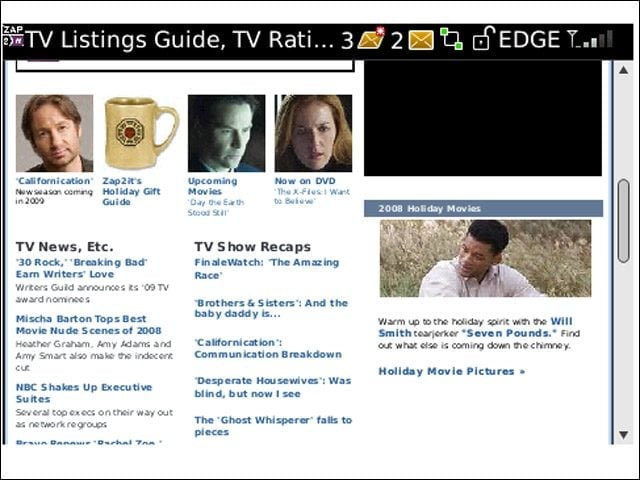
The Bold has a revamped Web browser that offers a full-fledged Web browsing experience (minus Flash and Java) when in Page view, but the browser’s zoom controls leave much to be desired.
Column View
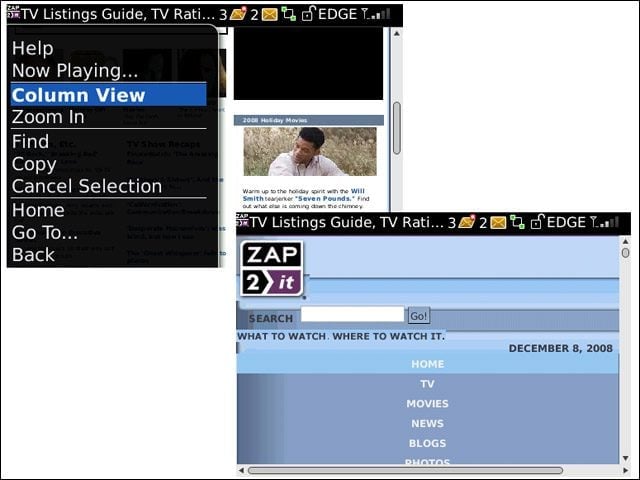
Users can switch to column view for a browsing experience tailored for smaller screens, but navigating the resulting long screen with the trackball can be tiring.
