







- Notification Center Is Great
- What’s the Point of Notes, Again?
- iMessage Integration Is Great
- Why Do So Many Apps Need My Contacts Info?
- I Won’t Use Reminders Much
- Safari Seems Faster
- It’s the Same, Basic Experience
- Power Nap Will Come In Handy
- The “It Just Works” Message Applies Here
- I’m Not Sold On the Price
Notification Center Is Great

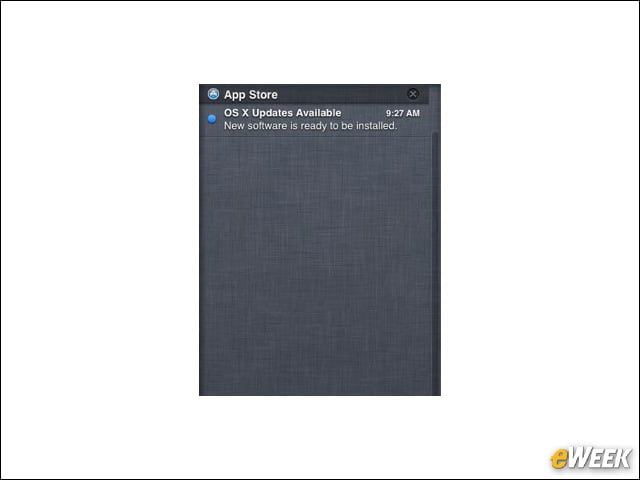
Although I’ve only been using Mountain Lion for 24 hours, I can already tell that Notification Center will be a welcome companion. The center alerts me to emails, messages and other important updates, and sits conveniently to the side of my screen when I call on it. Notification Center is a great addition.
What’s the Point of Notes, Again?

When users boot up Mountain Lion for the first time, they’ll quickly come across Notes, an application that, by all measure, doesn’t really add that much value to the software. Basically, Notes allows users to quickly jot down ideas or thoughts and save them for later. But with countless, better apps that do that in the Mac App Store, what’s the point?
iMessage Integration Is Great

iMessage has already proven to be one of my favorite additions. With it, I can quickly send instant messages to friends and family from the Mac as if I were holding my smartphone. Look for iMessage to be a top feature for many Mountain Lion users.
Why Do So Many Apps Need My Contacts Info?
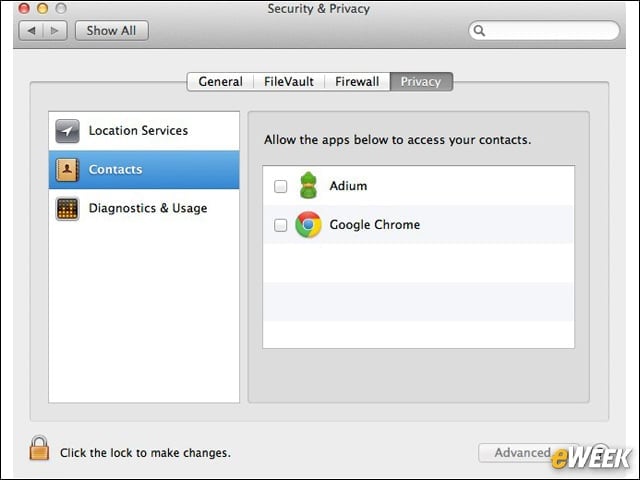
After I booted up Mountain Lion for the first time, I was prompted by several applications for access to my contacts list. Why does Chrome, for example, need my contacts list? And what will Adium, the open-source instant message app for the Mac, do with them? These repeated requests just came off as a little creepy.
I Won’t Use Reminders Much
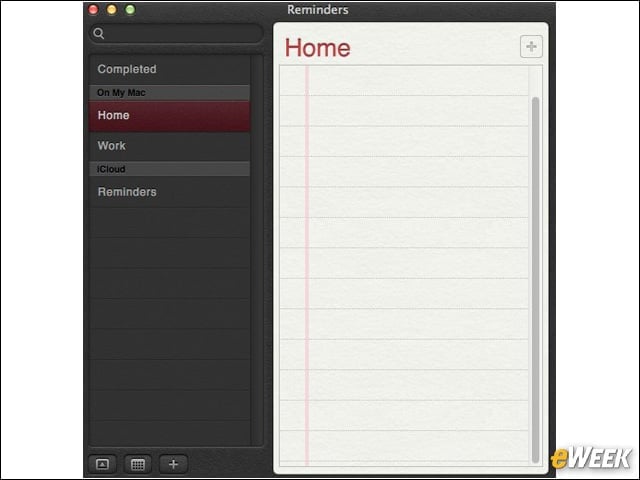
The Reminders app is designed to help people stay on track and make sure they complete all their desired tasks in a day. But the issue is most folks aren’t conditioned to use the feature on a Mac, and I’m hard-pressed to see a reason to use that app, anyway. Like Notes, there are better alternatives in the Mac App Store worth checking out.
Safari Seems Faster

Along with Mountain Lion comes the new and improved Safari browser. In my initial testing of the software, it appears to be much faster than the previous version running in Lion. It’s a welcome improvement.
It’s the Same, Basic Experience

After trying out Mountain Lion for a while, consumers will quickly find that it delivers the same, basic experience as its predecessor. To those looking for something fresh and exciting, it’s a downer. For those who are happy with the way OS X works, they’ll feel right at home.
Power Nap Will Come In Handy

Power Nap is designed to update your Mac when it’s in sleep mode. The idea is to limit the amount of time wasted (and restarts required) just to have all software up-to-date. Power Nap looks to be a worthwhile companion in the OS X ecosystem.
The “It Just Works” Message Applies Here
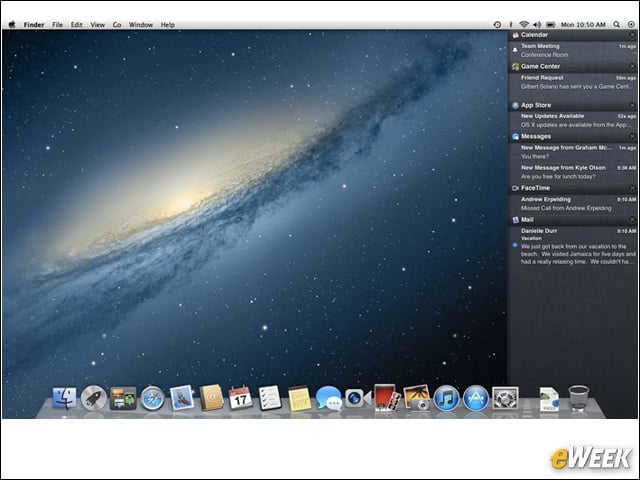
For years, Apple has said about its products that they “just work.” That certainly applies to OS X Mountain Lion. Installing the operating system is a hands-off experience and once everything is booted up, going back to a previous task is effortless. OS X Mountain Lion just works.
I’m Not Sold On the Price
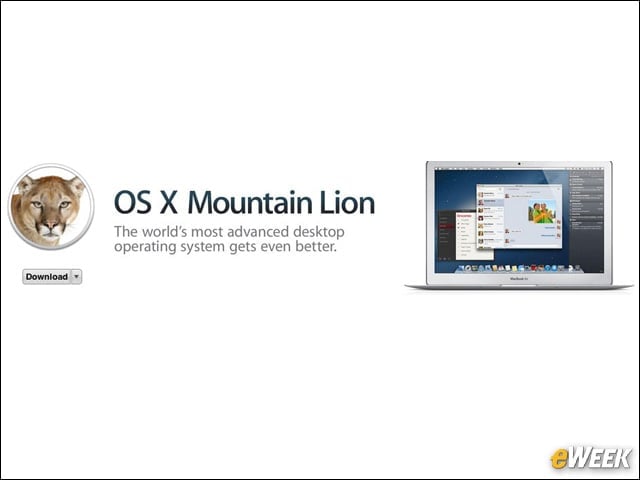
After using the operating system and accounting for its many benefits, I’m still not sure $19.99 is really a reasonable price for Mountain Lion. Yes, the operating system is better than its predecessor, but it’s an iterative update, at best. In fact, I think it really could have been a simple software update that Apple doesn’t charge for. Think of it like a Windows Service Pack.