







Microsoft Bing’s Visual Search Takes On Google’s Similar Images
Microsoft launched the beta version of its Visual Search for Bing, its search engine, on Sept. 14. Visual Search presents its users with a series of image galleries, which can then be clicked and scrolled through to find a particular one – all without ever having to type in a search term. Google Labs produced a similar visual-search feature, called Similar Images, earlier this year. Despite sharing some outward characteristics, Microsoft’s and Google’s still-in-development products have sharp differences. For example, Similar Images dictates that the user type in a search term before being able to search through galleries; it also lacks some of the granular-search options of Bing’s Visual Search.As the battle for U.S. search engine market share intensifies between Google and Microsoft, both companies are looking for ways to gain and retain users through offering an ever-wider array of search functionality. In the following slide show, eWEEK uses the search for a smartphone to illustrate how both companies’ thinking differs when it comes to visual search.
No Title
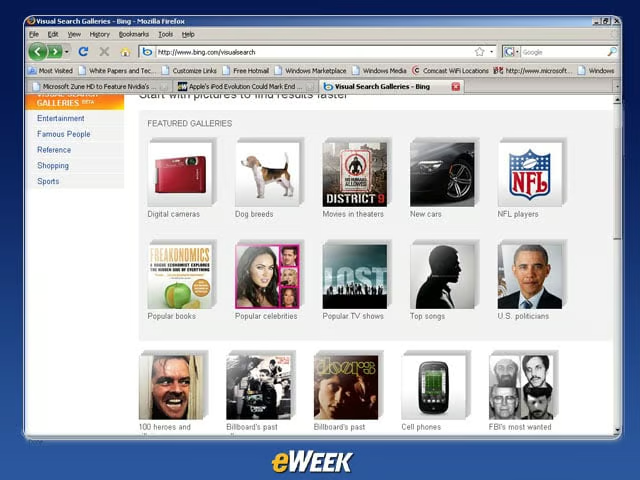
Bing’s Visual Search starts off with broad categories, such as “Digital Cameras,” “Dog Breeds,” “New Cars” and the like. Microsoft claims that more galleries will be added in coming weeks. For the moment, however, we’re going to click on “Cell phones.”
No Title
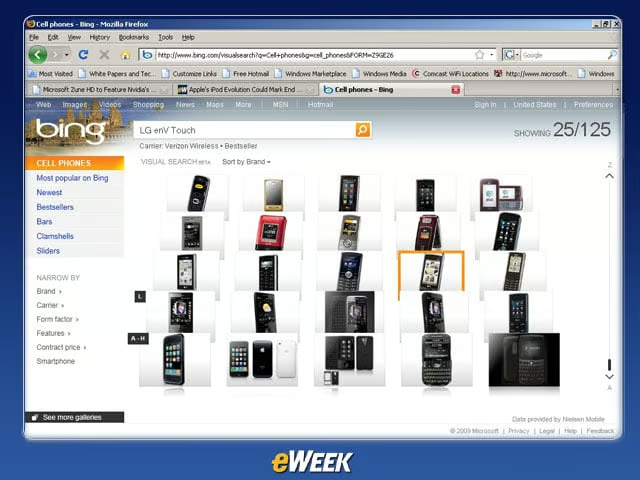
By clicking on “Cell phones,” we open up a gallery showing a wide range of not only regular cell phones, but also smartphones.
No Title
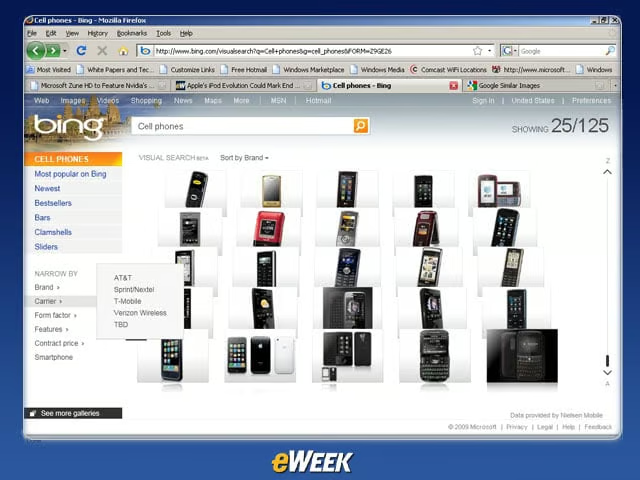
Using the tabs on the left side of the Website, we can engage in a more granular search based on (in the case of phones) elements such as “Carrier,” “Form factor,” “Features” and “Brand.”
No Title
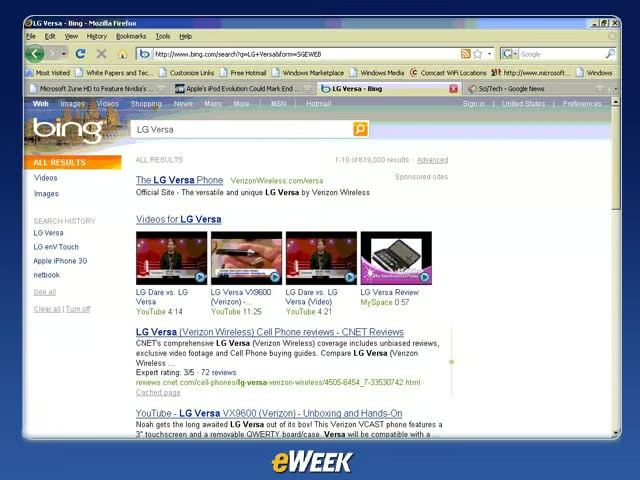
Clicking on one of the photos will direct the user to a more standard-issue “page of hyperlinks” search results page, with reviews, images and other options.
No Title

Typing a search term like “smartphone” into Visual Search shoots the user to Bing’s standard results page.
No Title
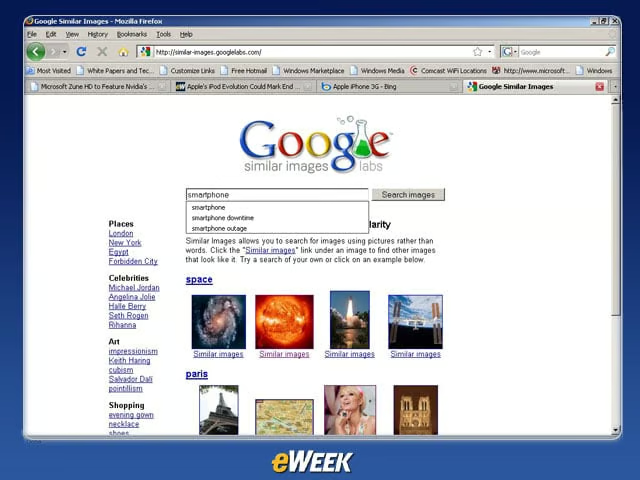
Unlike Bing’s Visual Search, Google’s Similar Images requires that the user input a search term before the image-sorting can begin.
No Title
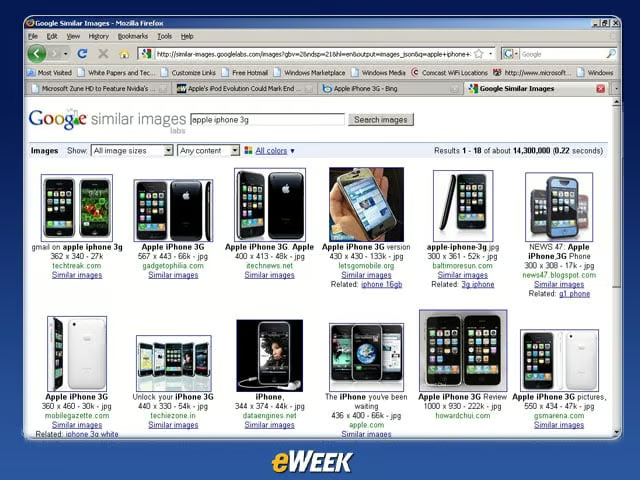
Typing in “smartphone” will yield a standard page of Google Image results. If we see a specific model that we need – in this case, “iPhone 16GB” – we’ll possibly find it as an image or in a “Related” tab; or else we’ll need to click on “Similar Images” until we find what we need.
No Title
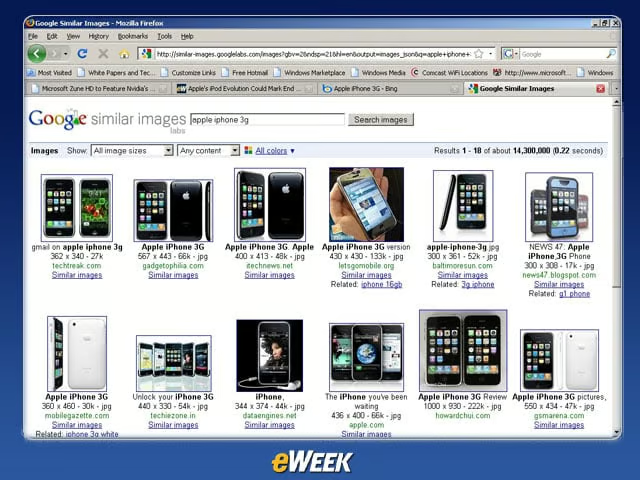
Eventually, Google will generate pages of visual search results featuring the iPhone.
No Title
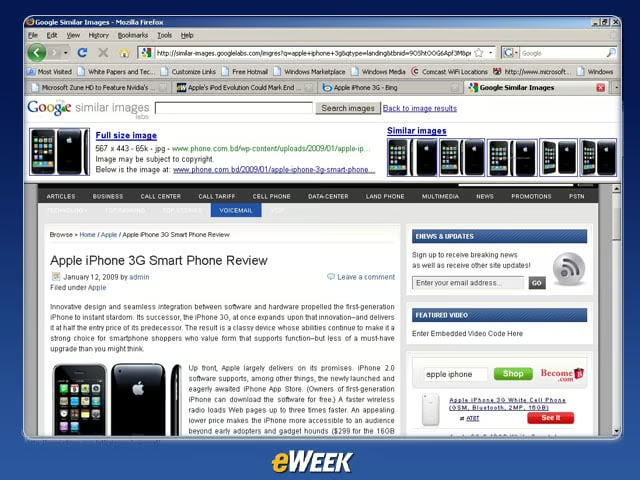
Clicking on an image directs us to a particular site. In this way, Google’s Similar Images differs in function from Bing’s Visual Search, which eventually directs to a page of hyperlinks.
No Title
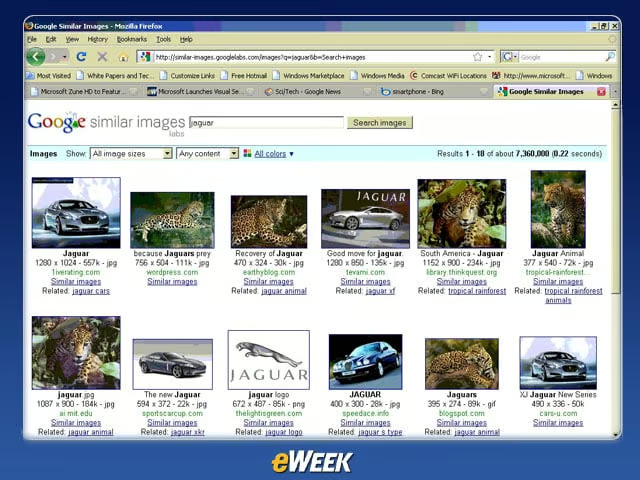
Typing in ambiguous terms into Google’s Similar Images will give users a variety of options; in this example, typing in “Jaguar” will offer results for both the cat and the car.
No Title
