







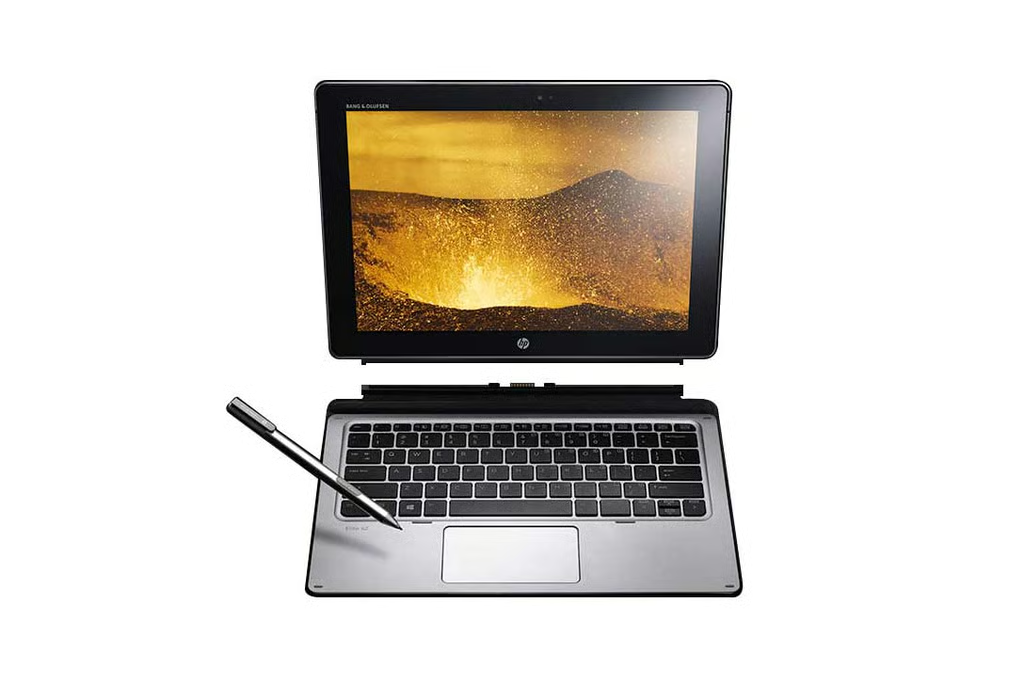
- HP Elite X2: 10 Things to Consider Before Buying the Hybrid
- A Hybrid Design for Business
- Some Nice Specs Inside
- Several Security Features
- Stylus Support Is Included
- It Runs Windows 10 Pro
- Several Connectivity Features
- Not a Bad Display
- IT Management Features Built-In
- Compelling Service Options
- Pricing and Availability Notes
HP Elite X2: 10 Things to Consider Before Buying the Hybrid
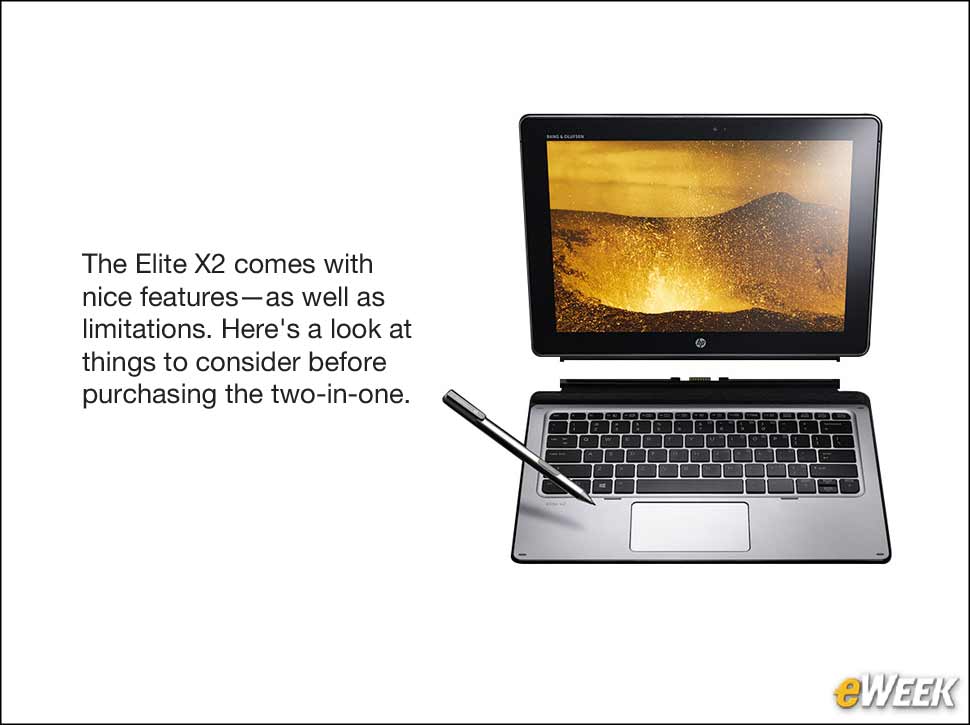
If recent market research on tablets shows anything, it’s that two-in-one hybrids—devices that can act both as tablets and notebooks—are proving exceedingly popular. A number of PC makers see that trend and are investing heavily in the technology. It’s perhaps no surprise, then, that HP recently announced an update to its popular Elite X2 line of hybrids. The devices come with a nice design, big screens and ample power, and since they’re designed for corporate users, they come with a host of security and IT management features appropriate for the enterprise. Still, like other hybrids, the HP Elite X2 is a little pricey and there are some limitations potential buyers should consider before purchasing the device.
A Hybrid Design for Business
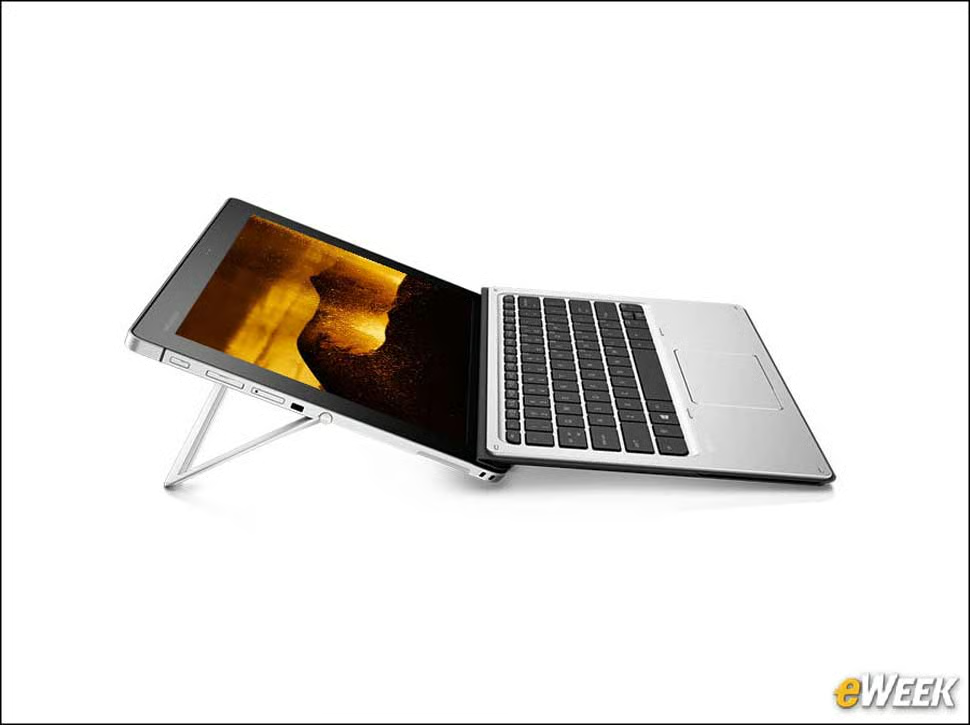
The HP Elite X2 is a hybrid that can be used as a notebook or tablet. The computer attaches to a physical keyboard that has a trackpad. The tablet side of the device has a kickstand to prop it up when it’s not connected to the keyboard. HP says the feature is ideal for corporate users.
Some Nice Specs Inside
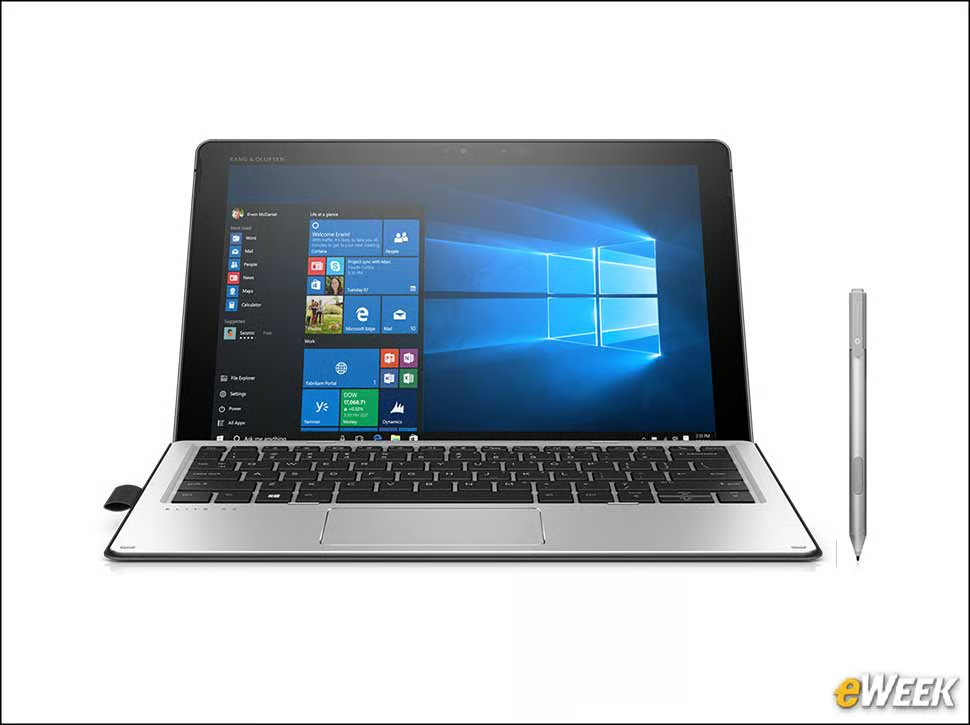
HP’s Elite X2 runs Intel’s Core processors, but a variety of options are available depending on what customers are looking for in terms of power. The computer’s screen is made from Corning’s Gorilla Glass and a USB-C port allows for quick transfer of information or the ability to connect a 4K monitor for dual-screen support.
Several Security Features

When it comes to security, the HP Elite X2 is no slouch. The device comes with HP BIOSphere and HP Sure Start Technology to configure the BIOS and recovery. It’s also running HP Client Security and Intel vPro, and can be configured with a Trusted Platform Module and self-encrypting drive.
Stylus Support Is Included
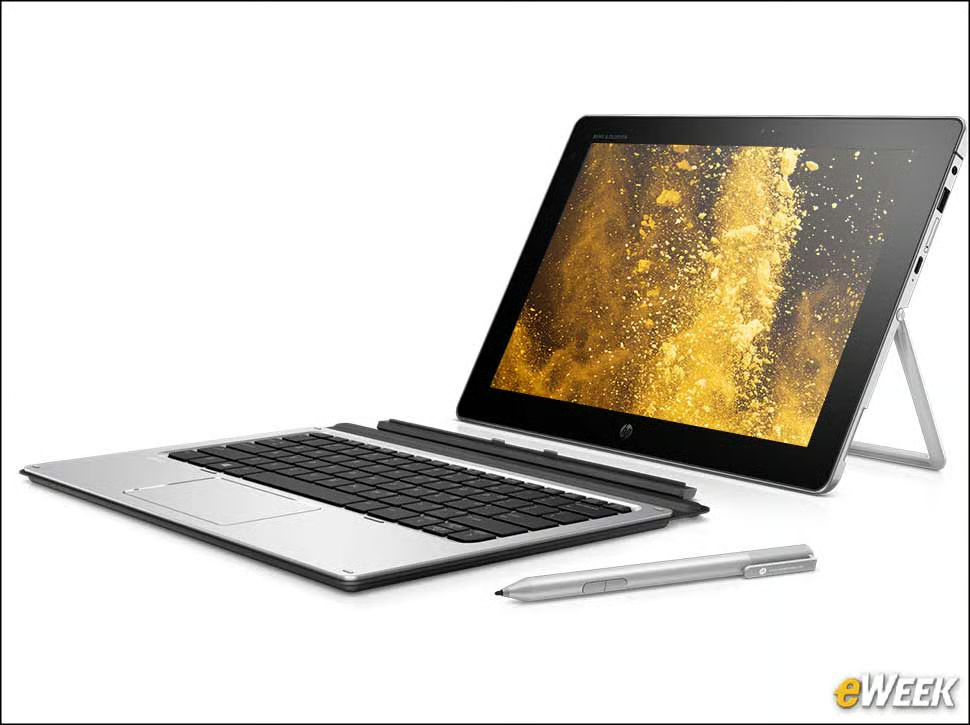
Unlike so many other hybrids, the HP Elite X2 comes with full support for stylus input. The stylus can be used for inputting information as well as digitally writing on the screen.
It Runs Windows 10 Pro
In a smart move, HP bundled Windows 10 Pro with the HP Elite X2. The operating system comes with all standard Microsoft software and the security controls many IT managers want. The device also includes several of the company’s solutions built-in, which could be a problem for those who aren’t so keen on bloatware.
Several Connectivity Features
The HP Elite X2 comes with WiFi support, of course, but it also offers cellular connectivity. That means users who aren’t close to a WiFi signal can turn on the computer’s 4G chip and connect to wireless networks with ease.
Not a Bad Display
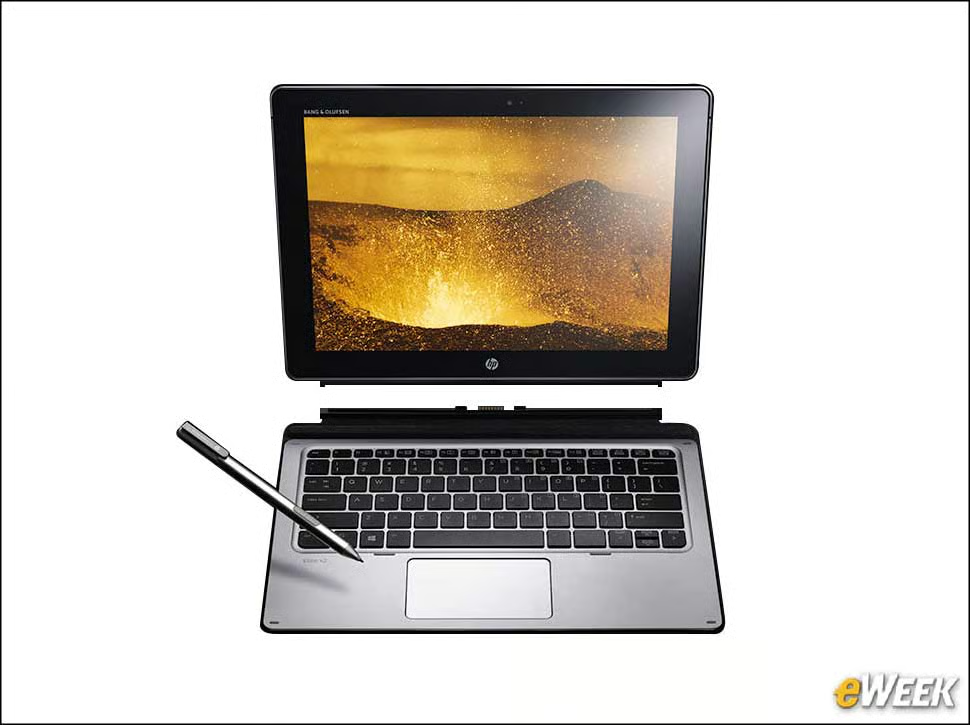
The HP Elite X2 comes with a 12.3-inch screen, the same size as Microsoft’s Surface Pro 4, which arguably is its biggest competitor. The screen has a 2,736-by-1,824-pixel resolution, which technically isn’t 4K but should suffice for most. As noted, it’s protected by Gorilla Glass and supports both touch and stylus input.
IT Management Features Built-In
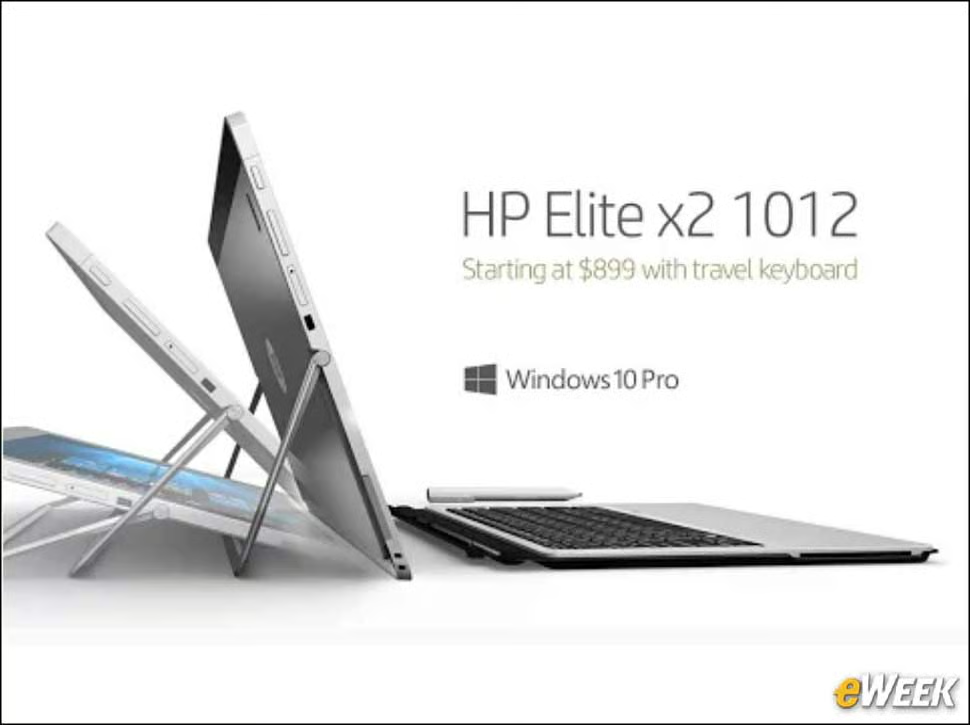
The Elite X2 incorporates several features aimed at enterprise users. It supports HP’s Touchpoint Manager or Landesk to enable IT to set up and scale an entire fleet of computers across the company. And, using remote BIOS configuration, IT can deploy and maintain Elite X2 units across the office with ease.
Compelling Service Options

HP is offering a variety of support options for the Elite X2 to help companies stay up and running. Users can take advantage of HP Care’s Helpdesk, technical support that’s available 24/7. Additionally, HP has global support in 180 countries through 230,000 vendor partners that can provide on-site and same-day repairs.
Pricing and Availability Notes
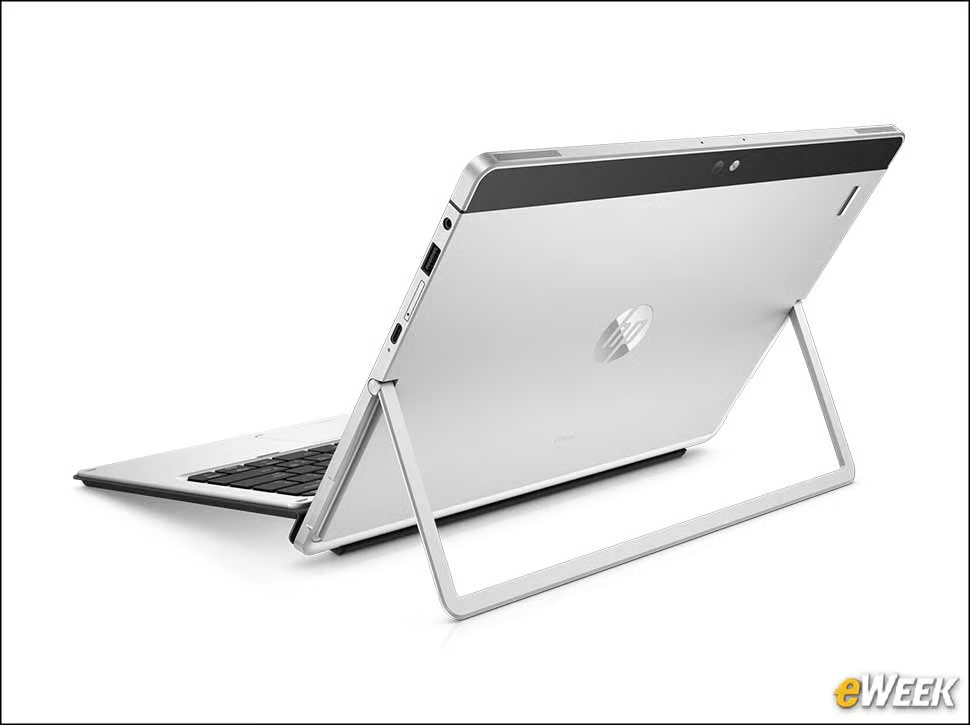
HP’s Elite X2 pricing can vary widely depending on the version and configuration. The G1 line starts at $909 and increases to $1,980 with a few customizations. A G2 version is slated to launch in July, priced at $1,099 to start.