







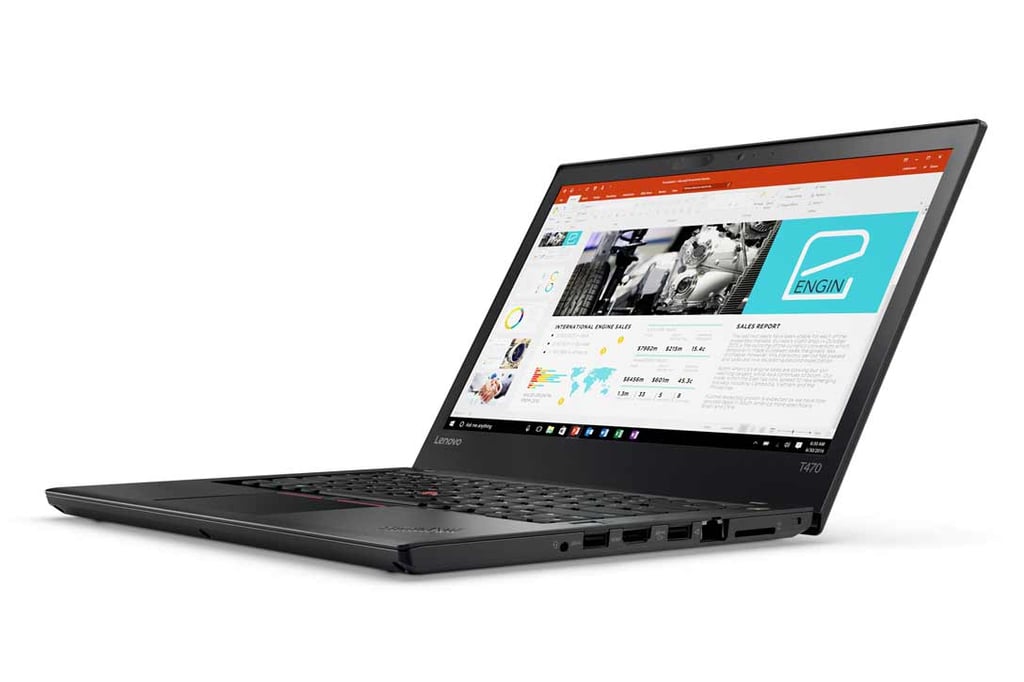
- Lenovo T470 Among the Best Business Ultrabooks on Today’s Market
- The T470 Looks Rather Ordinary
- There Are Plenty of Ports on the Left Side
- There Are Even More Ports on the Right Side
- The Laptop Hinges Fold Down a Full 180 Degrees
- The Keyboard and Touchpad Are Excellent
- The Bottom Panel Provides Easy Access
- You Don’t Really Need a Dock
- But the T470’s Dock Is Very Nice
Lenovo T470 Among the Best Business Ultrabooks on Today’s Market
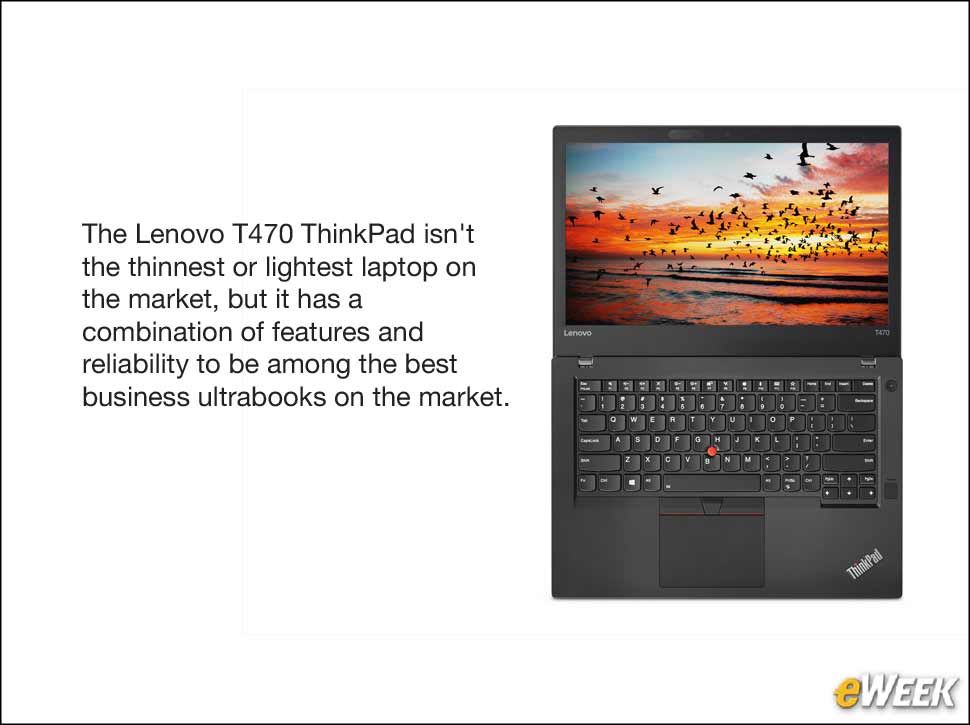
Lenovo has a long history of producing excellent business laptop computers. The best of the breed always has been the legendary T-Series, whose history stretches back long before Lenovo’s name appeared on what were then IBM ThinkPad computers. Even then, they were built by Lenovo. One of the main reasons for their success is that they were sufficiently rugged and could survive more than just the occasional bump or drop. The ThinkPad T-series was the choice of business travelers when they needed a computer that could withstand the many road trips stuffed under an airliner seat or in overhead compartments. While they weren’t the thinnest and lightest models on the market, they could be counted on to be running when you needed them. The ThinkPad T470 upholds that tradition in style.
The T470 Looks Rather Ordinary
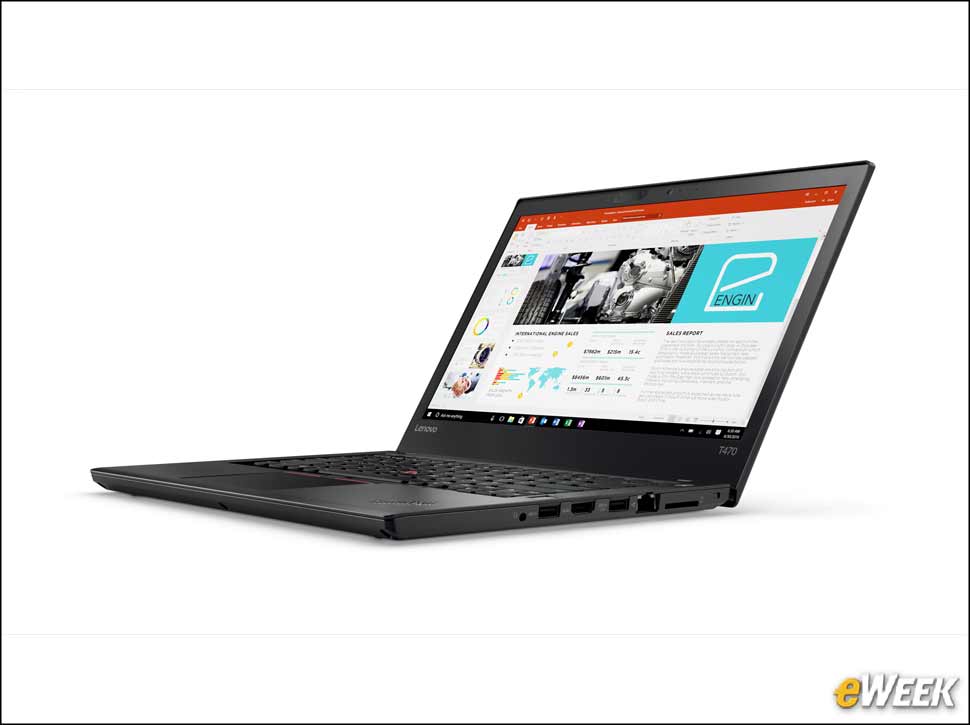
Many business ultrabooks these days feature a matte finish black case with few distinguishing characteristics. The Lenovo ThinkPad T470’s sleek black cover reveals little of what’s inside, but in this case, it’s what’s inside that matters most.
There Are Plenty of Ports on the Left Side
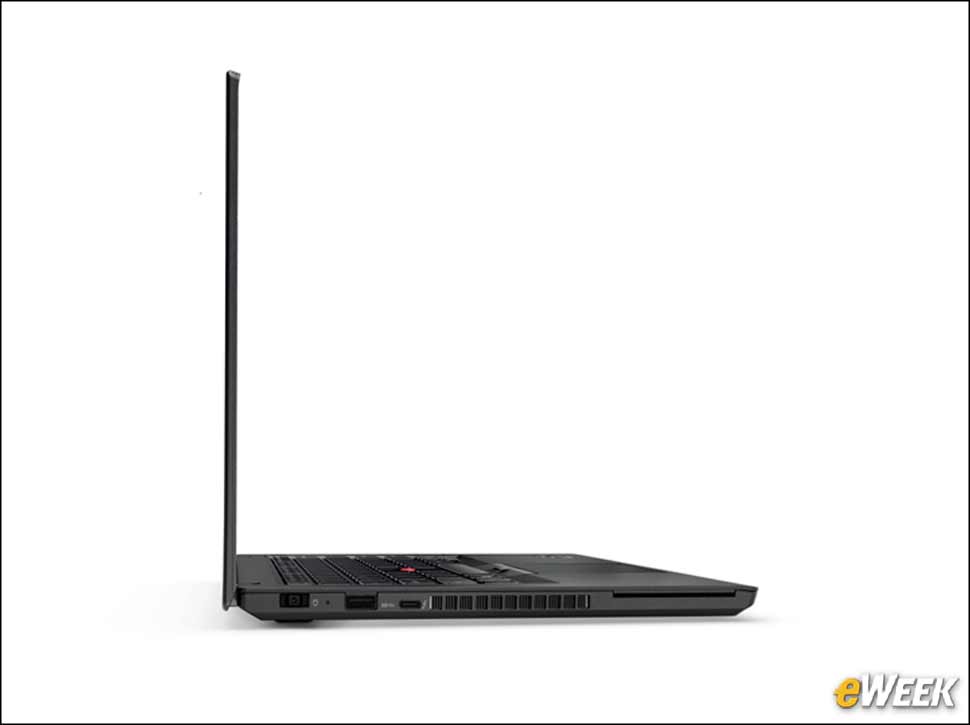
This is the left side of the T470 with the screen extended straight up and the ports on the side of the chassis. From left to right you can see the power connector, the USB 3.0 port and the USB Type -C port that’s Thunderbolt 3-compatible.
There Are Even More Ports on the Right Side
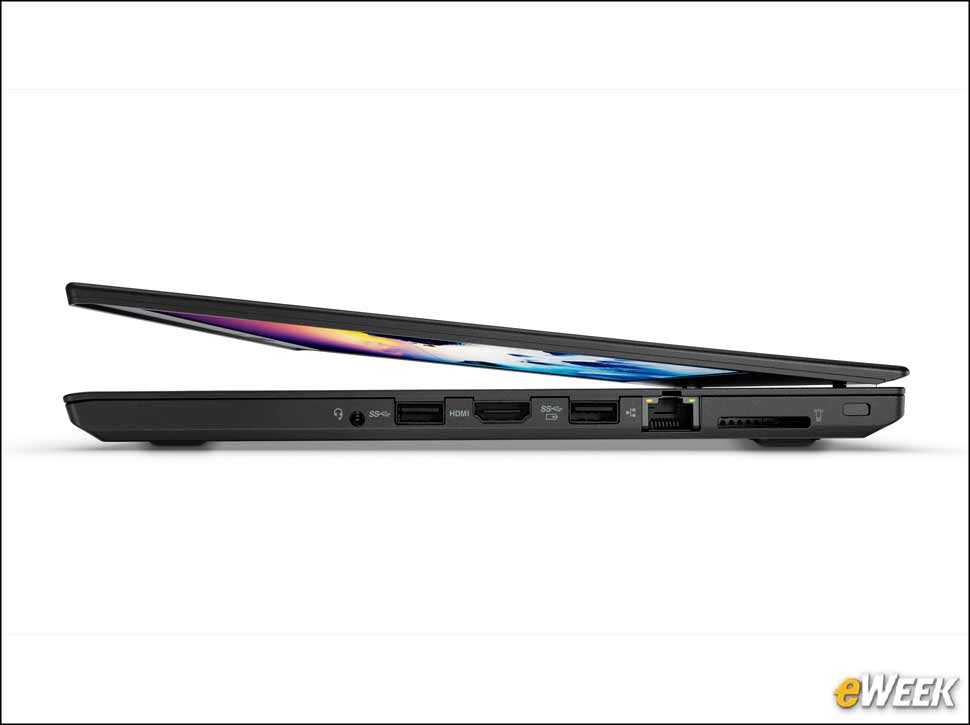
Most of the ports on the T470 are on the right side of the machine. This includes a headphone jack, two USB 3.0 ports and an HDMI socket. Moving to the rear, there’s a gigabit Ethernet port, an SD card reader and space for a security cable.
The Laptop Hinges Fold Down a Full 180 Degrees
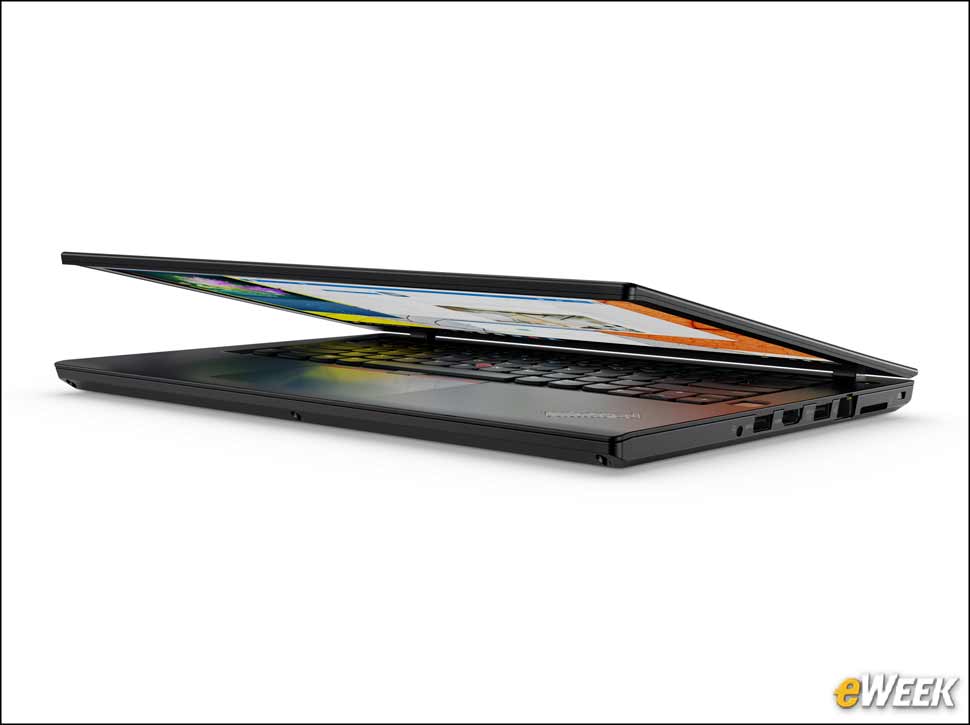
The only things you’ll see on the rear of the T470 are two massive hinges that allow the laptop to fold 180 degrees so the keyboard and screen can lay flat.
The Keyboard and Touchpad Are Excellent
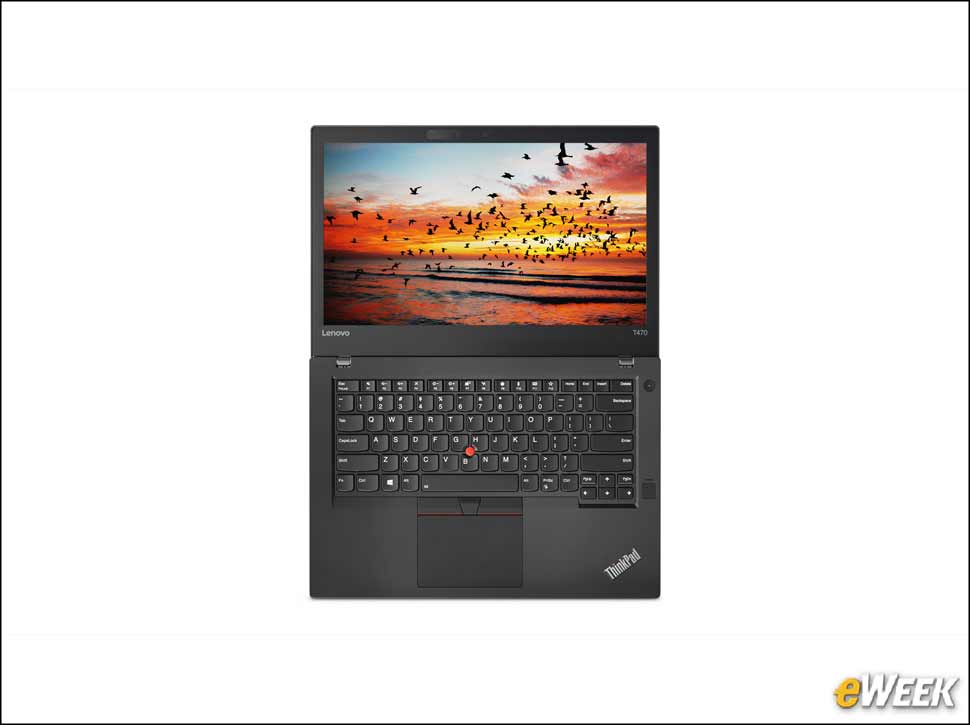
This view from above shows what the T470 looks like when laid flat. You can also see the laptop’s keyboard. The fingerprint reader is the darker black rectangle on the far right border and the round power button is above that. The familiar touchpad is just in front of the keyboard.
The Bottom Panel Provides Easy Access
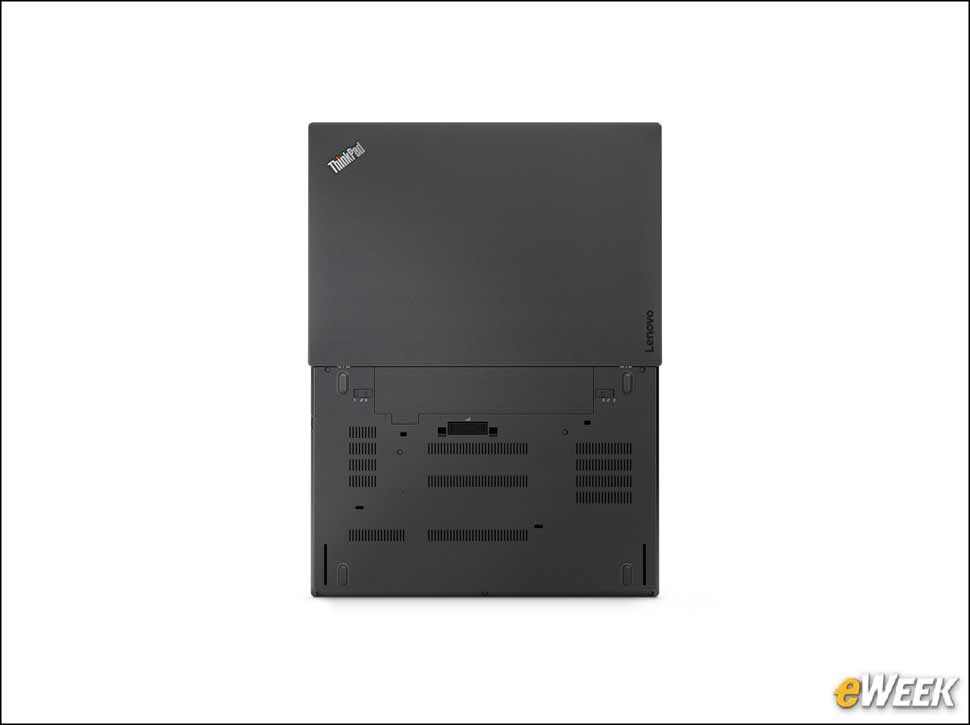
The bottom of the T470 shows the cooling vents, the speaker holes and the screw holes, making it easier to open the computer. This computer is easier to open than its predecessors, which should make your maintenance team happy. At the bottom is the dock connector.
You Don’t Really Need a Dock
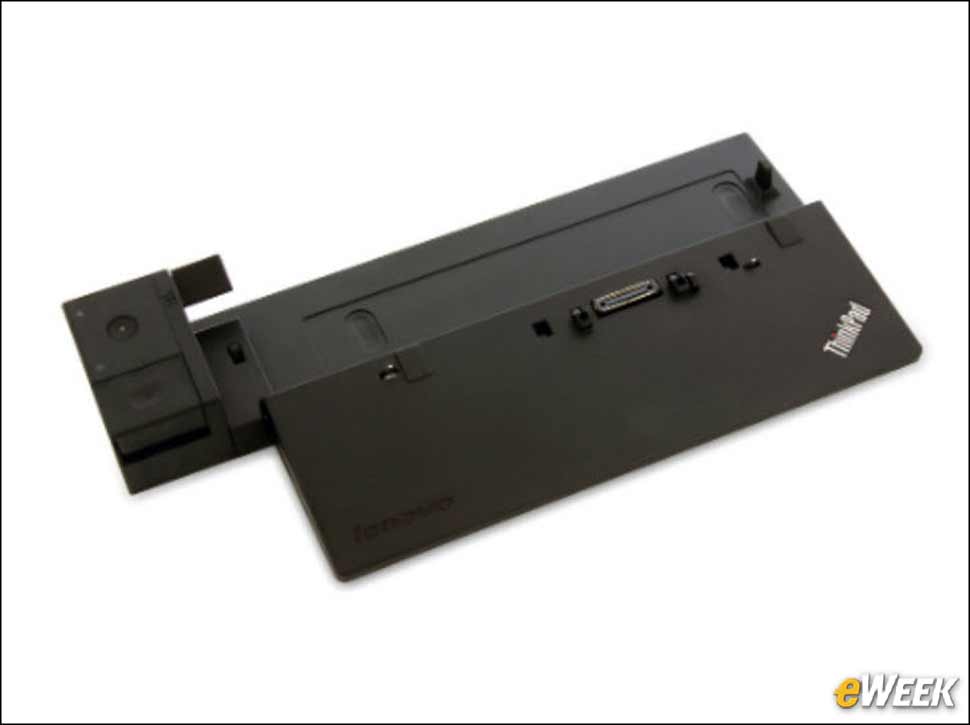
Lenovo has a well-designed series of docks for the ThinkPad T470. This one is the Lenovo Ultra Dock, which works well with the T470. The laptop fits snugly, settles down to fit into the connectors and locks into place.
But the T470’s Dock Is Very Nice
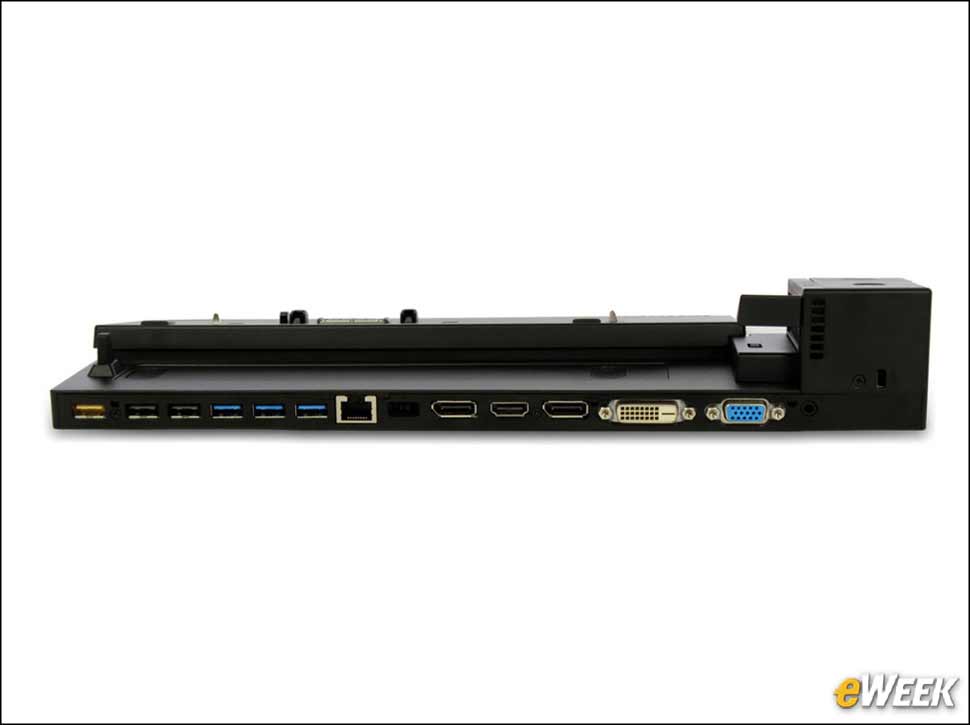
The Lenovo ThinkPad T470 doesn’t really need a lot of extra ports because it’s designed with a nice selection already. But the Lenovo Ultra Dock adds even more, including six USB ports, an HDMI port, two Display Ports and two monitor ports—one DVI and one VGA. The yellow USB port on the far left stays powered even when the laptop is turned off and removed.