







ENC Security Encrypt Stick Adds Private Browser to Its Encrypted USB Drives
by Andrew Garcia
Encrypt Stick
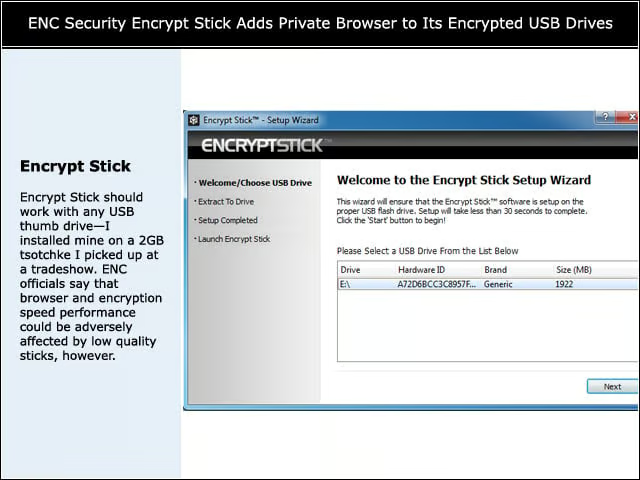
Encrypt Stick should work with any USB thumb drive—I installed mine on a 2GB tsotchke I picked up at a tradeshow. ENC officials say that browser and encryption speed performance could be adversely affected by low quality sticks, however.
Password
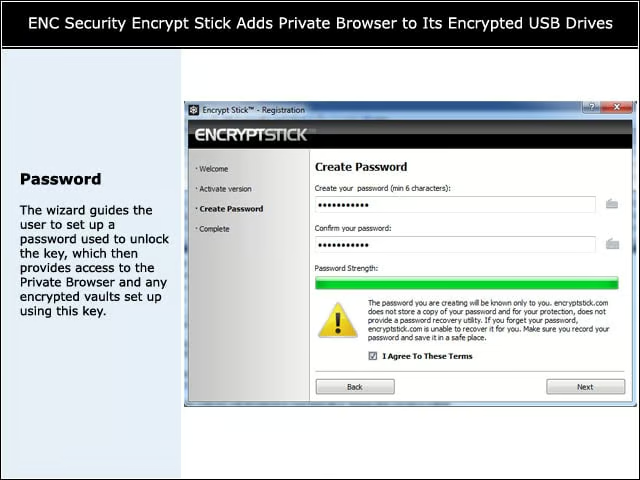
The wizard guides the user to set up a password used to unlock the key, which then provides access to the Private Browser and any encrypted vaults set up using this key.
Private Browser
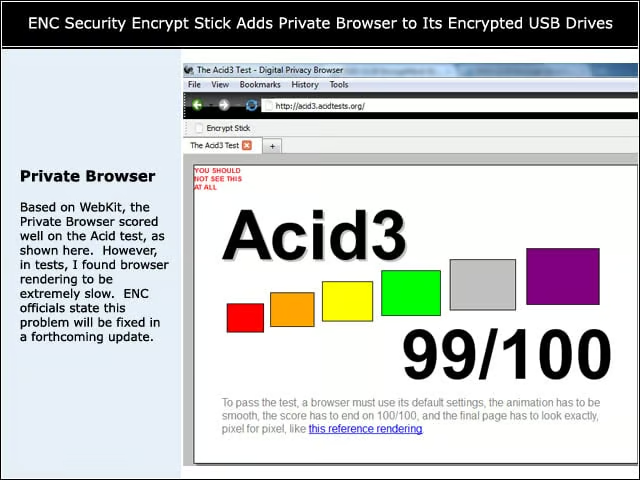
Based on WebKit, the Private Browser scored well on the Acid test, as shown here. However, in tests, I found browser rendering to be extremely slow. ENC officials state this problem will be fixed in a forthcoming update.
No Plug-ins
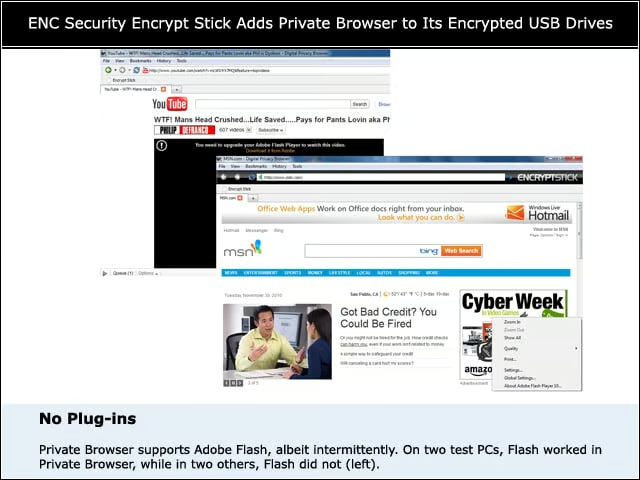
Private Browser supports Adobe Flash, albeit intermittently. On two test PCs, Flash worked in Private Browser, while in two others, Flash did not (left).
Saves
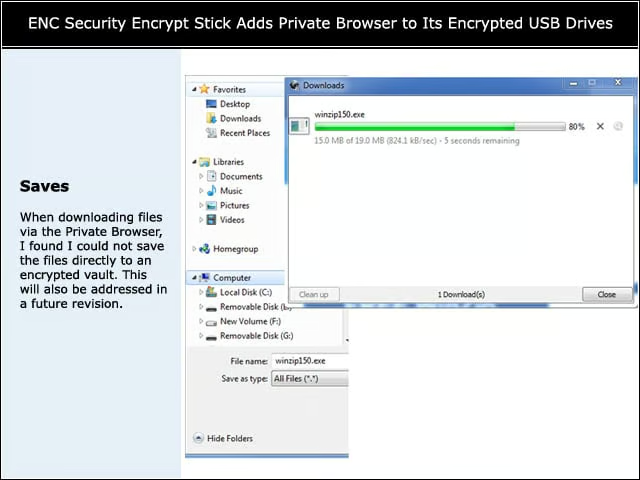
When downloading files via the Private Browser, I found I could not save the files directly to an encrypted vault. This will also be addressed in a future revision.
Moves
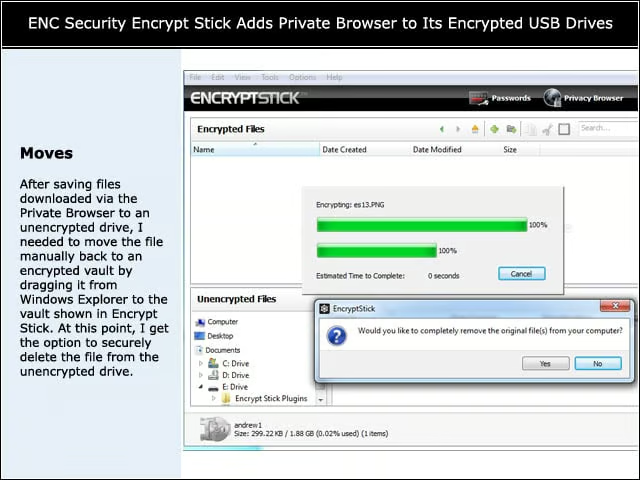
After saving files downloaded via the Private Browser to an unencrypted drive, I needed to move the file manually back to an encrypted vault by dragging it from Windows Explorer to the vault shown in Encrypt Stick. At this point, I get the option to securely delete the file from the unencrypted drive.
Password Groups
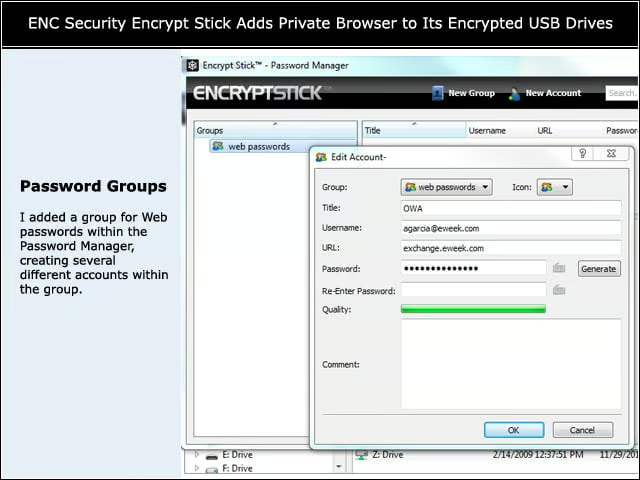
I added a group for Web passwords within the Password Manager, creating several different accounts within the group.
Fill in the Password
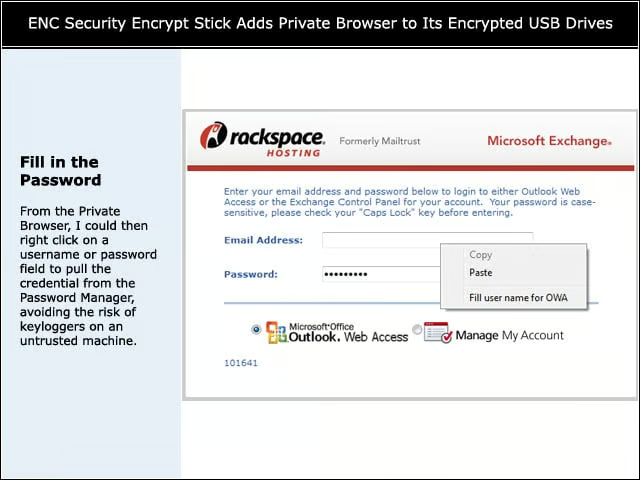
From the Private Browser, I could then right click on a username or password field to pull the credential from the Password Manager, avoiding the risk of keyloggers on an untrusted machine.