








- iPhone Security: 10 Apps to Keep Your Apple Smartphone Safe
- Put Passwords in Their Place with 1Password ($17.99)
- Surf Safely With Kaspersky Safe Browser (Free)
- Wickr Lets You Send Self-Destructing Messages (Free)
- Hide Photos From Prying Eyes with Pic Lock 3 (Free)
- Avira Mobile Security App Offers Backup, Anti-Theft (Free)
- Lock It All Up With Keeper Password & Data Vault (Free)
- HotSpot Shield VPN Provides WiFi Security, Unblocks Sites (Free)
- Kryptos (Free)
- AirWatch MDM Agent Offers Mobility Management (Free)
- Get Your Tech Back With Find My Phone (Free)
iPhone Security: 10 Apps to Keep Your Apple Smartphone Safe
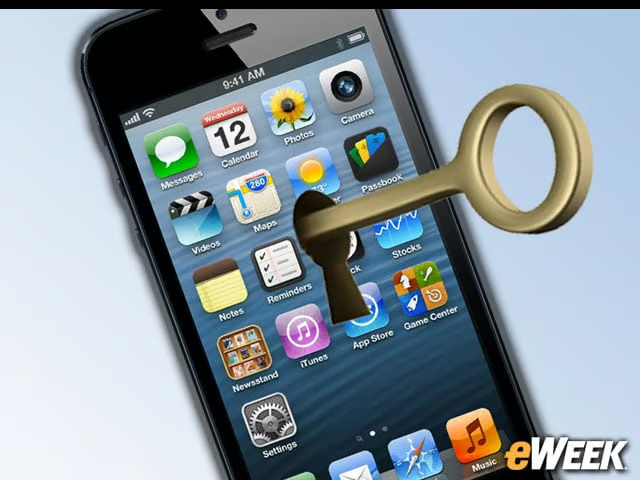
By Nathan Eddy
Put Passwords in Their Place with 1Password ($17.99)
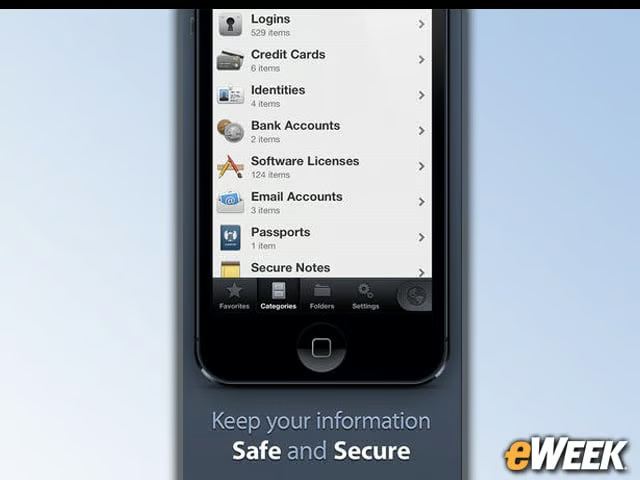
1Password is designed to remember your passwords and store them securely behind a master password. It offers 256-bit Advanced Encryption Standard (AES) encryption to make sure everything stays locked up tight. An auto-lock feature also keeps your data safe if the phone is lost or stolen.
Surf Safely With Kaspersky Safe Browser (Free)
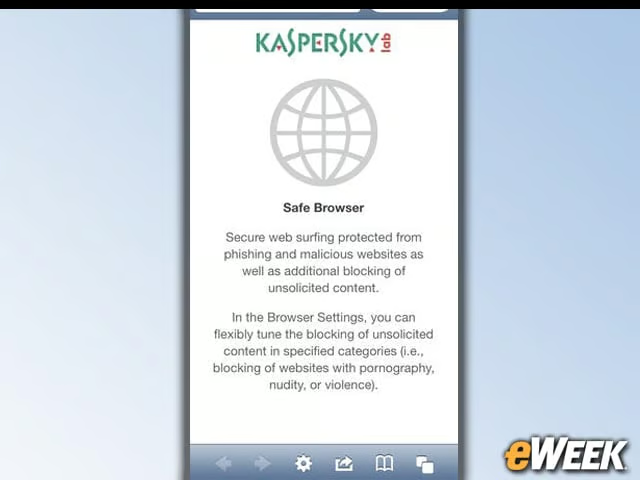
Released this month, the safe-browsing app filters out malicious links and inappropriate content, which can help users avoid falling victim to phishing Websites. The app also benefits from cloud-assisted updates and supports most popular browsers, including Google, Bing and Yahoo.
Wickr Lets You Send Self-Destructing Messages (Free)
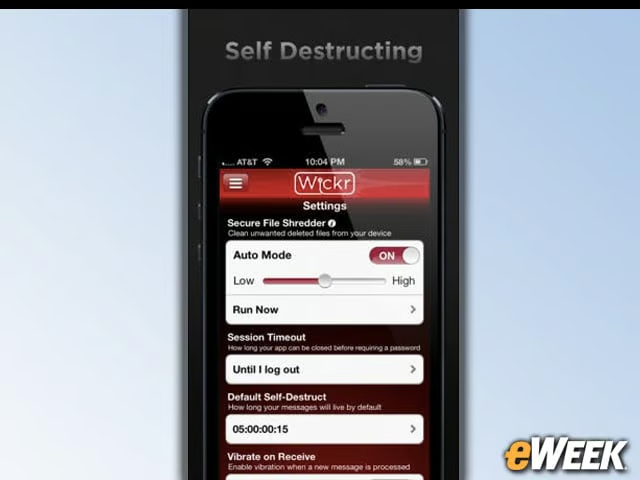
How many messages of yours are floating around out there when you’d rather have them deleted? Wickr solves that problem by letting you send messages to other users with the option of a self-destruction mechanism. The Secure File Shredder forensically erases unwanted files you deleted from your device, too.
Hide Photos From Prying Eyes with Pic Lock 3 (Free)
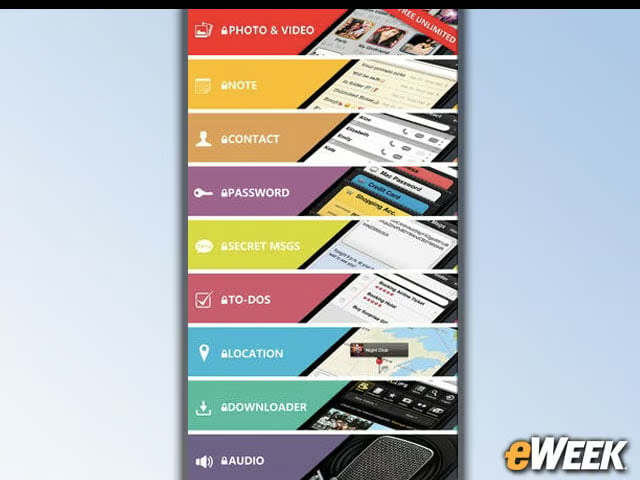
We’ve all probably got at least one photo on our phone that is best kept private. Pic Lock 3, with its completely redesigned interface and multiple layers of protection, helps you keep your photos and other media secured and hidden away until you’re ready to view them in private.
Avira Mobile Security App Offers Backup, Anti-Theft (Free)
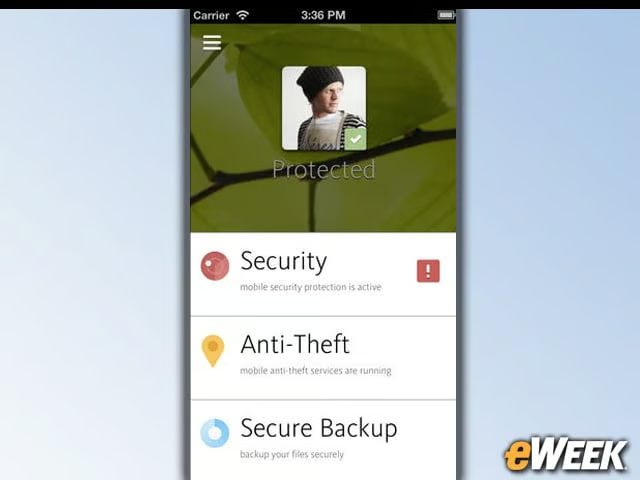
The company’s first free iOS offering was released just weeks ago, and boasts a malicious process scanner, battery and storage optimization tools, and integrates into the company’s Secure Backup platform, so users can store, access and share data securely while on the go.
Lock It All Up With Keeper Password & Data Vault (Free)
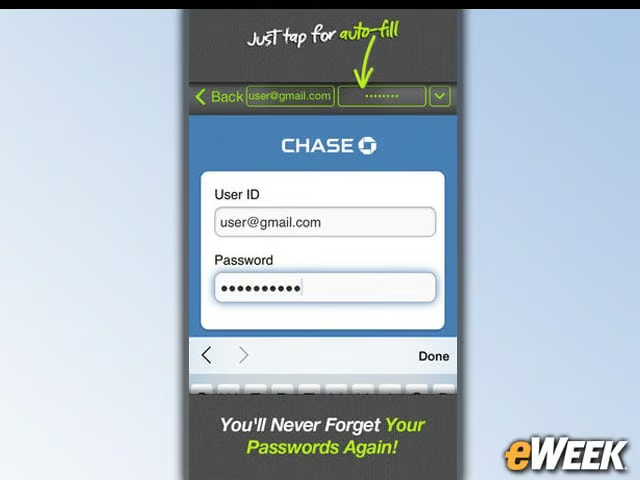
Newly updated for iOS 7, including parallax themes, this app from Keeper Security boasts 256-bit AES encryption, syncs across all your mobile devices, and creates ultra-secure passwords with the embedded password generator. For an annual subscription, you can also access unlimited storage in the Cloud Security Vault.
HotSpot Shield VPN Provides WiFi Security, Unblocks Sites (Free)
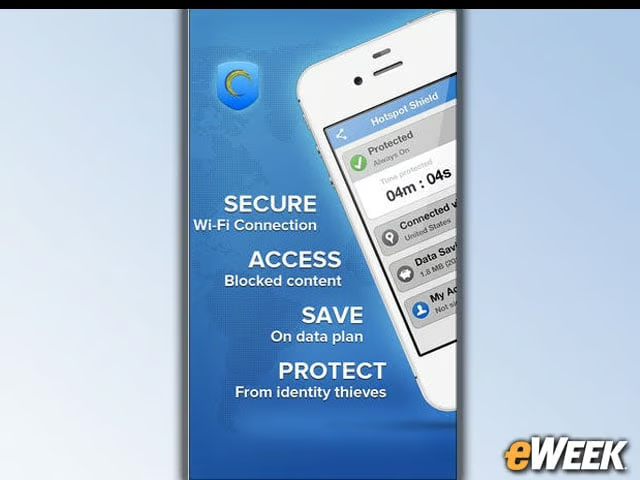
It’s your ultimate gateway to secure surfing, with access to any site the world over, regardless of what the country’s Internet policy is. The app will also secure your WiFi connection with HTTPS encryption, and as a bonus, you can reduce your mobile phone bill with data compression technology.
Kryptos (Free)
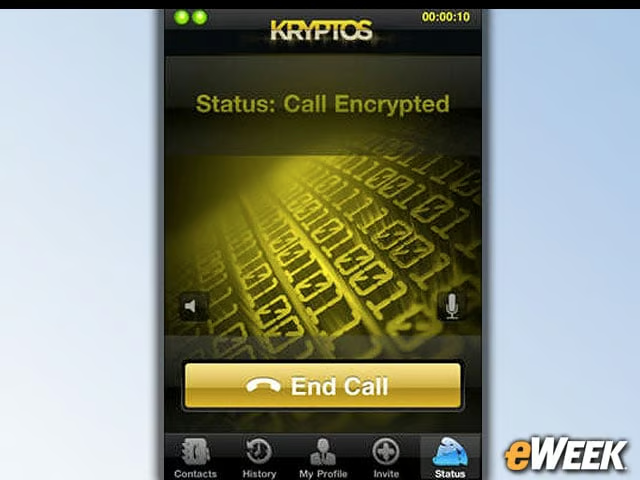
If you’re in a businesses where you need a secure voice communication system to discuss top-secret topics, Kryptos offers a free military-grade 256 bit AES-encrypted platform for keeping secrets safe, and is connected through voice over IP for secure calls over 3G, 4G and WiFi networks. In order to use the app, however, your colleagues will need to download it, too.
AirWatch MDM Agent Offers Mobility Management (Free)
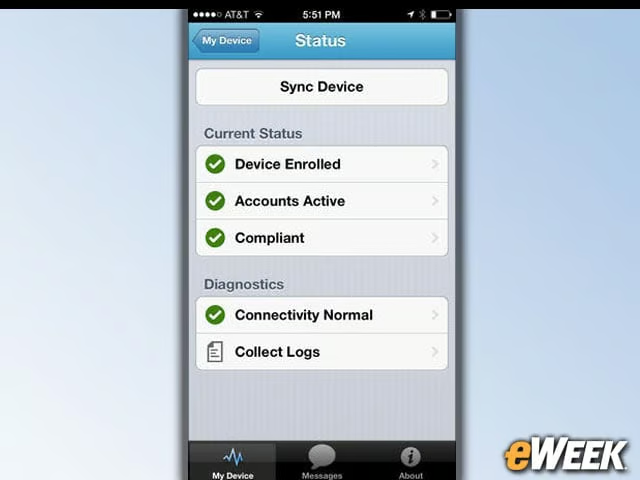
This recently updated app lets IT administrators manage the entire fleet of deployed iOS devices, with the ability to remotely lock and wipe managed devices, enforce security policies and compliance, and secure mobile access to corporate resources. The app also provides added flexibility by offering three delivery options
Get Your Tech Back With Find My Phone (Free)
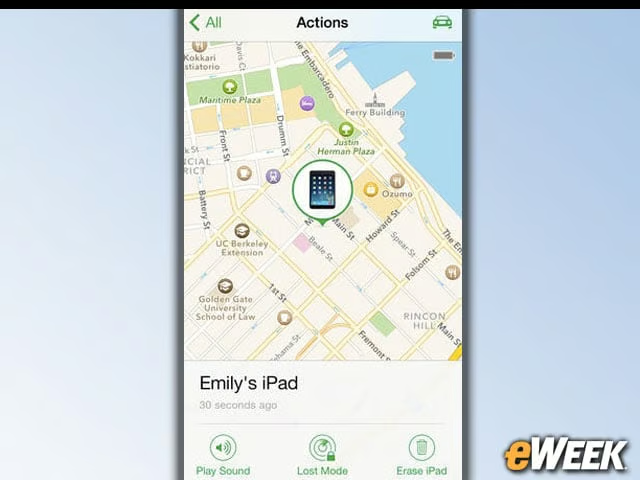
Boasting an all-new design for iOS 7, this app lets you use another iOS device to find your lost iPhone and protect your data. The app can help you locate the phone on a map, remotely lock it, send a message to it or erase all the data on it.