







Labs Gallery: Apple iPhone 3.0 OS Enables Find, Remote Wipe Features
From the Top
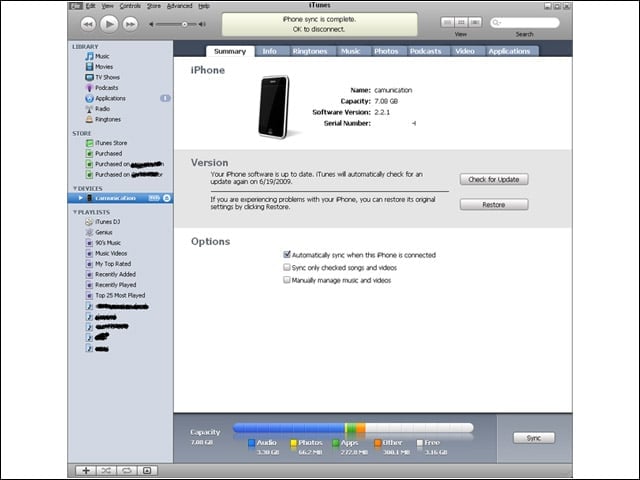
On a second-generation 8GB iPhone, I’m starting with software Version 2.2.1.
In Recovery
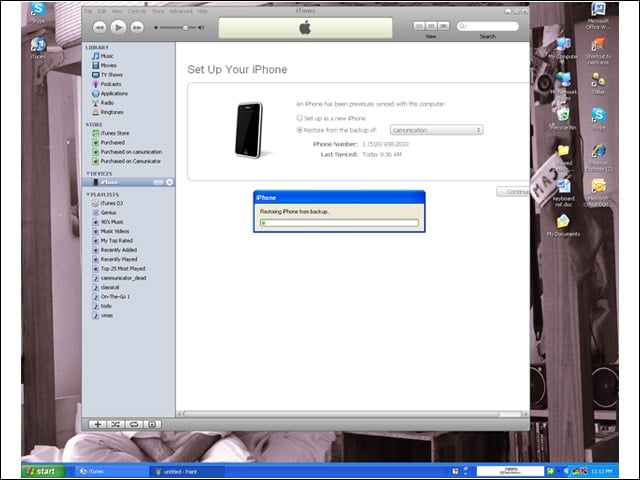
The first thing I did before starting the update to Version 3.0 was a backup. The reason why is seen here. You will likely spend a fair amount of time in “recovery” mode before you get from 2.2.1 to 3.0. Also, before starting out, ensure that you update iTunes first. And MobileMe.
MobileMe
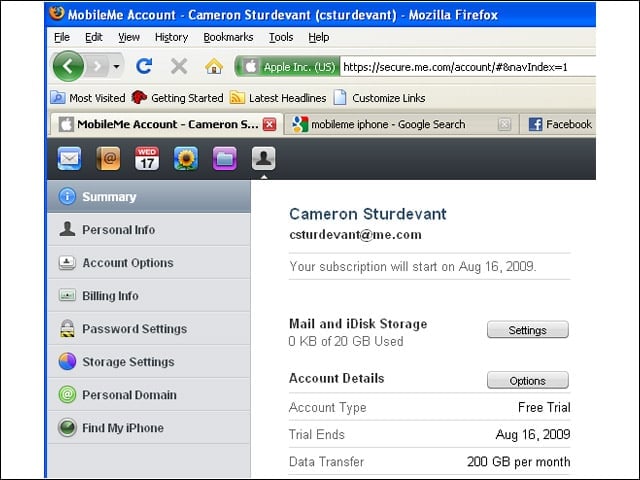
You’ll also need a MobileMe account to access some of the most important new features enabled by iPhone software 3.0, including Find My iPhone and remote data wipe.
Find My iPhone
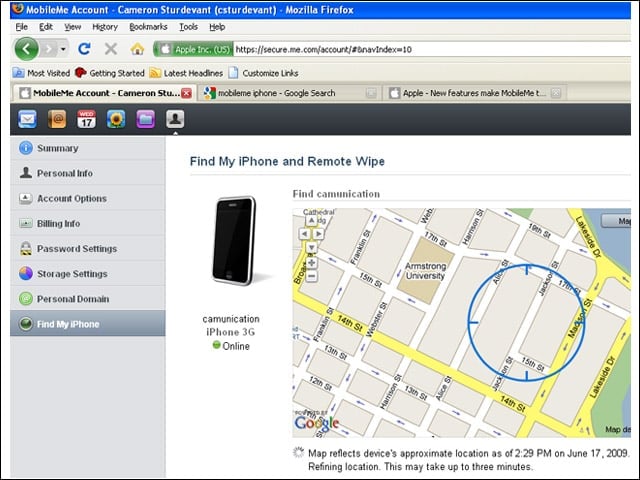
I was testing from my remote lab in Oakland, Calif. The Find My iPhone feature leverages the same information used to locate the phone on map applications, just in reverse. During tests, accuracy was pretty good. You’d still have to go door-to-door through about 700 apartments, but you would eventually find me.
Turn On Find My iPhone
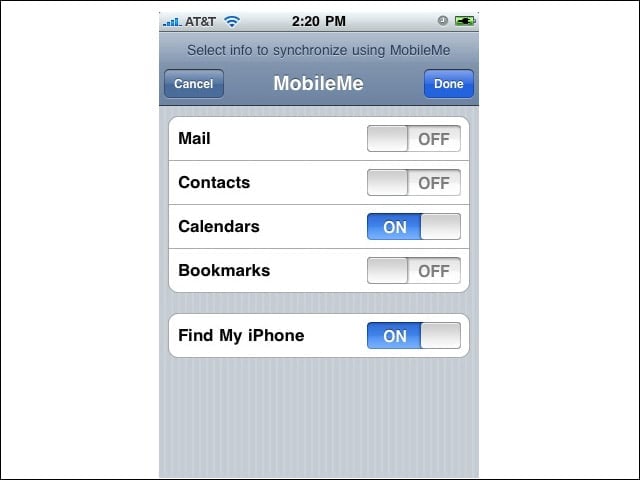
In MobileMe properties on my iPhone, I had to turn on Find My iPhone to enable the feature.
Push and Shove
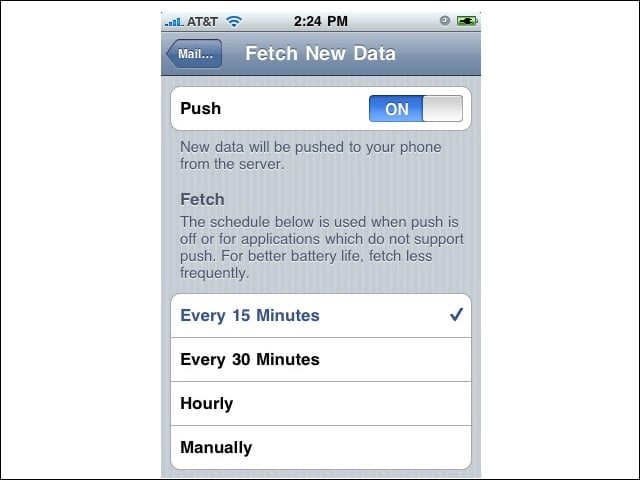
For Find My iPhone and remote wipe to work, “push” has to be turned on. I haven’t used push in the past because of the negative effect on battery life, but this is one of the trade-offs for greater data security. Here, I have the push settings at the most aggressive setting. This feature works even at “hourly,” which is one way to improve battery life.
No Title
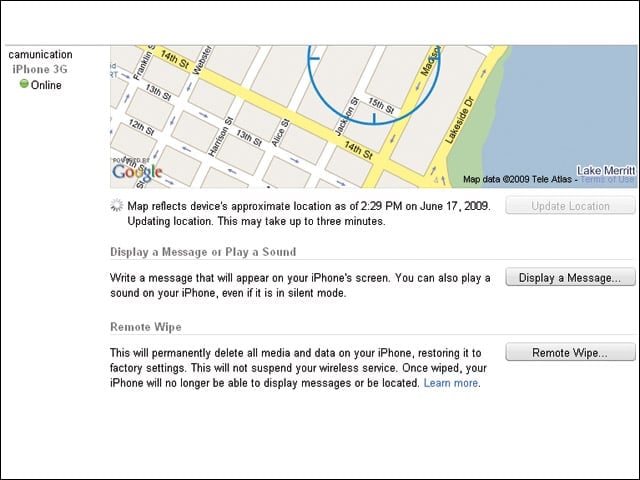
Message Display and Remote WipeBack on the desktop system, I had two options when accessing my MobileMe account interface: I could display a message or play a sound on the iPhone. (The sound plays even when the phone is in silent mode.) This screen is also where a remote wipe can be initiated.
Sending a Message in a Bottle
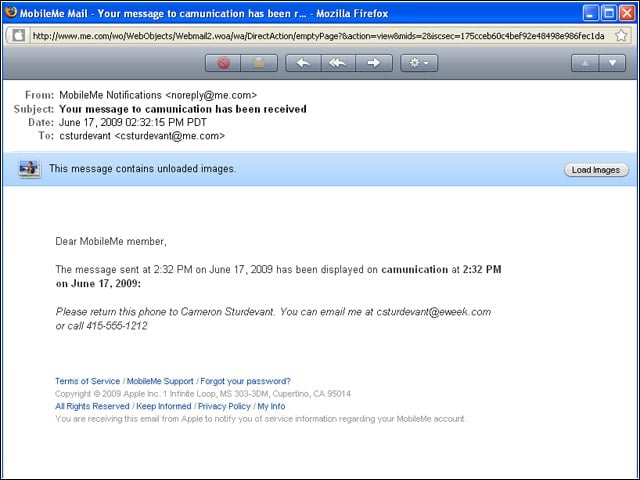
Here you see the message confirming that I sent a message to my “lost” iPhone asking the finder to e-mail or call me.
Receiving a Message in a Bottle
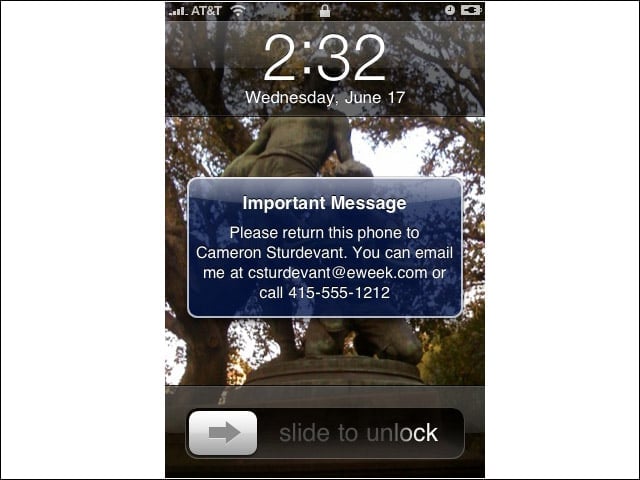
Here is the message as it was displayed on my “lost” iPhone. It also vibrated and made a distinct “tinking” sound. Pity the person who finds my iPhone-because I have it passcode-enabled, he or she wouldn’t ever be able to turn off the message or sound.
This Device Will Self-Destruct in …
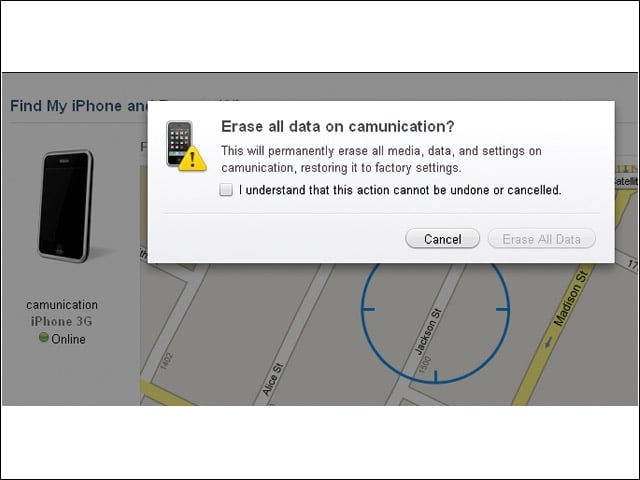
Think carefully about hitting the button here. Although Apple says you can recover a remotely wiped iPhone …
Rest in Peace
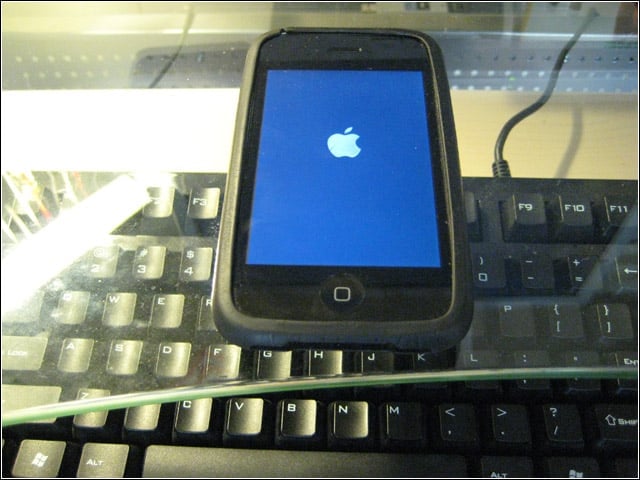
… mine is still dead as a doornail.
