







10 Quick Tips for Using Google Buzz
by Clint Boulton
Google Buzz on Dashboard
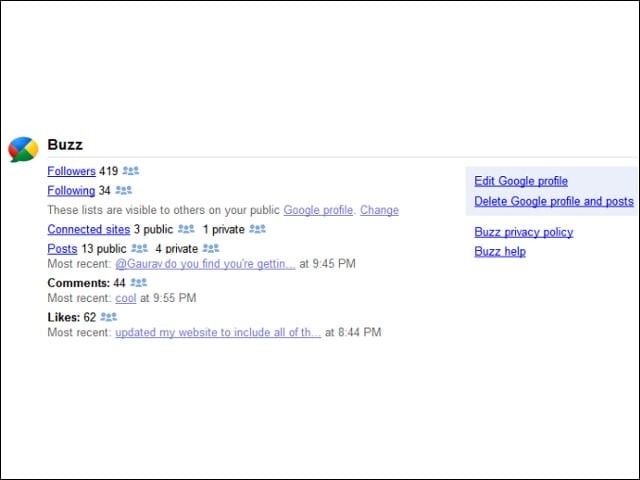
First, you should know how Google is trying to help you protect your privacy. The company added a Buzz section on its Google Dashboard, which provides a private summary of the data associated with your Google account, as well as links to control your personal settings. See how many people you’re following, how many people are following you, as well as information about your recent posts, comments and likes on Buzz.
Post by E-Mail
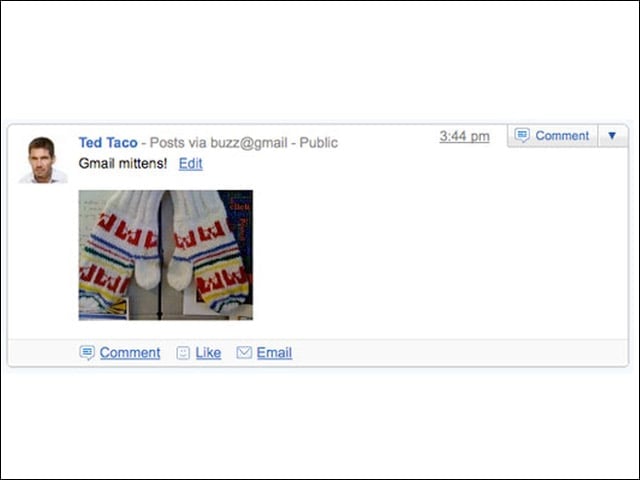
Post buzz by e-mailing buzz@gmail.com, which is great for posting photos you take from your mobile phone. Photos that you attach to your mail will appear along with the subject line of your message.
Working with @Reply
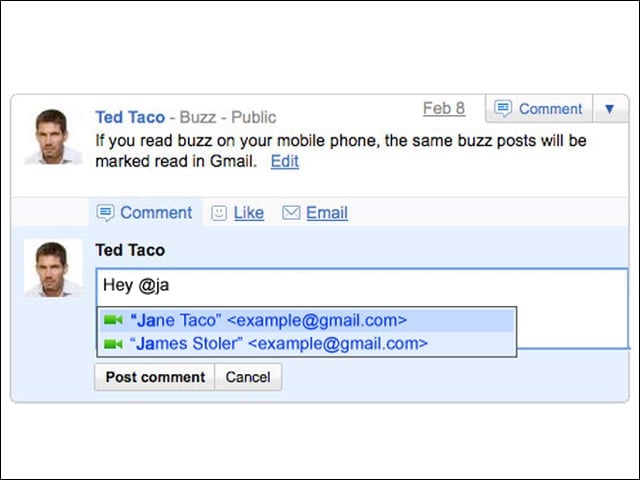
An @ isn’t just for targeting people on Twitter. On Buzz, Use an @reply to send a post directly to a contact’s inbox. Type the “@” symbol followed by the first few letters of their name, and select their e-mail address from the auto-suggest list. This will not expose your recipient’s Gmail alias.
Mute Chat
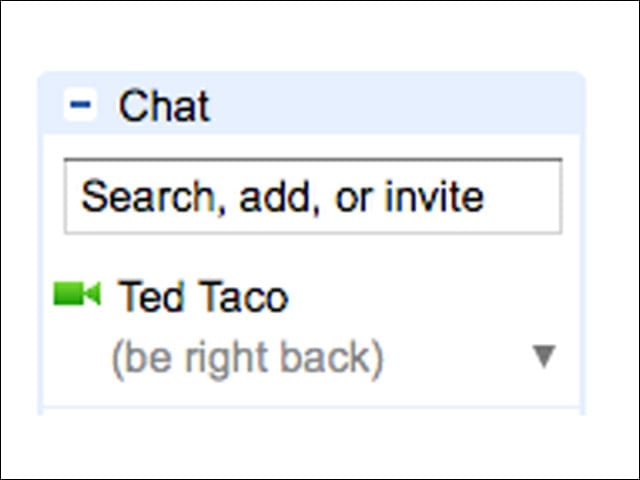
By default, any chat status messages are posted to Buzz and shared with chat contacts, but this can get noisy for Buzz users. Prevent your boring chat status messages from being posted to Buzz by simply putting parentheses around it. Or, turn off chat in Buzz from the connected sites menu.
Mute Posts
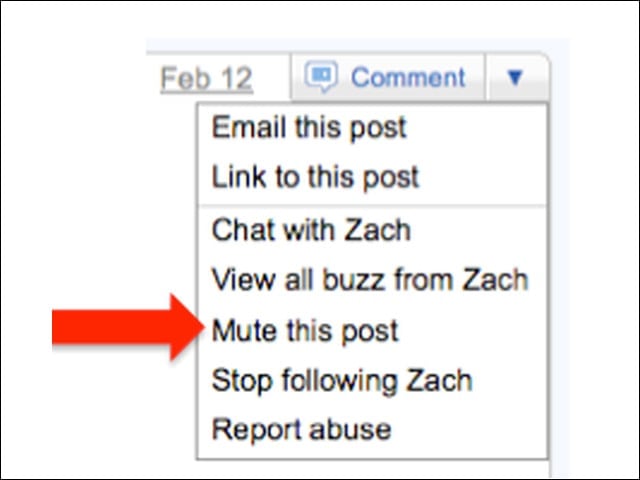
Comments on your Buzz posts and comments after your comments send buzz directly to your inbox. You can reduce some of the Buzz for yourself by muting posts. Just click the arrow in the corner of a buzz post and select “Mute this post.” Done! Enjoy the reprieve.
Post Links
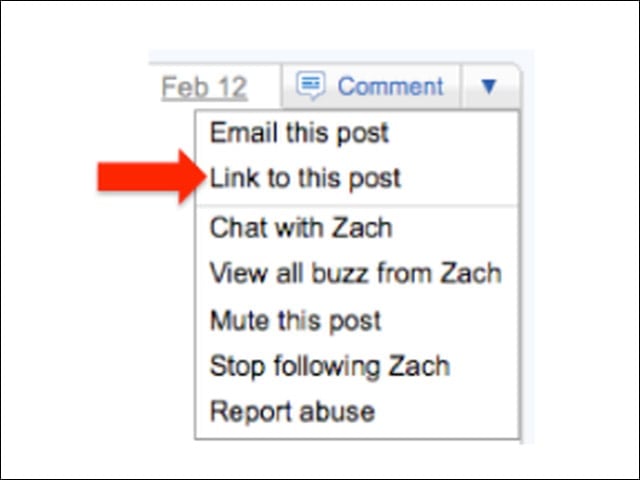
Did you know each Buzz post has a permalink? This means you can link to it by click the down-arrow in the upper right-hand corner of a post and selecting “Link to this post.”
New Buzz in Buzz
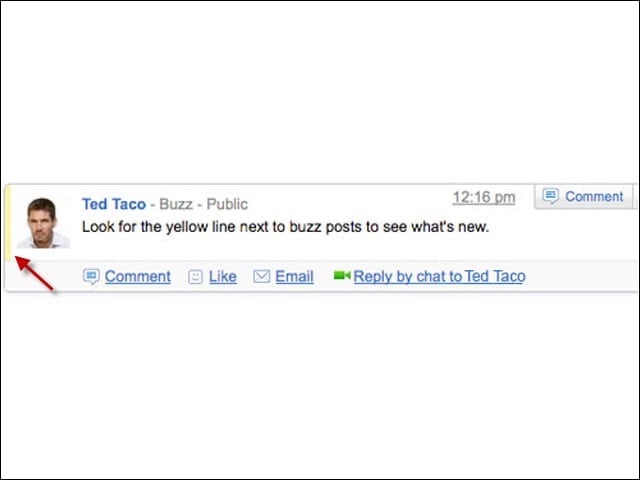
How do you know the new Buzz from the old? Posts and comments new since your last visit have a light yellow line along the left hand edge. We think this can be made more overt, but remember Buzz is evolving and the delineation between new and old may be more clear in the future.
Format Buzz
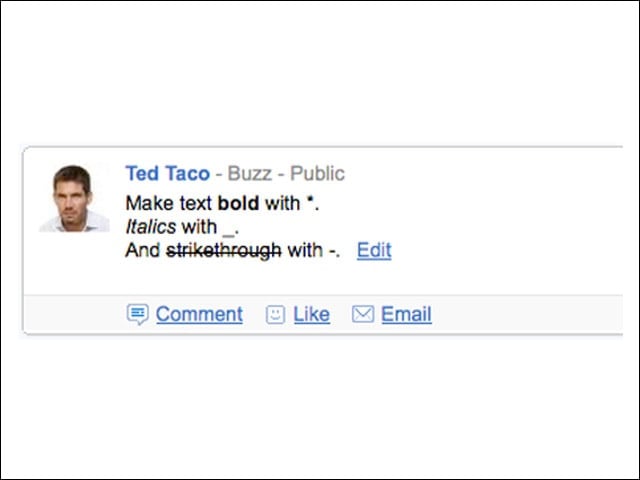
Just as you use *bold*, _italics_, or -strikethrough- commands in Gmail, these will work in Buzz to let you format your posts. When posting in Buzz, you can format text just as you can in Gmail chat.
Buzz Shortcuts
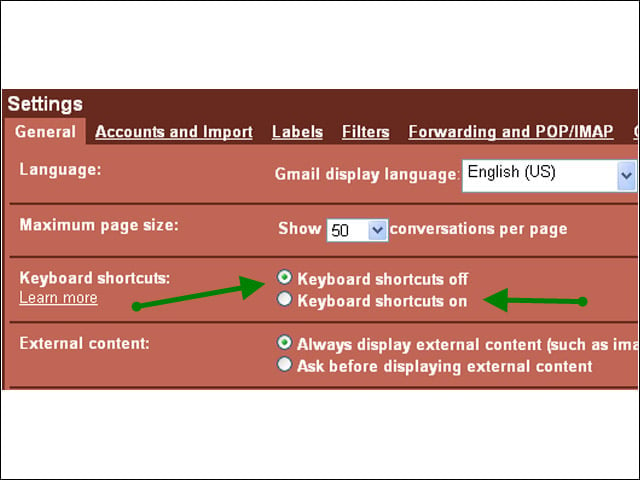
Just as formatting in Gmail is the same in Buzz, you can turn on the Gmail keyboard shortcuts for Buzz. Enable keyboard shortcuts from Settings, and use “j” or “n” to scroll down the buzz tab, “k” or “p” to go back up, “r” to comment, and “shift + l” to like.
Follow Google Buzzers
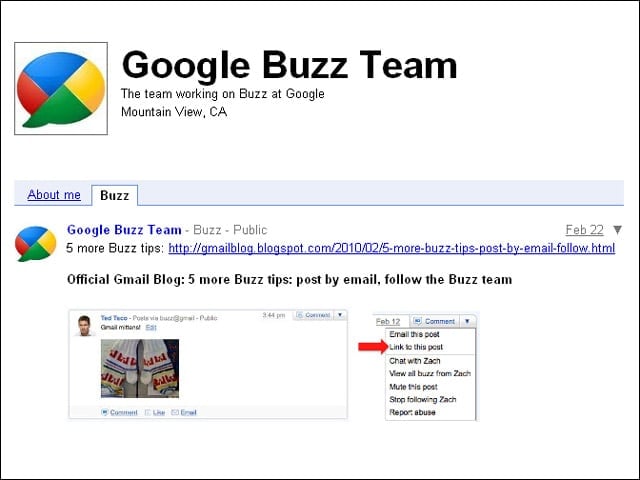
To get updates from the Google Buzz team in Google Buzz go to buzz.google.com/googlebuzz and click the Follow Google Buzz button.