








- 8 Things to Consider When Moving an Enterprise System to the Cloud
- Adopt One Cloud Service at a Time
- Consider Existing Dependencies
- Be Aware of Hybrid Cloud Accessibility
- Ensure That the Transition Meets Compliance Criteria
- Clean Up the Infrastructure
- Follow Compliance and Audit Policy Rules
- Pick the Right Cloud Provider
- Invest in Planning
8 Things to Consider When Moving an Enterprise System to the Cloud
The move to the cloud can be difficult and expensive if not planned well. To ensure the process is as smooth as possible, enterprises should follow these steps.
Adopt One Cloud Service at a Time

While many enterprises want to move multiple services—for example, email and storage—to the cloud, it’s important to focus on one service at a time. This is critical to avoid unnecessary chaos and to ensure each service is transitioned seamlessly.
Consider Existing Dependencies

When moving an existing service, consider other applications that depend on that service. For example, an email server might be integrated with applications such as CRM or tied to Active Directory rights management systems. These applications will need to be reconfigured to make sure they point to the new email system.
Be Aware of Hybrid Cloud Accessibility

Employees, IT and management typically access all applications on on-premises systems with a single log-in. However, a hybrid cloud infrastructure separates the previously connected systems and requires different log-ins for each. To make the log-in process more manageable, consider creating a master sign-on to mimic the ease of an on-premises process.
Ensure That the Transition Meets Compliance Criteria
While enterprises take great care in purchasing HIPAA or other compliant cloud services, migrations are often overlooked. Consider the full chain of events when moving to the cloud and ensure the transition is also compliant.
Clean Up the Infrastructure
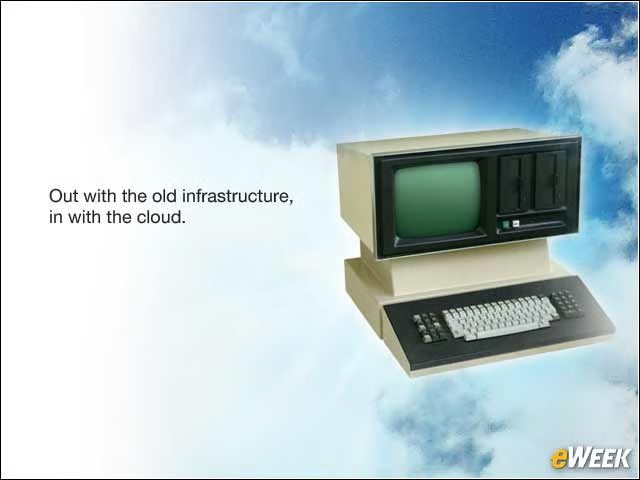
Moving services to the cloud is the perfect time to decommission legacy systems and clean up the infrastructure. Some of this cleanup may be optional, while other cleanup is required. For example, to replicate systems such as Active Directory to the cloud, data has to be in pristine state. At the same time, enterprises often find that many documents are simply no longer required to keep.
Follow Compliance and Audit Policy Rules
When getting into compliance, it’s important to understand what to store and archive. For example, stored data that doesn’t need to be stored could be subpoenaed. Archives may keep employees on litigation holds for longer than needed. The same applies to audit policies. Companies may be storing archives of all employees, while only a small amount of employees need to have their data archived. Policies can require five years of archived email, while more than 10 years could be actually stored. It’s important to follow and understand these policies before making the move to the cloud to avoid legal trouble.
Pick the Right Cloud Provider

As enterprises’ needs evolve, or in the event of a merger, an acquisition, a company divestiture or a split, it is essential the data is not held hostage to one provider. It must be moved seamlessly from one cloud provider to another. In addition, make sure the provider is the right fit in terms of longevity, scalability, cost, open standards, other integrated services/apps, location and security.
Invest in Planning

Without proper planning, moving a service to the cloud can become a disaster quickly. First, communicate to employees what changes they should expect and when. Create a pilot project to test what will work and what won’t. Put contingencies in place. Make sure the infrastructure can handle the move and that there is enough inbound and outbound bandwidth to support the cloud.