







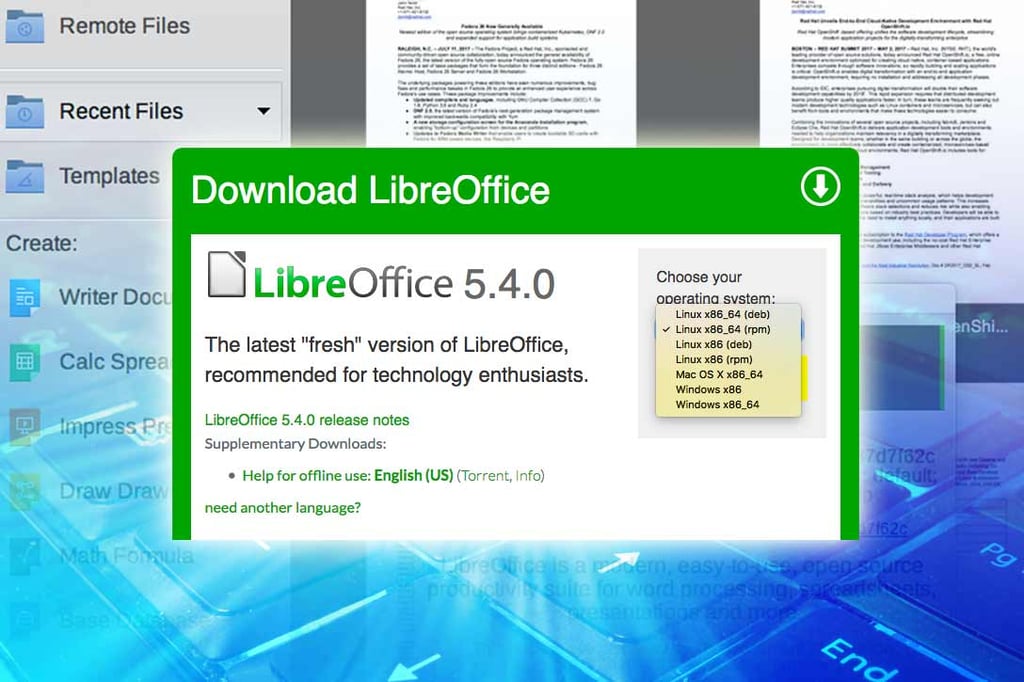
LibreOffice 5.4 Open-Source Office Suite Enhances User Experience

LibreOffice in its latest version, 5.4, has added incremental improvements to make its integrated applications easier to use. LibreOffice is the default standard office suite in many mainstream Linux distributions, including Red Hat Enterprise Linux, SUSE and Ubuntu. It is also available for both Microsoft Windows and Apple OS X. LibreOffice includes the Writer (document), Calc (spreadsheet), Impress (presentation), Base (database) and Draw (drawing) programs as part of the integrated suite. LibreOffice 5.4 was released on July 28 as the second major update this year, following version 5.3’s release on Feb. 1. In this slide show, eWEEK takes a look at some of the highlights of the new LibreOffice 5.4 release.
Smaller File Sizes

Among the core enhancements in LibreOffice 5.4 are smaller file sizes thanks to some XML optimizations in file description coding that is included in saved files.
Writer Gets Watermarks

An update to the Writer word processing application enables users to easily create custom watermarks on document pages.
Formatting With Style

Writer also benefits from a new formatting toolbar that offers a variety of styles that can be applied to content.
Writer Offers More AutoCorrect Options

The AutoCorrect menu option in Writer has been enhanced in LibreOffice 5.4, providing users with
options for markup, strikeout and italics.
LibreOffice Expands Spreadsheet Protection

Protecting cells in the Calc spreadsheet application has gotten easier in LibreOffice 5.4. There is now a simple Cell Protection toggle command, making it easy to change the status of a selected cell. In addition, there are now new sheet protection options for inserting rows and columns into a protected sheet.
Rounding Up Numbers With Calc

The Calc spreadsheet in LibreOffice 5.4 adds the ROUNDSIG function, providing users with the capability to round a number to a defined number of digits.
Available for Windows, Linux and Mac

While LibreOffice has become the de facto standard default office suite on many Linux distributions, it also has Windows and Mac versions.