







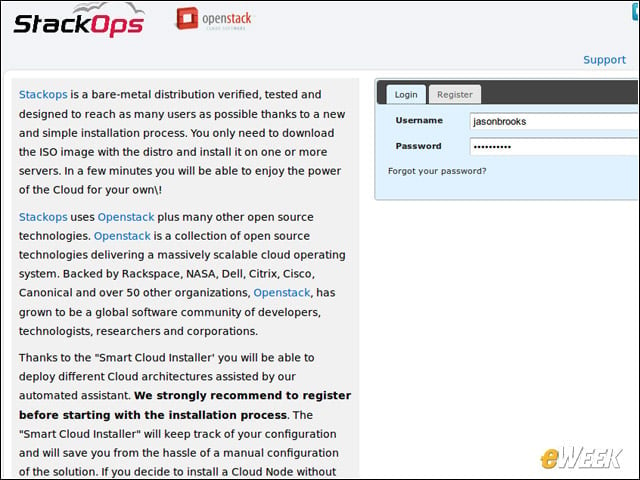
Smart Installer
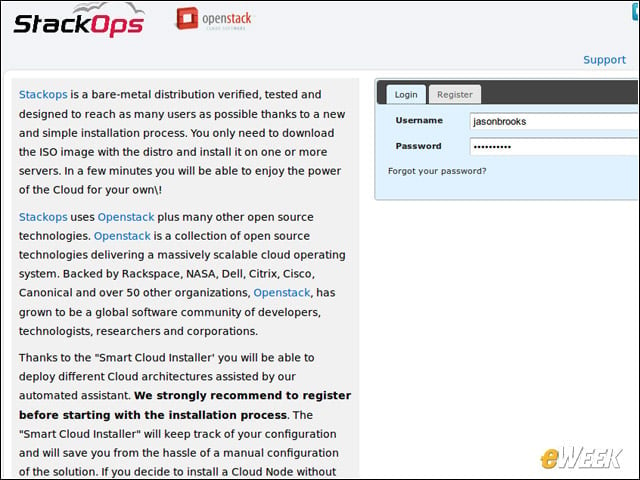
StackOps sports a free, Web-based smart installer application which stores cloud configurations. For single-node configurations, it isn’t necessary to create an account on the service.
Deploy Time
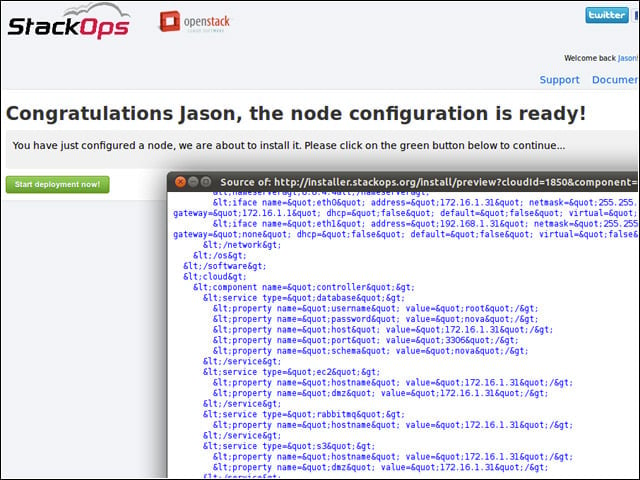
The Smart Installer Web app collects the configuration form responses to pass back to the relevant node when its time for deployment.
Instance One
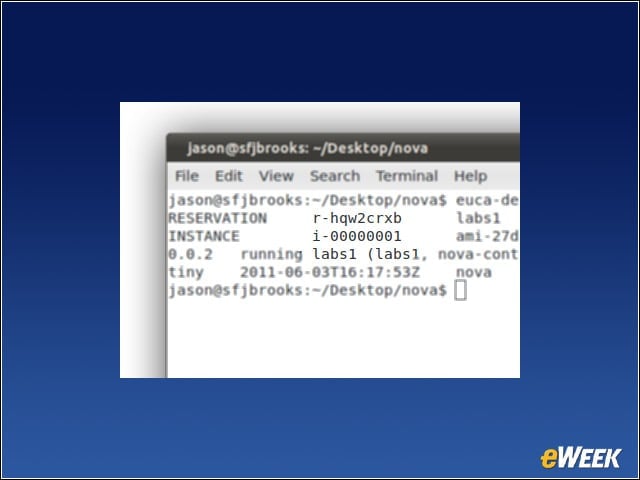
After firing up our first OpenStack instance, we could check on its status with the euca-describe-instances tool.
Dual Node Configuration
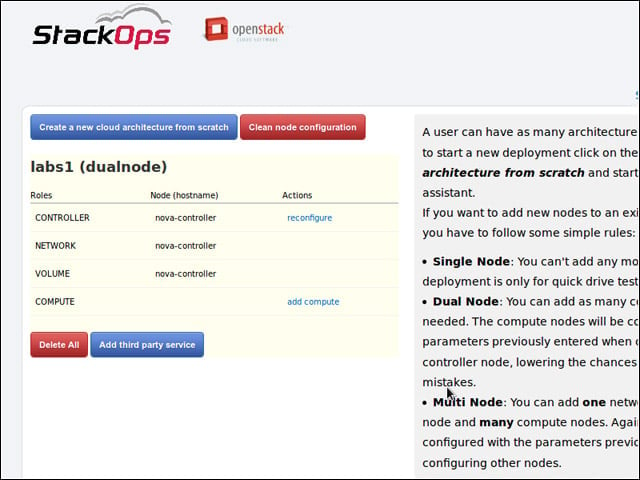
The StackOps Smart Installer also allows for deploying dual or multi-node OpenStack installations.
Hypervisor Options
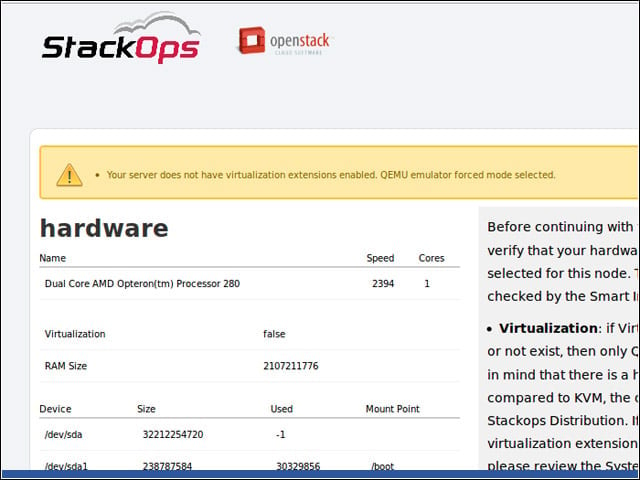
StackOps supports KVM and Qemu as hypervisor options. The slower qemu is required for compute nodes without hardware extensions for virtualization.
Deployment Options
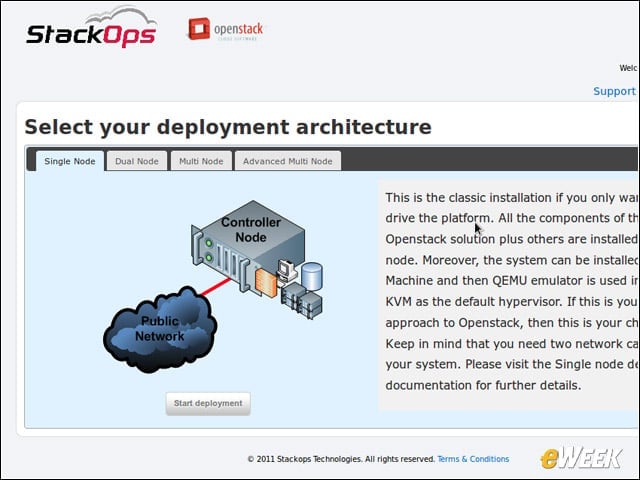
The fastest route to a test OpenStack instance is a single node deployment, but StackOps can work with dual and multinode configurations, as well.
Controller Configuration
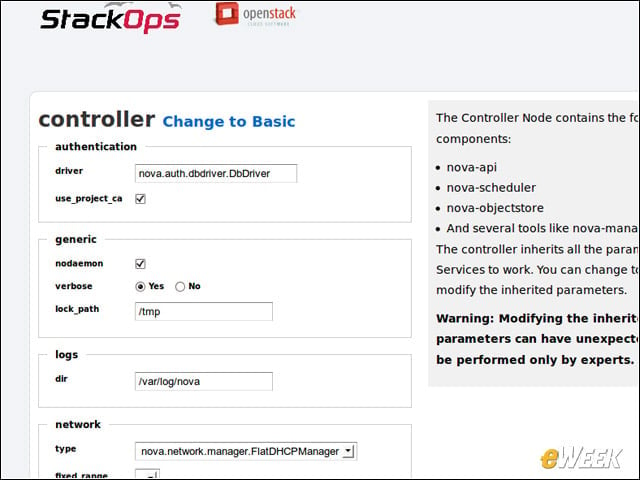
Single node installations require very little configuration fiddling to get working—there’s little more to work out than which addresses on your test network to allocate for guest instances.
OpenStack Dashboard
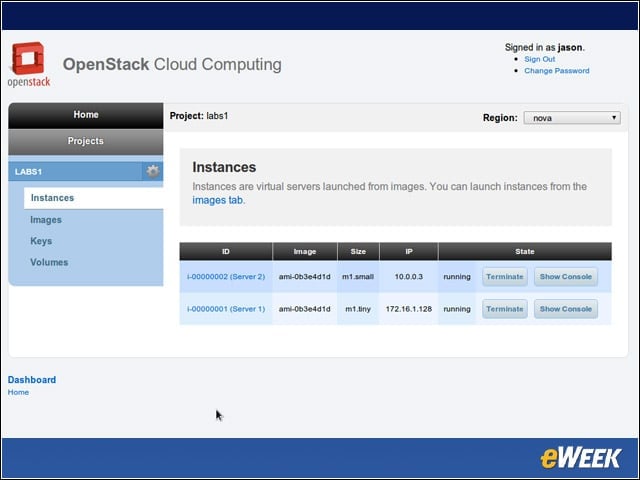
The OpenStack project includes a reference implementation of a Web-based admin console, which enabled us to perform some basic functions.