







LABS GALLERY: Jitterbit 3.0 Makes Quick Work of Integrating Disparate Apps, Data Sources
LABS GALLERY: Jitterbit 3.0 Makes Quick Work of Integrating Disparate Apps, Data SourcesBy Jason Brooks
Dependent Objects
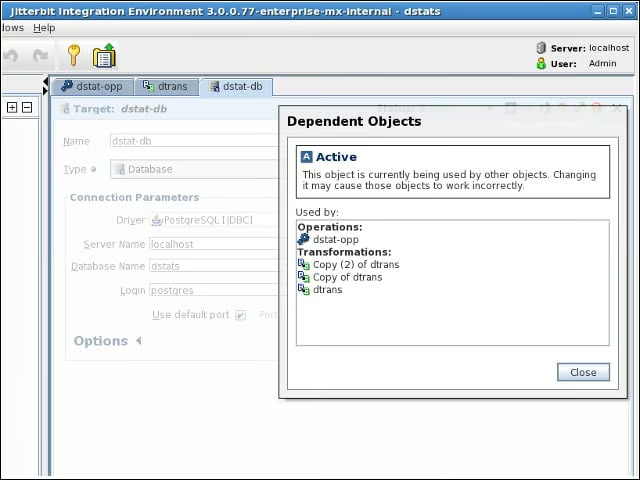
The Jitterbit client made it easy for me to track the dependencies between the elements of my integration project.
E-Mail Alerts
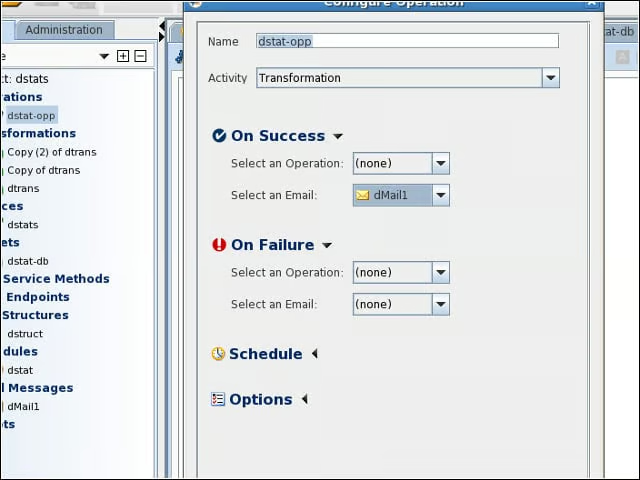
I could set up e-mail messages and trigger them at any point in my integration operations.
More E-Mail Alerts
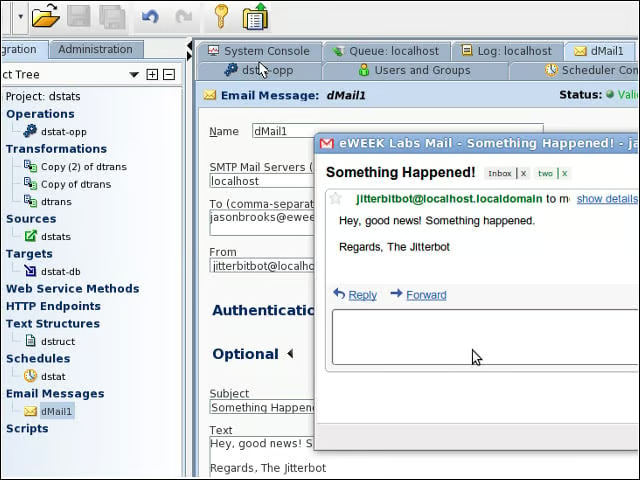
Here you can see my test e-mail alert in action.
Jitterbit Workflow
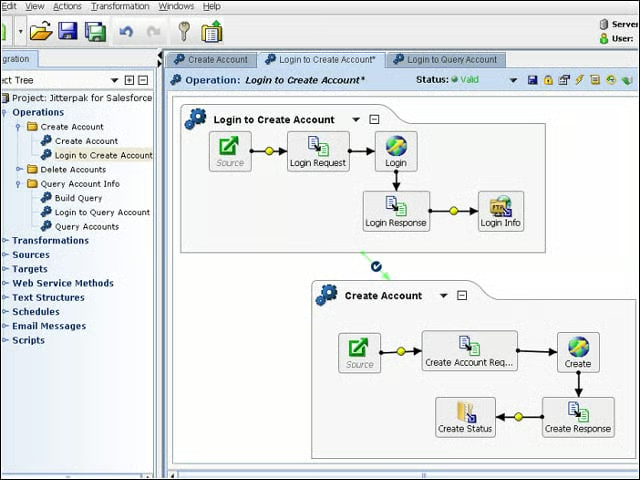
The Jitterbit client provides graphical representations of its integration operations.
Scheduling
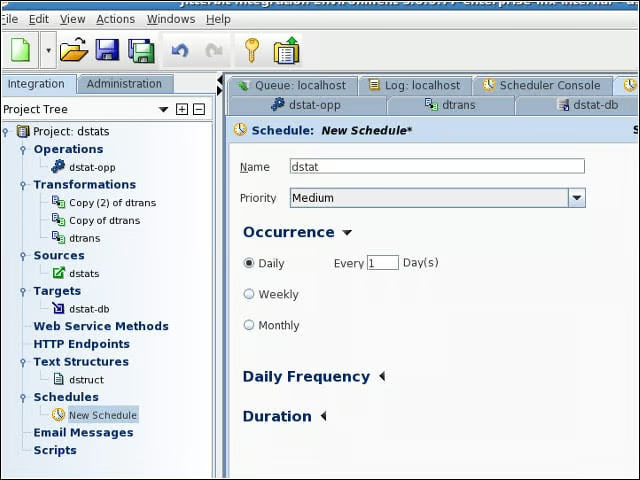
After assembling my integration operations, I could schedule them to run from the Jitterbit server.
Run Times
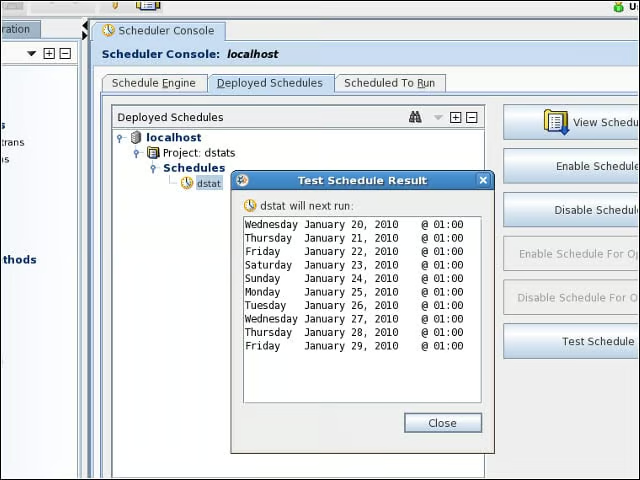
After setting up a schedule, I confirmed the times that my operation would run.
New Operation
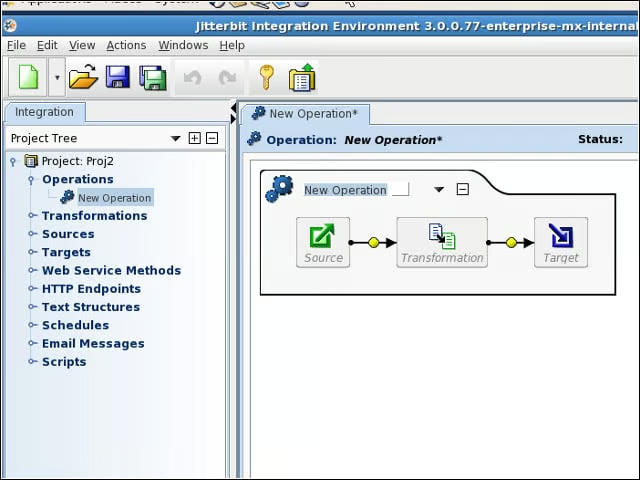
Kicking off a new integration operation starts with a dummy diagram to fill out.
Permissions
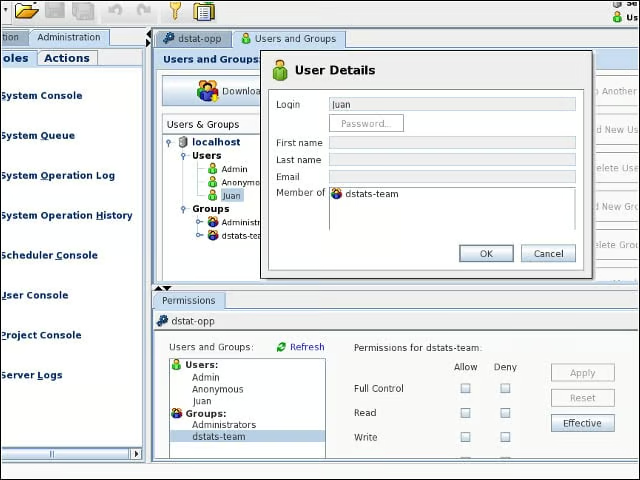
I used Jitterbit 3.0 Enterprise MX to create users and groups, and to parcel out certain access rights to my project.
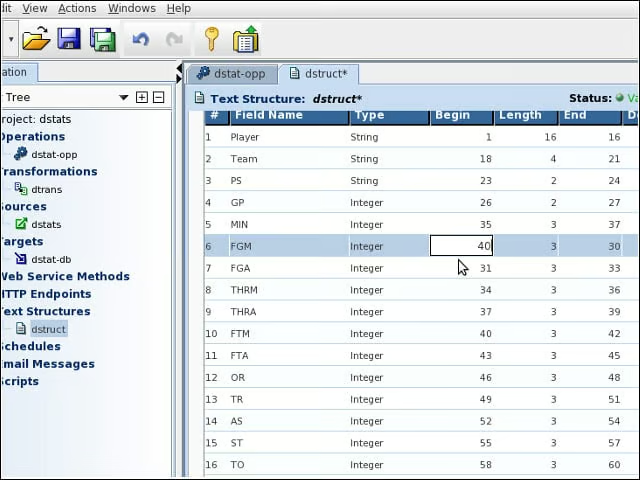
Source Structure
I had to specify the structure of my fixed-width text file manually.
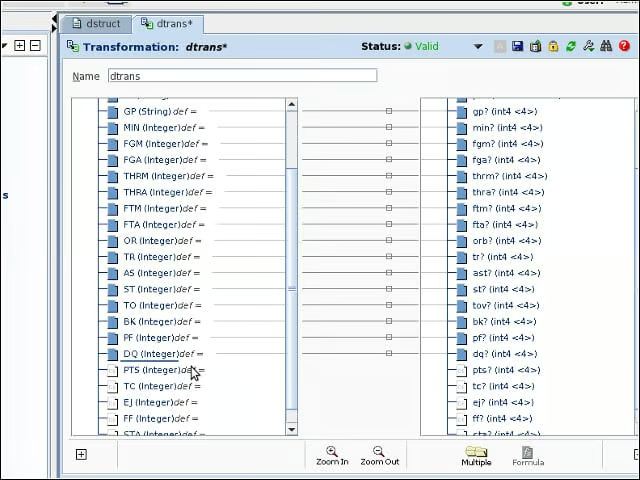
Data Mapping
With my data structure defined, I set out to map the fields from my text file source to my database target.
Web Services
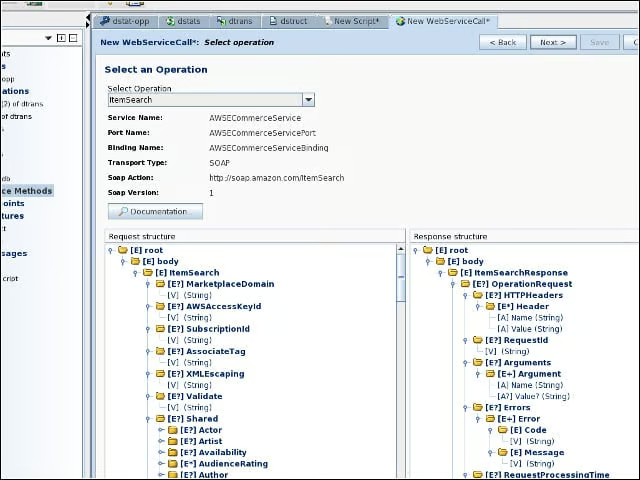
I could tap a Web service as a source by providing the service’s WSDL file.
