








10 Things to Know About the New and Improved Firefox

By Don Reisinger
A Much Nicer Design
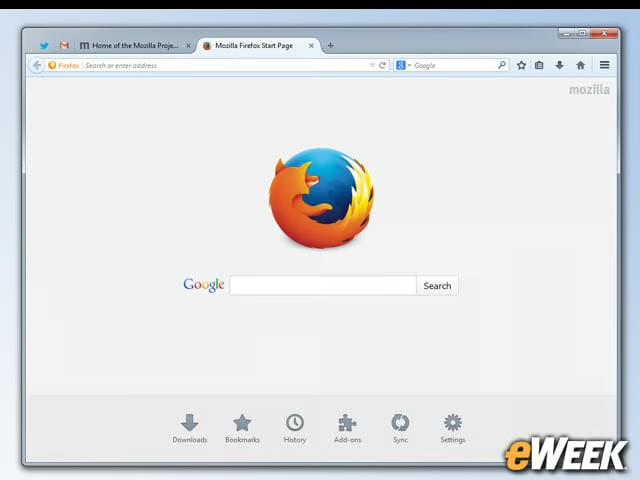
There’s no debating the fact that the new Firefox, Firefox 29, comes with a much nicer design than the previous version. The design makes it easier to focus on Web pages by shedding all the extraneous menus and simplifies the tabbing process and menu access for novices and advanced users alike. Overall, the new Firefox is just a nicer-looking platform.
More Customization
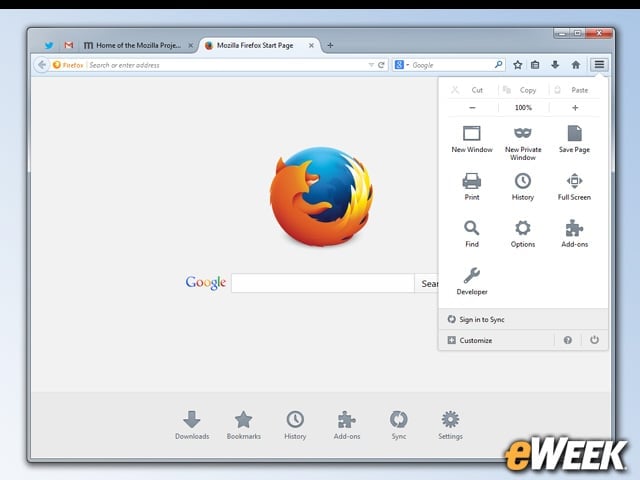
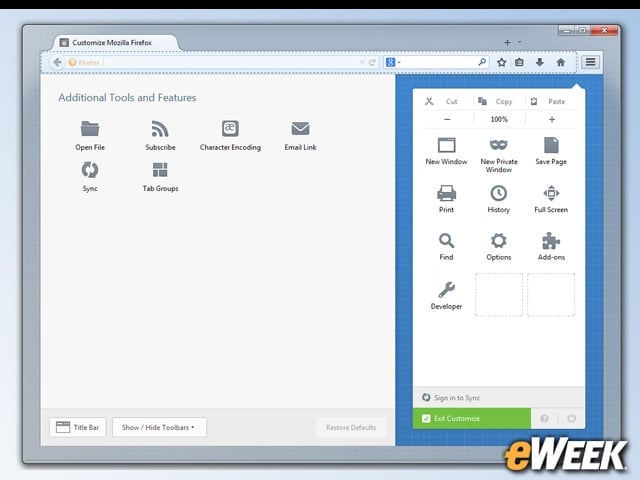
Customization plays a crucial role in the new Firefox. Upon downloading the new browser, users can simply drag and drop different elements of the software design to get it just the way they like. Want to move the menu icons? Go for it. Looking to change the location bar or search box? No one is stopping you. Customization is central to Firefox’s new look.
A Single Pane for Everything
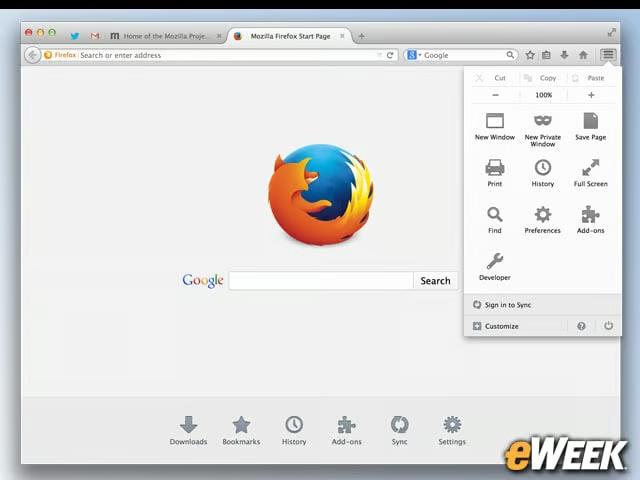
It’s nice to see that Mozilla has taken a page out of Google’s book by providing a single menu pane for all of the things users will want to see in their daily use of the software. Whether it’s customizing different options or changing the browser’s skin, anything and everything is accessible from a single menu pane. Simplicity is important in the browser space, and Firefox shows that.
A Better Sync
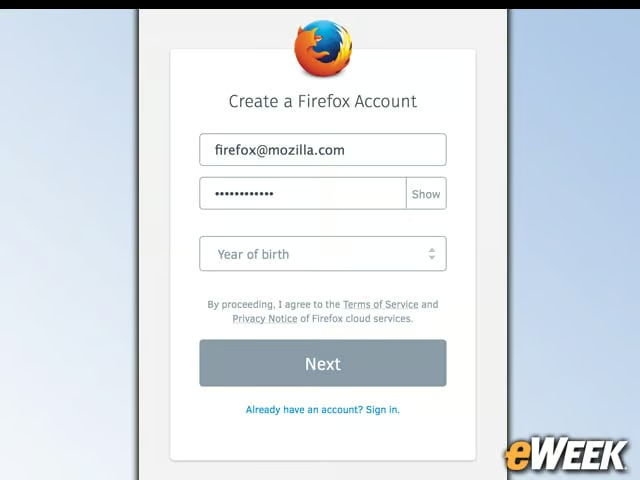
Syncing bookmarks, history, add-ons and other information from one Firefox installation to another is somewhat difficult, due in large part to a password requirement. The new Firefox, however, comes with a new sync feature that lets users simply input their username and password and sync their information across devices. Firefox Accounts, a feature Mozilla rolled out months ago to users, makes syncing the browser extremely easy.
Full WebRTC Support
This won’t get much attention, but it should: Firefox now comes with full support for WebRTC. That feature allows users to make video calls from within Firefox, as well as share files between different browsers. So, if a user wants to send a file from Firefox to someone using a different browser, WebRTC allows for that. It’s a great cross-platform feature that will be a welcome addition to Firefox.
Bookmark Handling Is Improved
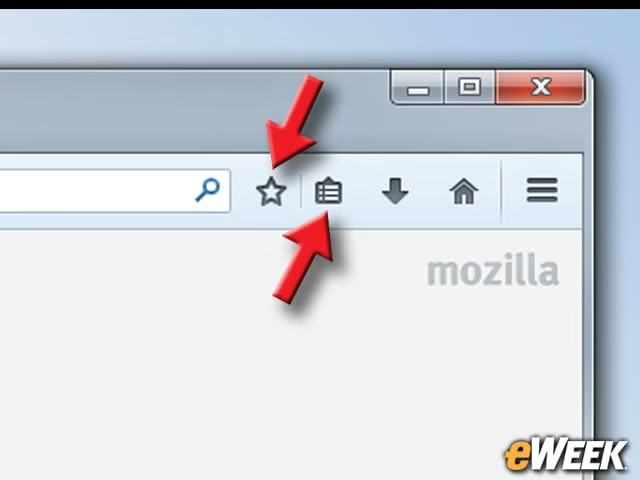
Firefox has finally done a better job of improving bookmarks. Adding a page as a bookmark is as simple as hitting an icon within the browser, but right next to that is another place to look through all of the favorites a person has saved so far. It’s now much easier to create bookmarks and manage them in Firefox.
Tab Handling Has Gotten Better
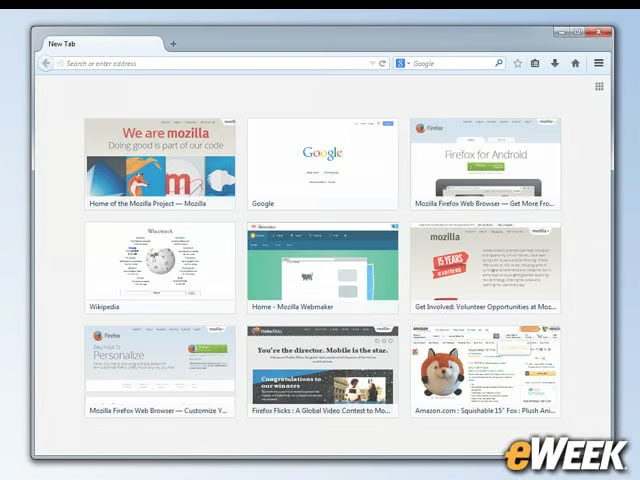
Tabs are obviously a big selling point for Firefox, so it’s perhaps no surprise that they’ve also been updated in the new design. Tabs are no longer being squished as users add more and more pages to the single window. Instead, a finite number of tabs are shown, displaying full page titles. If users want to view other tabs, they’ll need to either use arrows at either end of the tab bar or use their scroll wheel. That sounds like a good idea, but it should be interesting to see what the public thinks when it’s put into practice.
Developers Will Be Happy
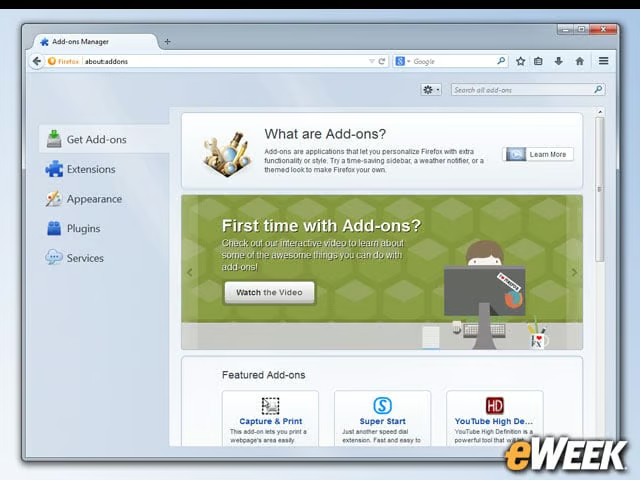
Developers will be especially happy with what they find in the new Firefox. The new and improved browser comes with more than 30 Mozilla-designed application programming interfaces, as well as the Web Audio API to create new audio experiences within the browser. One other important feature: an App Manager for mobile developers to debug their programs. Nice.
An Eye on Android
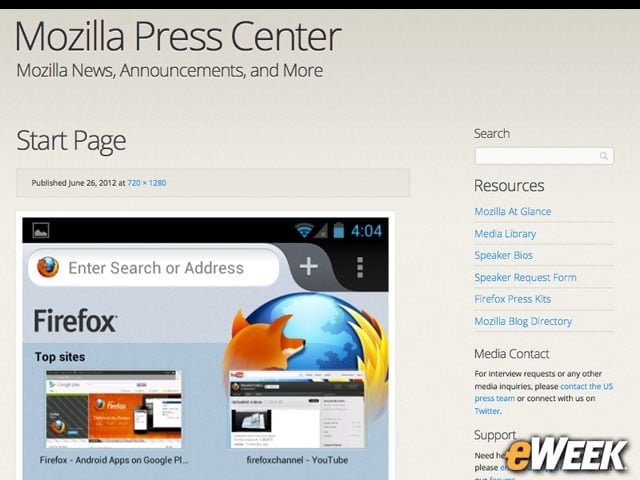
According to industry statistics, Mozilla’s market share in the Android ecosystem is less than 1 percent. However, the new Firefox is designed to integrate nicely with Firefox for Android. The idea is to build out Firefox’s presence in the Android space with help from the desktop version of Firefox. Whether it’ll work, however, remains to be seen.
An Eye on Chrome
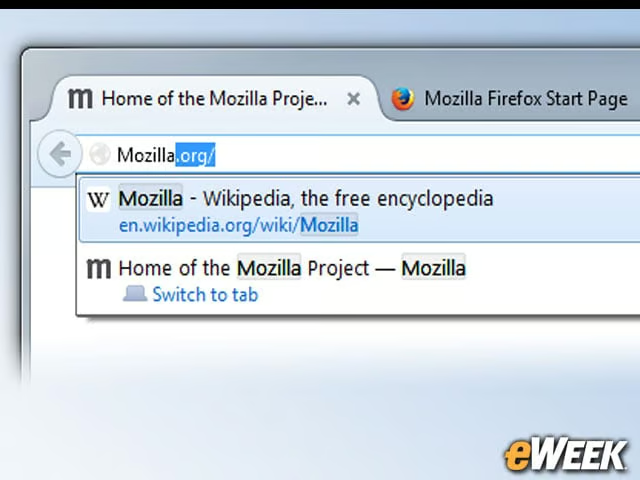
Looking at the new features in Firefox, including its improved design and developer offerings, the browser looks awfully similar to Google’s Chrome. That’s probably a good thing. According to NetMarketShare, the Firefox browser is watching its market share fall as Google’s Chrome climbs. It’s a good idea for Mozilla to catch up to Chrome on speed and usability before it’s too late.