







LABS GALLERY: Snow Leopard Server Adds Effective Workflow Enhancements
Welcome to Podcast Capture
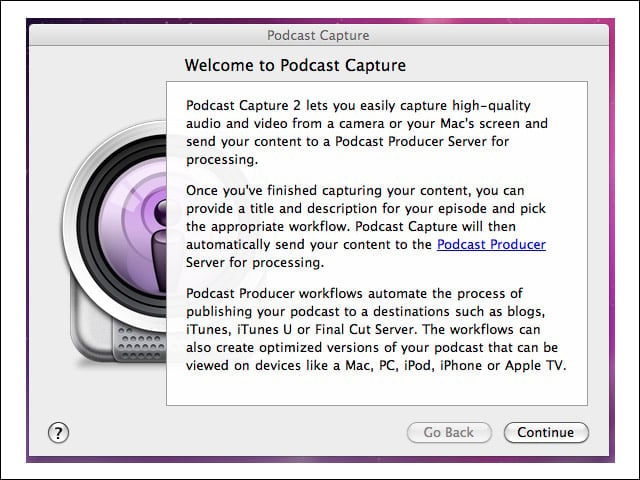
This is on the client, a MacBook Pro. I easily made a connection to the Podcaster Producer 2 component on the Snow Leopard Server.
Podcast Workflow
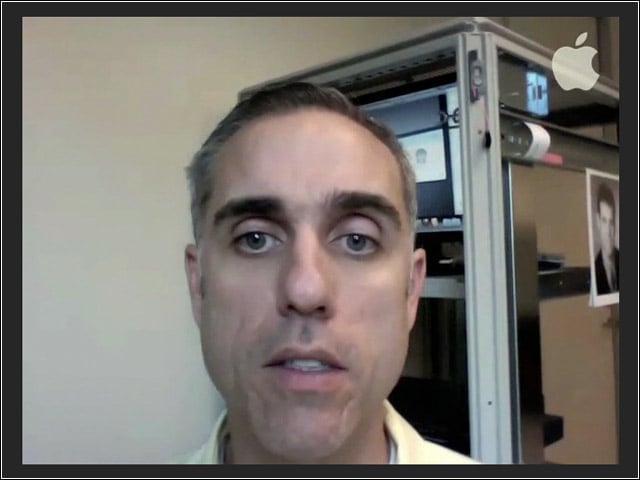
This is a frame from my first podcast video. The camera is too close, but the point is that, with the workflow automation, I was able to produce the entire podcast in less than 10 minutes—from filming to presentation on other systems.
Browsing Through Podcast Producer
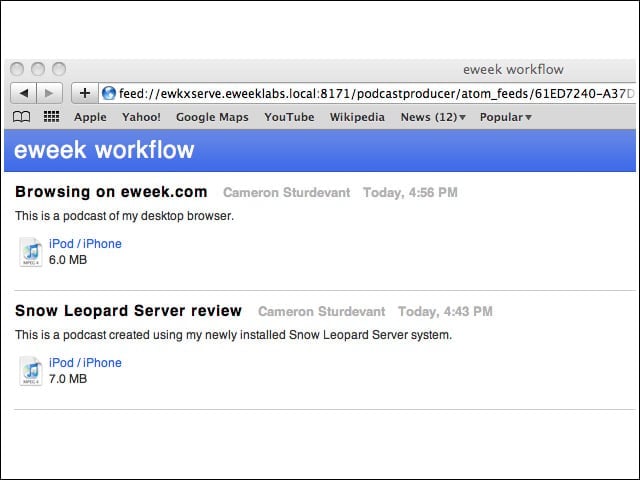
Here you see a sample of the podcasts I was able to quickly produce using Snow Leopard Server and my Mac client.
Podcast Information
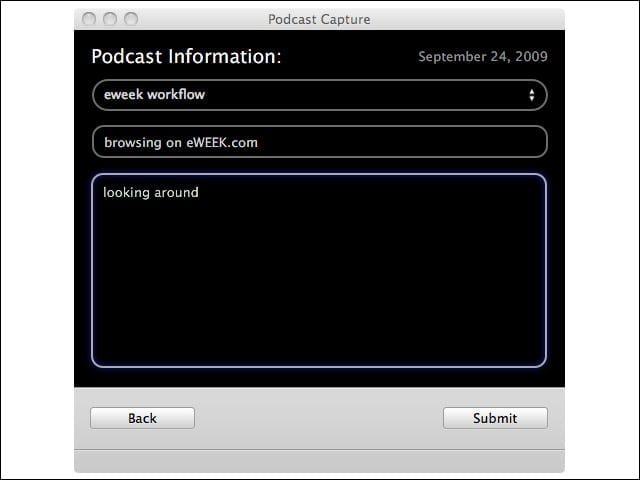
The information entered in this screen is used in the Podcast Producer workflow to automatically add credits to the podcast.
Podcast Submitted
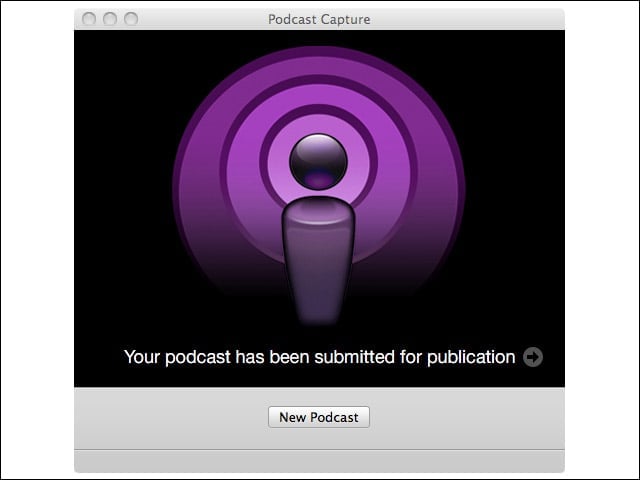
Once submitted to the Podcast Producer 2 server, podcast material is automatically produced and distributed.
Snow Leopard Server Services
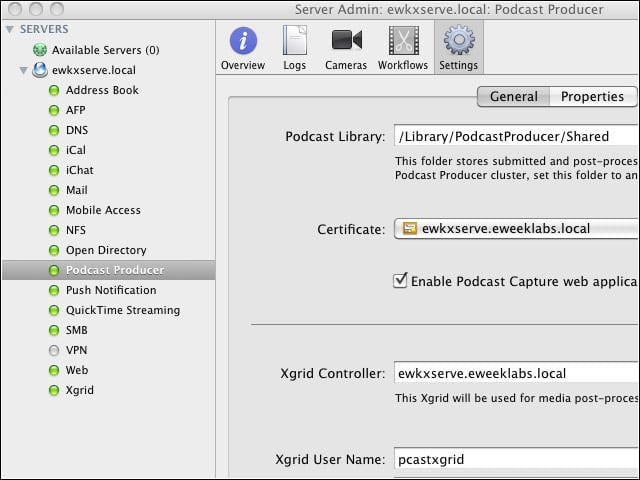
Here you see all the services running on my Snow Leopard Server-based system, including Podcast Producer. You can also see the other services that must be connected for the process to work.
Designing a Workflow
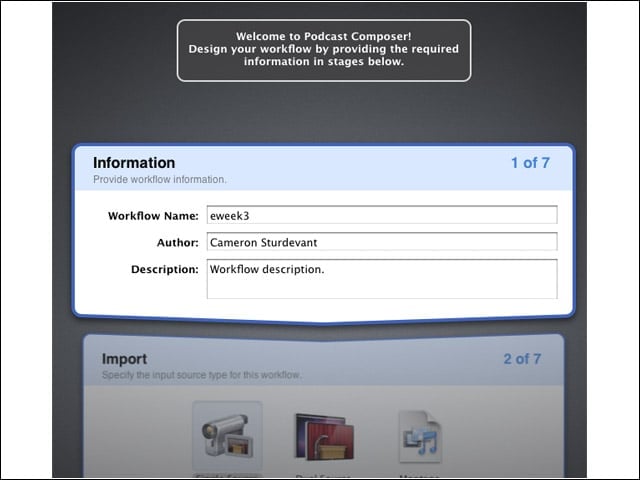
The workflow creation process has been streamlined in Snow Leopard Server. Here you see the first step.
Wiki Server Configuration
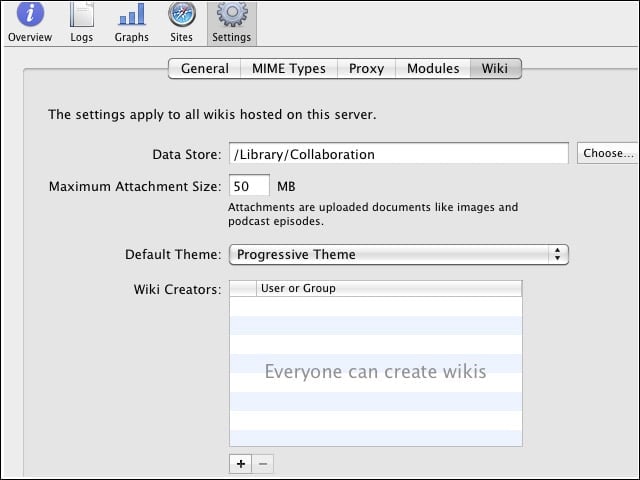
Shown is the creation of a wiki template on Snow Leopard Server.
Server Preferences
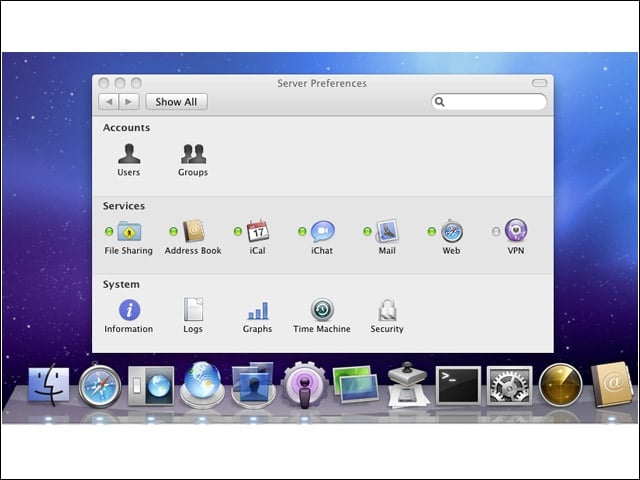
Here you see the services available on eWEEK Labs’ Snow Leopard Server installation.