








Opera Beta Bulks Up on Private Browsing

Opera Beta Bulks Up on Private BrowsingBy Cameron Sturdevant
Welcome to the Beta
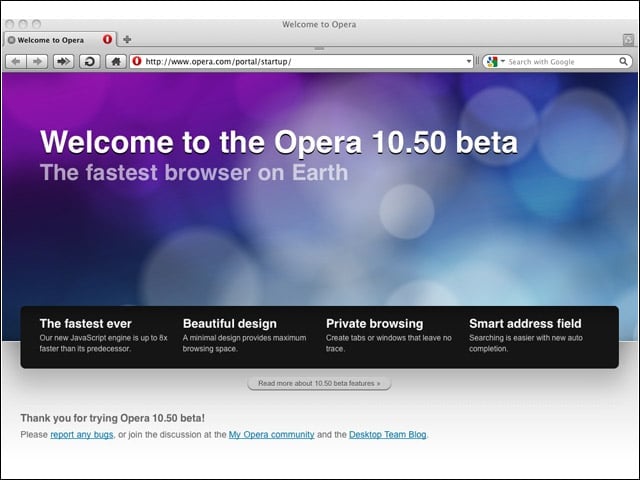
The Opera 10.50 beta for Mac OS X was released on Feb. 25, advancing the underlying product with new features.
Two-Finger Swipe
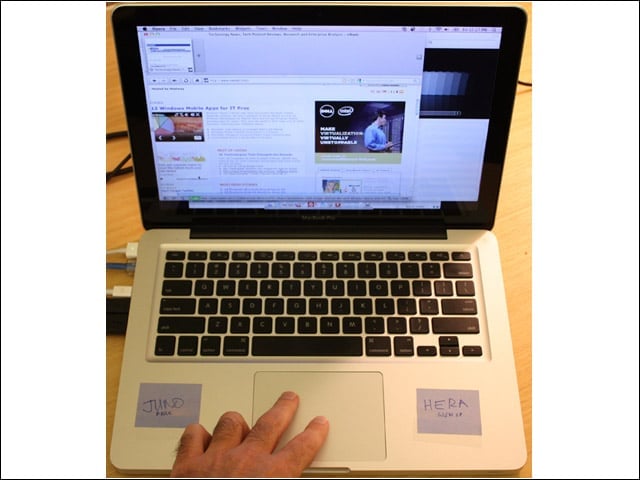
The Opera beta incorporates multitouch trackpad support. I’m shown here navigating eWEEK.com using two fingers and the trackpad on my MacBook Pro.
Private Tab
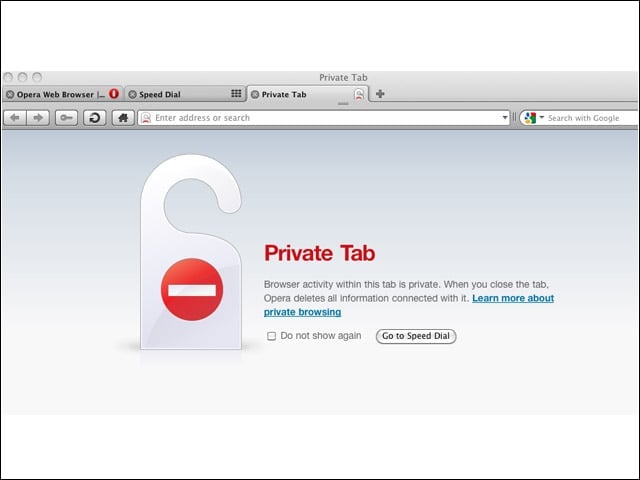
Private browsing, in which Opera eliminates all record of site visits, is now available in the Opera beta.
Private Browsing
A tiny padlock icon appears in the address bar to indicate that this is a private browsing session.
Interface
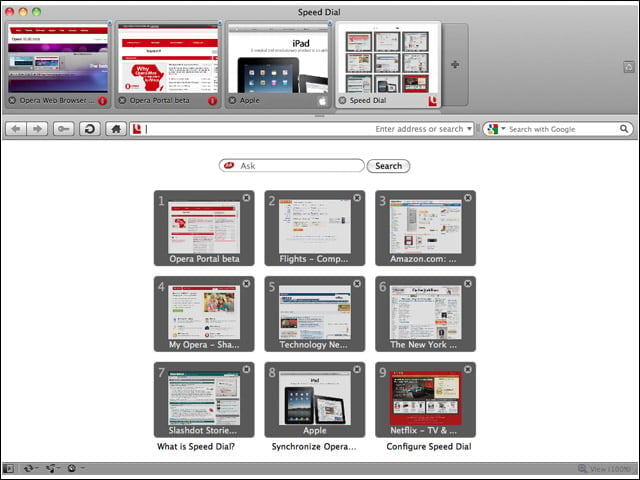
Here’s the startup page with the current layout of my “Speed Dial” Web pages.
Yep, Its a Beta
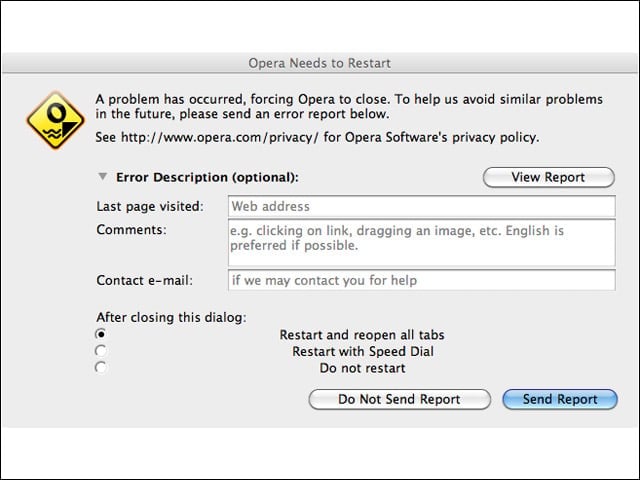
I saw a lot of this screen during my initial use of Opera 10.50b1.
Smart Address Bar
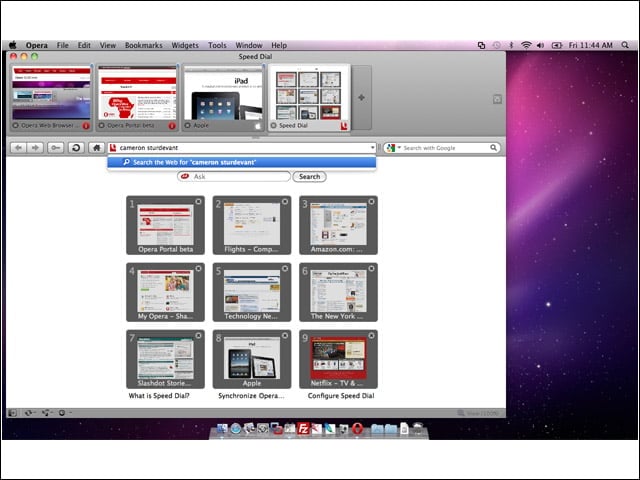
Here you see that I’m performing an ego search by typing my name into the address bar. You see the search term in the blue bar just beneath.
Results
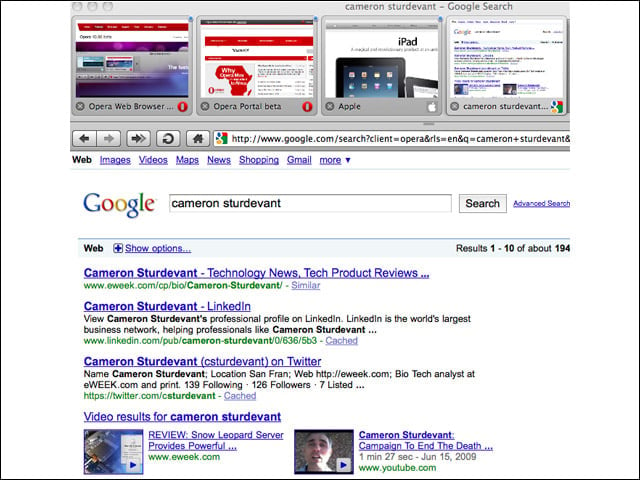
Here you see the results page from the smart address bar search.
Highlighting
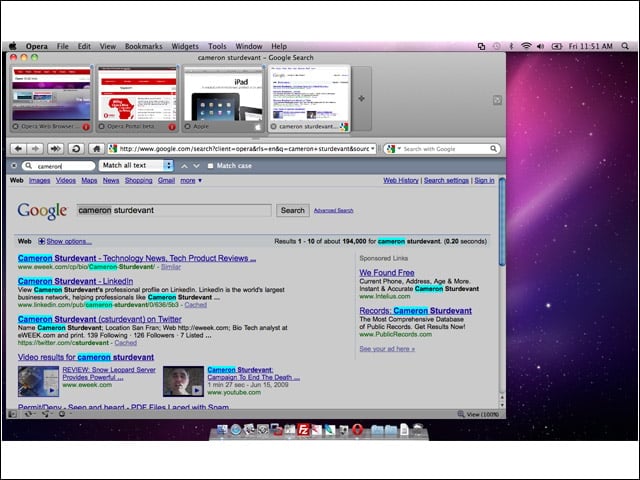
Opera makes it easy to find results on the page. I’ve typed in a period and entered my first name. You see the highlighted results.
Widgets
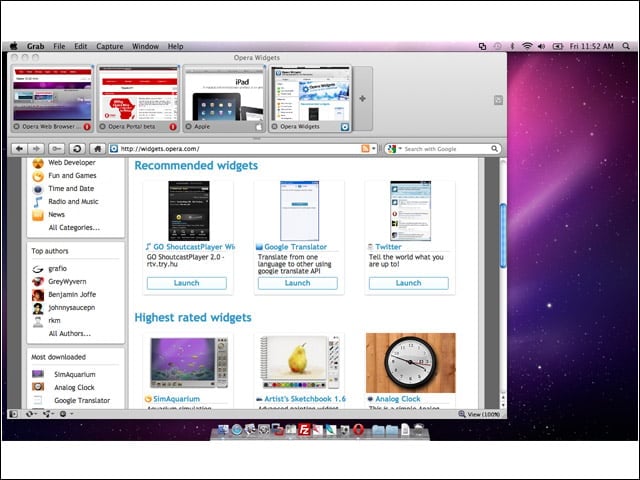
While not new, there are additional widgets available to enhance the functionality of Opera.
Turbo
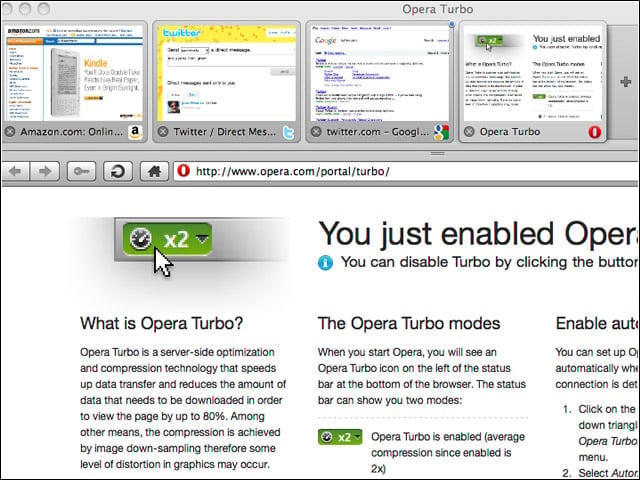
Also not entirely new, this function uses caching and other services to speed browser sessions that might otherwise be hampered by slow connections.
Extreme Tabbed Browsing
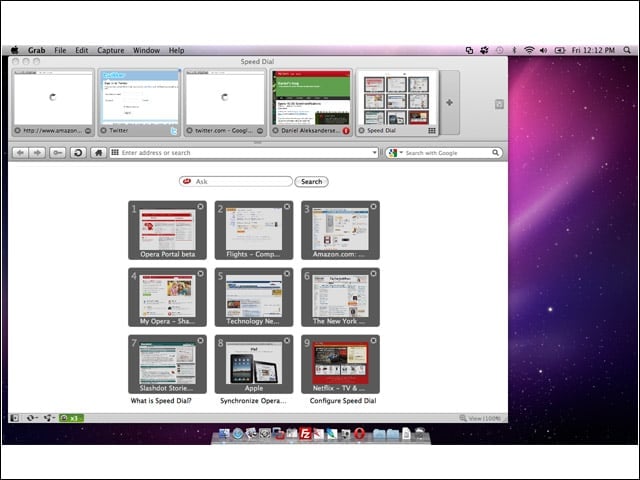
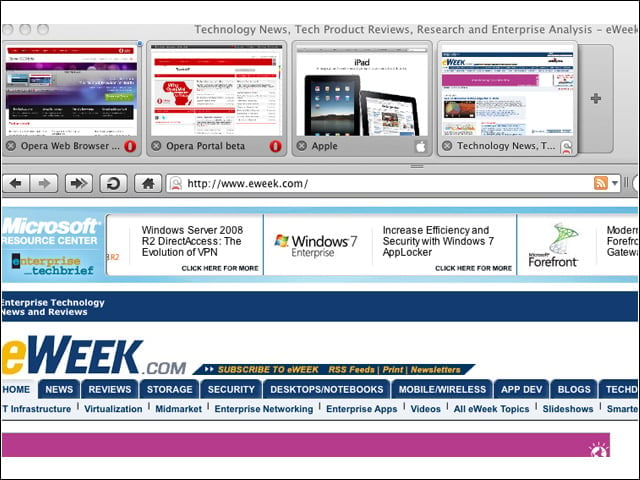
Previous versions of Opera have enabled this “blown-out” version of tabbed browsing that displays thumbnails of the available Websites.
Growl
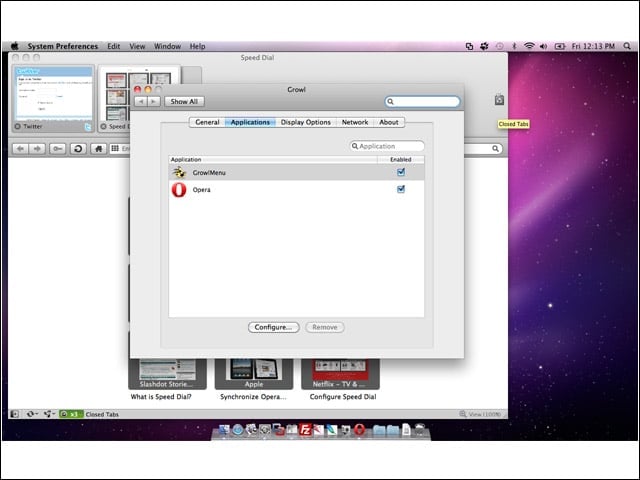
The Opera beta adds support for the Growl event notification system. You see here that Growl has recognized Opera on my MacBook Pro and is set to provide event notifications.