







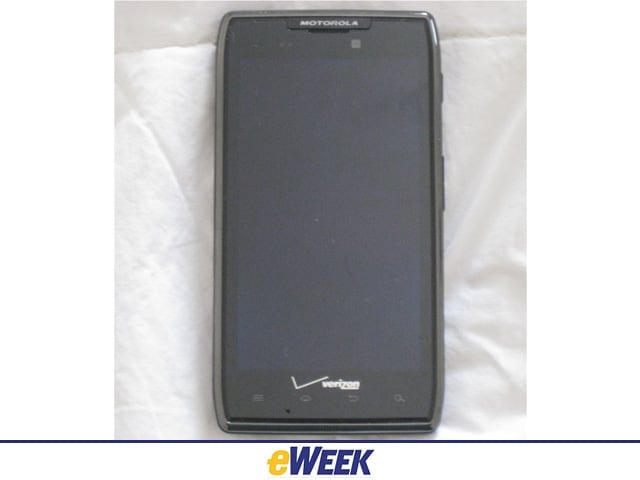
1) Razr Maxx Revealed
The handset appears very much like its Droid Razr predecessor, which Motorola launched in November.
2) Maxx Rear View
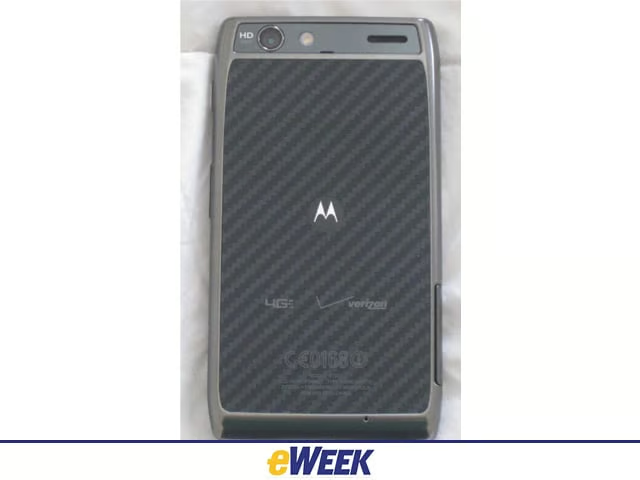
The phone has the same textured, gray back as the Razr, as well as the 8-megapixel rear and 1.3MP front cameras for photography fans.
3) Razr Maxx from the Side
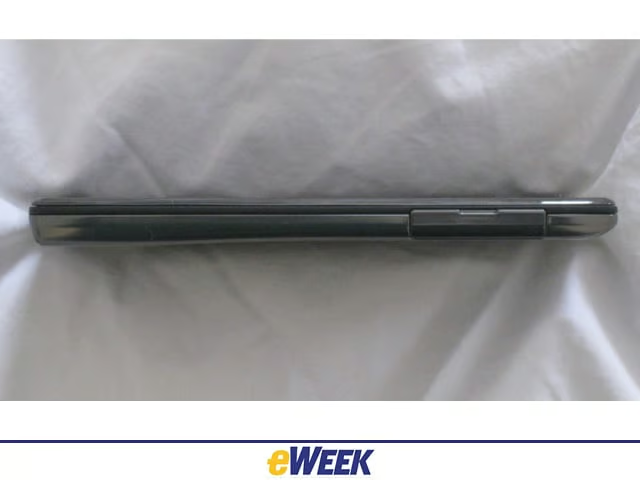
You’d expect a phone with a 3,300mAh battery to be a fat little gadget. Not so for the Razr Maxx, which measures only 8.99 mm, or 0.35 inches, thick. That’s roughly the size of Samsung’s Galaxy S II phones, which were heralded as super-thin and powerful.
4) Side-by-Side Comparison
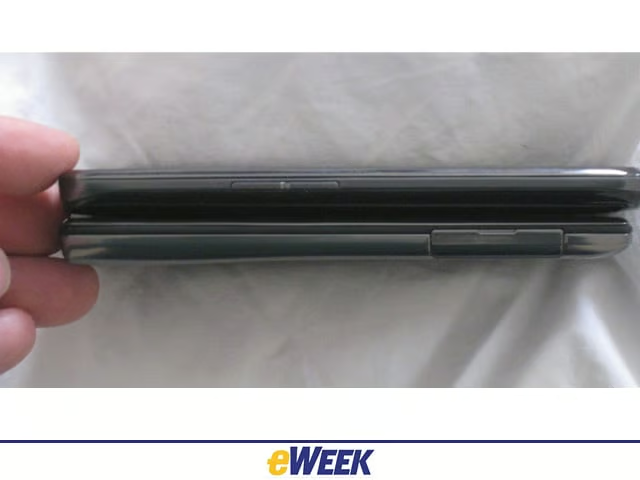
For perspective on Razr Maxx’ thinness, see it underneath Verizon’s new LG Spectrum, which measures 0.40 inches thick.
5) Spectrum and Maxx
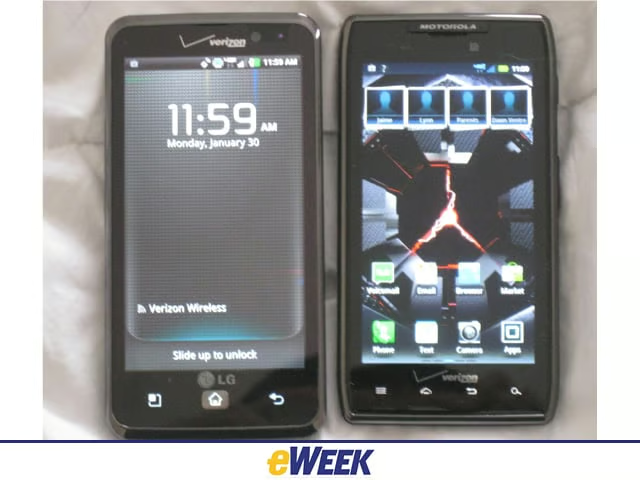
These two phones are a testament to large-screened Android handsets. The LG Spectrum has a 4.5-inch true high-definition display-the kind you find on LG HD TVs. The Droid Razr Maxx isn’t shabby either, sporting a 4.3-inch Super AMOLED (active-matrix organic LED) Advanced screen with 540-by-960 resolution.
6) Smart Actions
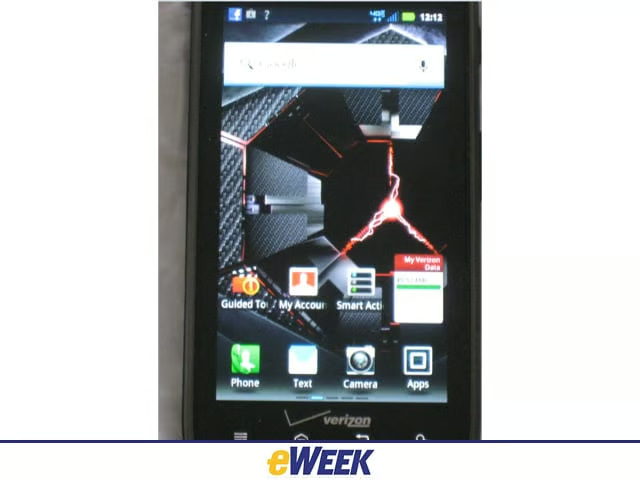
One of the key applications on the Droid Razr and Razr Maxx is Smart Actions, which automates toilsome daily tasks for play and work, such as playing music when using headphones and using the battery extender to turn off power-draining apps.
7) Using Razr Maxx at Home
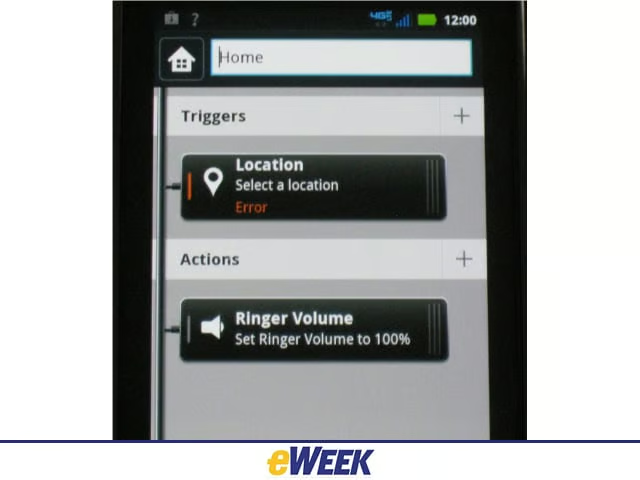
Smart Actions lets users set the phone to launch news updates, run a playlist of music, send text messages and adjust brightness at home.
8) Using Razr Maxx at Work
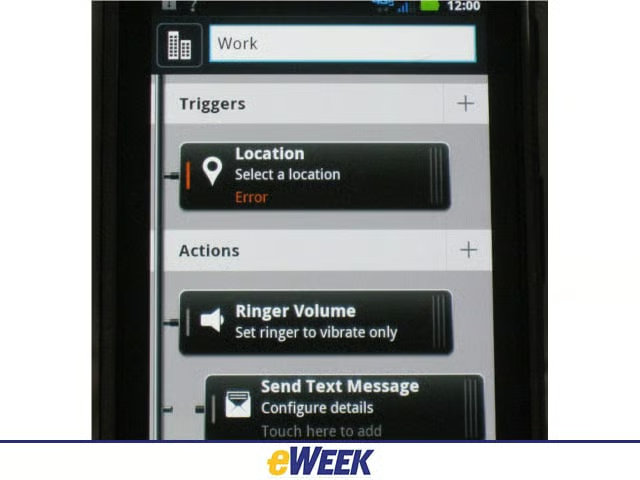
Smart Actions can also be used to adjust the settings while at work such as turning off the phone ringer.
9) Contact Widget
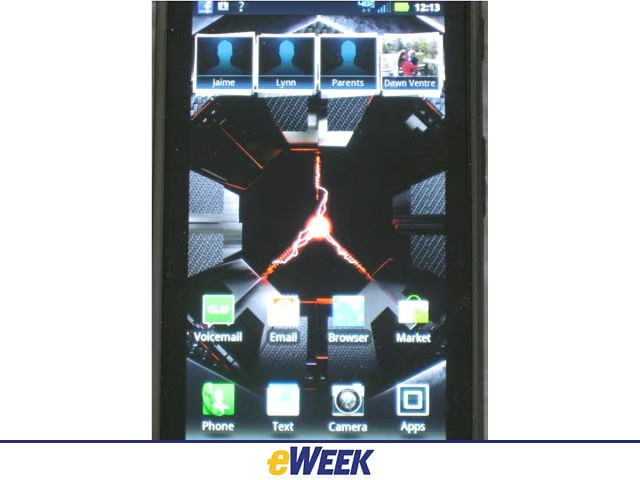
The Razr Maxx has an excellent contacts widget, displaying contacts in tiles on a home screen.
10) Contacts Expanded
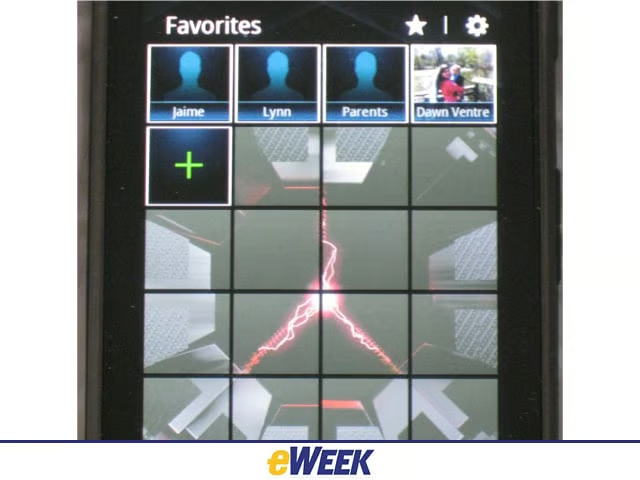
Users simply flick their finger downward on the contacts widget to see more contacts.
11) Photo Gallery
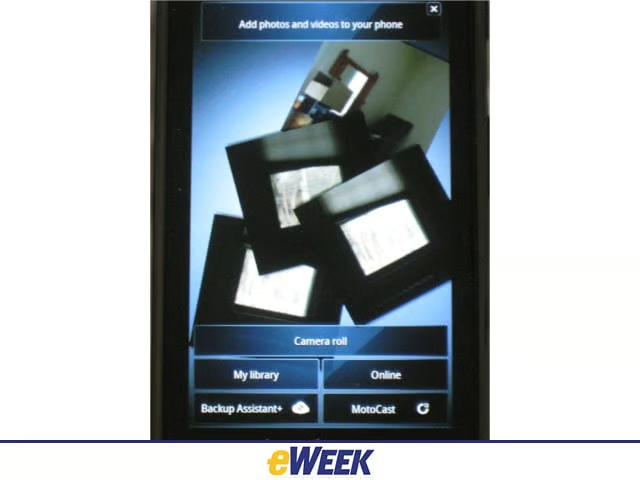
The Motoblur photo gallery is another sweet feature, showing pictures as a stack of photos on the screen.
12) Apps for Work, Play
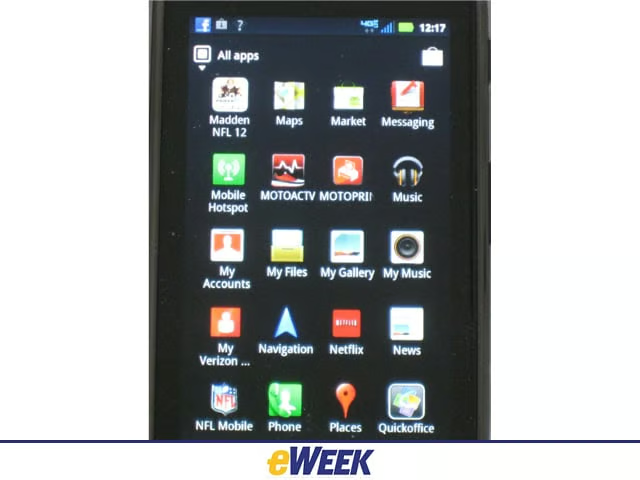
The Maxx is packed with a number of interesting apps, including the Madden NFL 12 game, Google Music and Netflix for consumers, and QuickOffice, the mobile document office suite for the enterprise-minded user.