







- 10 iOS Apps to Help Workaholics Work Smarter
- WhatsApp Messenger: Cross-Platform Talk
- Sleep Cycle Alarm Clock: A Fresher, Nicer You
- Evernote: Cloud-Based Note-Taking and Sharing
- Clear: A True Scheduler for the Busy Worker
- GoodReader: The Do-Everything App for Workaholics
- TurboScan: Out-and-About Scanning
- Lose It: Work on Your Health
- Facebook: For Social Media Managers
- Dropbox: Upload Files and Bring Them Down Quickly
- HotSchedules: A Keeper for the Busy Person in All of Us
10 iOS Apps to Help Workaholics Work Smarter
by Don Reisinger
WhatsApp Messenger: Cross-Platform Talk
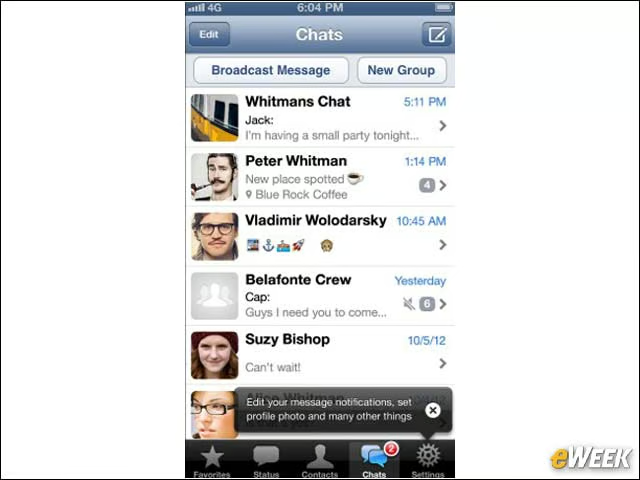
WhatsApp has been the subject of rumors lately that Google is acquiring it and its WhatsApp Messenger app for around $1 billion. Whether that happens or not, the application is useful for workers who want to be able to quickly communicate with anyone and everyone. The app works across all mobile platforms and supports texting, video and audio messaging. It’s an all-in-one program that shouldn’t be missed.
Sleep Cycle Alarm Clock: A Fresher, Nicer You
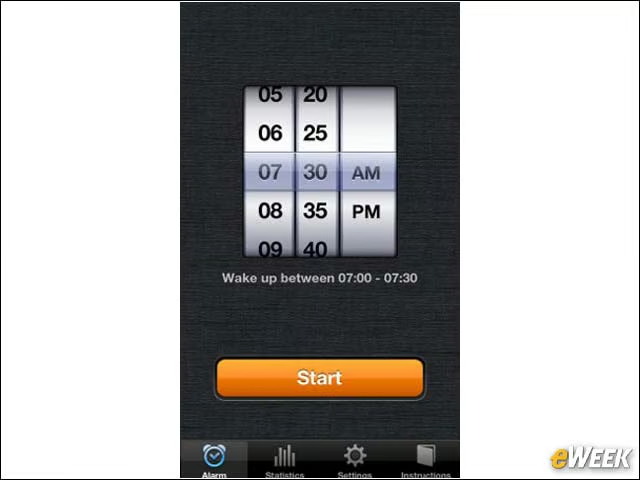
This might seem like an odd inclusion for a workaholic looking to be more productive, but don’t overlook the importance of your health. The Sleep Cycle Alarm Clock analyzes sleep patterns during the night and goes off at the ideal time for one to wake up. Feeling better in the morning makes workaholics more productive, and it’s available for only 99 cents.
Evernote: Cloud-Based Note-Taking and Sharing
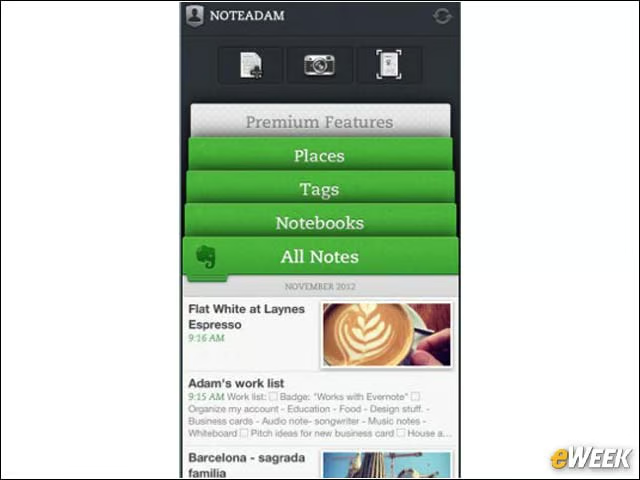
Evernote is easily the best note-taking application available in Apple’s App Store. The program includes everything from written note-taking to dictation. And since it’s cloud-based, it can easily connect to the Web, so all of that information can be shared on other devices. It’s a great way to keep notes in order.
Clear: A True Scheduler for the Busy Worker
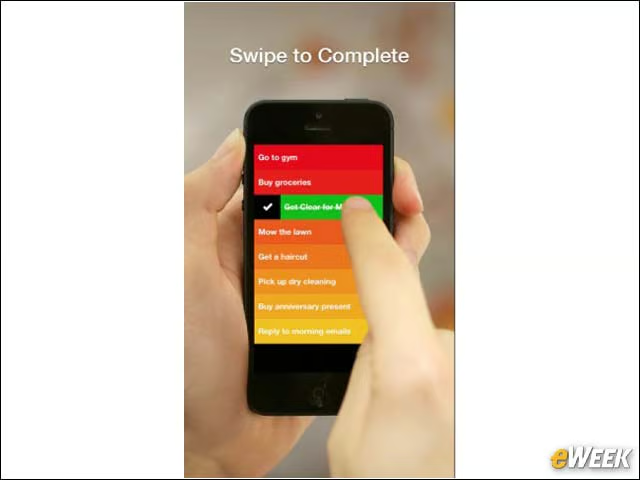
Looking for a simple application that will help manage all of the things needed to be handled in a day? Look no further than the $1.99 application Clear. The app is simple to use, has a great interface and makes managing a schedule simple. It’s a great program.
GoodReader: The Do-Everything App for Workaholics
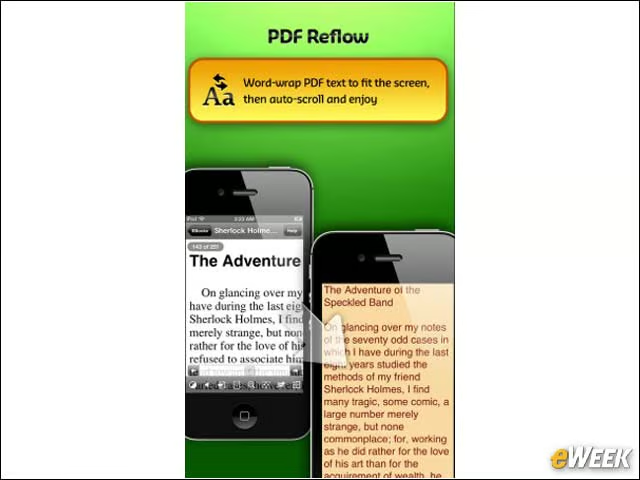
Although $4.99 might be a little steep for an iOS application, GoodReader is actually a fine product for those who want to manage and view PDFs from an iOS-based device. Better yet, it includes the ability to annotate on PDFs and manage FTP files. It’s a true end-to-end solution for workaholics.
TurboScan: Out-and-About Scanning
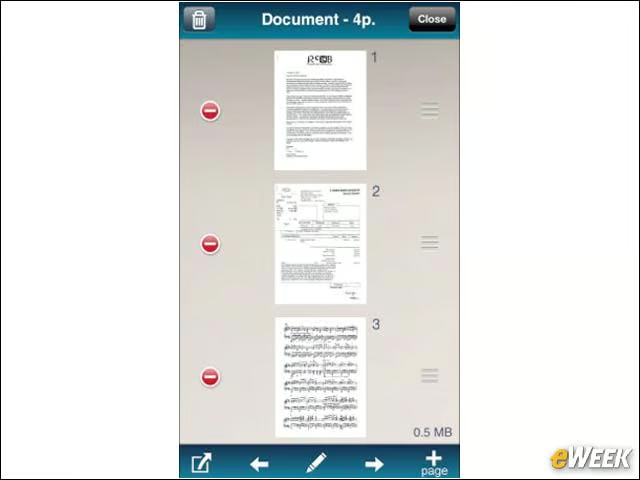
TurboScan might just be one of the most useful applications in this roundup. The app, which costs $1.99, allows users to snap a picture of a document that they can then email or share with others. It’s ideal for workers on the road who need to keep documents for analysis later on.
Lose It: Work on Your Health
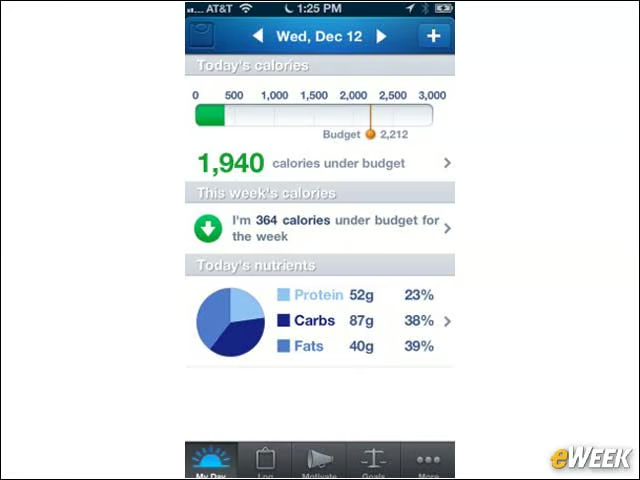
Being a workaholic means that sometimes health takes a backseat to work. But that’s not always a good thing. So, it’s important to use an application like Lose It—a program that tracks calories consumed and burned and helps folks stay fit. It’s something to keep in mind while away from work.
Facebook: For Social Media Managers
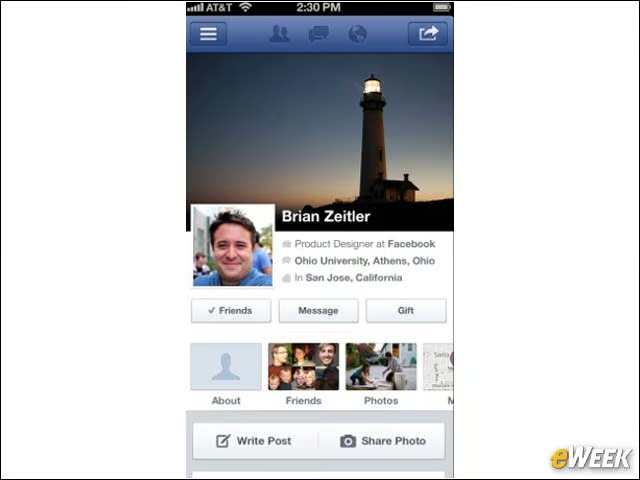
Having a Facebook application available on iOS is important for many workers. The application makes it easy for users who are managing office social media accounts to update their pages from afar. In other words, there’s no need to go back to the browser to get work done.
Dropbox: Upload Files and Bring Them Down Quickly
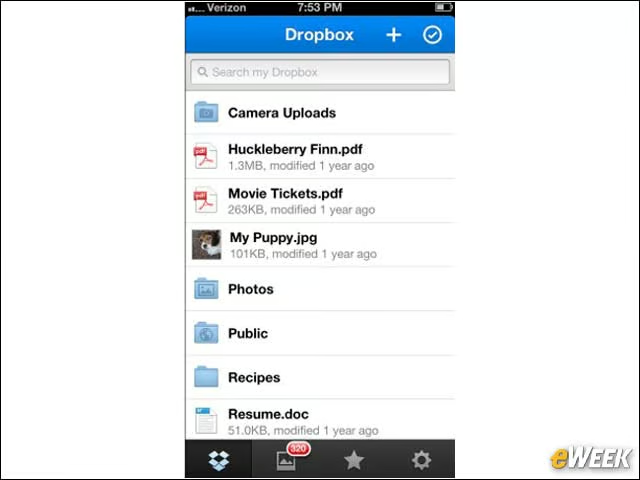
Dropbox is arguably one of the best free applications in this roundup. The program allows iPhone and iPad owners to take large files from their devices and upload them to the cloud for use elsewhere. Large files can also be downloaded to a device.
HotSchedules: A Keeper for the Busy Person in All of Us
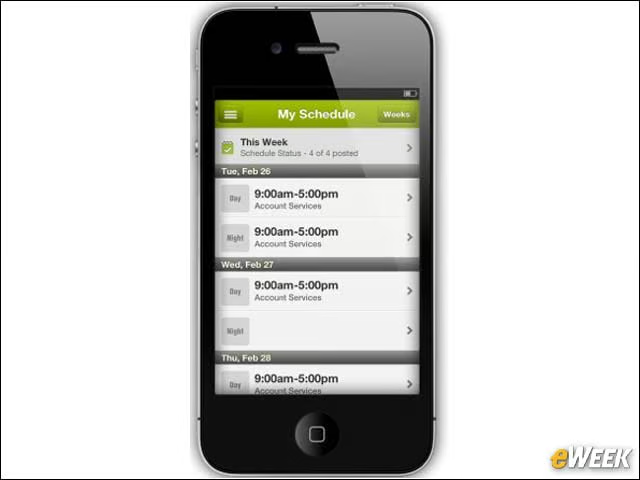
HotSchedules, which is available to customers for $2.99, is one of the best ways to manage all of the things a person has to do during the day. It provides easy access to different worker shifts and the ability to include schedule requests. To say that it’s easy to use would be an understatement.