







Amazon.com Turns iPhone into Killer E-book Reader
by Joe WilcoxEditor, Apple Watch
No Title
On March 3, Amazon.com quietly released the “Kindle for iPhone” e-book reading software. The application, available through Apple’s App Store, makes about 240,000 Kindle e-books available for the iPhone.
No Title
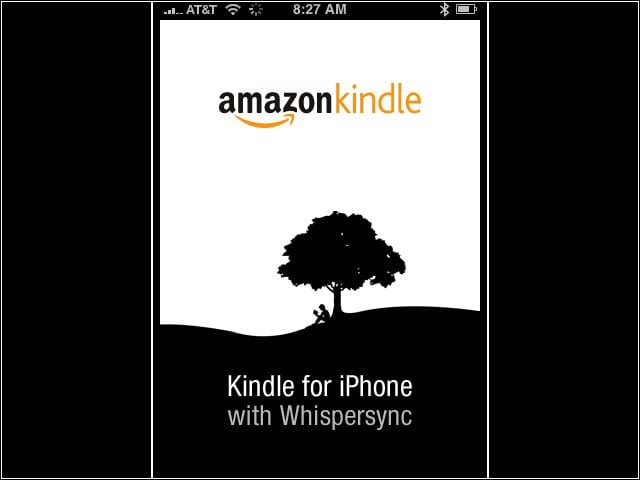
The Kindle and iPhone share 3G wireless in common. Like the Kindle, the iPhone can download e-books from Amazon.com over the air.
No Title
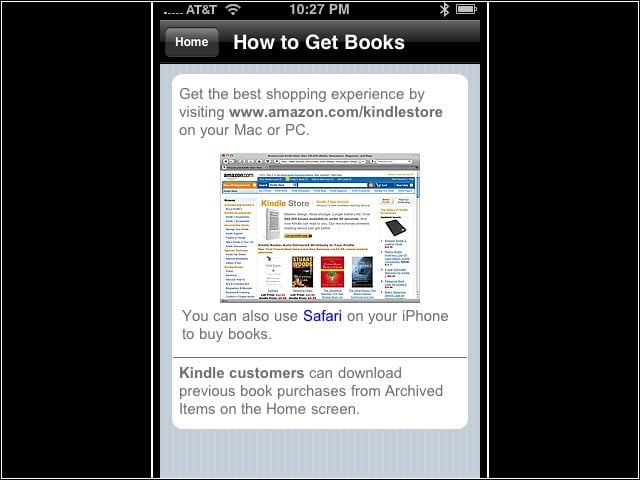
Amazon.com offers an integrated book-buying experience on Kindle devices. But new book purchases for an iPhone must be done either on a PC or using the device’s Safari Web browser. Once purchased, e-books can be downloaded through the Kindle for iPhone application, which also works on the iPod Touch.
No Title
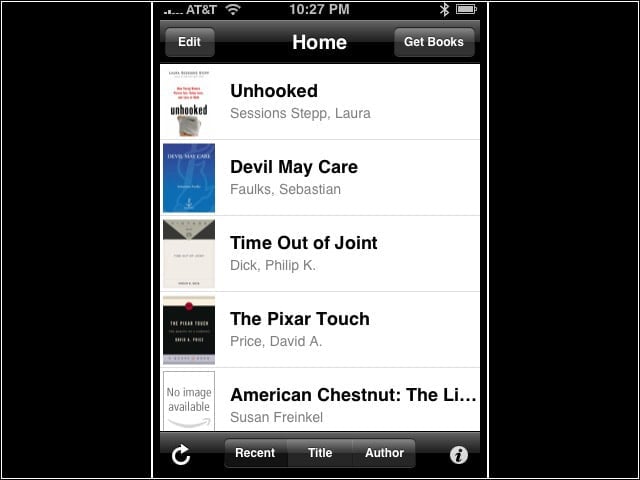
Kindle e-books appear in an easy-to-navigate library. The books here were purchased in August 2008 via a Kindle device but downloaded for free to an iPhone 3G in March 2009. Amazon.com maintains personal libraries of buyers’ purchased Kindle Books. The consumer’s Amazon ID is the key that unlocks the e-books for multiple Kindles or an iPhone or iPod Touch.
No Title
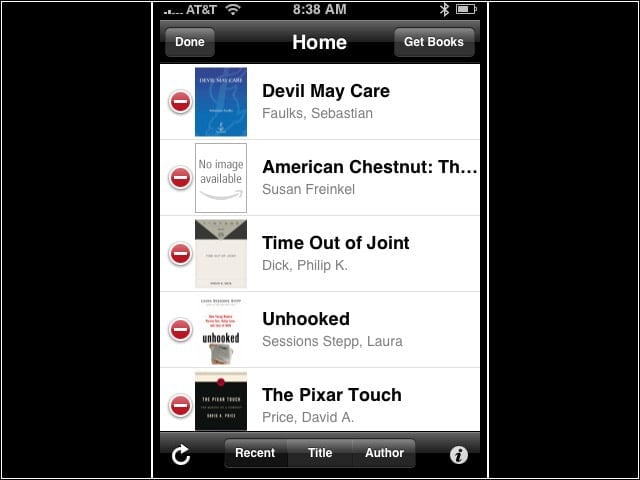
E-books are easily removed from the iPhone, a process that does not remove them from the online personal Kindle library. The e-books can be easily downloaded again for future rereading.
No Title
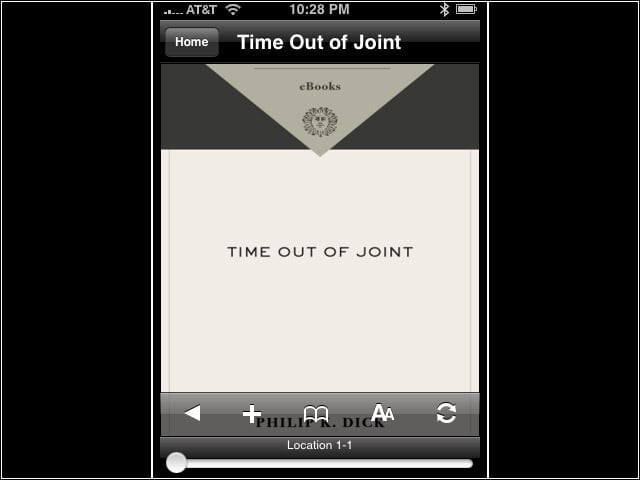
A handy navigation bar allows quick scanning of pages or bookmarking. Strangely, there is no obvious search option. The reader turns a page by swiping a finger across the iPhone screen.
No Title
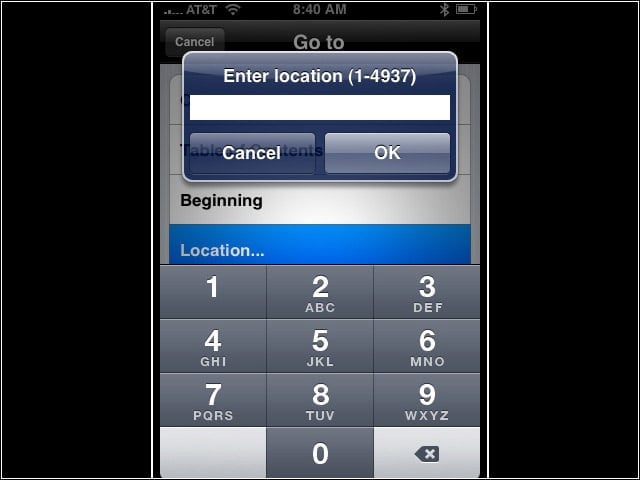
A submenu allows users to quickly move around Kindle e-books. One option selects a location (why doesn’t the application just say page?)
No Title
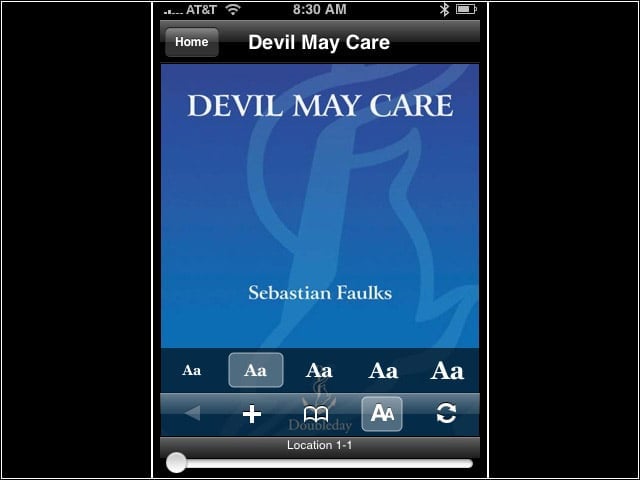
Kindle for iPhone doesn’t take advantage of some multitouch features. The device supports resizing text using finger gestures, but not the e-book reader software. The user must use preset options for changing text size. The color cover is a visual nicety not available on Kindle devices, which use gray-scale displays.
