








- An Early Look at the Amazon Fire Smartphone
- Meet the Amazon Fire
- Amazon Fire OS
- Icon Carousel
- Lightweight Materials
- In Profile
- Firefly in Action
- Firefly in Action
- The Ultimate Shopper
- Dynamic Perspective
- One-Handed Gestures
- Getting the Most From Maps
- A Win for Game Developers–and Gamers
- One-Handed Gestures
- One-Handed Gestures
- Amazon Fire in Summary
An Early Look at the Amazon Fire Smartphone
by Michelle Maisto
Meet the Amazon Fire
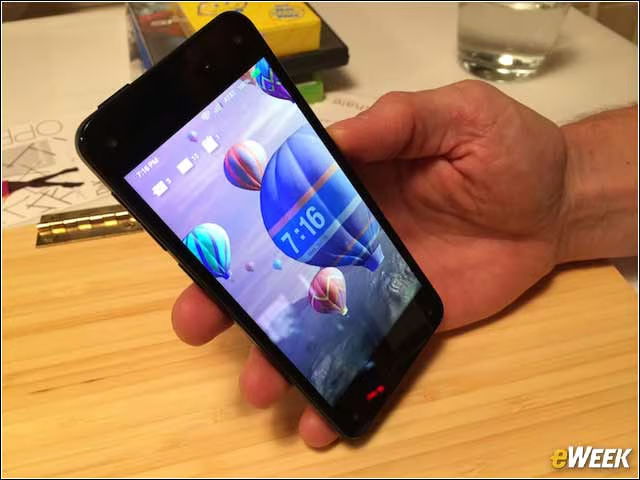
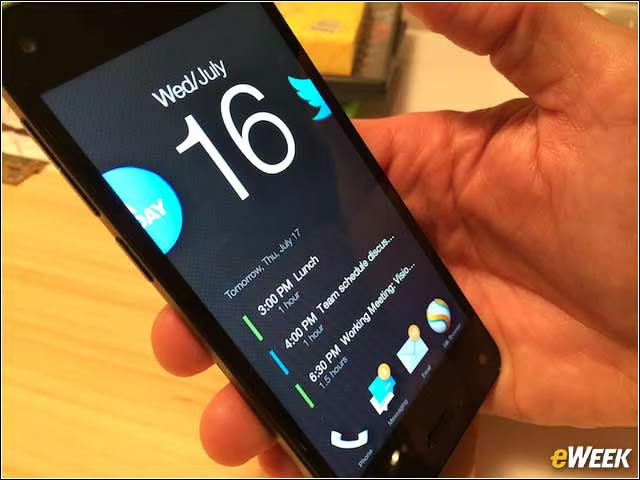
The Fire smartphone has a 4.7-inch In-Plane Switching (IPS), LCD HD display with “Dynamic Image Contrast” technology that makes for a great outdoor viewing experience. It also allows, in some instances, for a 3D-like experience.
Amazon Fire OS
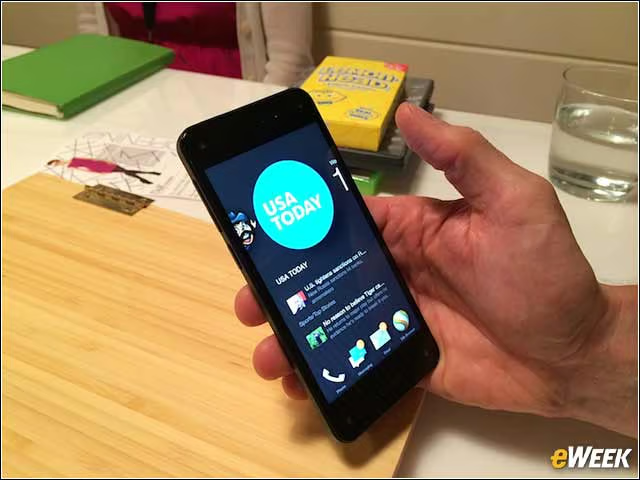
The Fire runs the Android-based Fire OS, which will be familiar to anyone who has used a Kindle Fire HD X tablet. On the tablet, a user swipes horizontally between most-used or favorite app icons. On the smartphone, Amazon has done one better, adding related content below the icon.
Icon Carousel
Here is another view of the icon carousel, with related information below it, as well as typical bottom-of-the-phone fare: icons for email, messages, the phone and the browser (Amazon’s Silk browser).
Lightweight Materials
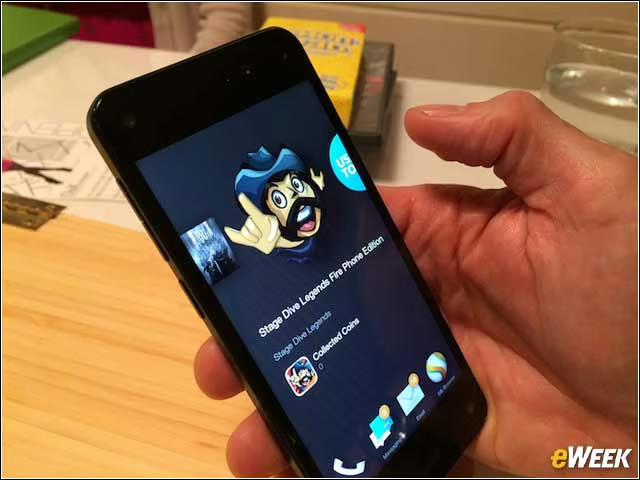
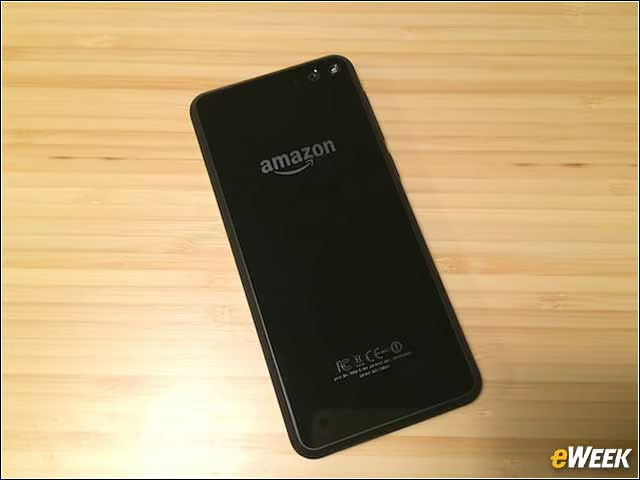
The Fire is made of plastic. While very light, it doesn’t make for an expensive feel—which may not be what Amazon’s biggest fans are after anyway.
In Profile
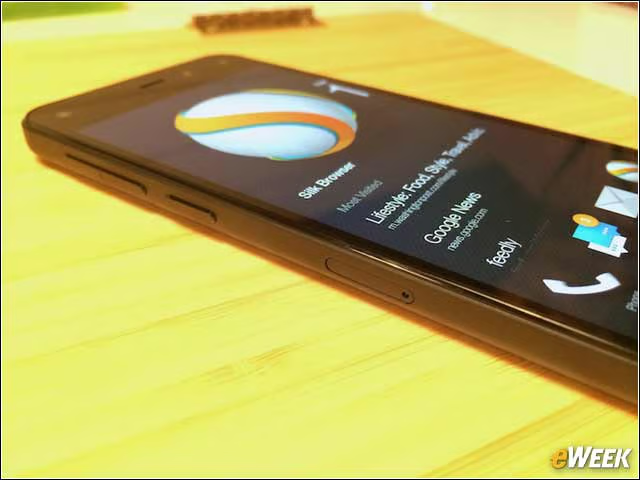
On the phone’s right side are up and down volume buttons and a third button that brings up the camera. Keep that camera button depressed, and Firefly is turned on.
Firefly in Action
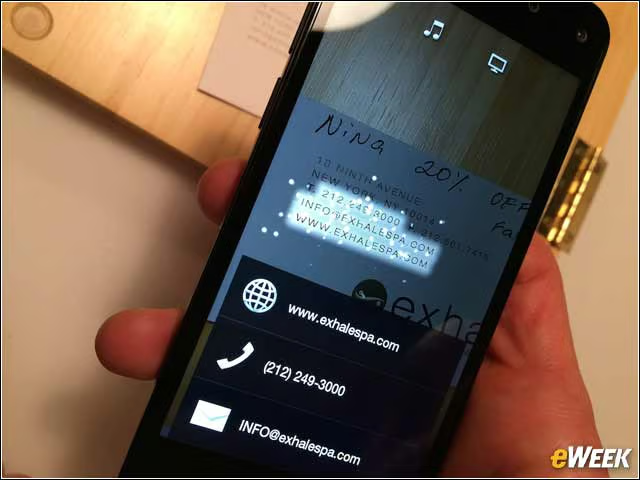
It’s clear that Firefly is doing its work when little firefly-like lights begin to swarm an object and identify it, whether it’s a box of lemon drops, a Spiderman DVD or a business card. In this case, Firefly grabbed the details and saved them to the user’s Contacts.
Firefly in Action
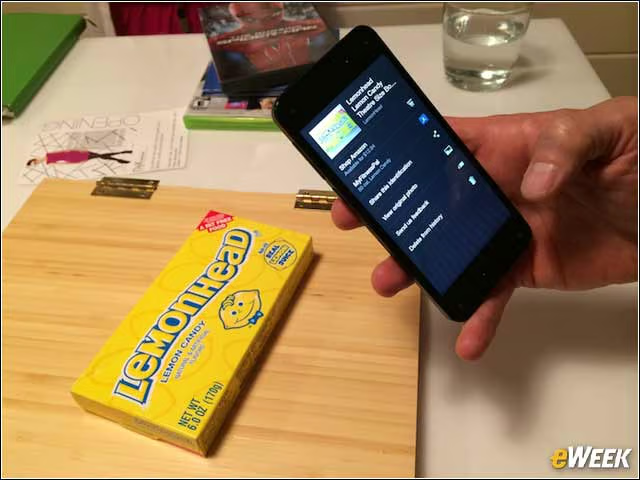
In the instance of the lemon drops, Firefly recognized what the box was and then made suggestions about what a user might want to do next—share the image, get nutrition information or go to its Amazon page.
The Ultimate Shopper
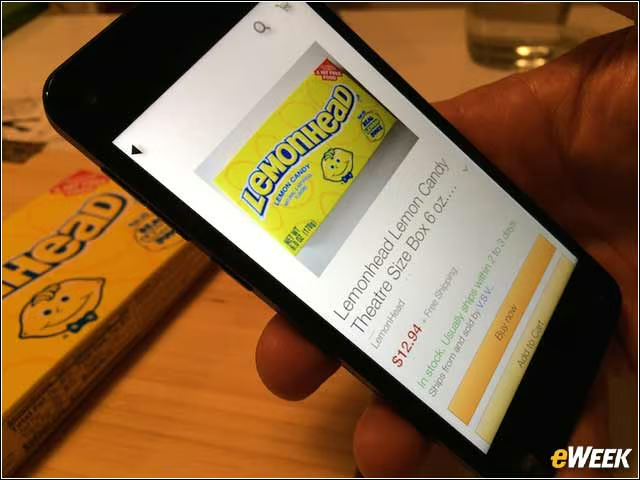
Choose the latter option, and you can add the item to your Amazon cart or buy it with a single click.
Dynamic Perspective
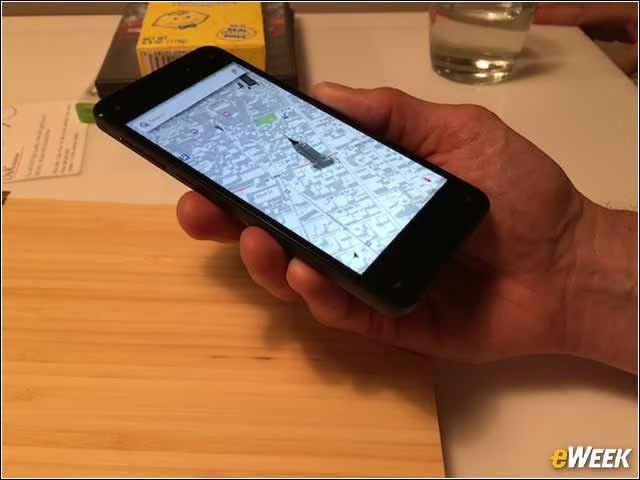
The 3D-like features the phone makes possible include uses like adding more texture, or context to maps.
One-Handed Gestures
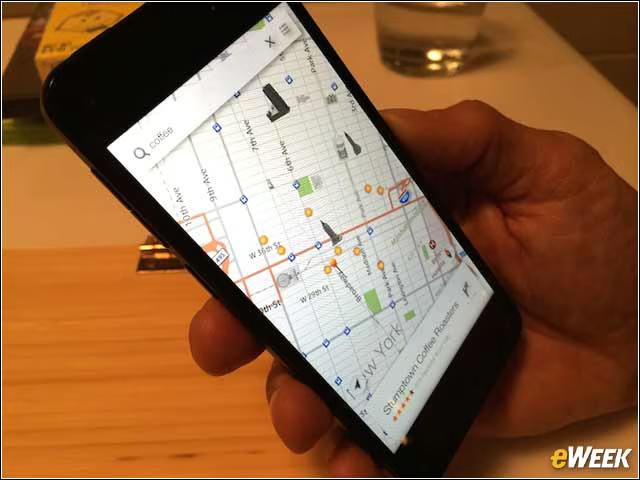
An Amazon representative said a big goal was to keep map results looking “clean.” A user can search for something—for example, coffee, as we did here—and see dots for locations.
Getting the Most From Maps
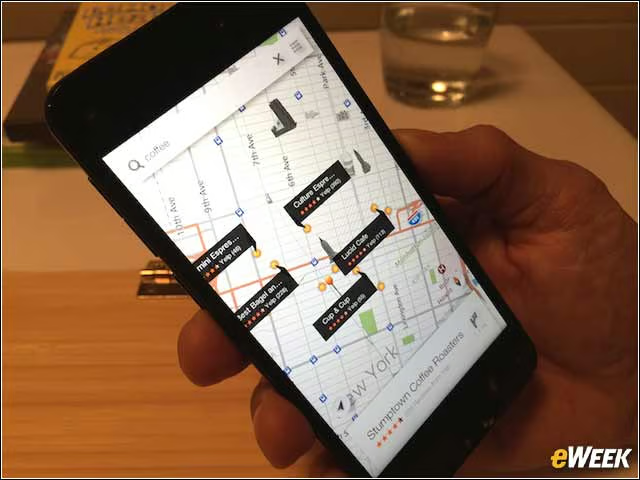
With a little flick of the wrist, however, those dots can offer up additional information. (The details slide out like a drawer.)
A Win for Game Developers–and Gamers
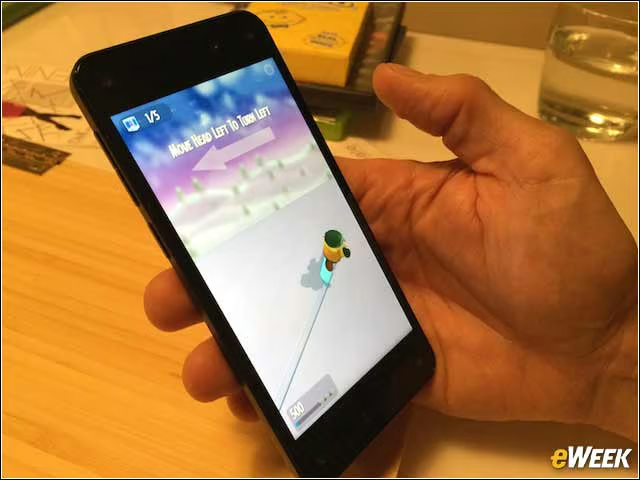
The software development kit behind Dynamic Perspective has been shared with developers. So the same sensors that enable things like automatic scrolling, while a user is reading (the sensors watch where your eyes are on the page) can make possible fun games like this one, where the on-screen snowboarder moves with the user’s head. A jerk of the chin (a more natural gesture than it sounds) makes the snowboarder jump.
One-Handed Gestures
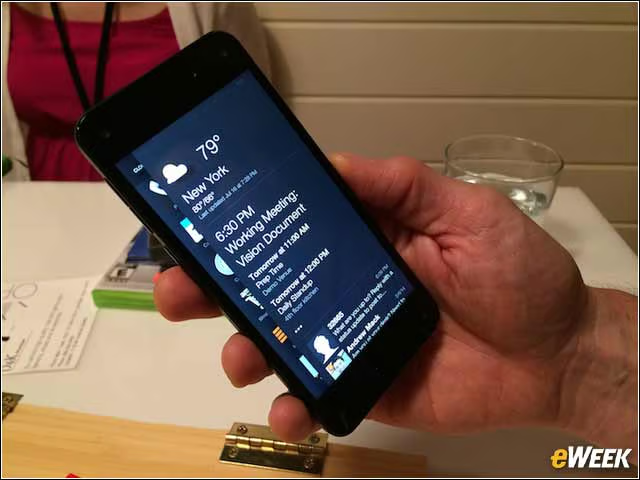
The same wrist-flick gesture used in Maps has perks on the Home screen. Flick left, and information relevant to the moment (calendar info, weather, etc.) is listed.
One-Handed Gestures
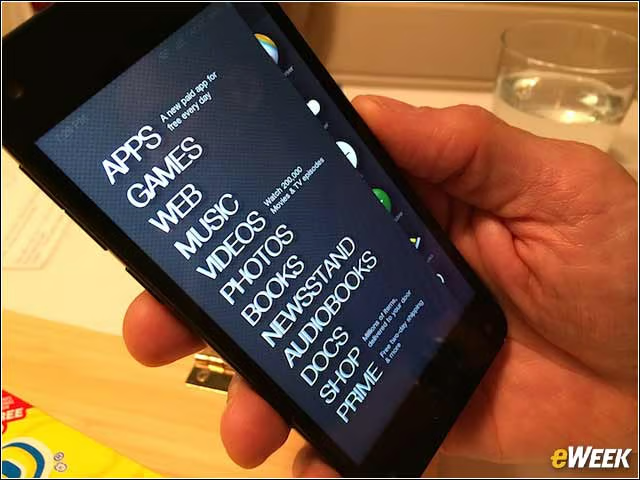
Flick your wrist to the right, and a menu is opened up.
Amazon Fire in Summary
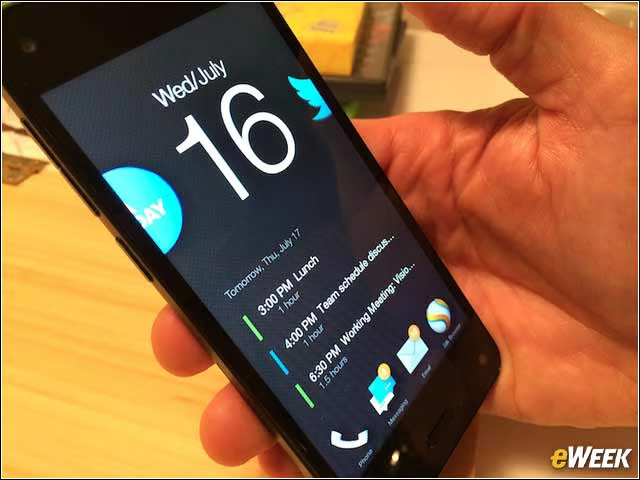
Analysts expect the Fire will have a niche following of people who are big Amazon users. There are also perks for Amazon TV owners, as videos can be “flicked” from the phone toward a TV and begin playing. For anyone who’s not a major fan of Apple, doesn’t have a strong alliance to straight-up Android (the Fire does run Android apps), is a Prime subscriber and likes the idea of saving $99, the Fire is worth considering.