







Apple iPad: A Look from the Inside Out
by Michelle Maisto
The Apple iPad
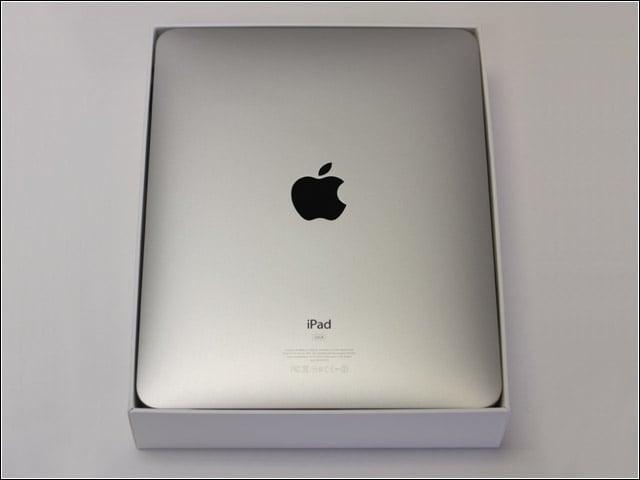
The iPad in all its 0.5-inch-thick, 1.5-pound glory. The multitouch, 9.7-inch LED backlit widescreen display features an oleophobic coating thats said to resist fingerprints.
Step One
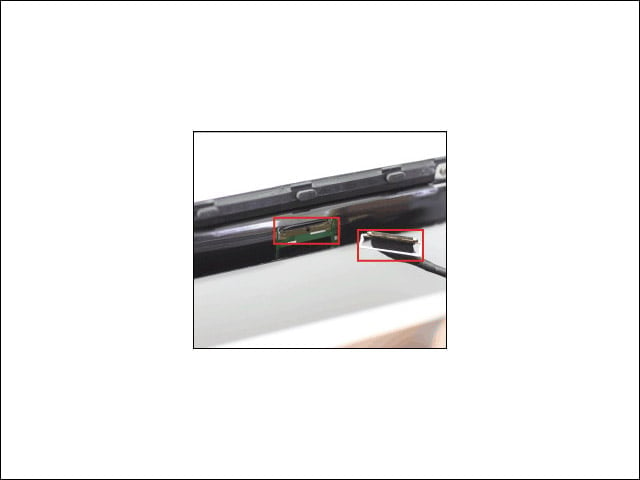
Opening the iPad begins with a tool called a spudger, which will likely break some of the clips holding the iPad together. This is also the moment, RapidRepair warns, where you forsake your warranty.
Cables
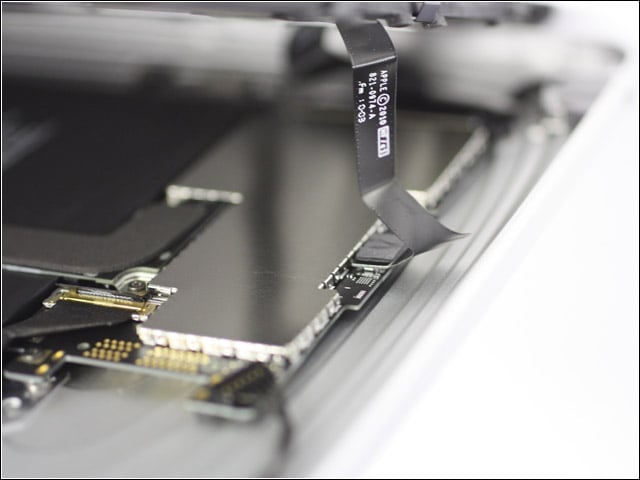
Before pulling the halves apart, three cables need to be unplugged from the mainboard. To get to the cables, several clips must be carefully removed.
Screen
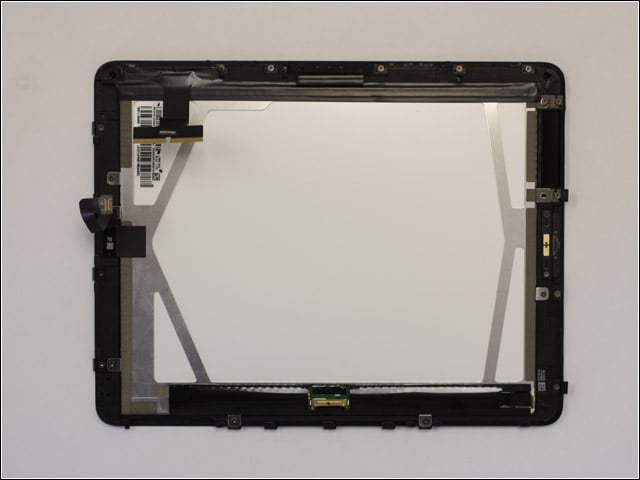
With the cables removed, explains RapidRepair, the two halves can be set aside.
Batteries
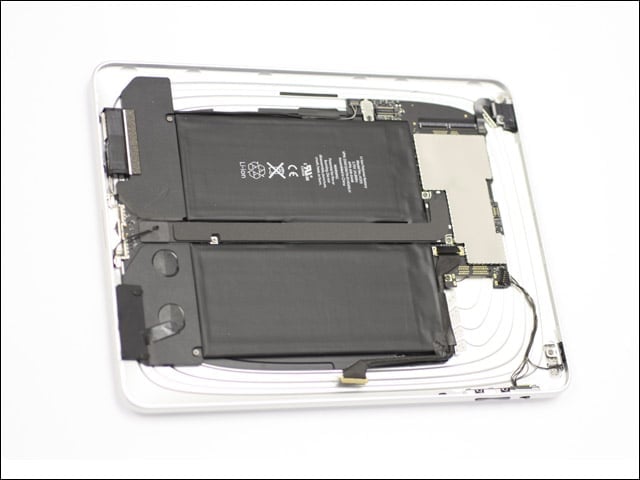
RapidRepair marveled at the size of the iPads dual batteries, which offer some pretty significant juice.
Step Two
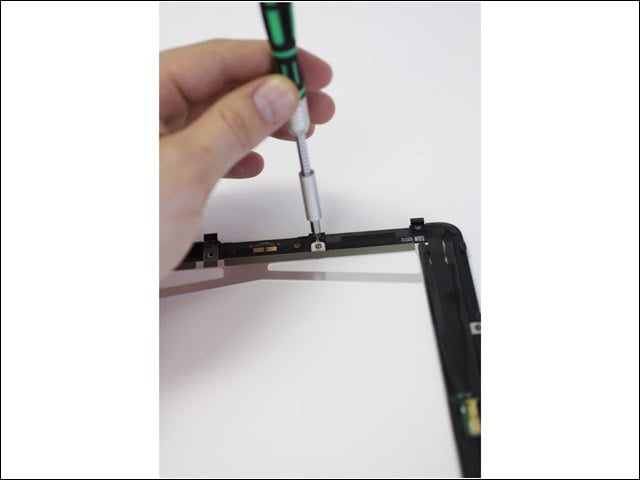
The next big step is removing the display and digitizer, which begins with removing some screws. Remove the display from the top down, RapidRepair warns, so that you dont damage the displays light sensor.
WiFi Antenna
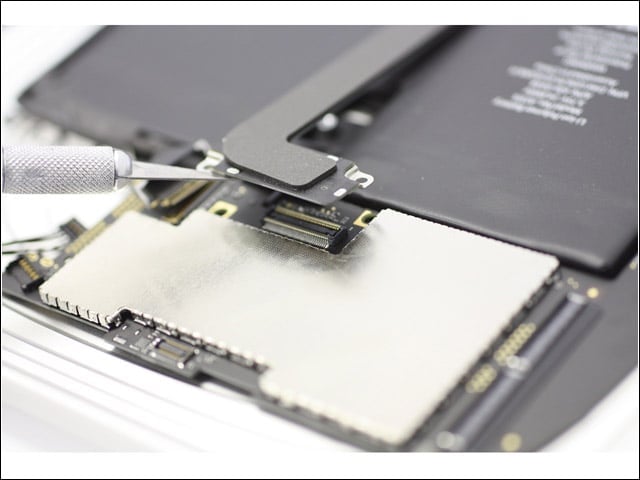
Here, RapidRepair moves on to the removal of the iPads dock and WiFi antennae. Five screws keep this part in place, so make sure to undo them all.
iPad Mainboard
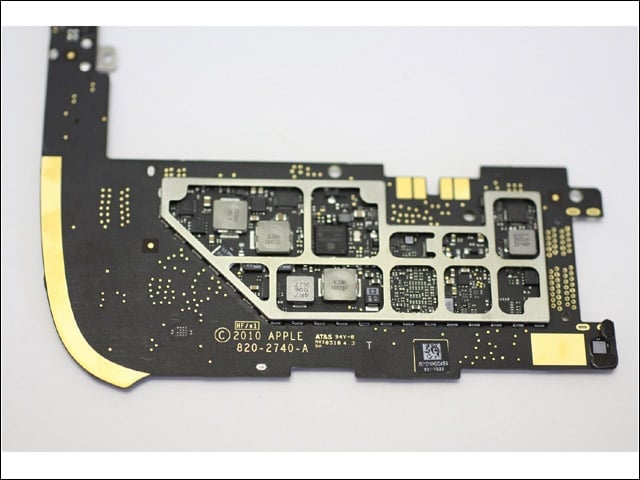
Next up is the removal of the mainboard, which was made by AT&S. To view the chips, says RapidRepair, remove the shielding by using a razor to lift the tabs.
A2 Chip
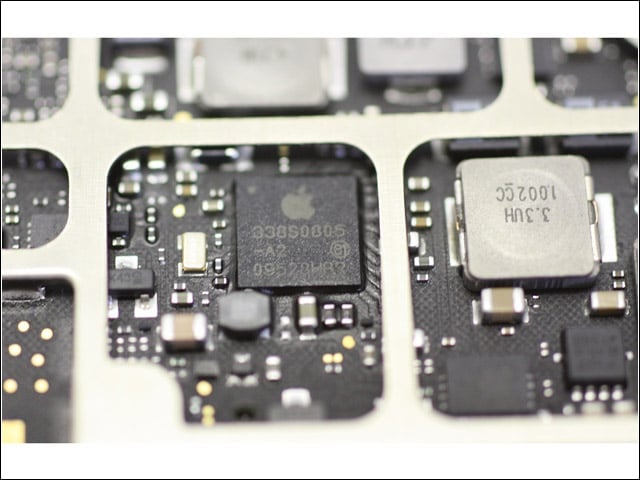
RapidRepair identifies the A2 chip as: 338S0805-A2, 09528HBR.
Toshiba Chip
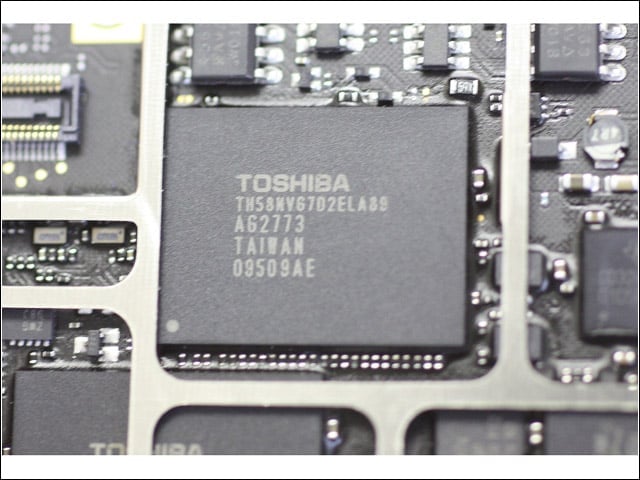
Another mouthful, the Toshiba chip: TH58NVG7D2ELA89, AG2773, 09509AE.
Removing the Batteries
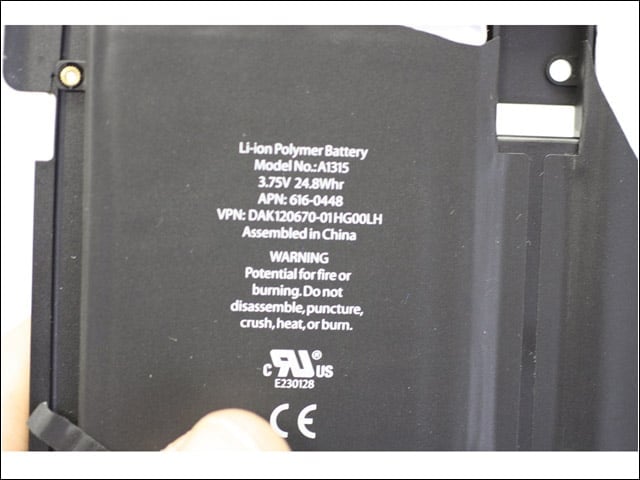
Seen here are the batteries, inside a black case bezel. To begin removing them entails removing the black tape from the top.
More Batteries
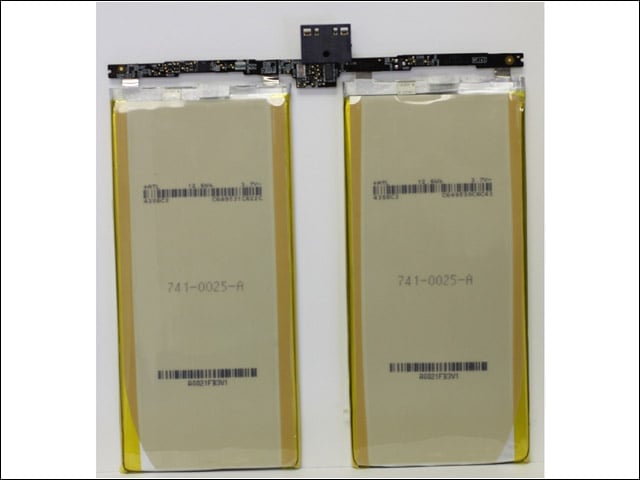
Here, the batteries are out of the bezel. RapidRepair loves that, as with the iPhone 3G and 3GS, Apple didnt solder in the iPads batteries. All three devices use the same type of battery connection.
Complete
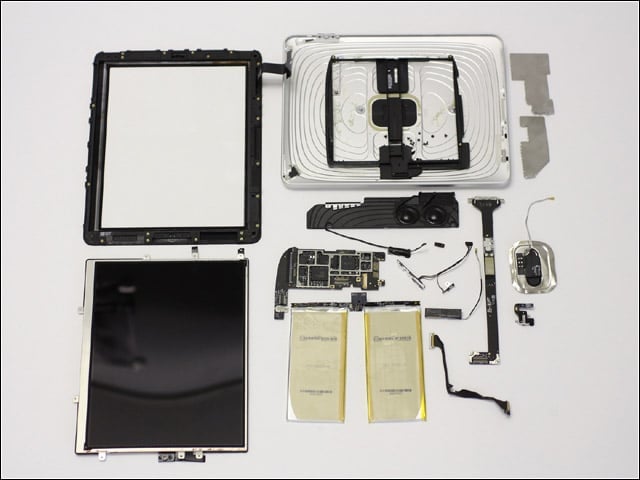
Shown here is the completed teardown. The toughest bit was separating the display from the back half, says RapidRepair, though overall it found disassembling the iPad to be “fairly easy.”
