








Critical Testing Criteria for Smartphones from eWEEK Labs
by Andrew Garcia
Form Matters
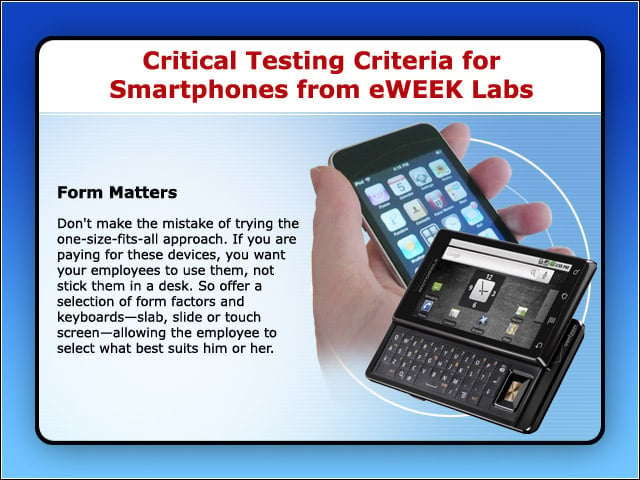
Don’t make the mistake of trying the one-size-fits-all approach. If you are paying for these devices, you want your employees to use them, not stick them in a desk. So offer a selection of form factors and keyboards—slab, slide or touch screen— allowing the employee to select what best suits him or her.
Connectivity
2G,3G, 3.5G, 802.11g and, soon, 4G and 802.11n. Newer and faster network technologies can have a positive effect on device battery life, with more efficient use of airtime. Or they have the opposite effect, if the device constantly thrashes between network speeds due to gaps in coverage or interference issues.
Carrier
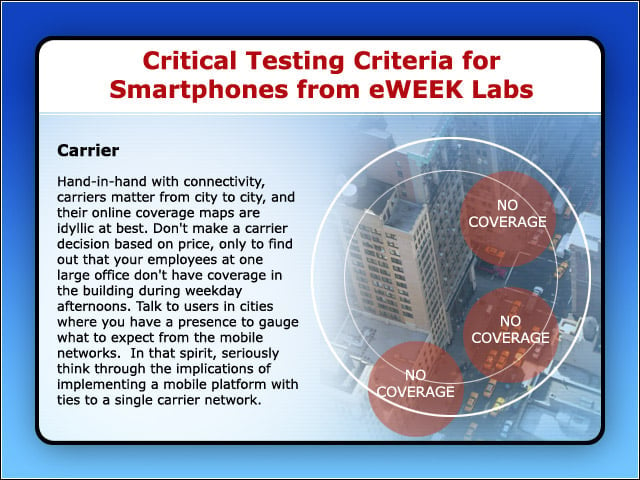
Hand-in-hand with connectivity, carriers matter from city to city, and their online coverage maps are idyllic at best. Don’t make a carrier decision based on price, only to find out that your employees at one large office don’t have coverage in the building during weekday afternoons. Talk to users in cities where you have a presence to gauge what to expect from the mobile networks. In that spirit, seriously think through the implications of implementing a mobile platform with ties to a single carrier network.
On-Device Security
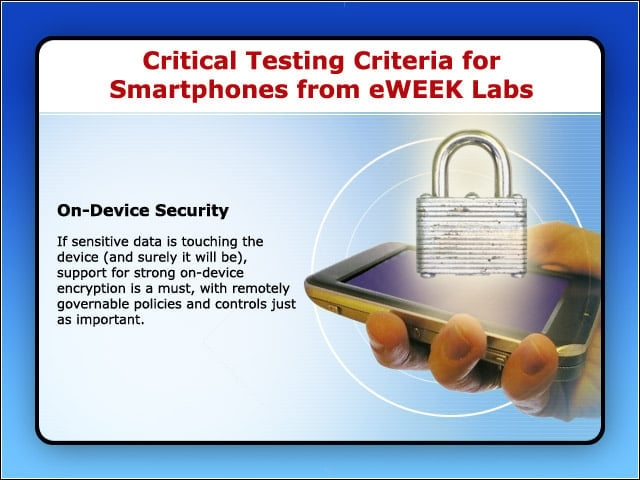
If sensitive data is touching the device (and surely it will be), support for strong on-device encryption is a must, with remotely governable policies and controls just as important.
Transport Security
Over a WiFi link, this means support for your enterprise Wireless LAN security framework—EAP, certificates, etc. And if you use PSKs, make sure your password length or complexity rules aren’t a problem. But, in a broader sense, this means making sure that a suitable VPN client exists for the platform that works with your infrastructure. In the coming age of borderless, secured networks, support for mobile devices is spotty.
Management and Policy Enforcement
Support for remote wipe, password complexity enforcement and mobile app push install is critical, but don’t forget to talk to vendors about what can be done to manage non-traditional mobile operating systems and devices.
Task Handling
Apple’s mobile OS doesn’t multitask third-party apps, and Microsoft’s new OS is following suit. Talk with your employees about mobile workflow requirements—you may find that people like and need to have multiple apps going at once.
Browser
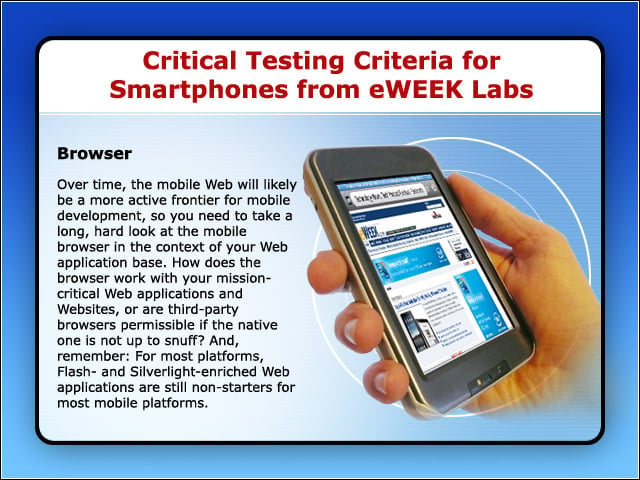
Over time, the mobile Web will likely be a more active frontier for mobile development, so you need to take a long, hard look at the mobile browser in the context of your Web application base. How does the browser work with your mission-critical Web applications and Websites, or are third-party browsers permissible if the native one is not up to snuff? And, remember: For most platforms, Flash- and Silverlight-enriched Web applications are still non-starters for most mobile platforms.
On-Device Applications
Make sure your mobile platforms support your line-of-business applications. E-mail and PIM capabilities may still be paramount, but look for your platform to support CRM, UC, BI and other enterprise app deployments. And look for an OS that supports your own in-house—for development and distribution—so you can take your custom applications mobile as well.
