








- iOS 7: 10 Apps That Make the Mobile OS a Worthwhile Upgrade
- Search for Places to Relax With LoungeBuddy
- Evernote for Text, Voice and Video Creation
- OmniFocus 2 Delivers Project Management on the Go
- Hotel Booking With Travelocity
- Venmo for Quick Payments
- Share Shopping Lists With AnyList
- Amount Converts Units of Measure
- Drafts for Note Taking
- Screens Enables Remote Mac, PC Desktop Access
- Text Editing With Byword
iOS 7: 10 Apps That Make the Mobile OS a Worthwhile Upgrade
by Don Reisinger
Search for Places to Relax With LoungeBuddy
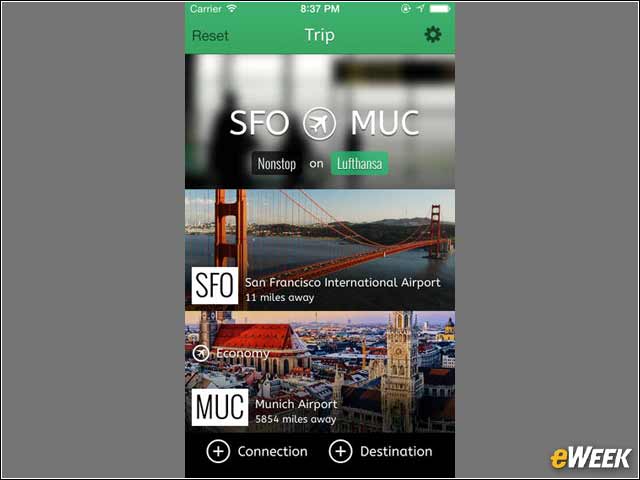
For heavy business travelers comes LoungeBuddy. The application, which is available for free, helps travelers find airport lounges and clubs around the world so they can have a bit more enjoyment on their layovers. It looks awfully nice on iOS 7.
Evernote for Text, Voice and Video Creation
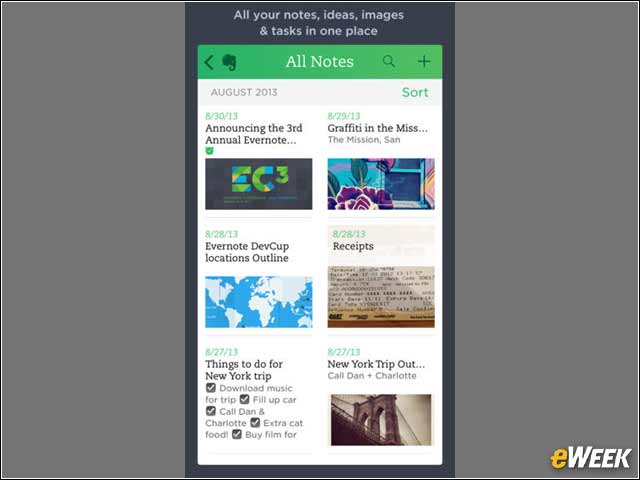
It’s no surprise that Evernote was quick to support iOS 7. As one of the most popular mobile applications out there, Evernote is ahead of the curve. The free app allows for the creation and collection of text, voice, and video notes, and they can all be shared on different devices. It’s a great app.
OmniFocus 2 Delivers Project Management on the Go
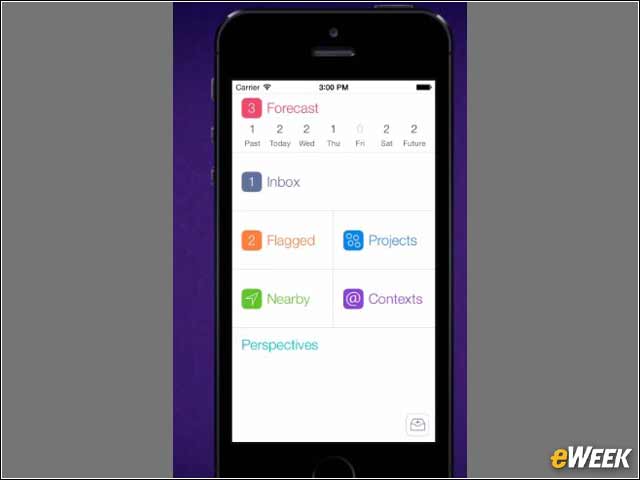
OnniFocus 2 might be somewhat expensive at $19.99, but the application makes up for that with all kinds of functionality. The offering is a full project management suite that helps users track what they need to do and stay in touch and in full collaboration with colleagues. It was built from the ground up for iOS 7.
Hotel Booking With Travelocity
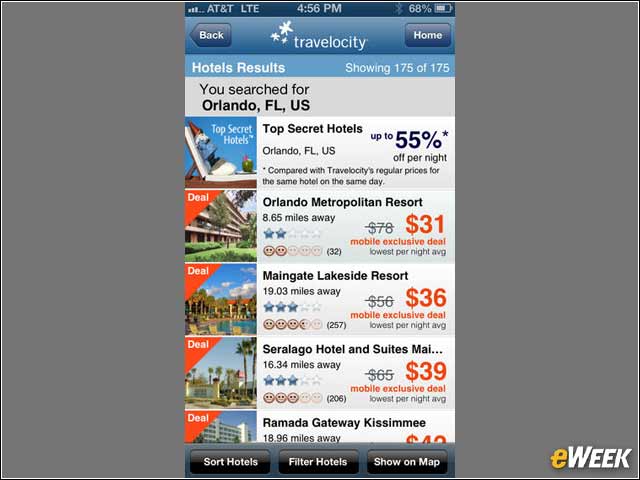
Travelocity’s applications aren’t exactly the most popular traveling programs in Apple’s App Store, but the company’s Hotel Booking option, which can be downloaded for free, works quite well with iOS 7. With the app, users can search around a location and find hotel deals. It’s a solid way to book a hotel from a mobile device.
Venmo for Quick Payments
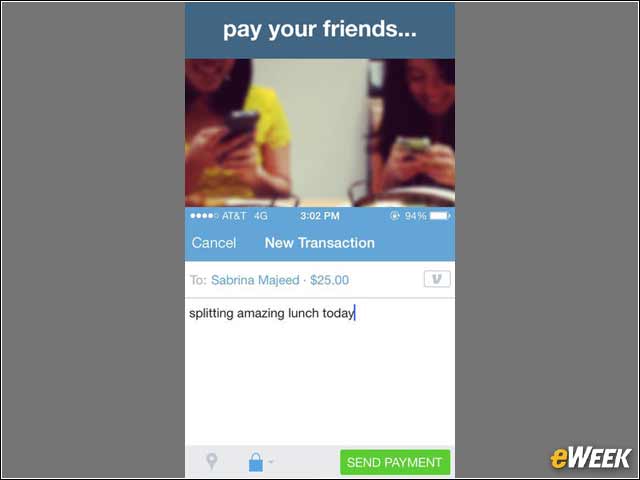
Venmo might not be the most well-known application, but it’s designed to work for consumers and small businesses that want to quickly make payments between each other. The app has a strong following among consumers, and its new interface seems to be quite nice. It’s available for free.
Share Shopping Lists With AnyList
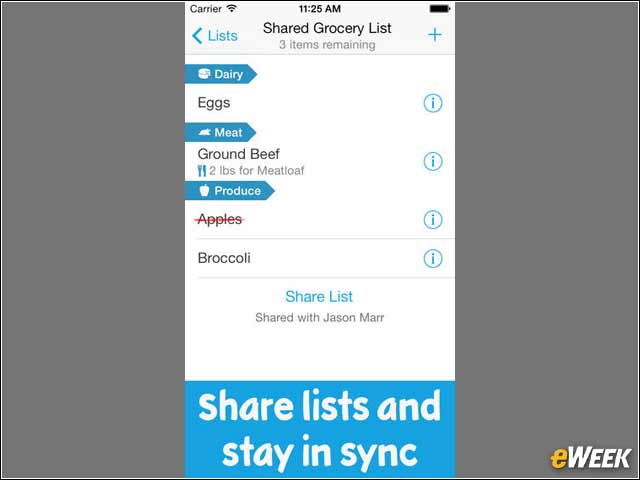
Looking for a simple way for the whole family to share shopping or grocery lists? AnyList is the app for you. The free application makes it easy to add items to lists, and once it’s updated it can be shared with everyone in the family. It’s a handy iOS 7 app.
Amount Converts Units of Measure
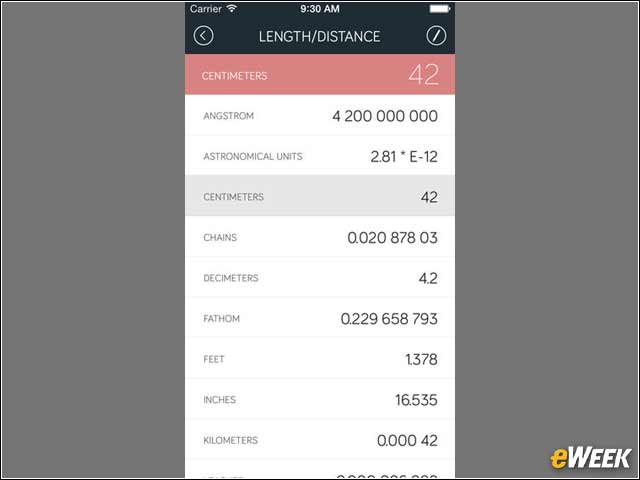
Some business travelers heading overseas need help converting measurements. For those folks, there’s Amount. The 99-cent application converts just about any unit of measurement. The application is a useful companion for those who travel often and need to quickly convert data.
Drafts for Note Taking
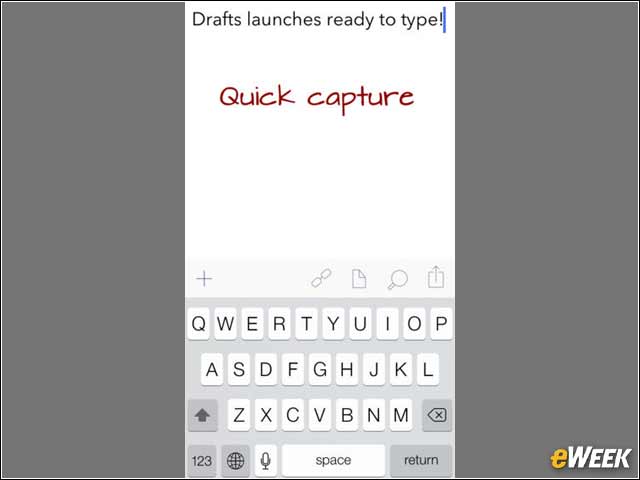
Drafts, which sets customers back $2.99, is designed to provide users with the ability to quickly type out notes and send them to others. The developer behind the app, Agile Tortoise, says Drafts is the simplest note-taking app out there. It might just be close.
Screens Enables Remote Mac, PC Desktop Access
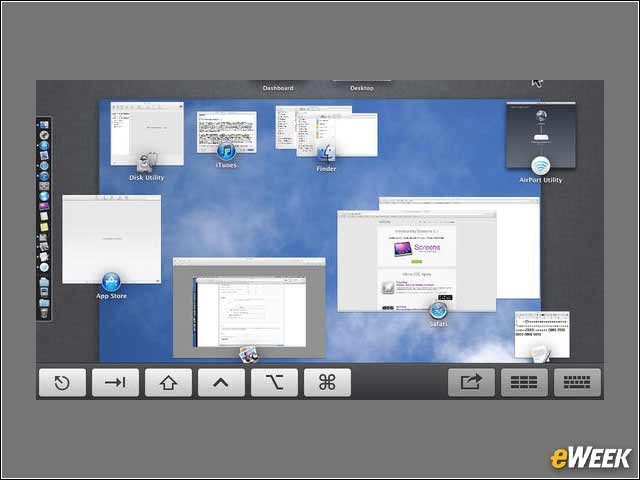
The Screens app is costly at $19.99, but the application features the ability to remotely access and modify Mac or PC desktops from iOS. The application has a nice design to mimic that of iOS 7, but whether it’s the very best Virtual Network Computing program out there remains to be seen.
Text Editing With Byword
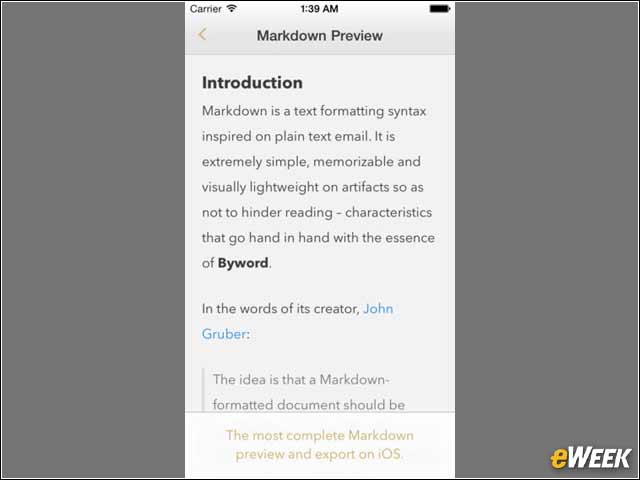
Byword, which costs $4.99, is designed with those who write in mind. The application allows users to go over text and modify it as they wish. From there, the text can be shared with others and synced across devices. Best of all, the edits can then be published to other popular applications, such as WordPress, Tumblr and Evernote.