







- Lenovo Yoga Tablet Offers Every-Which-Way Functionality
- Lenovo’s Newest Versatile Duo
- Hold, Stand, Tilt
- How Low Can They Go?
- The 8-Inch Lenovo Yoga Tablet
- All-Day Battery Life
- The 10-Inch Lenovo Yoga Tablet
- Smile for the Camera
- Storage, Connectivity Options
- The Yoga Tablet’s Form Factor
- Dolby Sound
- Yoga Tablet Covers
- A Solid Effort
- Wishes for Lenovo
Lenovo Yoga Tablet Offers Every-Which-Way Functionality
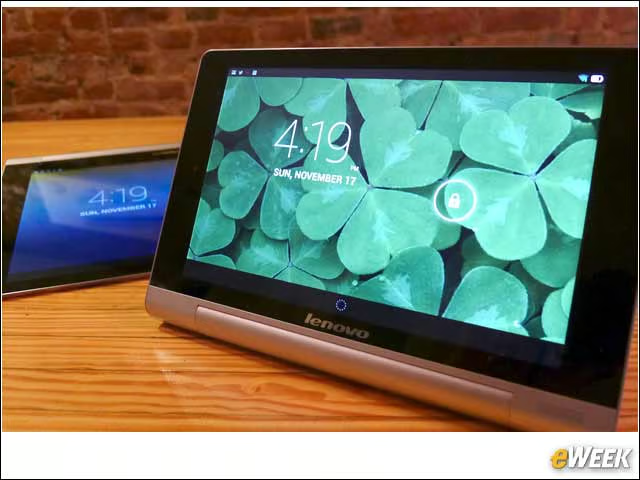
by Michelle Maisto
Lenovo’s Newest Versatile Duo
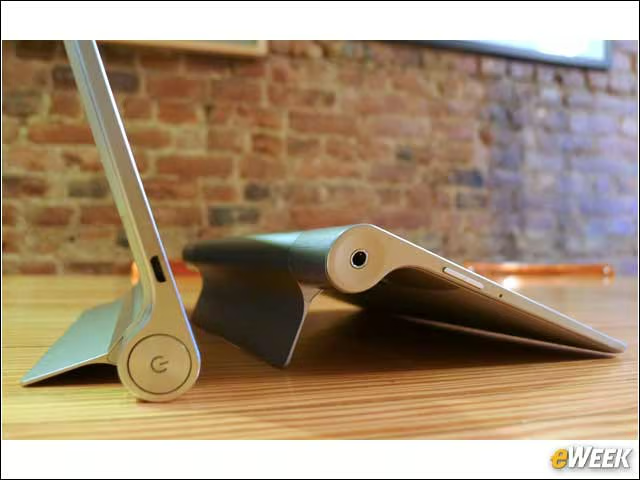
Lenovo’s Yoga Ideapad laptop was well-received, and so it brought the same premises—functionality, versatility, flexibility—to two new tablets, the 8- and 10-inch Yoga Tablet. Both run Android 4.2 (Jelly Bean).
Hold, Stand, Tilt
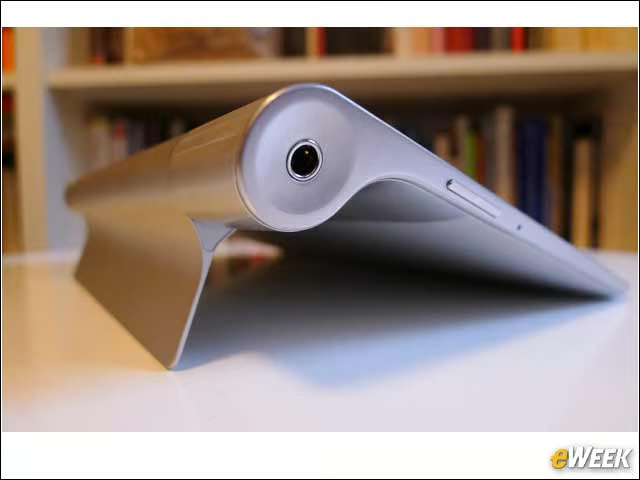
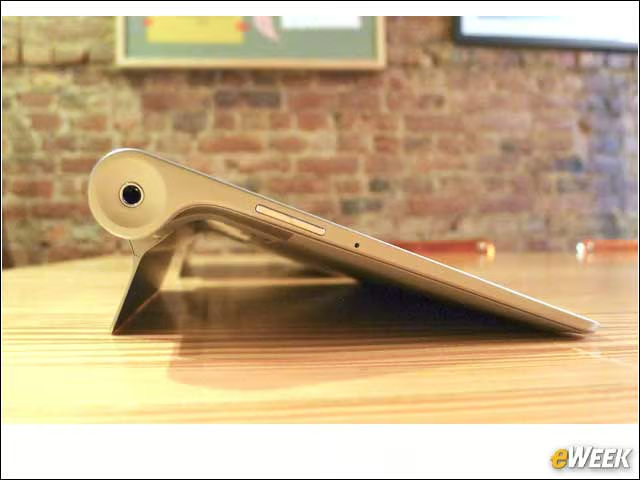
One of the big sells of the Yoga Tablet is that it can work in three modes: Stand, thanks to a kickstand; Tilt, set down the other way on the kickstand; and Hold, with the user gripping the cylinder. The headphone jack is on one end of the cylinder and the power button is on the other.
How Low Can They Go?
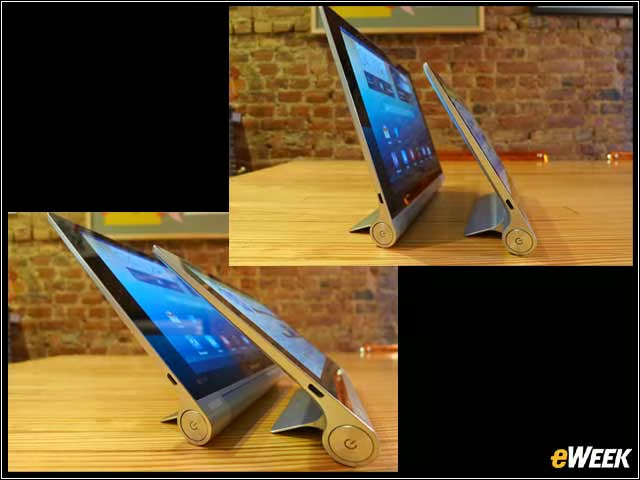
In Stand Mode, the Yoga Tablets are adjustable and can lean back quite far—put don’t push them. Leaned back past halfway (and at that point Tilt Mode is probably what you need), physics takes over.
The 8-Inch Lenovo Yoga Tablet
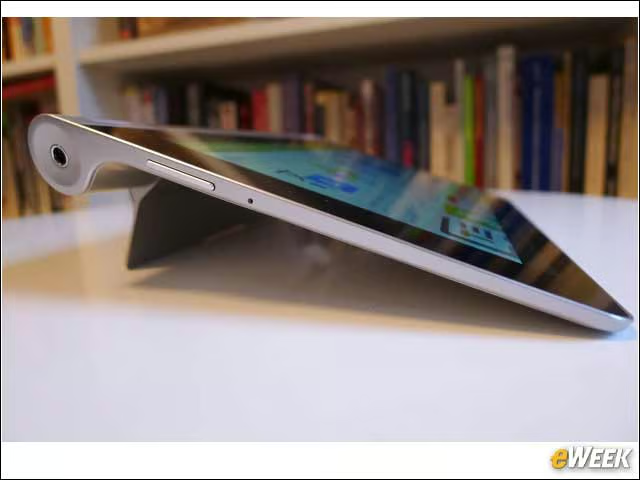
The 8-inch model has a 1,280-by-800-pixel resolution display, measures 8.39 by 5.67 and between .012 an 0.29 inches, and weighs 0.88 pounds. Its size and weight make its three modes equally useful and so more compelling, this user found, than the 10-inch model.
All-Day Battery Life

The other big sell about the Yoga Tablet is its battery life: 18 hours on a single charge, says Lenovo. I didn’t set a timer to be sure, but I rarely charged it. When I did, I found that its size made it easy to get it out of the way.
The 10-Inch Lenovo Yoga Tablet

The resolution on the 10-inch model is the same as on the 8-inch. It measures 10.28 by 7.09 and between 0.12 and 0.32 inches and weighs 1.33 pounds (1.34 with cellular connectivity). Its weight makes it uncomfortable to hold and read for more than a minute or two. In Stand Mode, though, it’s great for watching videos or cruising the Internet.
Smile for the Camera

Both tablets have 1.6-megapixel HD cameras up front and 5-megapixel cameras on a back corner. The rear cameras are for snaps, not great photography, but it took fine photos—which often, with the range of filters and features offered, turned into very nice photos.
Storage, Connectivity Options
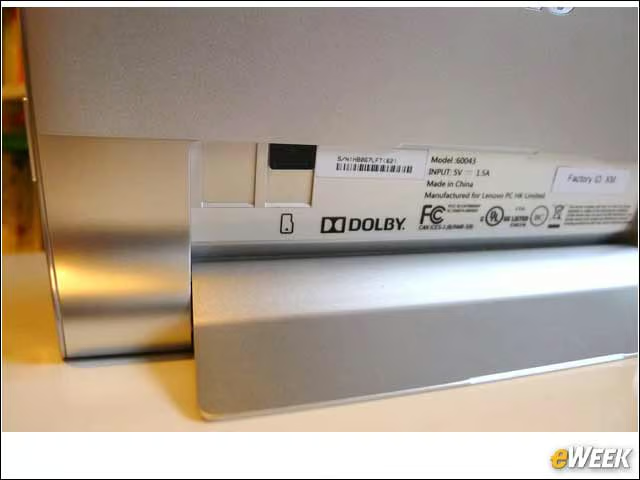
The folded-down kickstand reveals a micro USB slot, supporting up to 32GB of storage, and a micro SIM slot for 3G connectivity in select countries.
The Yoga Tablet’s Form Factor
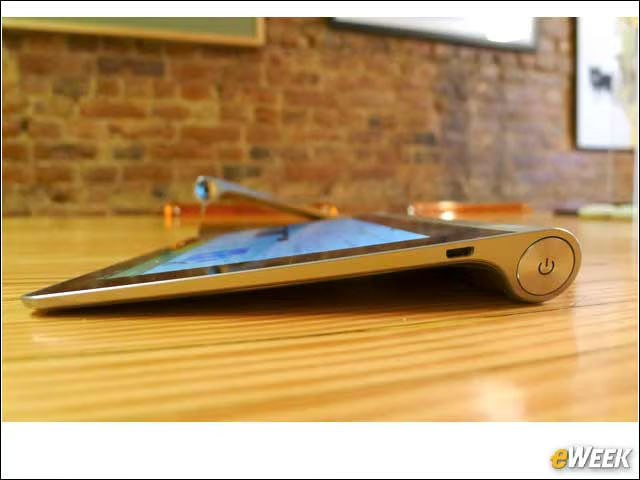
The cylinder has the interesting effect of shifting a user’s focus. The thinness of the tablet ceases to be an issue, but weight becomes more important.
Dolby Sound
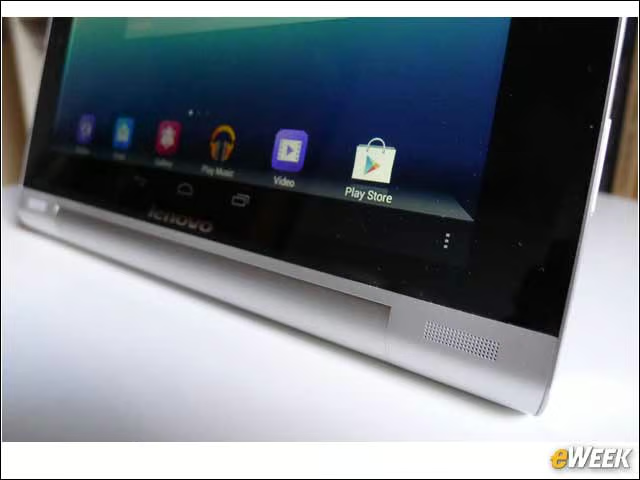
The Yoga Tablets have two front-facing speakers with Dolby Digital Plus DS1 sound that are well-suited to all of the videos and movies users are likely to play on these stand-on-their-own tablets.
Yoga Tablet Covers
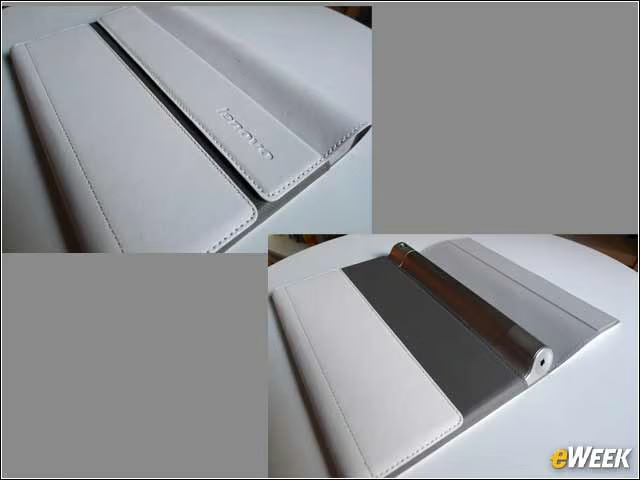
Lenovo designed very nice covers for the tablets. They’re good quality and feel genuinely protective—enough so to throw the tablet into a bag or briefcase. They wake the tablets when they’re removed.
A Solid Effort
The Yoga Tablets are compelling. That they can do things that other tablets require a separately sold cover to do feels efficient and drives new uses. But they do feel like first drafts.
Wishes for Lenovo
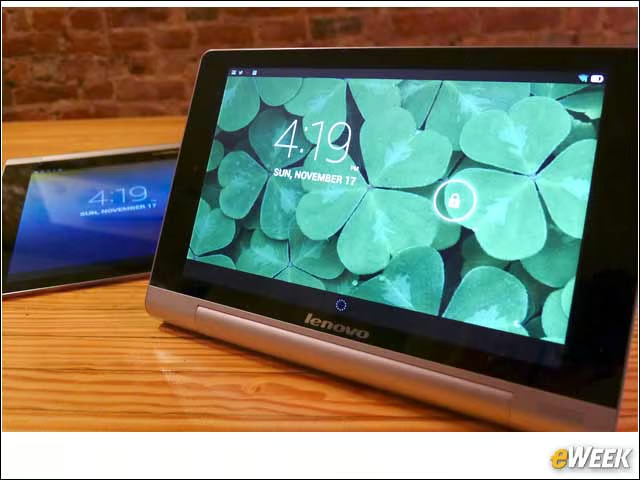
In the next generation, it would be nice to see the weight significantly decreased, the resolution of the displays increased and a signal from the top—even some Lenovo red paint—that makes clear where the volume rocker and power buttons are. Given how often the tablets are flipped around, it’s easy to lose track of these.