






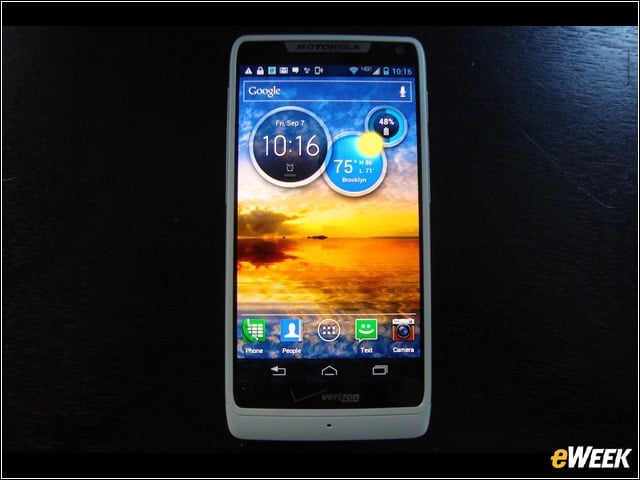

Motorola Droid Razr M
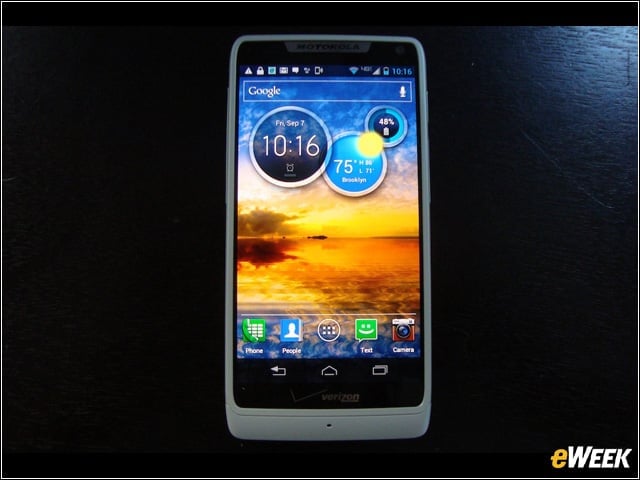
The Razr M runs Android Ice Cream Sandwich but will be upgraded to Jelly Bean later this year. Its 4.3-inch quarter-high-definition (qHD) Super AMOLED (active-matrix organic LED) Advanced display has a resolution of 540 by 960. It’s now available for preorder from Verizon Wireless for $99.99 after a $50 mail-in contract and with a two-year contract.
Motorola Droid Razr M
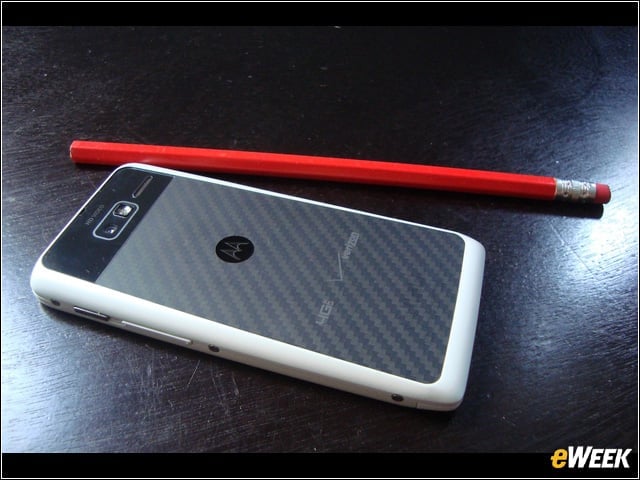
The back of the phone is covered with what Motorola describes as “DuPont Kevlar fiber and a water-repellent nanocoating, which protects even the electrical boards inside.” While it seems to have a hardened texture, it’s actually smooth and baby-soft.
In Profile
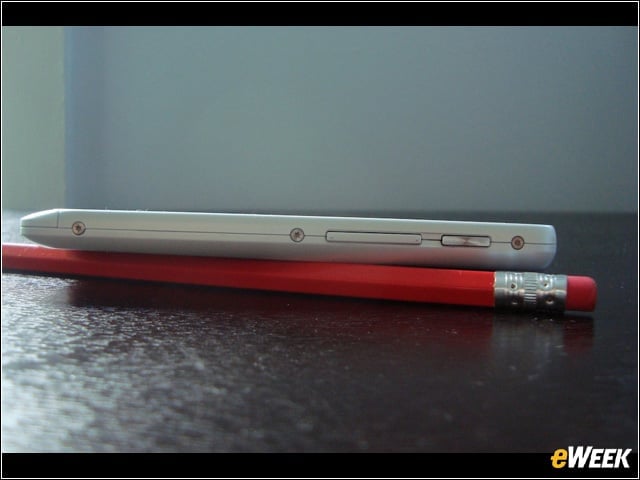
No claims of a unibody design here. On the right side of the Razr M is its power button and below it the volume adjustment.
SIM and microSD Slots
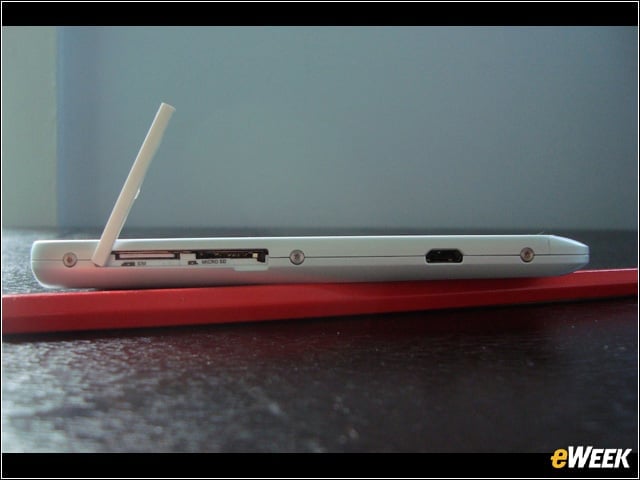
 The SIM and microSD Slots are covered with a strip of plastic that somewhat echoes the volume button on the other side. The strip is connected in such a seemingly flimsy way that its resistance fairly begs to be tested with a yank.
Unlock
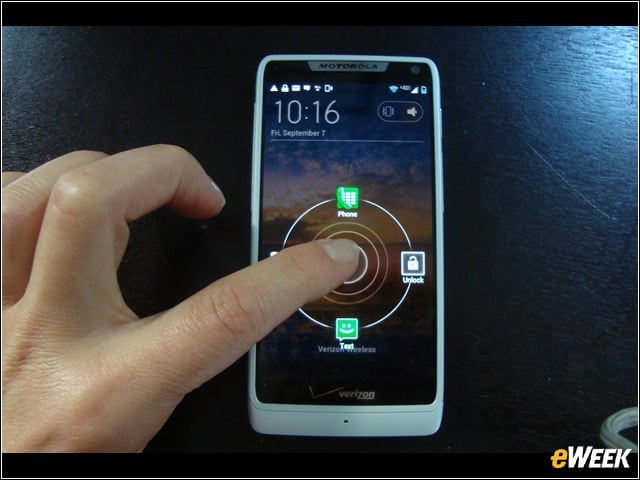
From the unlock screen, the Razr M can be launched directly into the camera, the text messaging app or the phone application.
Folders
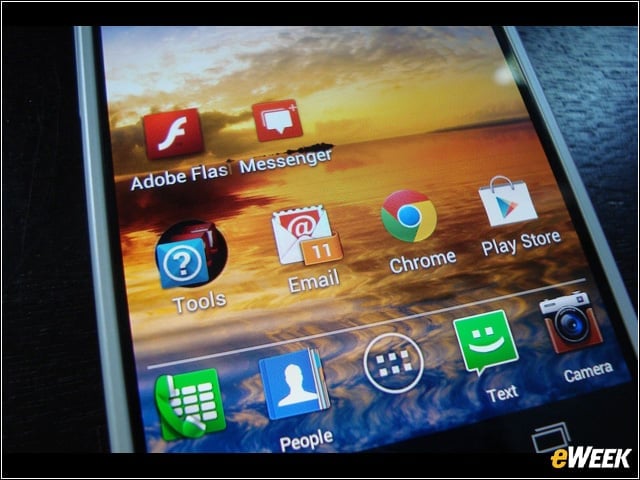
On the home page, related applications can be grouped into folders, such as this one labeled Tools.
Folders
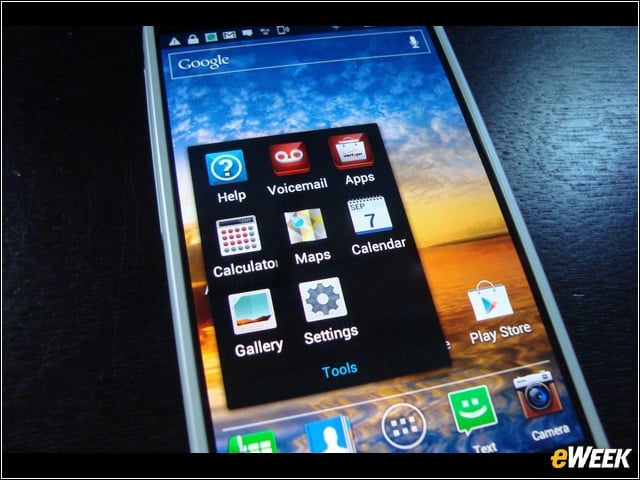
With a single tap, the folder opens, offering a shorter route—for apps not quite valuable enough for the most premium home screen real estate—than scrolling through the apps menu or even swiping to an additional home page.
Key Features
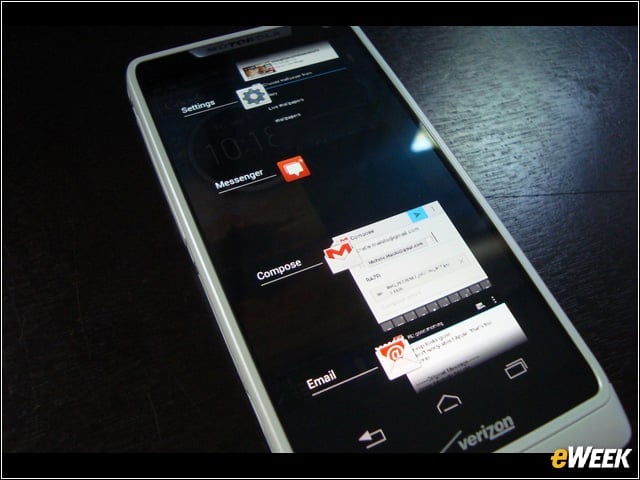
On the bottom of the display are three essential buttons: a back button, a home button and a button that throws up a column—overlaid over whatever screen the phone is open to—of other open, recently used applications. It’s not only convenient, but it also puts an end to the home page being the only route to everything else.Â
Camera
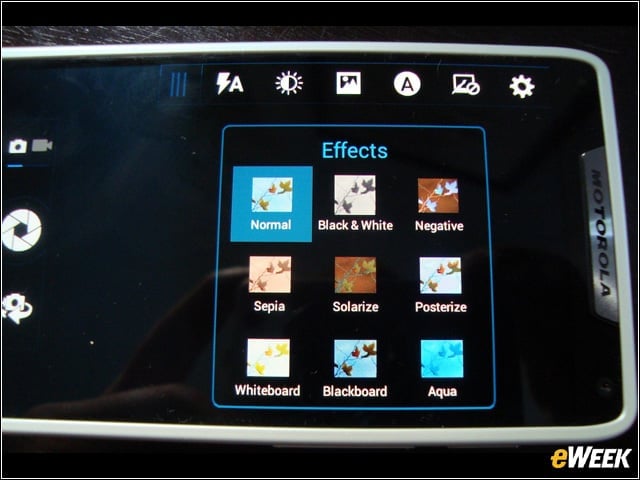
The Razr M has a VGA camera up-front and an 8MP camera on the back that’s paired with a number of special effects and possible adjustments. On the beta device we tried out, these effects would sometimes make themselves unavailable.
Front-Facing Camera
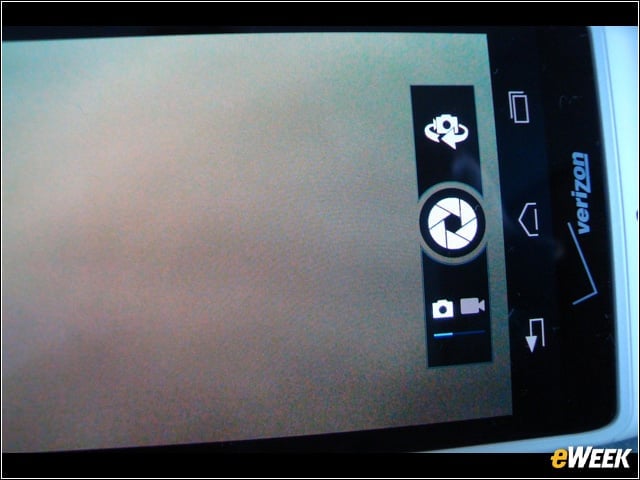
An icon just over the shutter button makes it brainless to turn on the front-facing camera—a feature that in other phones can require some digging to find.
Camera
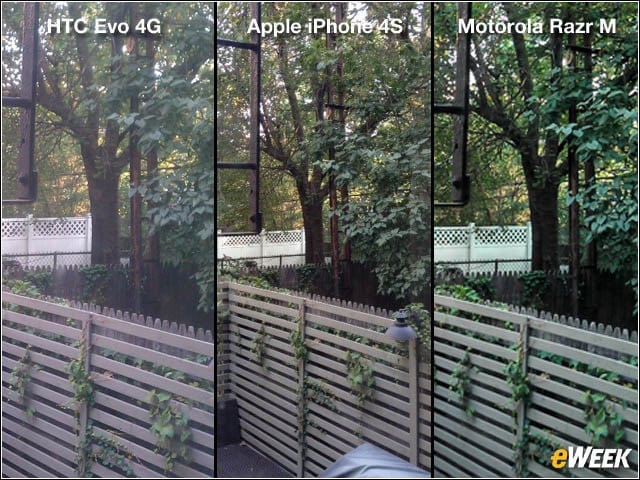
The dull view of a post-rain urban backyard is viewed differently through the lenses of an HTC Evo 4G, an Apple iPhone 4S, and the Motorola Razr M, which made the greenery the most lush.