







Pages for iPad Refresh Makes Sharing Simple
by P. J. Connolly
Pages 1.2 Adds Word Count
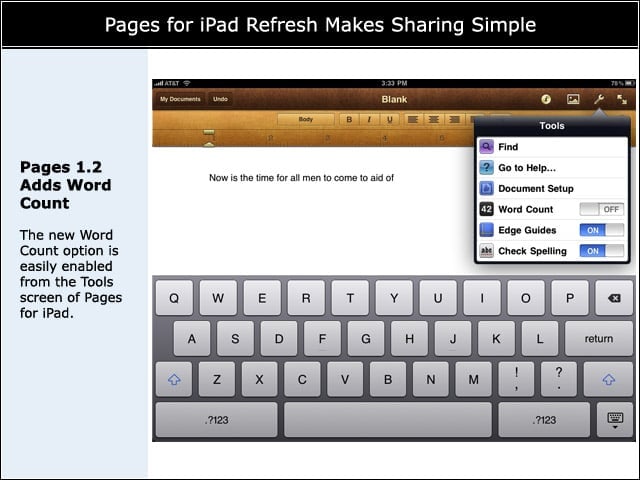
The new Word Count option is easily enabled from the Tools screen of Pages for iPad.
Hard to Miss, Easy to Ignore
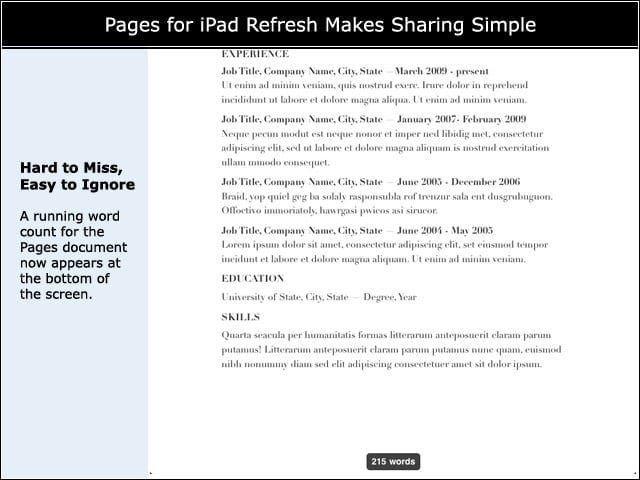
A running word count for the Pages document now appears at the bottom of the screen.
Treat Multiple Objects As One
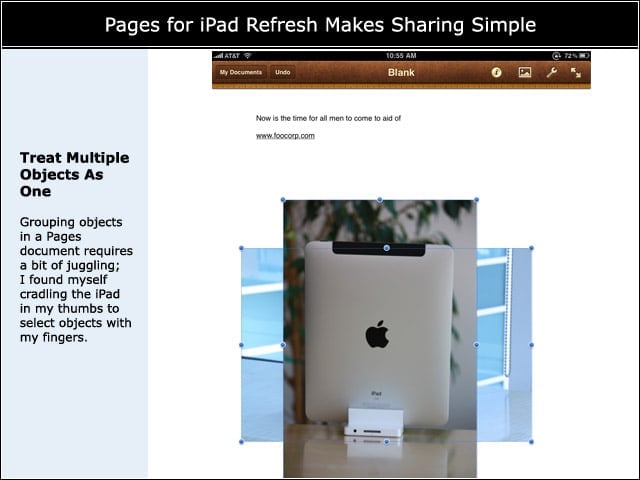
Grouping objects in a Pages document requires a bit of juggling; I found myself cradling the iPad in my thumbs to select objects with my fingers.
Cell-Specific Customization
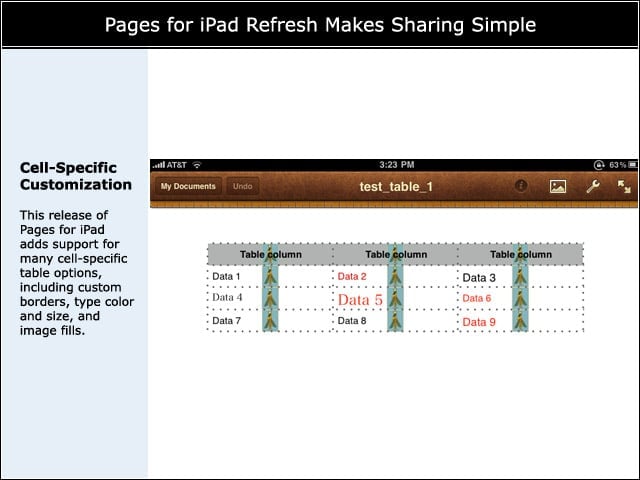
This release of Pages for iPad adds support for many cell-specific table options, including custom borders, type color and size, and image fills.
Still a Few Glitches
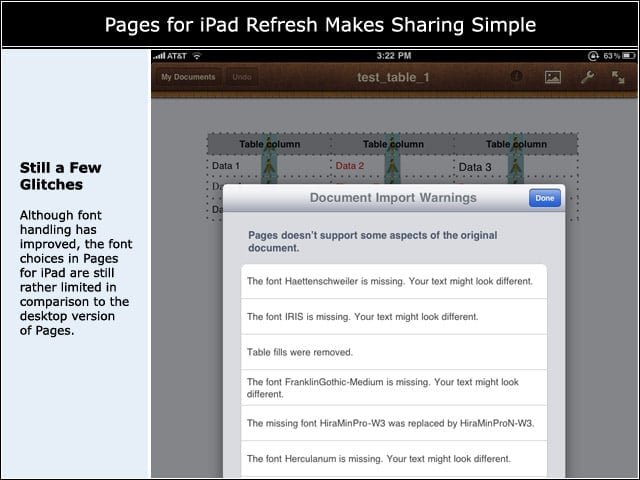
Although font handling has improved, the font choices in Pages for iPad are still rather limited in comparison to the desktop version of Pages.
Open Text Files from Mail
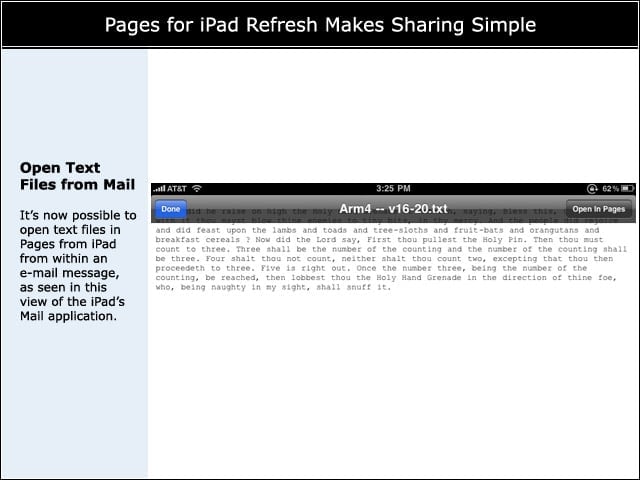
Its now possible to open text files in Pages from iPad from within an e-mail message, as seen in this view of the iPads Mail application.
Document Sharing Now Available
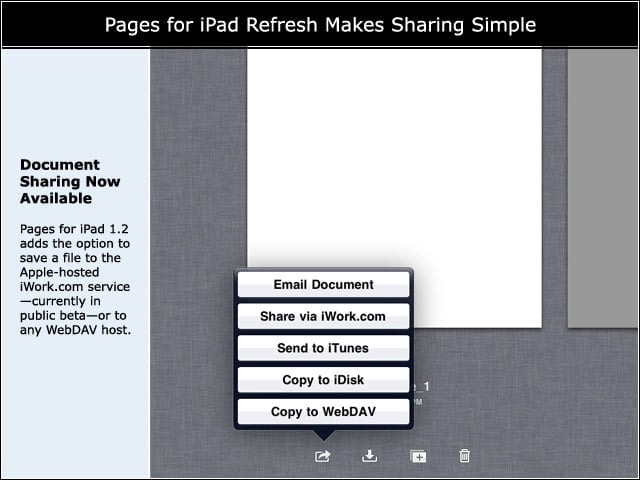
Pages for iPad 1.2 adds the option to save a file to the Apple-hosted iWork.com service—currently in public beta—or to any WebDAV host.
Share Many Formats at Once
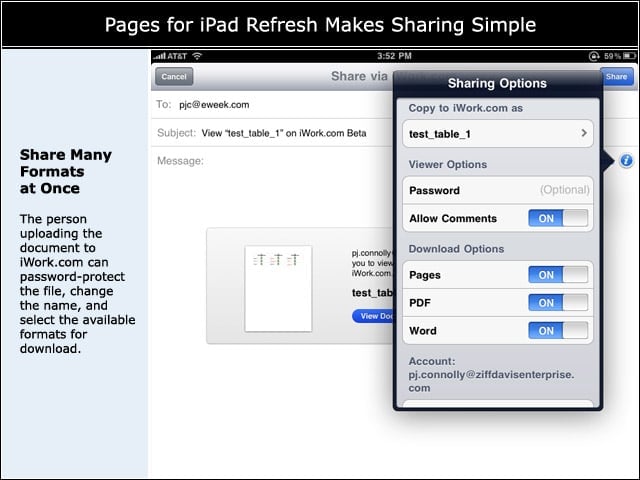
The person uploading the document to iWork.com can password-protect the file, change the name, and select the available formats for download.