Samsung Continuum Android Smartphone Gains Dual Screen, Eclair Browser

Samsung Continuum Android Smartphone Gains Dual Screen, Eclair Browser
Published: Nov 17, 2010
Updated: Feb 2, 2021
1 minute read
eWeek Le contenu et les recommandations de produits sont indépendants de la rédaction. Nous pouvons gagner de l'argent lorsque vous cliquez sur des liens vers nos partenaires. En savoir plus


Samsung Continuum Android Smartphone Gains Dual Screen, Eclair Browser

Samsung Continuum Android Smartphone Gains Dual Screen, Eclair Browser

by Cameron Sturdevant


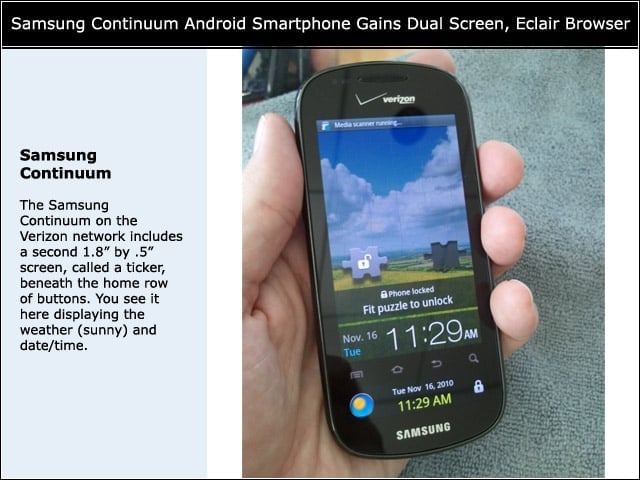
Samsung Continuum
2

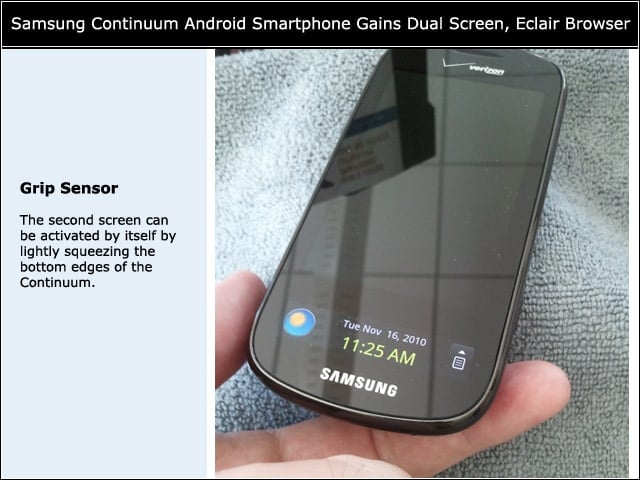
The Samsung Continuum on the Verizon network includes a second 1.8″ by .5″ screen, called a ticker, beneath the home row of buttons. You see it here displaying the weather (sunny) and date/time.


Grip Sensor
3

The second screen can be activated by itself by lightly squeezing the bottom edges of the Continuum.


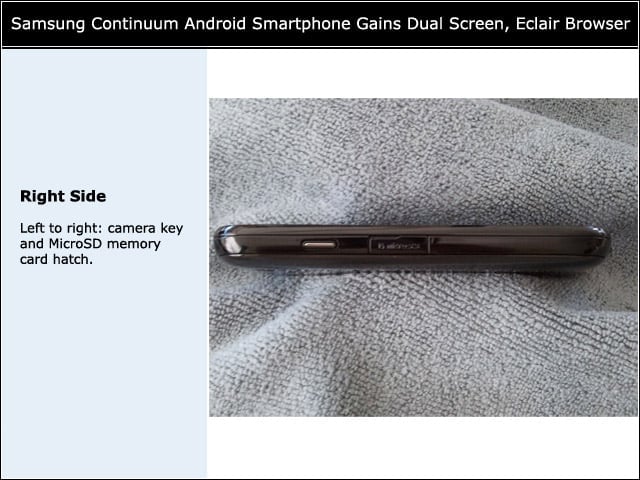
Right Side
4

Left to right: camera key and MicroSD memory card hatch.


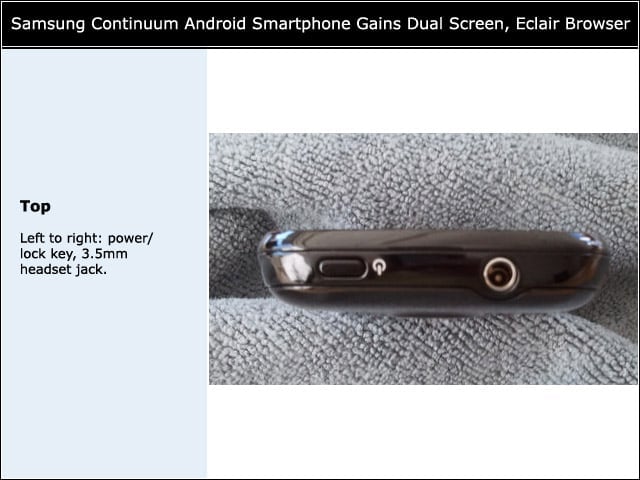
Top
5

Left to right: power/lock key, 3.5mm headset jack.


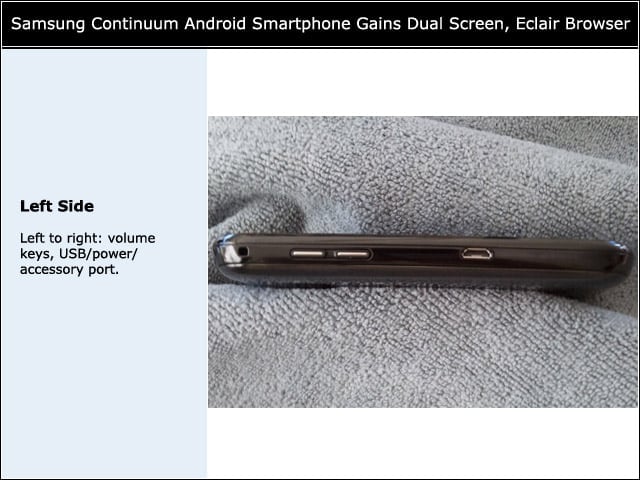
Left Side
6

Left to right: volume keys, USB/power/accessory port.


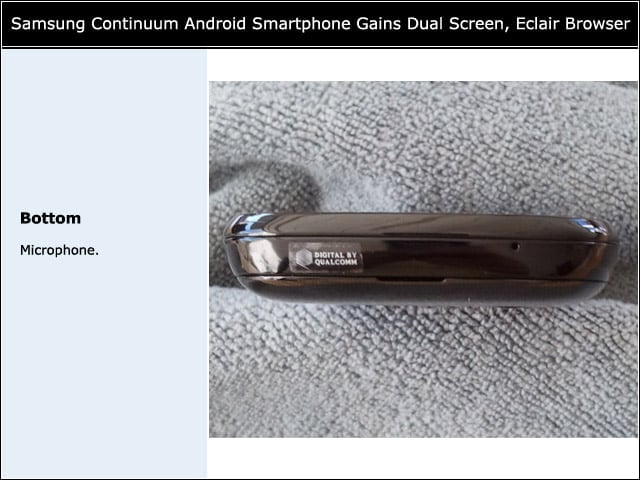
Bottom
7

Microphone.


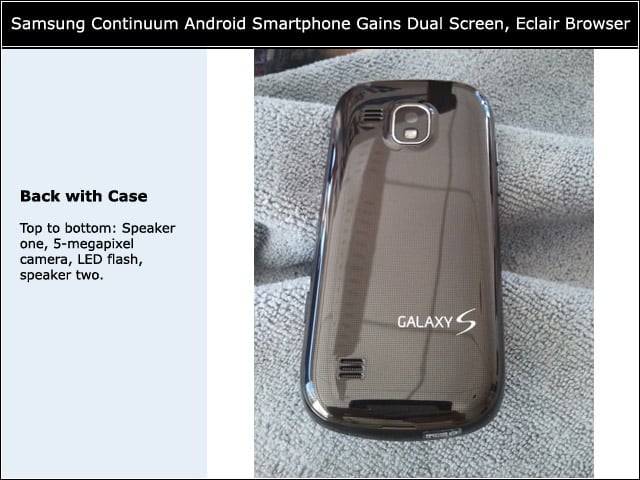
Back with Case

8

Top to bottom: speaker one, 5 -megapixel camera, LED flash, speaker two.


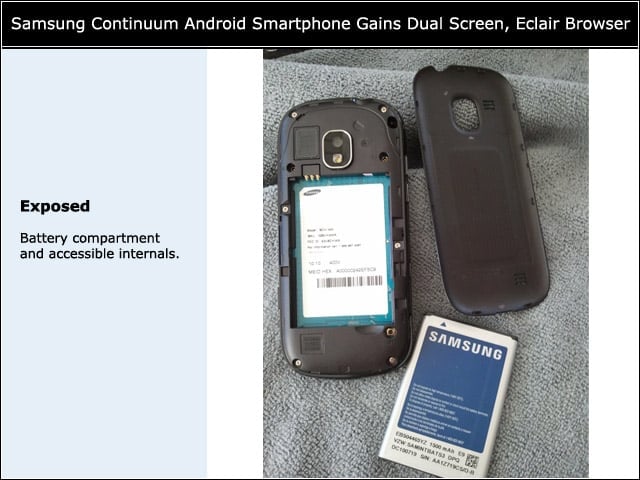
Exposed
9

Battery compartment and accessible internals.


Advertisement

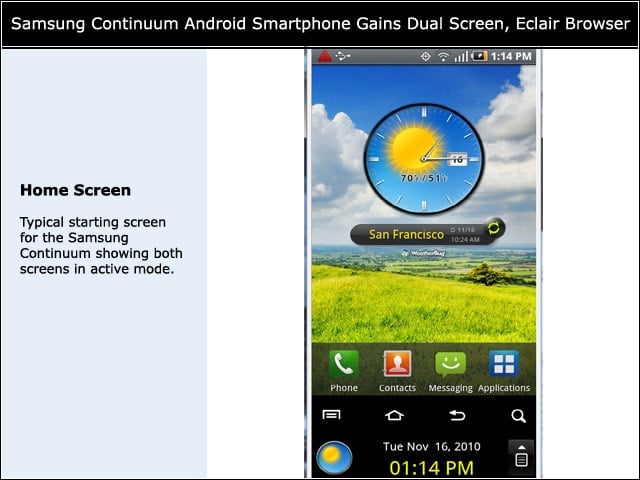
Home Screen

10

Typical starting screen for the Samsung Continuum showing both screens in active mode.


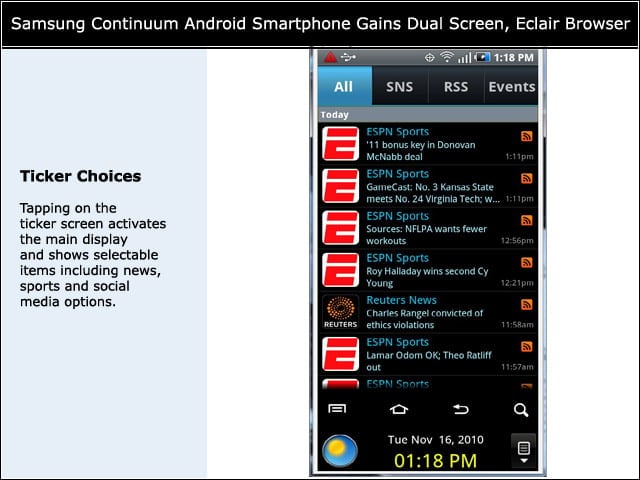
Ticker Choices
11

Tapping on the ticker screen activates the main display and shows selectable items including news, sports and social media options.


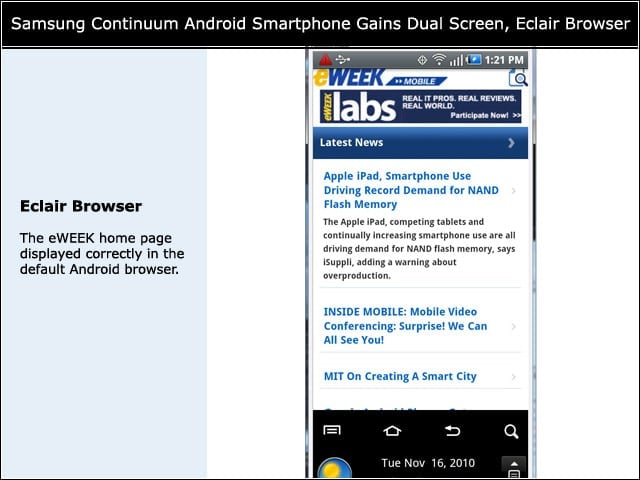
Eclair Browser
12

The eWEEK home page displayed correctly in the default Android browser.


Double Tap
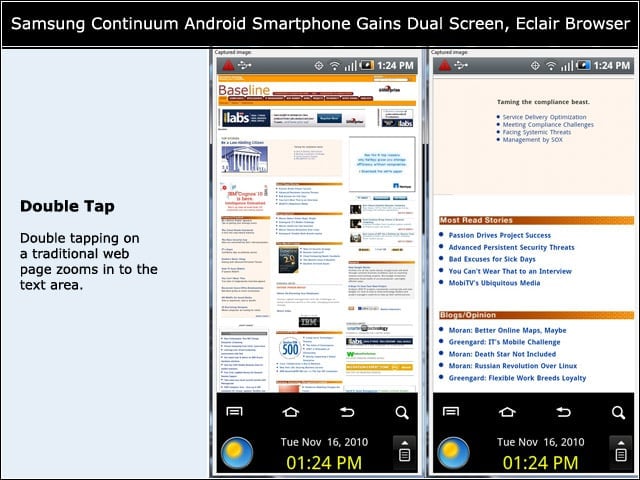
13

Double tapping on a traditional web page zooms in to the text area.


Not Happy
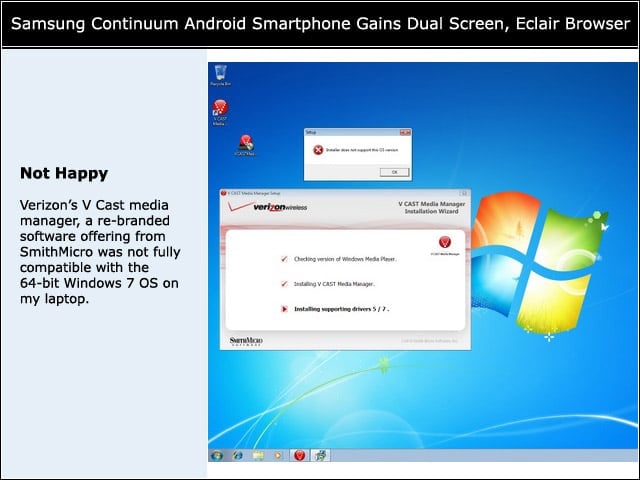
14

Verizons V Cast media manager, a re-branded software offering from SmithMicro was not fully compatible with the 64-bit Windows 7 OS on my laptop.


Wicked
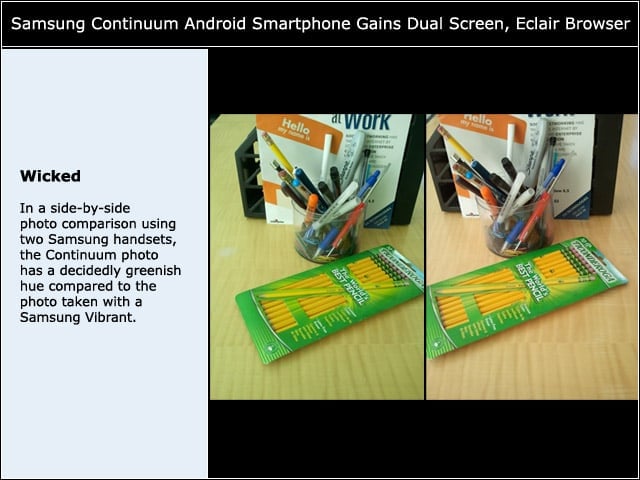
15

In a side-by-side photo comparison using two Samsung handsets, the Continuum photo has a decidedly greenish hue compared to the photo taken with a Samsung Vibrant.

Cameron Sturdevant

Cameron Sturdevant is the executive editor of Enterprise Networking Planet. Prior to ENP, Cameron was technical analyst at PCWeek Labs, starting in 1997. Cameron finished up as the eWEEK Labs Technical Director in 2012. Before his extensive labs tenure Cameron paid his IT dues working in technical support and sales engineering at a software publishing firm . Cameron also spent two years with a database development firm, integrating applications with mainframe legacy programs. Cameron's areas of expertise include virtual and physical IT infrastructure, cloud computing, enterprise networking and mobility. In addition to reviews, Cameron has covered monolithic enterprise management systems throughout their lifecycles, providing the eWEEK reader with all-important history and context. Cameron takes special care in cultivating his IT manager contacts, to ensure that his analysis is grounded in real-world concern. Follow Cameron on Twitter at csturdevant, or reach him by email at cameron.sturdevant@quinstreet.com.

eWeek Logo

eWeek has the latest technology news and analysis, buying guides, and product reviews for IT professionals and technology buyers. The site's focus is on innovative solutions and covering in-depth technical content. eWeek stays on the cutting edge of technology news and IT trends through interviews and expert analysis. Gain insight from top innovators and thought leaders in the fields of IT, business, enterprise software, startups, and more.

Propriété de TechnologyAdvice. © 2026 TechnologyAdvice. Tous droits réservés

Divulgation publicitaire : Certains des produits qui apparaissent sur ce site proviennent d'entreprises dont TechnologyAdvice reçoit une compensation. Cette compensation peut influencer la façon dont les produits apparaissent sur ce site, notamment l'ordre dans lequel ils apparaissent. TechnologyAdvice n'inclut pas toutes les entreprises ou tous les types de produits disponibles sur le marché.