







- Surface 3 Tablet Delivers Features for Home, Office, Classroom
- The Display Is Close in Size, Quality to Surface Pro 3
- Yes, It Will Run Windows 10
- The Kickstand Is a Little Different
- So Long, Windows RT
- Bring On Office 365 (Personal)
- Surface 3 Goes for Atom
- Surface 3 Works Just Fine With Surface Pen
- The Configurations Depend on Storage, Connectivity
- The Enterprise Is Not the First Target
- It’s All About Affordability
Surface 3 Tablet Delivers Features for Home, Office, Classroom
By Don Reisinger
The Display Is Close in Size, Quality to Surface Pro 3
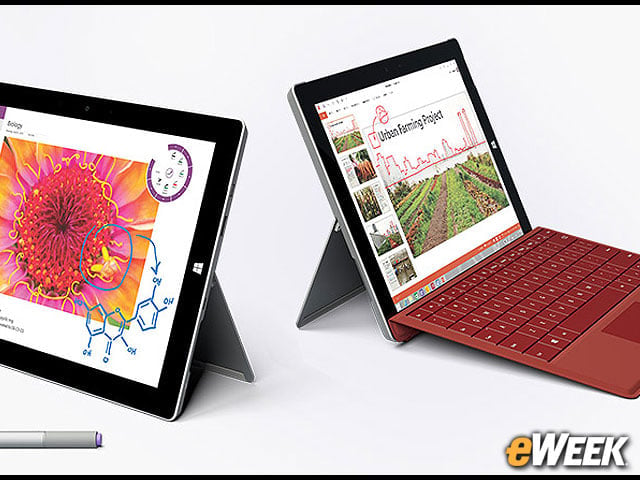
If one were to put the Surface 3 next to Microsoft’s already available Surface Pro 3, he or she would quickly discover that the differences in screen size are negligible. The Surface 3 has a 10.8-inch, 1080p screen, compared with the 12-inch display on the Surface Pro 3. The latter tablet has a resolution of 2,160 by 1,440, making it only marginally better than Microsoft’s latest slate.
Yes, It Will Run Windows 10
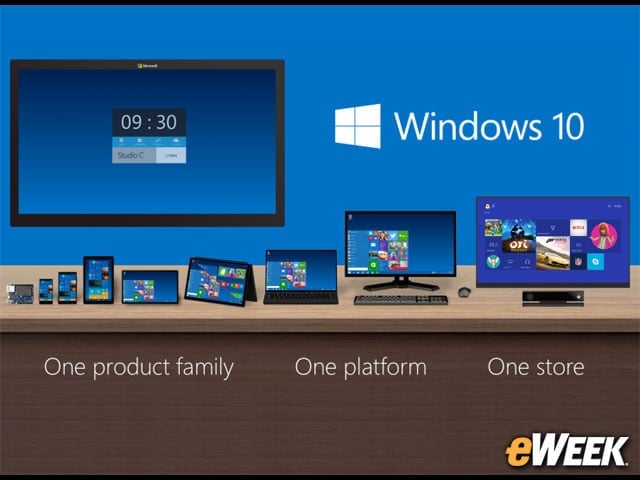
Microsoft has reassured customers that when Windows 10 launches later this year, the Surface 3 will be fully capable of running the operating system. Like other devices currently running Windows 7 or Windows 8, the Surface 3 will get a free upgrade to Windows 10 when the operating system launches later this year.
The Kickstand Is a Little Different
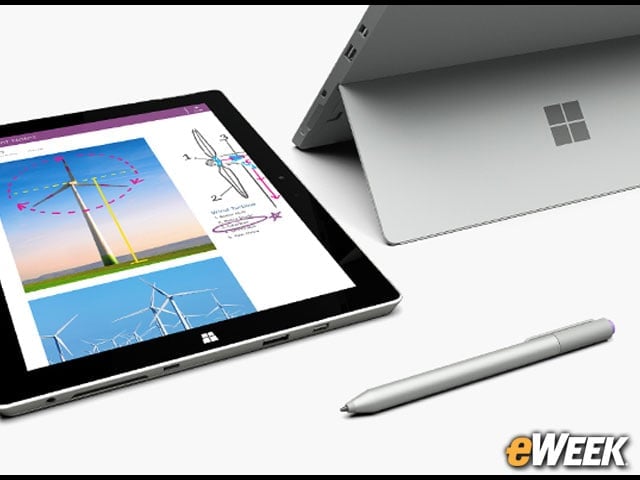
When Microsoft announced the Surface Pro 3, the company made a big deal about the kickstand and how it can be positioned at any angle for the ultimate in user comfort. The Surface 3, however, has taken a bit of a step back and can only be propped up in three preset positions. That might not be a deal-breaker for most users, but it’s something to keep in mind for those who prefer total flexibility.
So Long, Windows RT
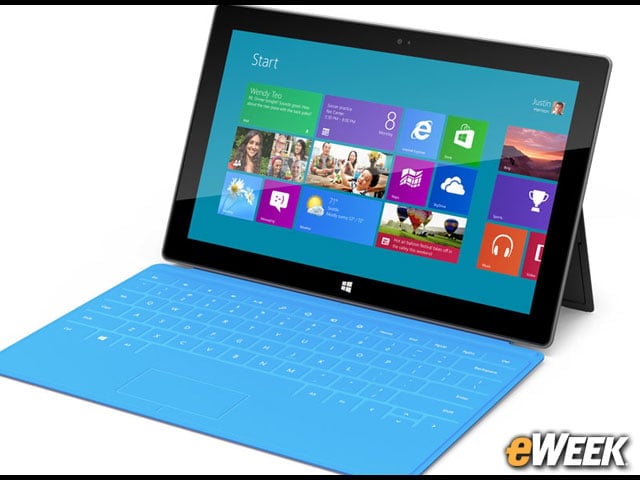
Microsoft’s Surface 3 is designed to replace the previous Surface tablet that was running the ill-fated Windows RT. In its place is a full version of Windows 8.1, the same operating system available in the Surface Pro 3. Windows RT was supposed to be Microsoft’s tablet-based answer to iOS and Android. It wasn’t. And it failed.
Bring On Office 365 (Personal)
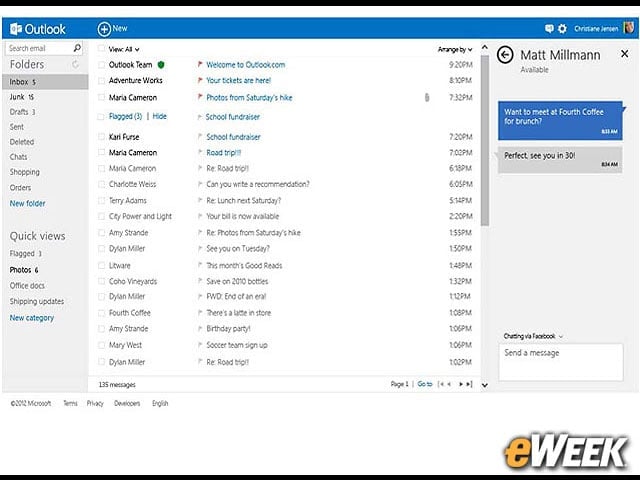
Microsoft is offering free access to Office 365 for the first year of Surface 3 ownership. However, companies hoping to get their hands on the professional versions of the platform should know that the deal is only for Office 365 Personal. That platform comes with full offline versions of the software, 1GB of online storage, 60 minutes of Skype calling per month to mobile phones and landlines, and more. It typically costs $70 per year per user.
Surface 3 Goes for Atom
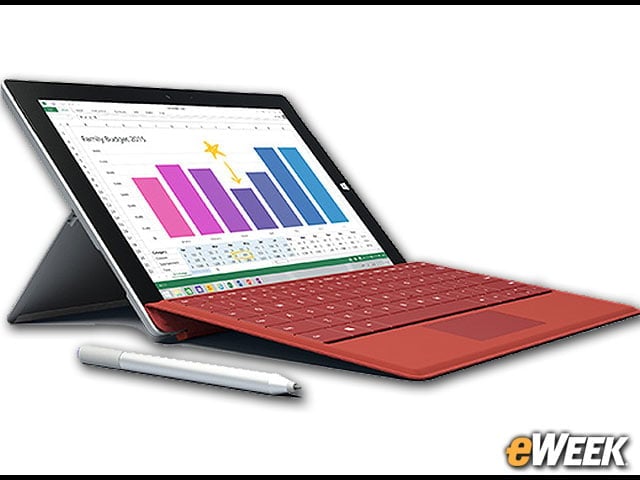
A major difference between the Surface 3 and the Surface Pro 3 is the processors built into the devices. The Surface 3 comes with the mobile-focused Intel Atom, which would make it suitable for simpler applications. The Surface Pro 3, meanwhile, can be configured with up to an Intel Core i7 processor. Those interested in the Surface 3 as a notebook replacement would do well to consider the Surface Pro 3 instead.
Surface 3 Works Just Fine With Surface Pen
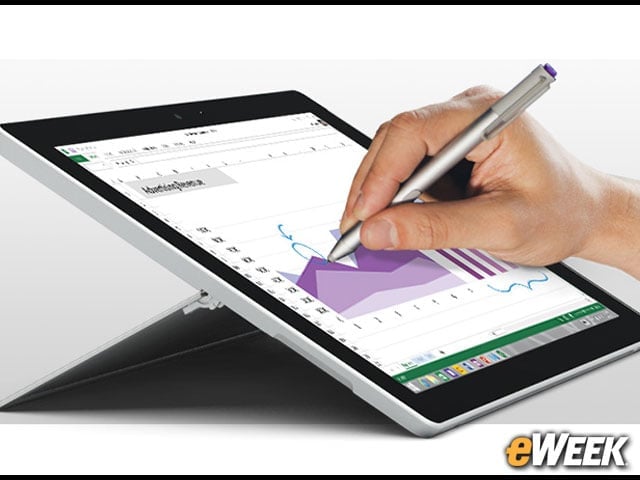
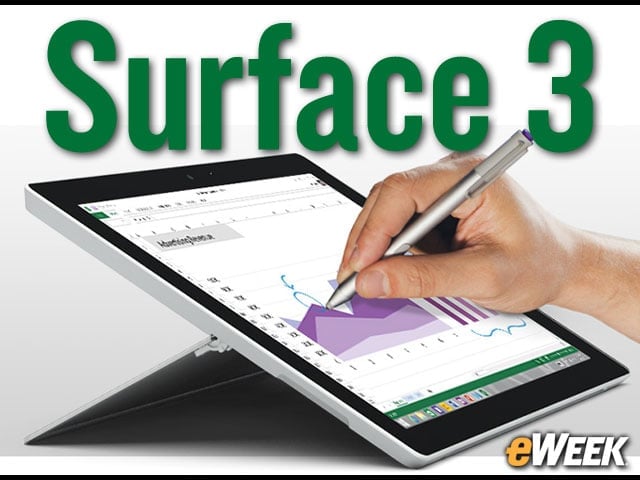
Surface Pen, the stylus that works with Microsoft’s tablets, is fully supported in the Surface 3. Surface Pen feels much like a pen and comes with 256 levels of pressure sensitivity, allowing users to easily draw or take notes. It’s a high-quality stylus that is easily one of the best on the market. It’s nice to see it supported in the Surface 3.
The Configurations Depend on Storage, Connectivity
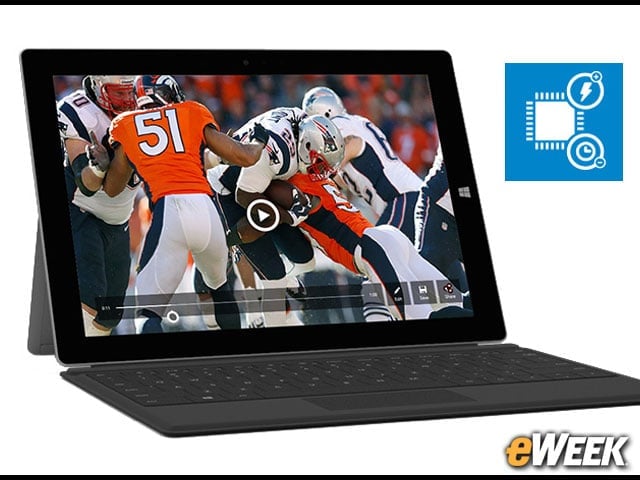
Microsoft, like other tablet makers, isn’t content to simply offer one version of its tablet. The company has several versions of the Surface 3 available, depending on the amount of storage and connectivity a person wants. Buyers can select 64GB or 128GB storage options. From there, they need to decide whether to go WiFi-only or WiFi and LTE. Pricing varies depending on the choice.
The Enterprise Is Not the First Target
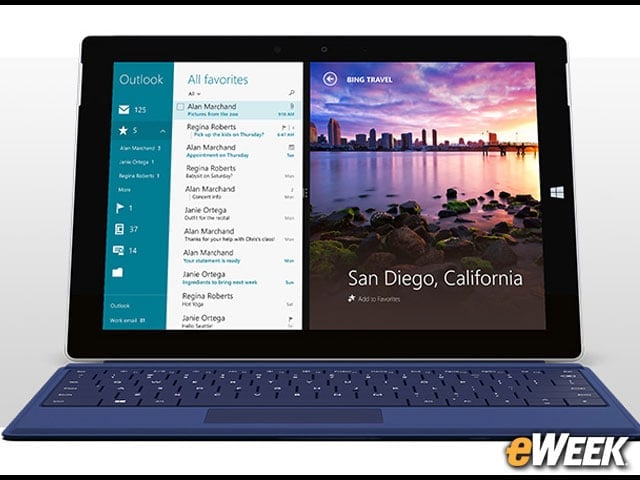
If anything is certain, it’s that the enterprise is not the primary market for the Surface 3. While Microsoft would gladly see business customers use the device, it says on its Surface 3 homepage that the tablet is the “perfect balance of performance and value for students, families, and more.” On the same page, Microsoft says that the Surface Pro 3 is the “ultimate in performance and versatility for professionals, creators, and more.” Keep that in mind.
It’s All About Affordability

The central theme in the Surface 3 is affordability. While the Surface Pro 3 starts at $799, the Surface 3 goes for $499 to start, and goes up $100 with a jump in storage. Microsoft will deliver those versions with WiFi-only connectivity on May 5. The company will release LTE versions on June 26, but as of this writing it hasn’t announced pricing for these models.