







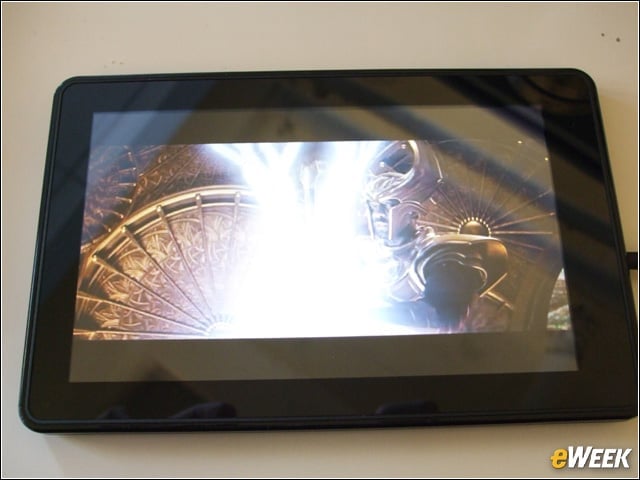
The Kindle Fire
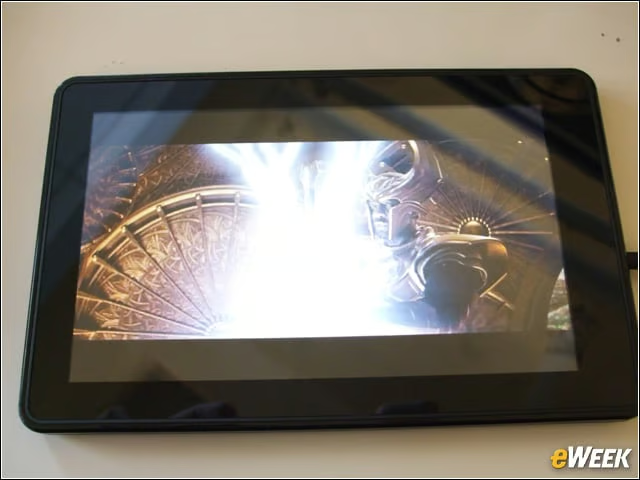
The Kindle Fire, which retails for $199, began shipping to customers Nov. 14. Amazon hopes customers will gravitate toward the 7-inch tablets tight integration with its online offerings.
Services
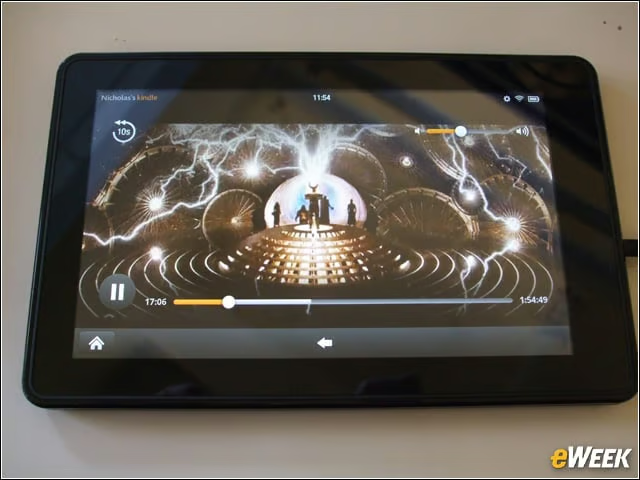
The Kindle Fire places front-and-center the ability to watch streaming video, listen to music via Amazons Cloud Drive and read Kindle e-books.
Hardware
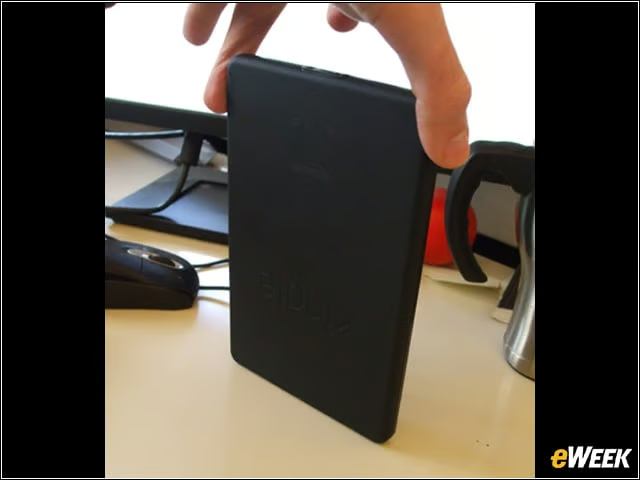
The Kindle Fire boasts a dual-core processor but lacks the rear camera found in any number of competing tablets.
Setup
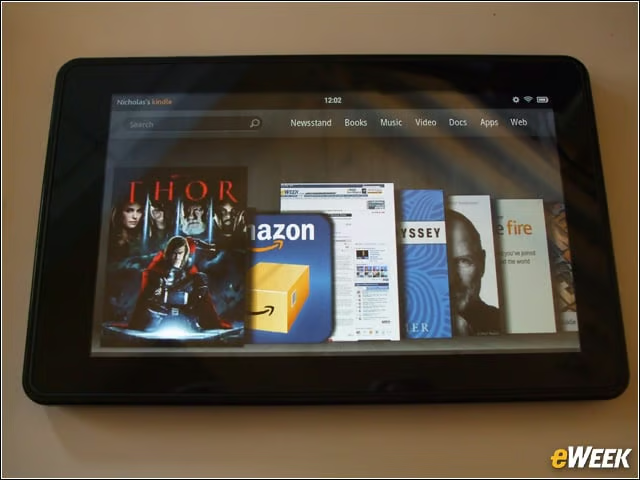
In place of the grid-like screen of individual apps that defines most other tablets on the market, the Kindle Fires user interface centers on a set of virtual “shelves” stocked with media and apps. That seems a logical visual choice, considering how Amazon began as a bookseller.
App Store
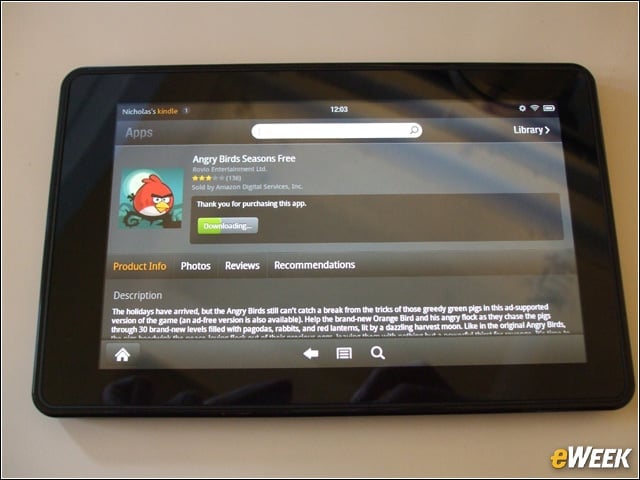
Amazon is offering apps via its branded Appstore for Android.
Apps and Games
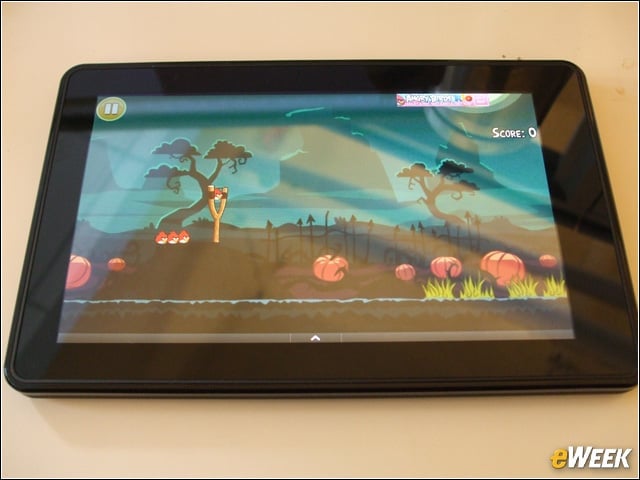
Fortunately, the Appstore for Android offers a broad collection of apps and games, which generally run smoothly, thanks to the Kindle Fires hardware.
Silk Browser
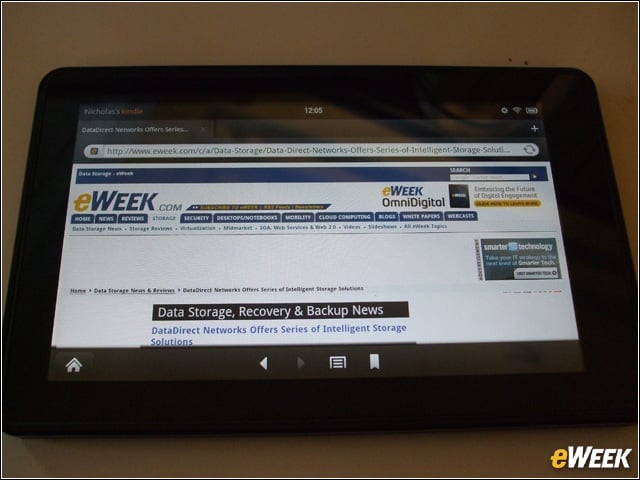
The Kindle Fire leverages a purpose-built “Amazon Silk” browser that uses the retailers cloud architecture to speed Web page rendering.
E-Reading
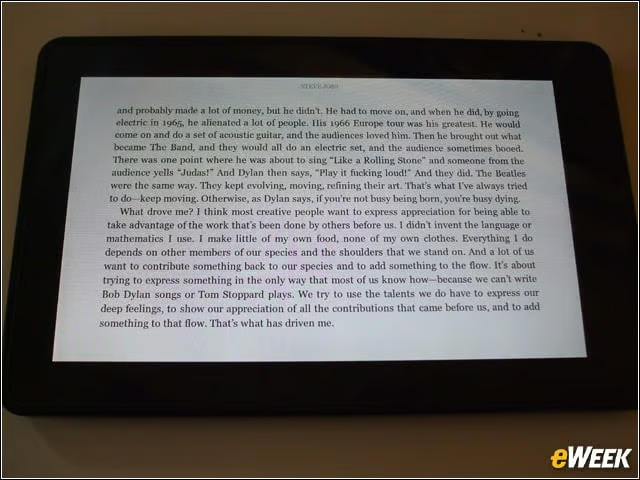
The Kindle Fires screen can be used to read not only black and white text, but also color books—giving it an advantage over Amazons previous Kindle e-readers, which presented only in gray scale.
Lock Screen
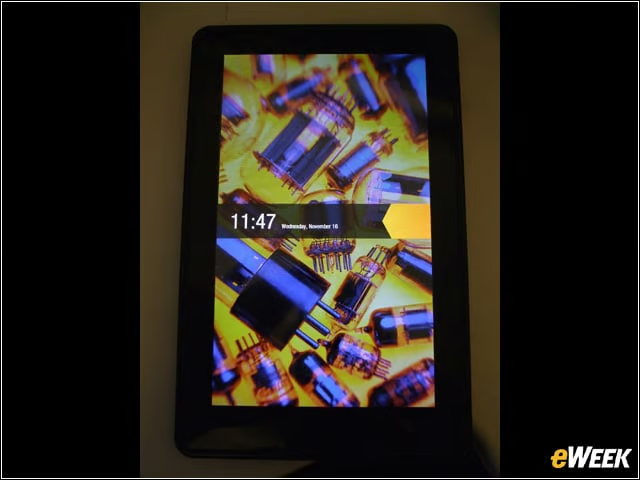
The Kindle Fires lock screen, skinned somewhat to reflect Amazons sensibilities. The tablets user interface is built atop Google Android.??Ã
Password
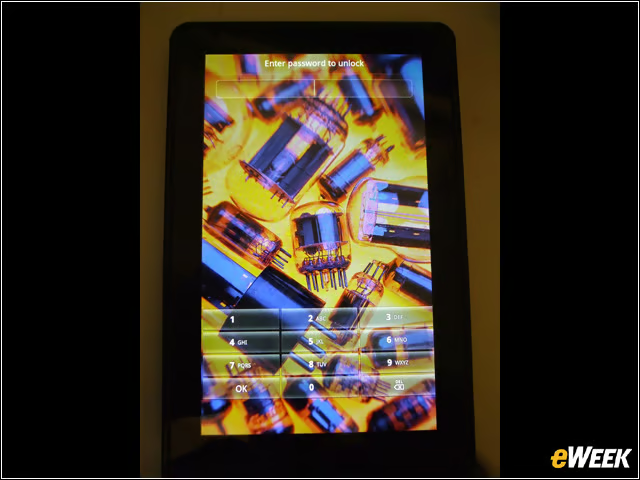
The Kindle Fires password screen, likewise with Amazons influence.
Music
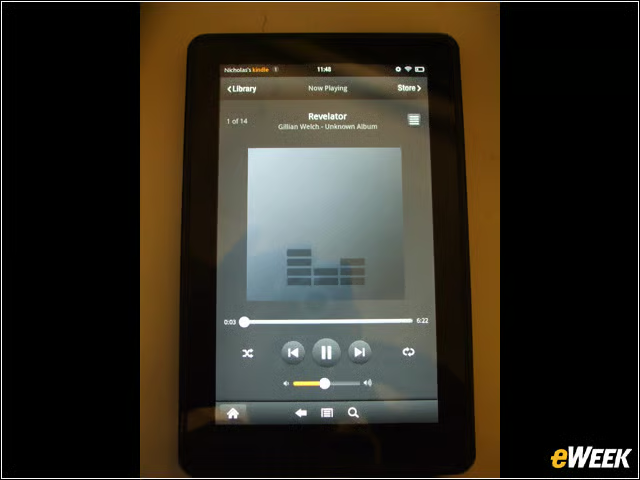
The Kindle Fire can stream music from Amazons Cloud Drive. As with other services available on the tablet, a strong WiFi connection (theres no 3G or 4G support) is a must. The speakers on the bottom of the device are loud and clear.
Business
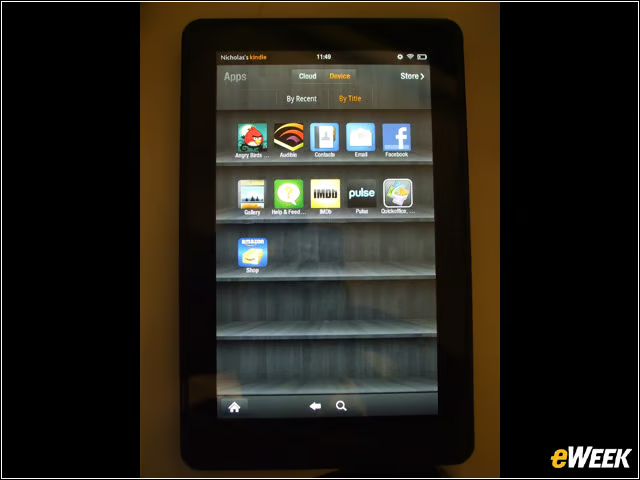
For more business-minded users, the Kindle Fire offers a native email app, along with apps via its storefront such as Quickoffice. The Fire will store and display documents such as PDFs.