






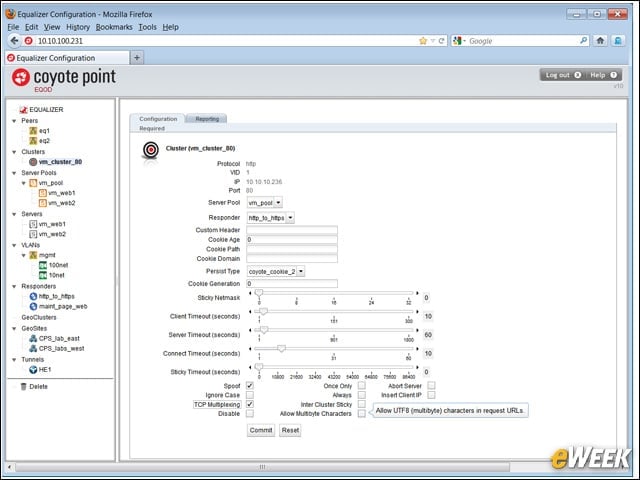

Cluster Management

The virtual cluster management page allows for management of the virtual IP address that represents the real servers (physical or virtual) being load balanced.
Match Rule Configuration
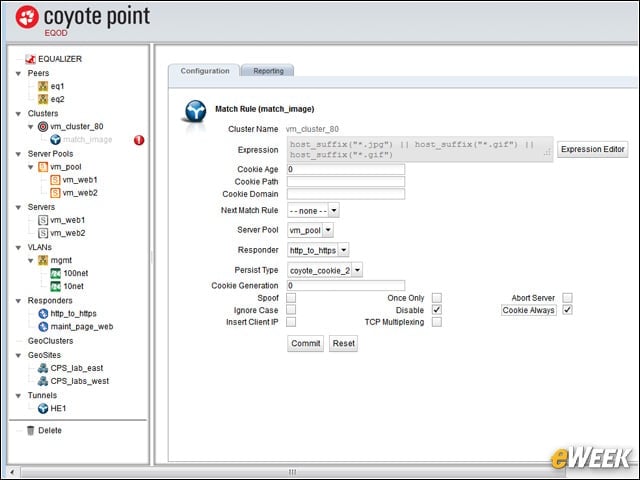
The Match Rule configuration page is the control frame work for Layer 7 content-switching functions, which include a graphical expression editor for rule construction.
System Information
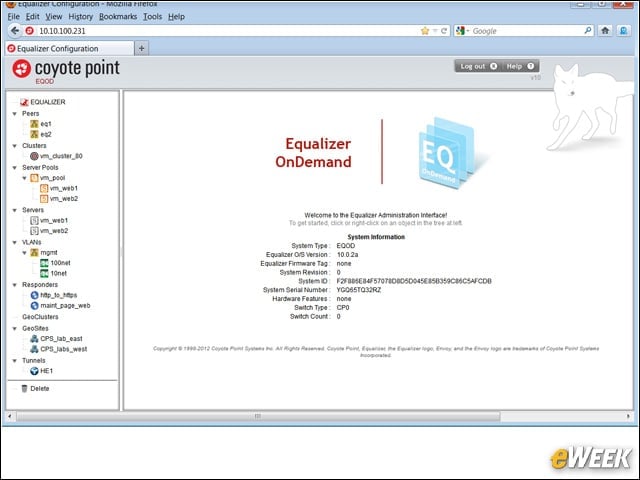
The home page is the first page after log-in, and it presents summary system information on this instance of Equalizer OnDemand.
Creating an IPv6 Tunnel
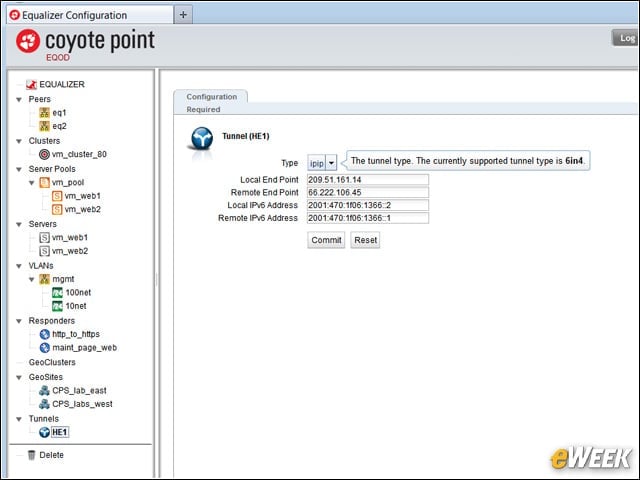
The Internet Protocol version 6 (IPv6) tunnel page shows the required elements for creating a 6-in-4 IPv6 tunnel with an IPv6 tunnel provider, in this instance Hurricane Electric.
Global Parameters
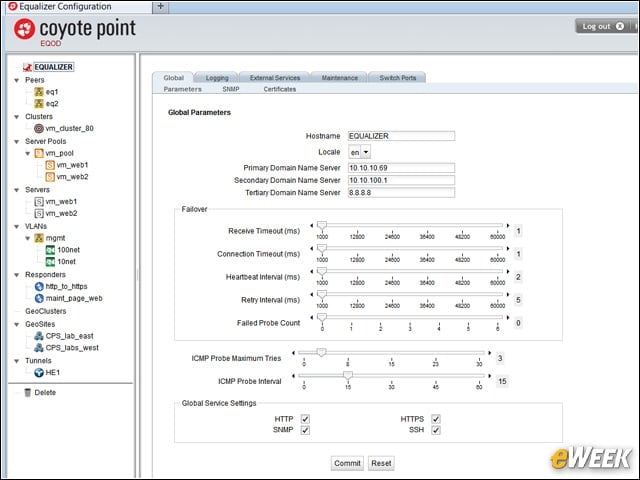
The global parameters screen allows centralized control of routine management functions, including default time-outs and probing values, and local language for the appliance.
Subnet Controls
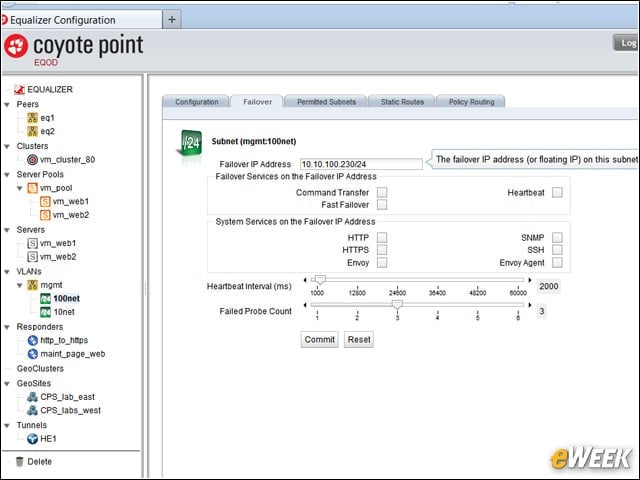
The network and failover configuration area controls networking parameters like virtual LANs (VLANs) and trunks. Failover configuration defines our redundant or high-availability configuration with our peer Equalizer.Â
Server Pool Load Balancing
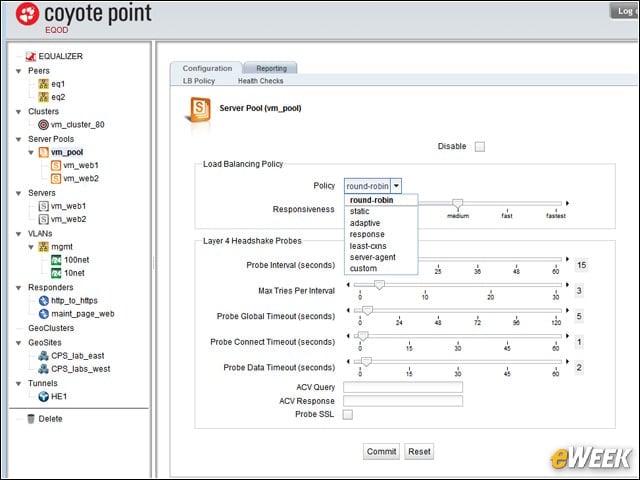
Load-balancing policy definitions offer several options for controlling how load balancing takes place and what triggers are used to initiate the transfer of loads between virtual appliances.
Equalizer OnDemand Console
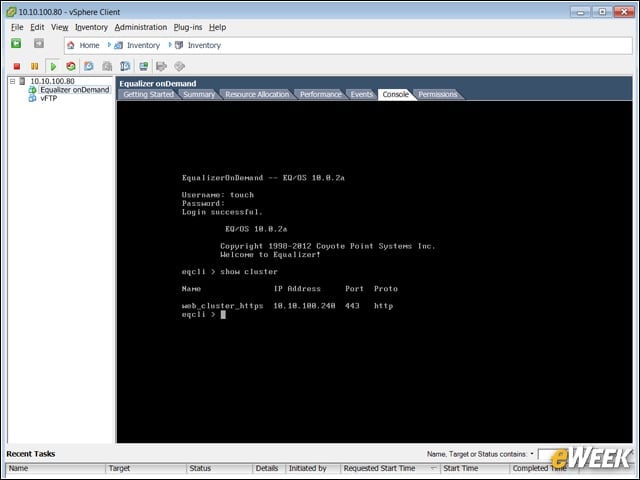
Equalizer OnDemand installs easily in minutes from a standard Open Virtualization Format (OVF) deployment template and can be managed directly from vSphere like any other virtual machine or appliance.