







- LABS GALLERY: Parallels Eases PC-to-Mac Transition with Parallels 4.0 Switch to Mac
- Parallels Transporter
- Collecting Data
- Migration Progress
- Migration Is Complete 1
- Migration Is Complete 2
- Parallels Virtual Machines
- eweekXP Parallels Desktop
- Initial Startup
- Log-in
- Successfully configured
- One last look at Windows
- Windows running on the Mac
- Cannot run
- Battery Information
- No Title
LABS GALLERY: Parallels Eases PC-to-Mac Transition with Parallels 4.0 Switch to Mac
Parallels Transporter
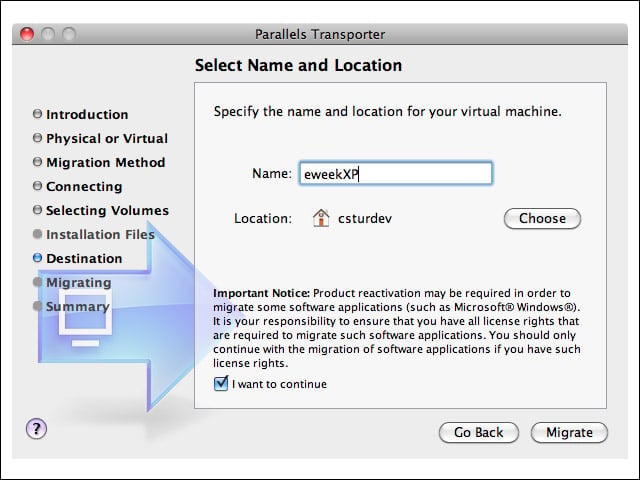
Installing the Parallels agent on the Windows PC (in my tests, a ThinkPad x40 running Windows XP) is the first step in the migration process.
Collecting Data
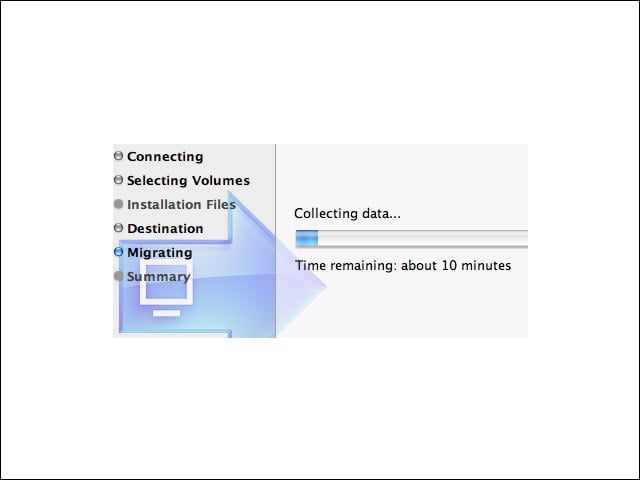
During collection, applications and data files are enumerated and prepared for migration from the PC to the Mac.
Migration Progress
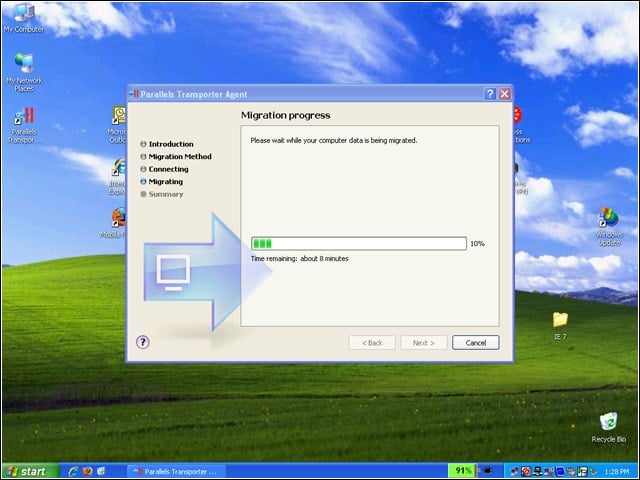
Here you see the process from the PC side.
Migration Is Complete 1
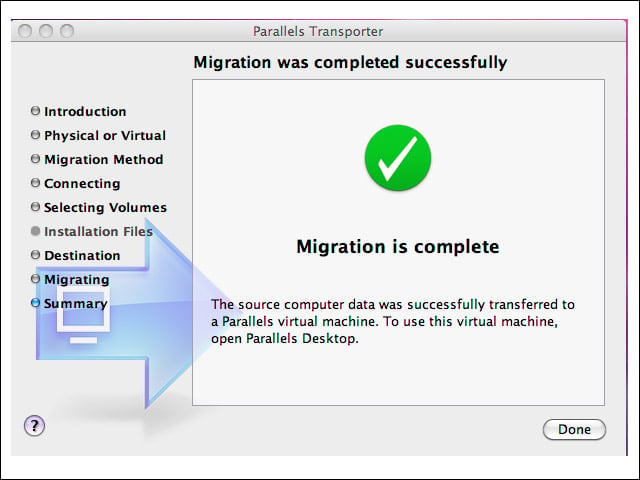
On the PC side, I got a message at the end of the migration process indicating a successful move.
Migration Is Complete 2
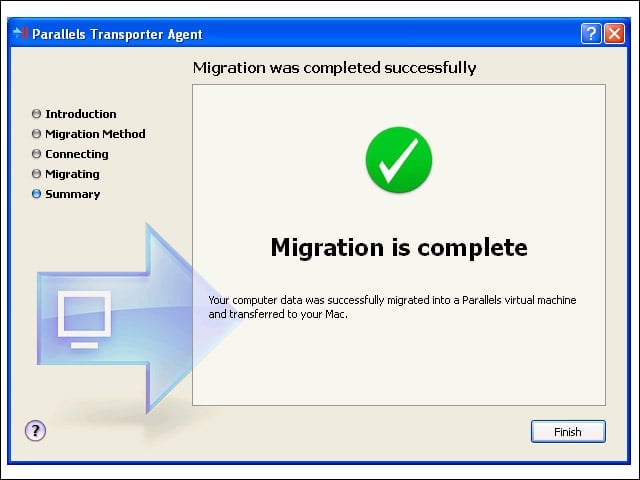
On the Mac side, a confirmation message indicates the successful transfer of the PC system.
Parallels Virtual Machines
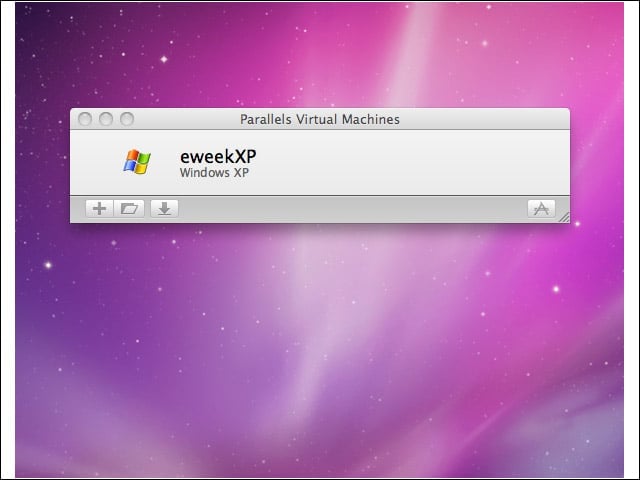
I have just one virtual machine on this test system. Parallels Desktop can support other virtual machines running Mac OS X, Linux and various flavors of Windows.
eweekXP Parallels Desktop
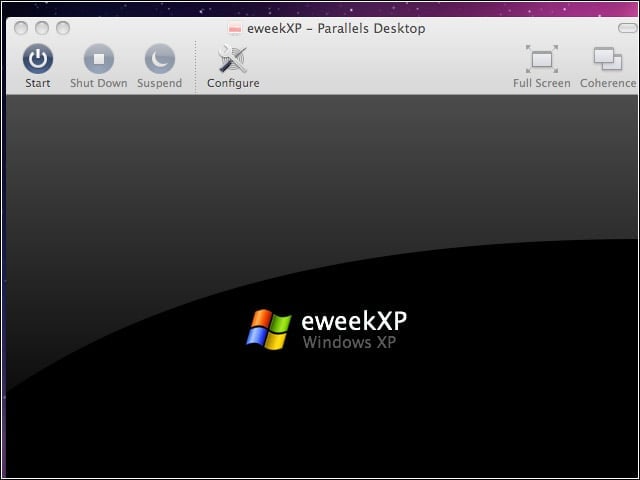
This is the dormant Windows XP system.
Initial Startup
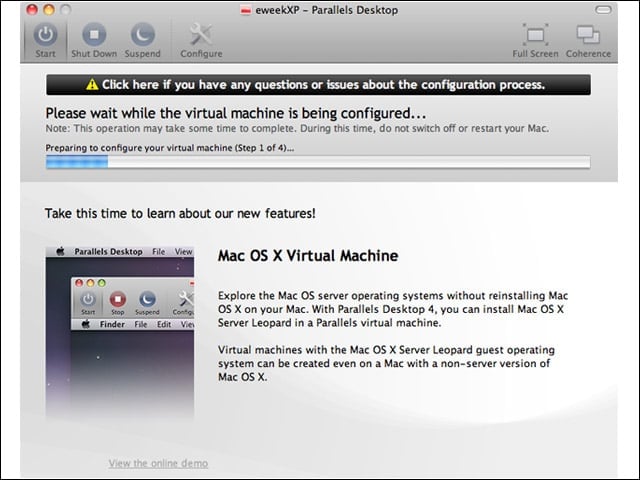
During initial startup, the test machine was automatically configured by the Parallels Desktop application.
Log-in
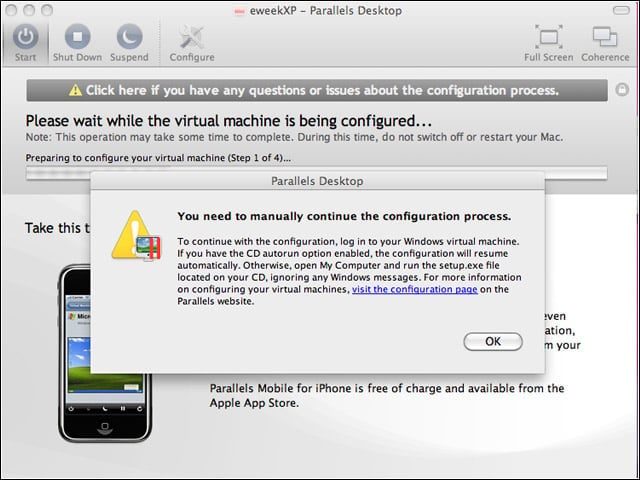
The only manual configuration required during the initial configuration process was a log-in to my Windows system.
Successfully configured
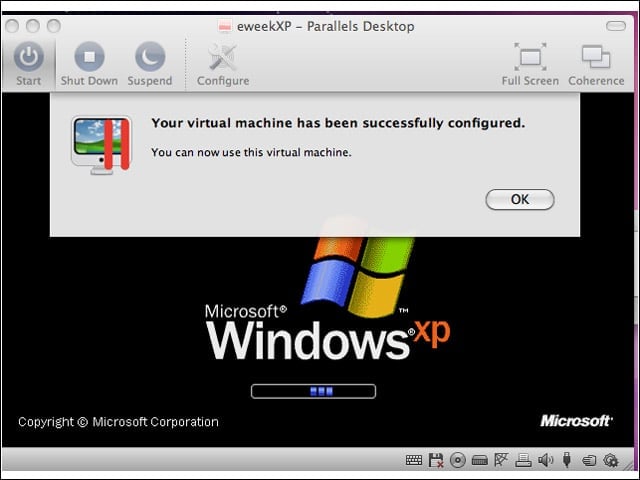
The virtual machine running Windows XP was configured successfully by Parallels Desktop just after the migration process completed.
One last look at Windows
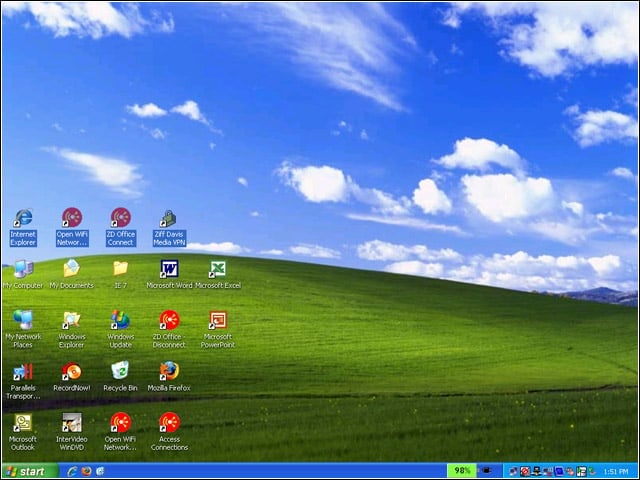
This is what my Windows XP desktop looked like running on the PC.
Windows running on the Mac
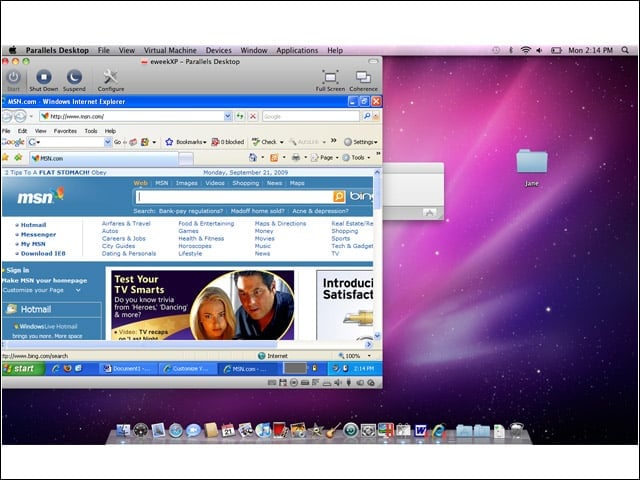
Here is what my Windows system looked like running under Parallels Desktop on the Mac. Applicatoins and networking worked right from the start on my test system, including VPN connectivity over my wireless network.
Cannot run
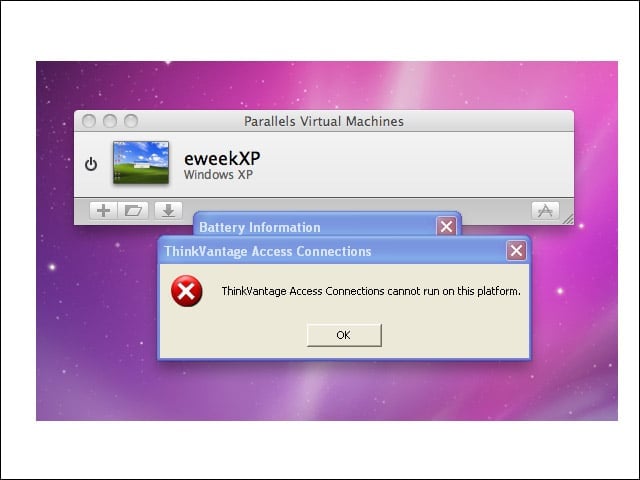
A Windows message from some of the ThinkVantage utilities gracefully indicated that they would not run on this platform.
Battery Information
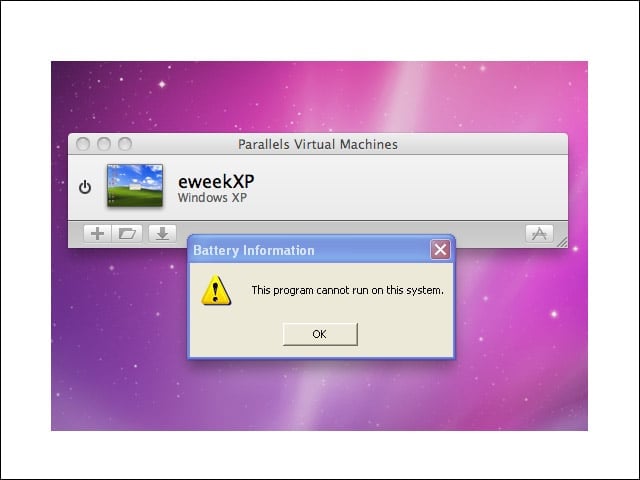
Since the source computer was a laptop it used battery information to manage power. Battery information was not available to the virtual machine since it is now being handled by the host Mac system.
