






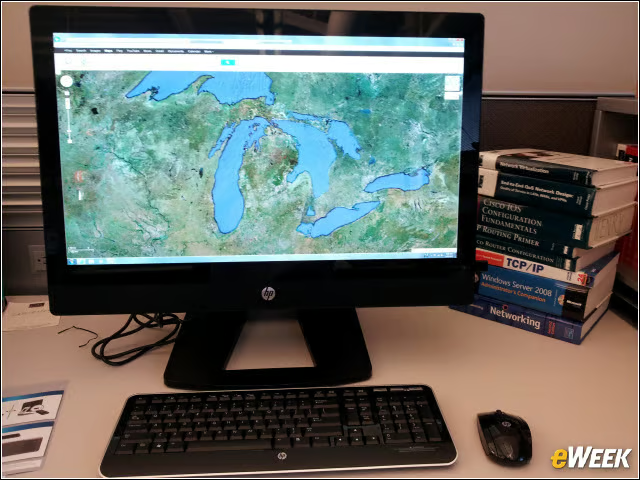

Up and Running in Less Than Five Minutes
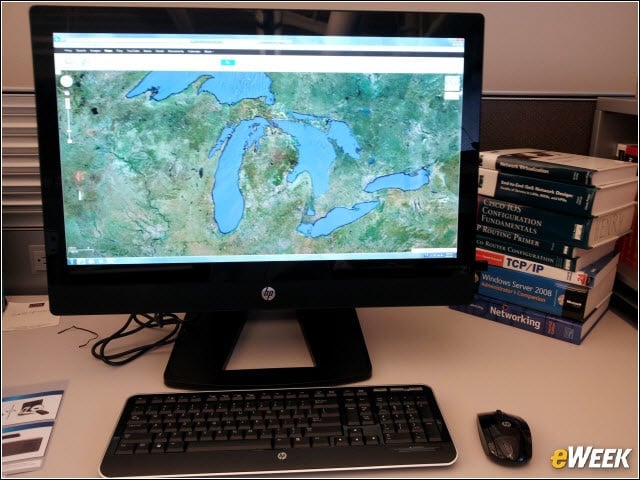
I was able to deploy the HP Z1 workstation in under five minutes, and that includes reading the one-two-three deployment guide. The CPU, memory, drives and all other components are mounted behind the bright 27-inch display. The monitor height can adjust 100mm up or down.
Flat, Compact in the Box
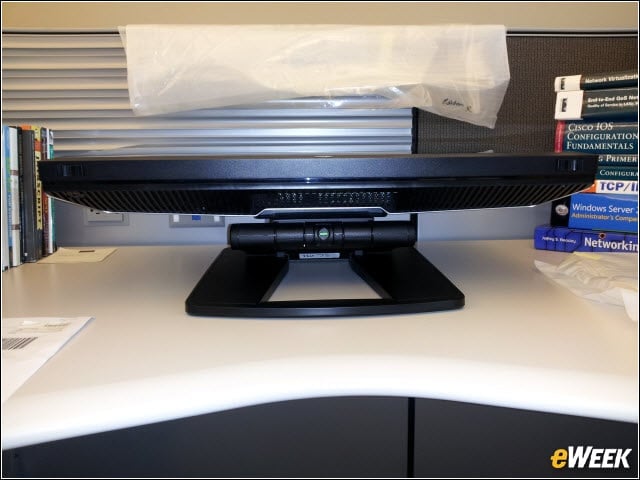
The HP Z1 ships attached to the stand and flat enough to fit in a single box. Standing the system up requires a punch of the green button and a little bit of two-handed strength to lift the monitor to an upright position.
You Can’t Do This With a Mac
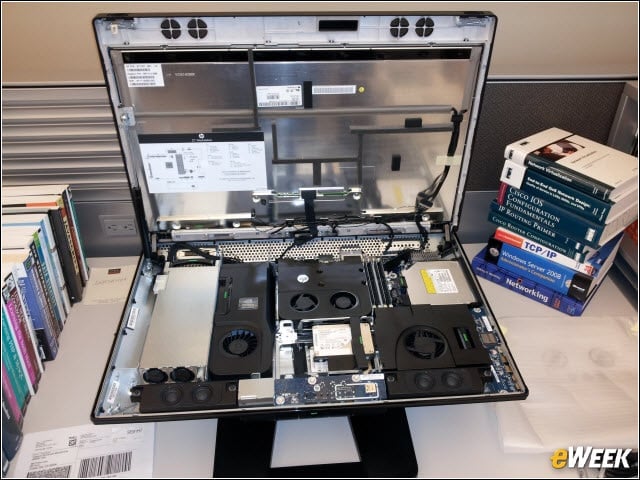
Releasing two slide latches on the bottom edge pops open the HP Z1, exposing all subsystems for easy field maintenance.
View From the Top
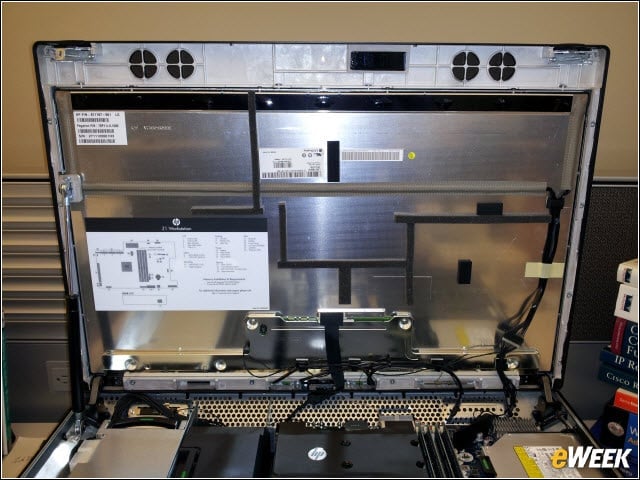
The display panel is the only subsystem that requires tools, which makes sense, since it must be held in a precise position behind the protective overlay glass.
Efficient Component Layout
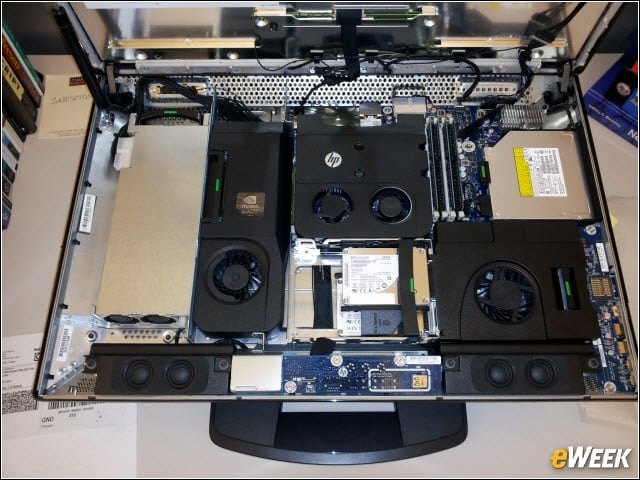
The components, including the 90 percent efficient 400-watt power supply (far left), are laid out in such a way as to shunt heat through the top grill.
Left Side View
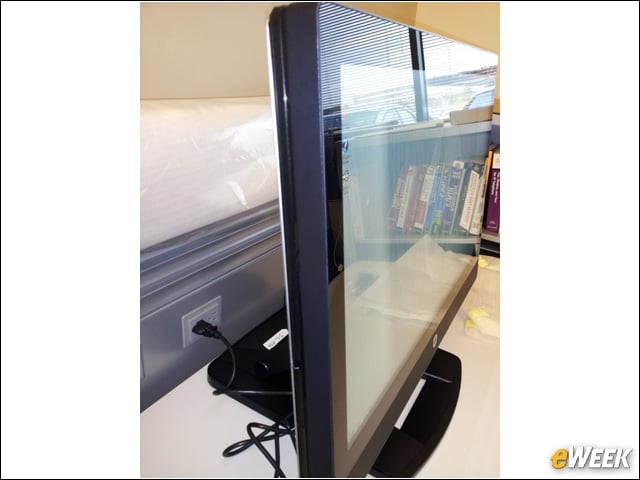
There isn’t anything on the left side edge, except an asset tag pullout ear with system identification stickers.
Right Side View
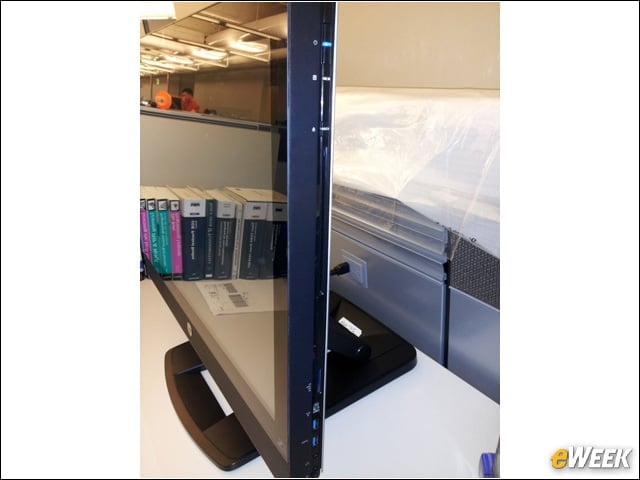
The power switch, optical drive, media card reader and peripheral slots, including 2 USB ports, are on the right side edge.
Extra Peripheral Hidden Under Bottom Edge
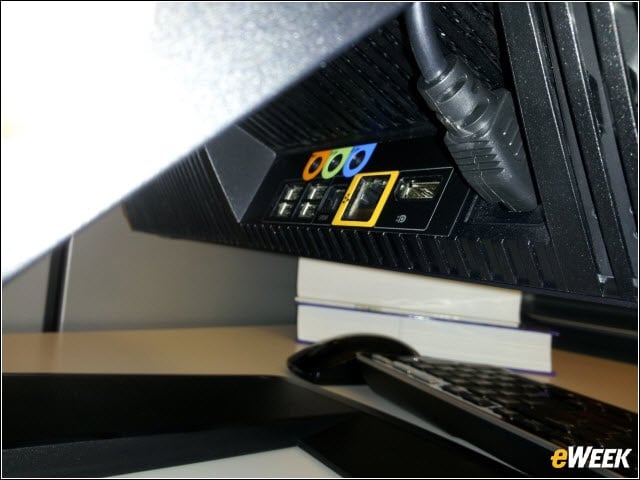
Additional peripheral ports are (barely) accessible on the underside of the bottom edge of the HP Z1.
Camera
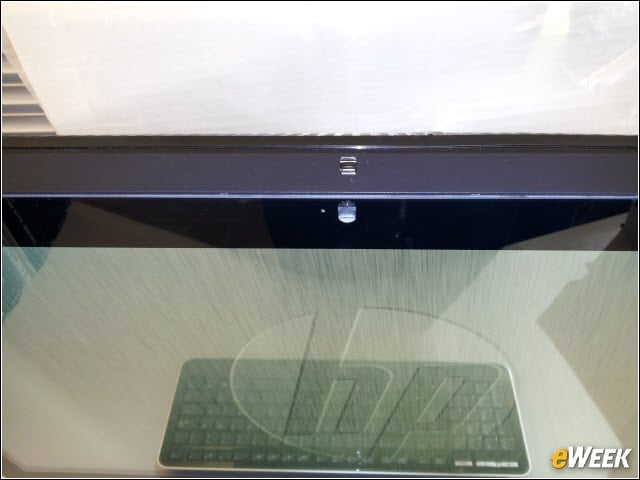
The HP Z1 comes with a high-definition 1080p 2.0-megapixel Webcam in the top bezel.
Side-Mounted Optical Drive
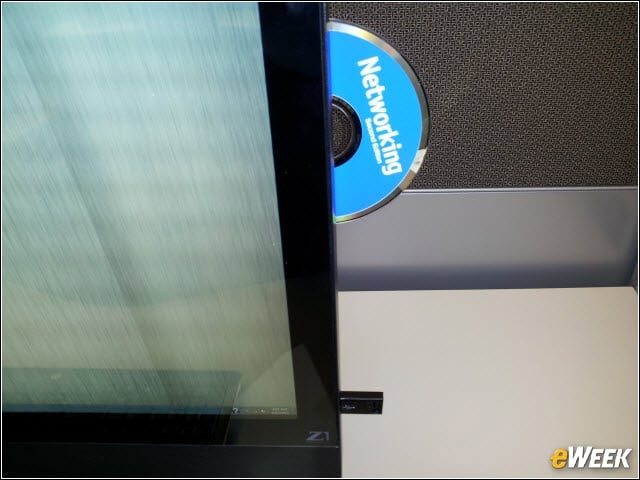
The optical drive can be either DVD +/- RW SuperMulti Slot-Load or Blu-ray Writer Slot-Load.