






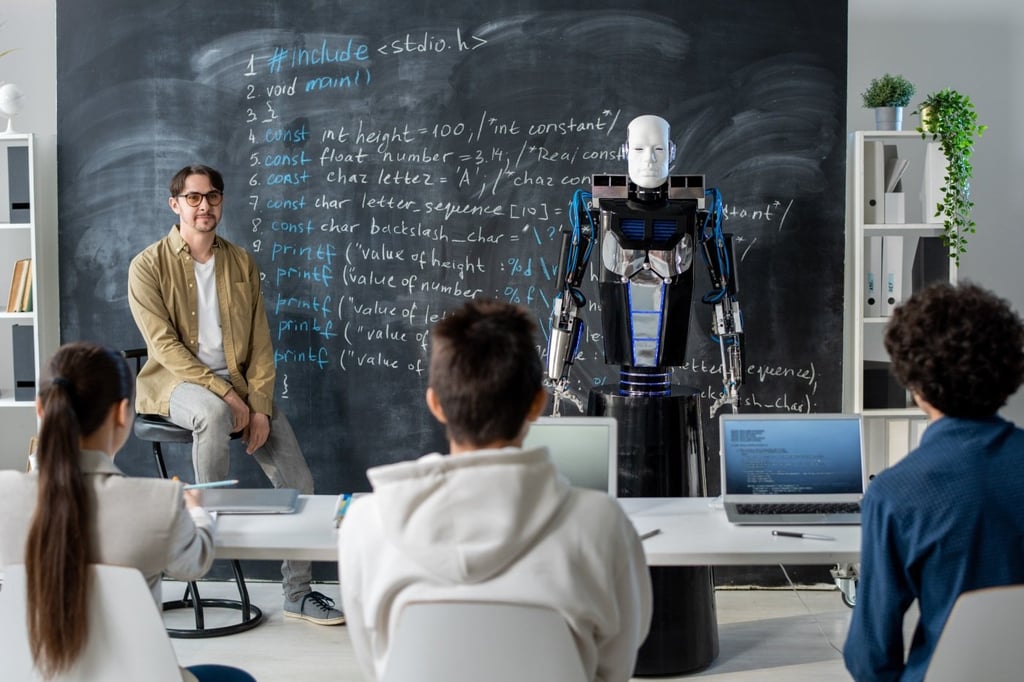


Introducing artificial intelligence (AI) into the classroom naturally brings about mixed reactions. Some teachers are eager to try new tools, while others worry about potential misuse and the ethical implications — both views are valid, of course.
That’s why it’s essential to view AI as an assistant, not a replacement for human teaching. It should speed up lesson planning, help cater to different learning styles, deliver timely feedback, and analyze data to create more relevant content for students.
Here are some ways teachers are actually using AI in the classroom.
Personalized learning for every student
Students learn in different ways and at various paces. Differentiated instruction helps students maximize their potential. By tailoring instruction to students’ readiness, interests, and learning styles, teachers can create a more engaging and relevant learning environment. If your class has mixed reading levels, you can try Diffit.
Diffit is an AI app that helps you create differentiated learning materials by adapting any text or video to specific reading levels. It also allows you to generate summaries, vocabulary lists, comprehension questions, and open-ended prompts, which you can then export into formats you can use in your classroom, like Google Docs and Google Slides.
With this AI tool, you can group students by readiness, use a version that fits, and still discuss the same concept as a class.
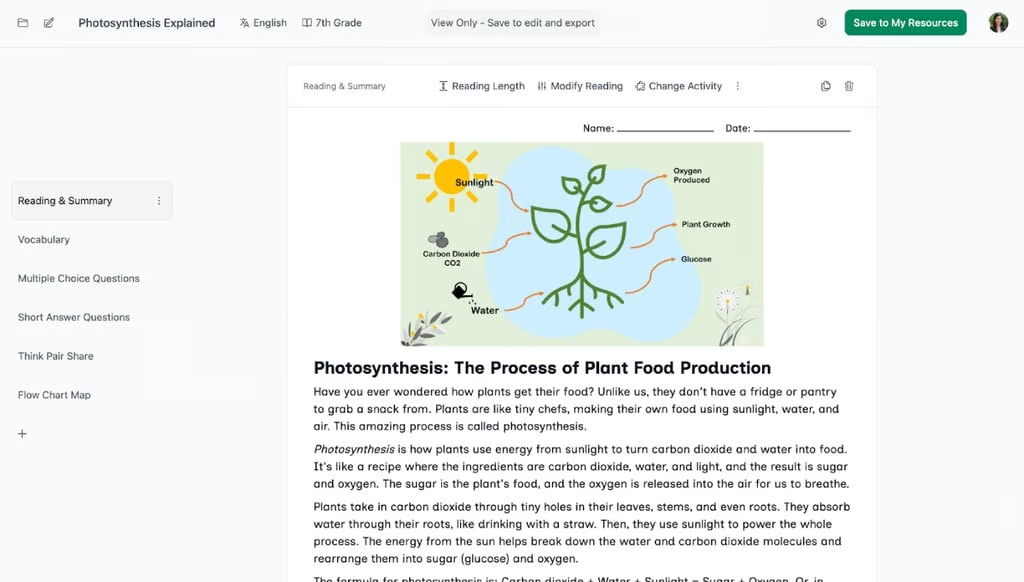
Diffit automatically adapts learning materials for different grade levels and various strategies, including reading and summary, vocabulary, practice tests, and visual aids.
Gamify lessons even without technical knowledge
Even if you’re not tech-savvy or are new to AI apps, you can still build games from scratch to make your lessons more fun and engaging. Kahoot! is a game-based learning platform that makes it easier to create, share, and play learning games or trivia quizzes in minutes.
This AI app helps you engage your students and assess their understanding before or after class. You can create fun learning games, and the format or number of questions is up to you. Add videos, images, and diagrams to make the questions more engaging, or leverage AI tools for faster quiz creation. Just select a topic, upload a PDF, or add a URL to the platform, and customize the quiz.
You can also specify the difficulty level and tone of the content to ensure it fits the lesson, grade level, and learning styles of your students.
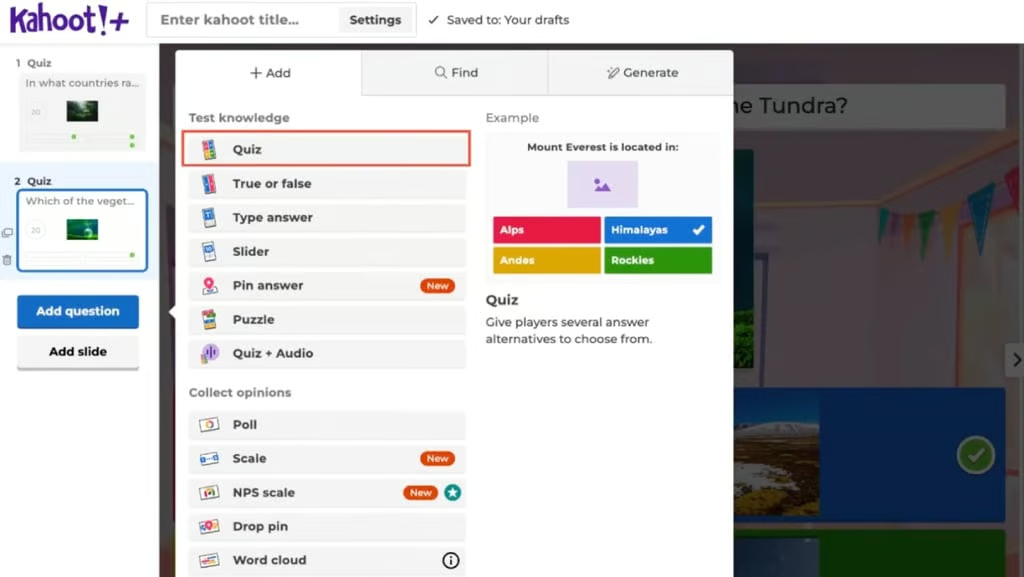
Kahoot! lets you create interactive quizzes and games with different question formats to make learning fun and more engaging.
Real-time feedback while you teach
Feedback is most effective when it’s timely. Nearpod allows every student to respond instantly through multiple-choice questions, short answers, or even drawings, and you can view all their responses in real time. For example, you can add a quick check-in question every 10 minutes to ensure students are following along and understanding the material.
Its AI Create feature generates interactive lessons, quizzes, and gamified experiences, whether you’re introducing a new topic, reviewing key concepts, or contextualizing learning material. What I love about Nearpod is that every lesson focuses on outcomes and promotes active learning, especially for students using Backward Design and Universal Design for Learning Guidelines.
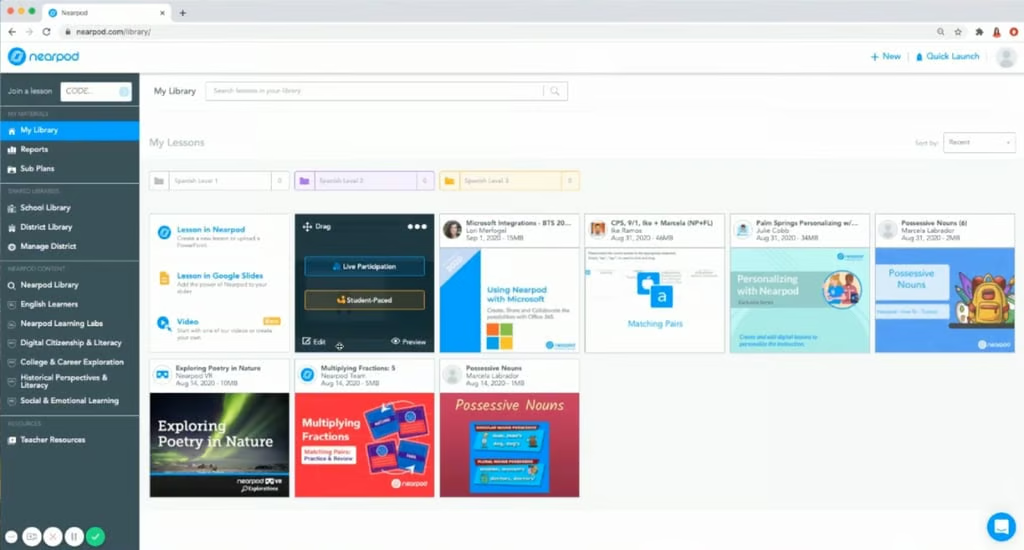
Nearpod gives you access to ready-made interactive lessons across all subjects, which you can customize for your students.
Bottom line: Teach more, prep less with AI
Teachers’ roles continue to evolve alongside new technologies and AI tools. The use of AI in the classroom may evoke some hesitation, but when used properly, these tools can help you become more productive and provide students with more personalized learning experiences.
If you’re planning to use an AI tool in your classroom, start with one app that matches a specific need. Sign up for a free version or trial, test what works for your class, and let AI handle the busywork so you can focus on creativity, feedback, and fostering positive relationships with students.