






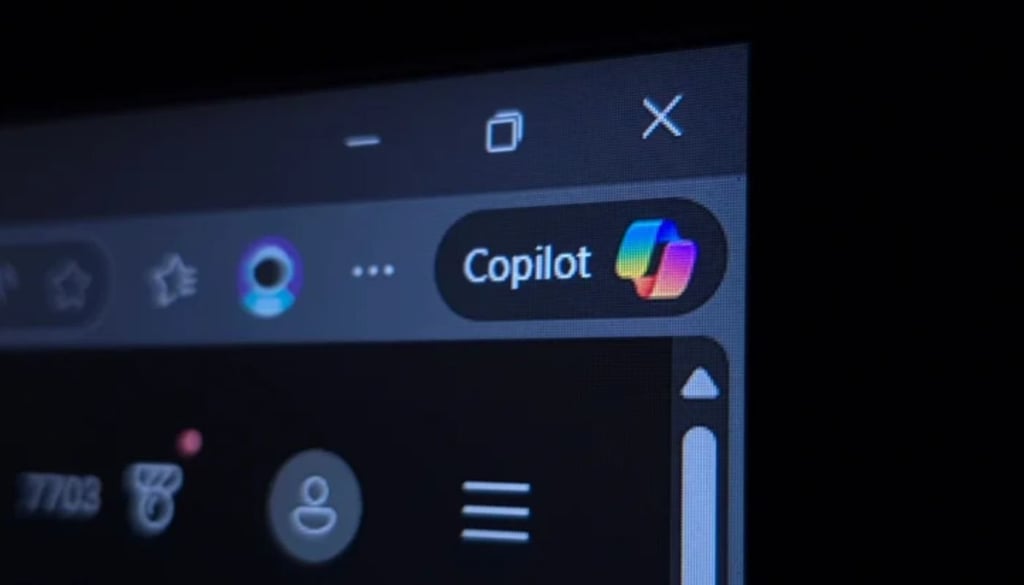


Windows 11 is finally getting a little less crowded.
For months, Windows users have complained about Microsoft’s aggressive push to put AI into every nook and cranny of the operating system. It seems those voices were heard.
In the latest Windows Insider builds, the ubiquitous “Copilot” logo is disappearing from several staple applications, replaced by more generic icons and menus.
The most visible changes are appearing in the newest preview version of Notepad (version 11.2512.28.0). Where a bright Copilot button once sat in the toolbar, users now find a simple pen icon. According to The Verge, Microsoft has also removed the Copilot button from the Snipping Tool, which previously appeared when a user selected a part of their screen to capture.
This retreat isn’t an accident. In a blog post published last month, Pavan Davuluri, Microsoft’s President of Windows & Devices, said, “You will see us be more intentional about how and where Copilot integrates across Windows, focusing on experiences that are genuinely useful and well‑crafted.”
The company further clarified in that same post that it is “reducing unnecessary Copilot entry points, starting with apps like Snipping Tool, Photos, Widgets and Notepad.”
Same brain, different name
While the Copilot name is being scrubbed away, the actual artificial intelligence capabilities are still very much available. In Notepad, the AI features have simply been rebranded as “Writing Tools.” As Windows Central noted, “It’s still the same functionally, but it’s no longer leaning on the tainted Copilot brand.”
Even the settings menus are getting a makeover to hide the “AI” label. The “AI features” section in Notepad settings has been renamed to “Advanced features,” where users can still toggle the writing assistance on or off. This allows the AI to remain functional for those who want it, while removing the in-your-face marketing that has frustrated the Windows community.
Despite removing the buttons, Microsoft is not stepping away from AI. Instead, the company appears to be repositioning it, less visible, but still accessible.
These updates are limited to Windows Insider builds for now, meaning most users won’t see the changes immediately. But if the rollout continues, Copilot branding could become far less visible across Windows 11 in the coming months.
What remains clear is that Microsoft is trying to balance two competing pressures: user demand for a cleaner, simpler OS, and the industry-wide push to stay competitive in the AI race.
Also read: Microsoft’s $10 billion AI investment in Japan shows the company is still expanding its AI ambitions even as it tones down Copilot branding inside Windows.