








Microsofts IE 9 Beta Offers Speed, Windows 7 Integration
by Nicholas Kolakowski
Stripped-Down UI
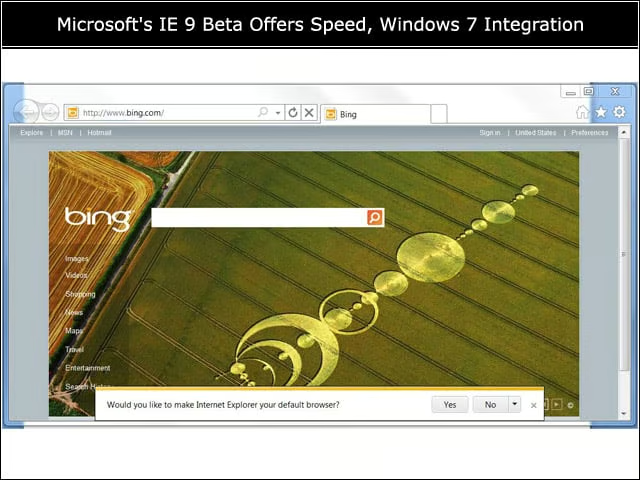
IE 9 offers a stripped-down user interface reminiscent of competing browsers. Microsoft claims it designed the browser to put the Web itself front-and-center, as opposed to the browser and its various buttons.
‘New Tab’ Icon
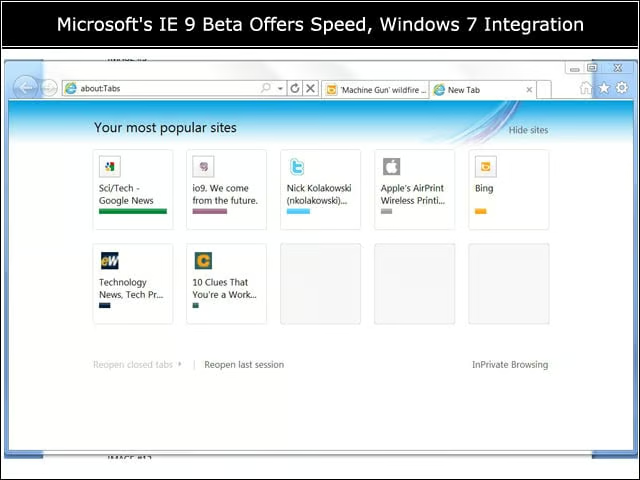
Clicking the small “New Tab” icon will open the “Your Most Popular Sites” page, which lists the key sites you visit. Users have the option of Hiding or Showing these sites via a one-click button, depending on their preferences.
Program Management
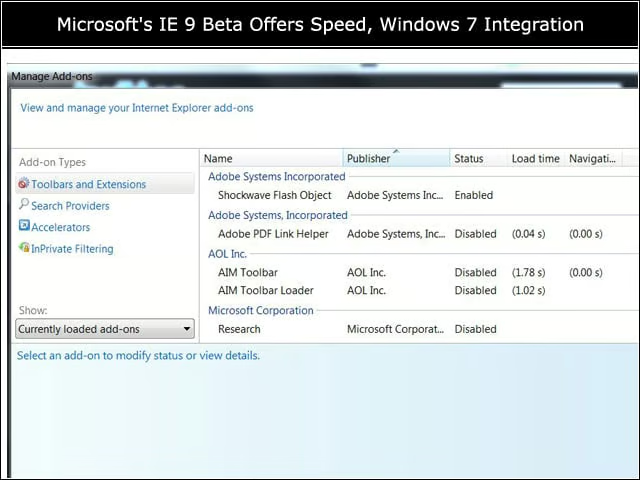
The handy “Manage Add-ons” window allows users to enable and disable those programs that might slow down their browser performance.
Familiar Favorites
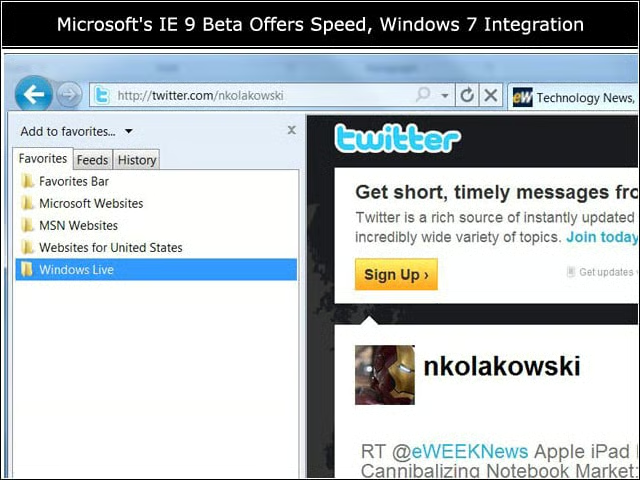
Some things never change, or at least don’t look very different: Internet Explorer’s familiar “Favorites” bar.
Saving Website Tabs

Users can click-and-hold a Website tab, then drag it down to their Windows 7 taskbar, where it’s pinned as an icon.
Aero Snap

IE 9 features Aero Snap, where the user can pin resized windows to the left or right of the screen. Users can also “tear off” Website tabs if they want to view two Websites side-by-side.
Clean Design

IE 9’s streamlined user interface. In addition to the clean design, the browser offers a more discrete Notification bar on the bottom of the browser window, which doesn’t require any action in order for the user to keep browsing.
InPrivate Browsing

Microsoft’s InPrivate Browsing allows users to surf the Web without leaving traces that can be discovered later. Along with the built-in SmartScreen Filter, which evaluates potentially security-suspect Websites based on their reputation, it’s part of the toolset designed to keep Internet Explorer browsing secure and private. So you can, er, not be procrastinating with Websites devoted to Halo: Reach.
Developer Tools
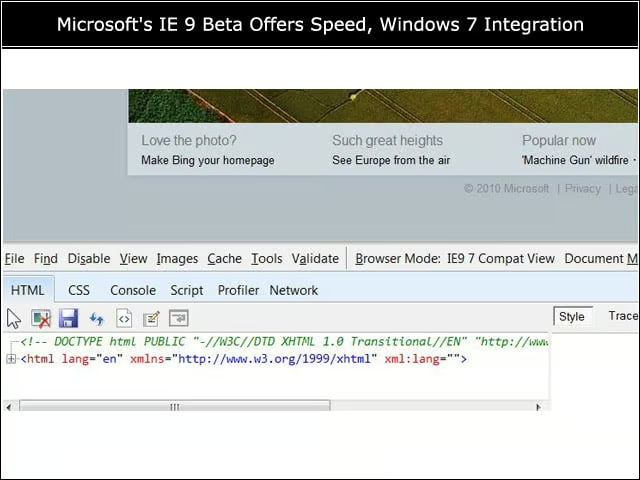
Built-in developer tools help with prototyping and debugging Webpages. IE 9 offers a network traffic inspector, tweaked JavaScript profiler and a user-agent switching tool.
Adjusting Features
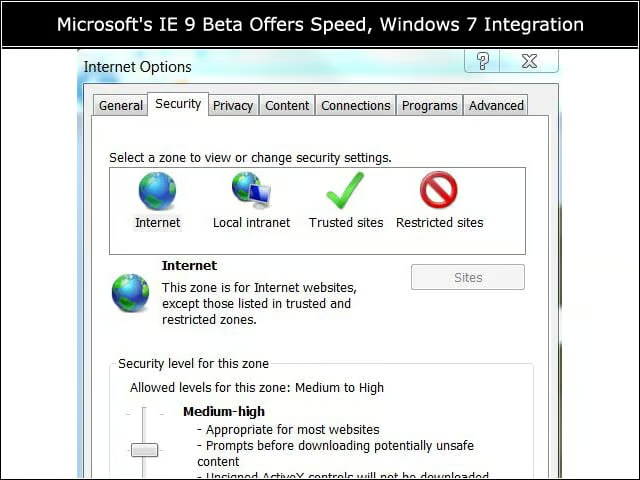
IE 9 offers the familiar “Internet Options” for adjusting features such as Privacy and Programs.