






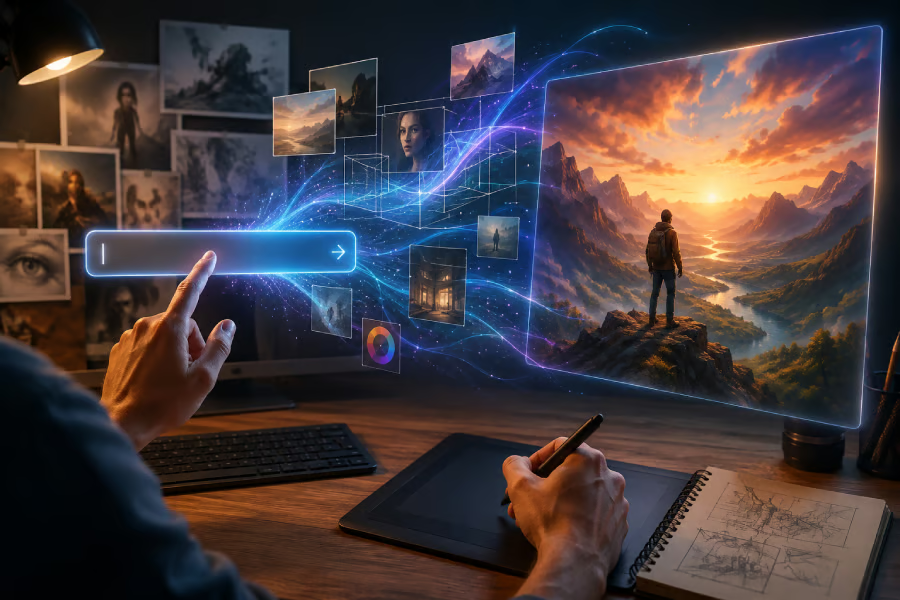


AI image generation is exploding in popularity, but anyone who’s tried it knows the frustration: the perfect idea in your head rarely translates into a flawless image on the first try.
With a few practical prompting techniques, however, you can guide AI tools to produce images that look professional, polished, and exactly how you imagined them. Whether you're using ChatGPT Images, Nano Banana, Meta AI, or another image generator, these 8 tricks can help you get better results with less frustration.
Be specific, but not overloaded
The more precise you are about your image, the better. Instead of saying “a castle,” describe the style, the lighting, and the mood: “a medieval stone castle at sunset, with ivy crawling up its walls, cinematic lighting.”
A prompt for "a watch" could generate thousands of different interpretations. But a prompt describing "a vintage stainless-steel wristwatch with a brown leather strap resting on a wooden desk" leaves little ambiguity.
Small details help the AI understand exactly what matters in the image and what should receive visual emphasis. Overloading the prompt with too many details can confuse the AI and produce odd or distorted results. Focus on the elements that matter most.
Bad prompt: “A laptop on a table.”
Good prompt: “A modern silver laptop sitting open on a clean white desk, next to a ceramic mug with steam rising from it, minimalist style, bright morning light.”
Stop writing short commands
Many people treat image prompts like search queries. They type a handful of words and hope the AI fills in the gaps. That approach leaves too much room for interpretation.
Instead of writing "mountain, sunset," think about the scene as if you were describing it to a photographer or illustrator. Explain what the viewer should see, where the subject is located, and what atmosphere you want to create. The more context you provide, the less guesswork the AI has to do.
Bad prompt: “A lone hiker.”
Good prompt: "A lone hiker standing on a rocky mountain ridge at sunset, facing away from the camera, golden light casting long shadows across the valley below, sense of solitude and scale."
Borrow language from photography
Professional photographers use technical terms to shape how a scene appears, and those same terms work remarkably well in AI prompts.
Mentioning a close-up portrait, wide-angle shot, macro photograph, or aerial view instantly changes how the image is framed. Lens descriptions and camera terminology can also influence depth, perspective, and focus. You don't need to become a photography expert, but adding a few photographic cues can significantly improve image quality.
Bad prompt: “A close up of an old man.”
Good prompt: “A macro photography close-up portrait of an elderly man, shallow depth of field with a blurred background, capturing the deep wrinkles around his eyes, shot on a 50mm lens.”
Pay attention to lighting
Lighting is often the difference between an image that feels ordinary and one that feels cinematic. A simple portrait can look completely different depending on whether it is lit by soft morning sunlight, dramatic studio lighting, or neon signs on a rainy street.
When writing prompts, don't just describe the subject. Describe the light surrounding it. The AI will use that information to shape the mood, colors, and overall atmosphere of the final image.
Bad prompt: “A woman in a coffee shop.”
Good prompt: “A woman reading a book inside a cozy coffee shop, illuminated by dramatic golden hour sunlight streaming through a large window, creating soft shadows and a warm glow.”
Use negative prompts to remove problems
Sometimes the best way to improve an image is to explain what shouldn't be there. Many image generators allow users to include negative instructions that exclude unwanted elements. This can be particularly useful for avoiding issues like blurry details, distorted faces, extra fingers, unwanted text, or watermarks.
Think of negative prompting as quality control. Instead of only telling the AI what to create, you're also telling it what to avoid.
Bad prompt: “A realistic portrait of a young man with short hair and glasses.”
Good prompt: "A realistic portrait of a young man with short hair and glasses, in a studio setting, sharp focus, remove any extra fingers, text, watermarks, or blurry details."
Describe materials and textures
AI models respond well to descriptions of physical surfaces. Rather than asking for a robot, describe a robot made from brushed titanium and carbon fiber. Instead of a chair, describe polished walnut wood, soft leather cushions, or woven fabric textures.
These details give images a stronger sense of realism and depth. They also help products, objects, and characters appear more convincing.
Bad prompt: “A luxury watch.”
Good prompt: "A luxury watch with a brushed rose-gold case, sapphire crystal face, hand-stitched crocodile leather strap, resting on a dark slate surface."
Tell the AI what artistic style you want
AI generators can imitate countless visual styles, but they need direction. If you want a watercolor illustration, say so. If you're looking for a realistic photograph, specify that. If you prefer a cyberpunk aesthetic, vintage film look, or pencil sketch, include it directly in the prompt.
Style instructions act like a creative filter that influences nearly every aspect of the image, from color choices to texture and composition.
Bad prompt: “A fox in the woods.”
Good prompt: “A vibrant watercolor illustration of a red fox sleeping tucked away in a forest glen, soft color washes, visible paper texture, whimsical and dreamy art style.”
Refine, don't restart
Many users make the mistake of throwing away an image that is close to what they want. A better approach is to make small adjustments through follow-up prompts. If the lighting feels off, change it. If the colors are too bright, adjust the color palette. If the composition is too tight, ask for a wider shot.
Treat image generation as an ongoing conversation rather than a one-time command. The most impressive results often emerge after several rounds of refinement.
Initial prompt: “A majestic golden retriever sitting in a park.”
For instance, AI generates the image, but it's too dark, and the dog is looking away.
Example refinement prompt: “Make the same golden retriever look directly at the camera with a happy expression, and change the lighting to bright, sunny afternoon daylight.”
Final thoughts
The secret to better AI images isn't finding a magic phrase. It's learning how to communicate visually.
The strongest prompts combine a clear subject, a defined setting, an artistic style, thoughtful lighting, and strong composition. And if you're ever unsure where to start, there's always one reliable shortcut: sharpen your prompting skills.
For more practical tips, examples, and advanced techniques, be sure to read our comprehensive prompt engineering cheat sheet.