








- Apple MacBook vs. MacBook Pro: Picking the One That’s Right for You
- Size Matters on the MacBook Pro
- Apple Keeps Slimming Down the MacBooks
- Consider the Impact of USB-C
- MacBook Improves Track Pad Functionality
- MacBook Gets the Latest Apple Keyboard Technology
- Power Is Everything to MacBook Pro
- Display Quality Is About Equal in Both Models
- There’s No Difference on the OS Side
- Consider Battery Life on Both Products
- Pricing Could Prove Decisive for the Budget-Conscious
Apple MacBook vs. MacBook Pro: Picking the One That’s Right for You
By Don Reisinger
Size Matters on the MacBook Pro
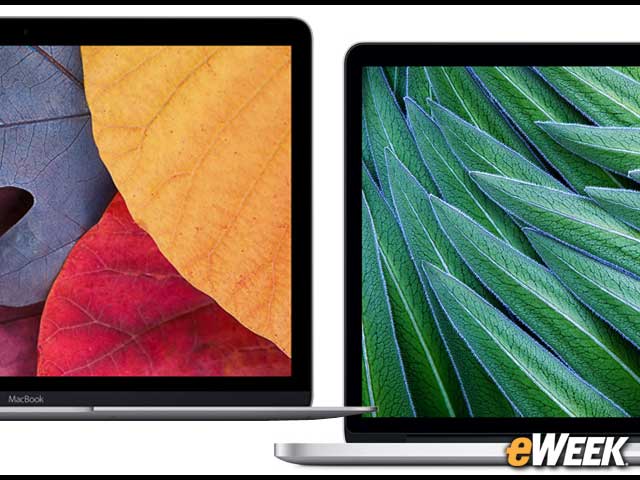
If size matters, picking the MacBook Pro over the MacBook is the smart move. Apple’s MacBook Pro comes in two sizes: 13 inches and 15 inches. The MacBook, meanwhile, is only available in a 12-inch version. Customers looking for bigger screen sizes, therefore, should opt for the MacBook Pro.
Apple Keeps Slimming Down the MacBooks
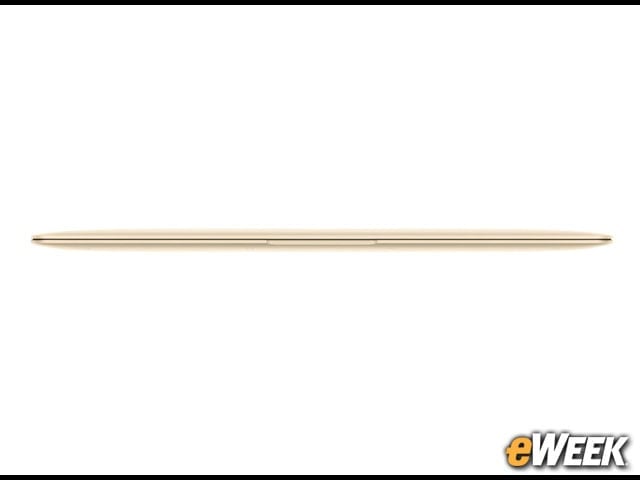
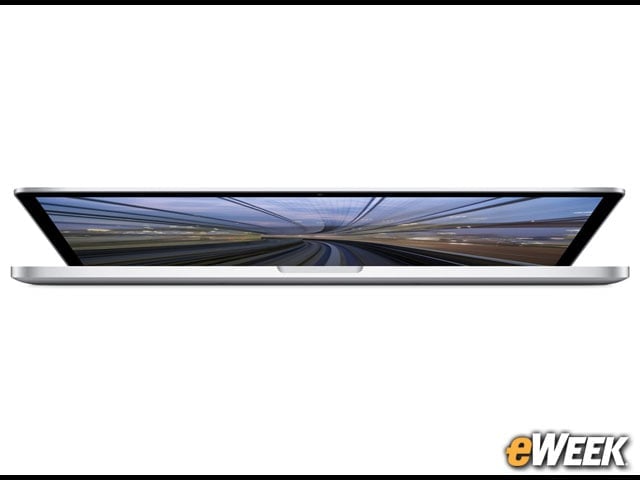
Although both the MacBook and the MacBook Pro are light and thin, the MacBook is the winner here. The notebook is just 0.14 inches at its thinnest point and weighs just over 2 pounds, making it one of the lightest and most mobile notebooks on the market. The MacBook Pro is 0.71 inches thick and weighs between 3.5 pounds and 4.5 pounds, depending on the version. Keep that in mind when picking a model.
Consider the Impact of USB-C
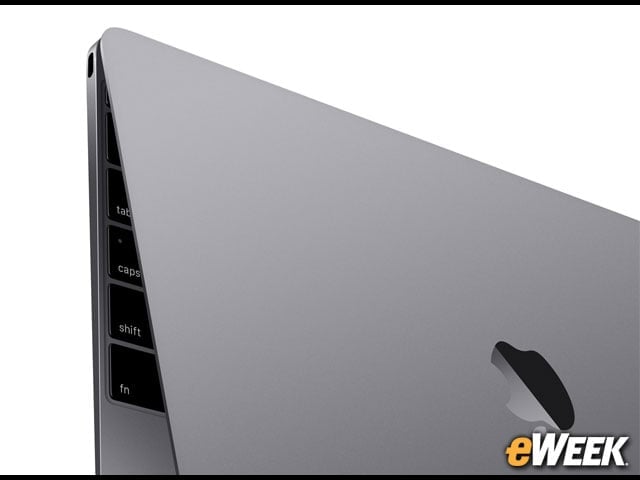
The MacBook is Apple’s first notebook to come with USB-C, a port that allows for everything from data transfers to charging to connecting to monitors. Interestingly, it’s the only port that comes with the MacBook. Apple’s MacBook Pro doesn’t have a USB-C port, but has two Thunderbolt ports, two USB 3 ports, an HDMI port and others. USB-C is likely the future, but few devices support the technology right now.
MacBook Improves Track Pad Functionality
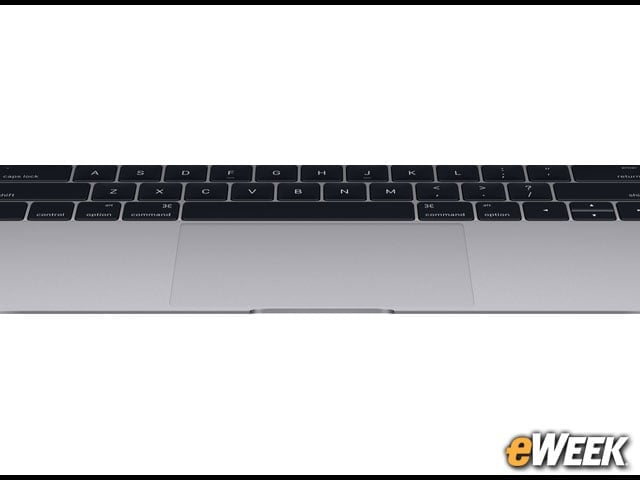
The MacBook is the first notebook in Apple’s line to come with a Force Touch track pad, which Apple says has more points of recognition, delivering better user interface control while navigating applications and Websites. In addition, it has pressure-sensing functionality that lets software features react in response to how hard a person presses on the track pad. Like other track pads that Apple offers—including the one in the MacBook Pro—the Force Touch supports multitouch.
MacBook Gets the Latest Apple Keyboard Technology
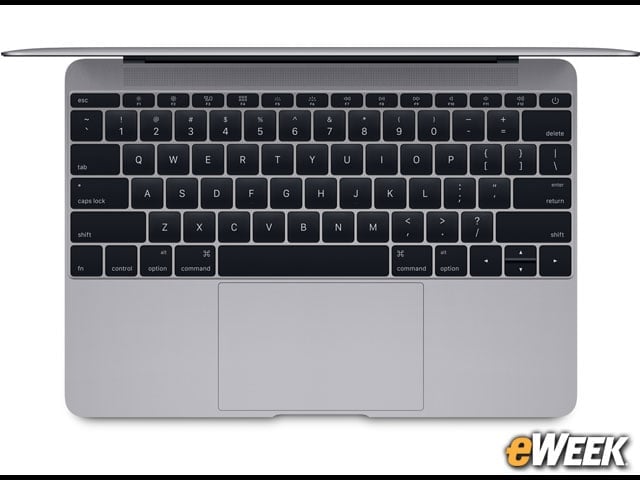
Apple has bundled a better keyboard with the MacBook. The keyboard has a new technology that reduces errors by responding to inputs, regardless of where a person presses down on a key. It’s widely believed that the MacBook keyboard is the future technology that will eventually replace the keyboard in the MacBook Pro.
Power Is Everything to MacBook Pro
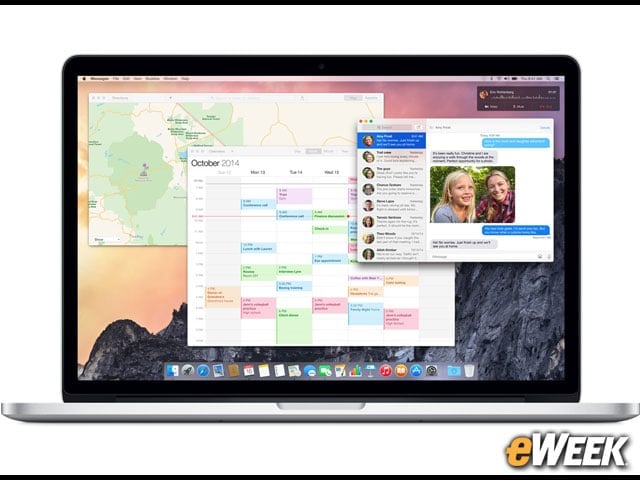
If processor power matters, go with the MacBook Pro. Depending on the model, customers will find an Intel Core i5 or an Intel Core i7 processor in the MacBook Pro. The top-end chip that can be bundled with the MacBook Pro is a 2.8GHz quad-core Intel Core i7 that can be “turbo-boosted” to up 4GHz. The MacBook, meanwhile, comes with a low-powered dual-core Intel Core M processor.
Display Quality Is About Equal in Both Models
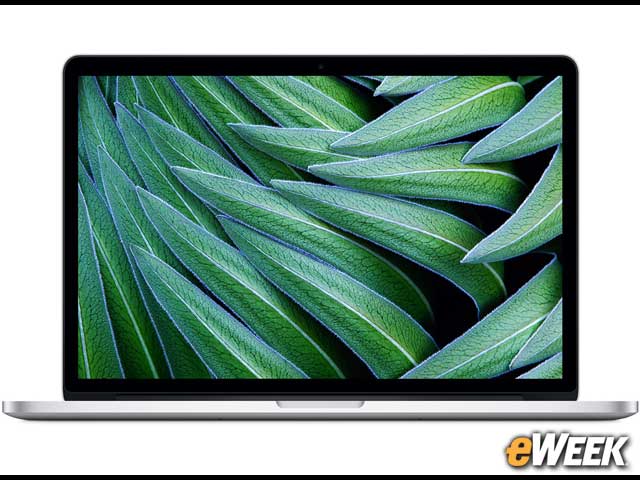
When it comes to display quality, the MacBook Pro and MacBook are neck and neck. The MacBook Pro’s 13-inch model has a 2,560-by-1,600-pixel resolution and 227 pixels per inch. The 15-inch model has a 2,880-by-1,800 resolution and 220 pixels per inch. The 12-inch MacBook has a resolution of 2,304 by 1,440 pixels and has 226 pixels per inch.
There’s No Difference on the OS Side
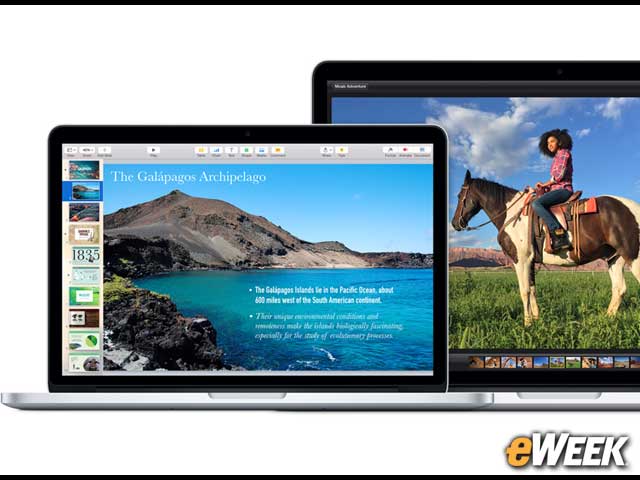
Although the MacBook comes with less power and fewer components, it runs the same version of OS X Yosemite as the MacBook Pro. That said, be aware that the MacBook Pro’s extra power will mean that the operating system will run somewhat faster and software features might seem a bit more responsive. The MacBook Pro will also be best for resource-intensive tasks such as video editing and processing.
Consider Battery Life on Both Products
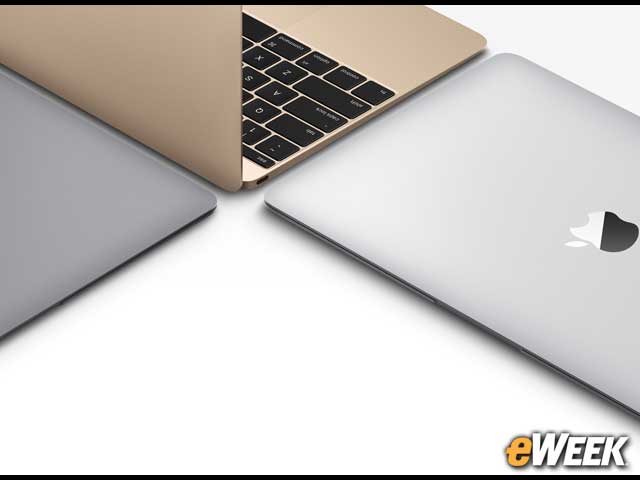
The battery life on both the MacBook and MacBook Pro is solid. The MacBook comes with up to 9 hours of battery life on wireless and up to 10 hours for iTunes movie playback. The 13-inch MacBook Pro compares at 10 hours on wireless Web and 12 hours of iTunes movie playback. The 15-inch model boasts 8 hours of both wireless Web and iTunes movie playback. All in all, they’re both solid.
Pricing Could Prove Decisive for the Budget-Conscious

Now that we know the key features available in the MacBook and MacBook Pro, let’s talk pricing. The MacBook Pro starts at $1,299 and goes all the way up to $2,499 for the top-of-the-line 15-inch model. The MacBook, meanwhile, starts at $1,299 and goes to $1,599 for a higher-end version.