







- Best Practices for Buying Laptops
- Best Practices for Buying Laptops – Dont Forget the Warranty
- Best Practices for Buying Laptops – Think Inside the Box
- Best Practices for Buying Laptops – Port Support
- Best Practices for Buying Laptops – Effective Mousing
- Best Practices for Buying Laptops – Native Serial Port
- Best Practices for Buying Laptops – Protect Sensitive Information
- Best Practices for Buying Laptops – Light Bright
- Best Practices for Buying Laptops – Solid State Drives
- Best Practices for Buying Laptops – Danbury Technology Spells Relief
- Best Practices for Buying Laptops – Roll With It
Best Practices for Buying Laptops
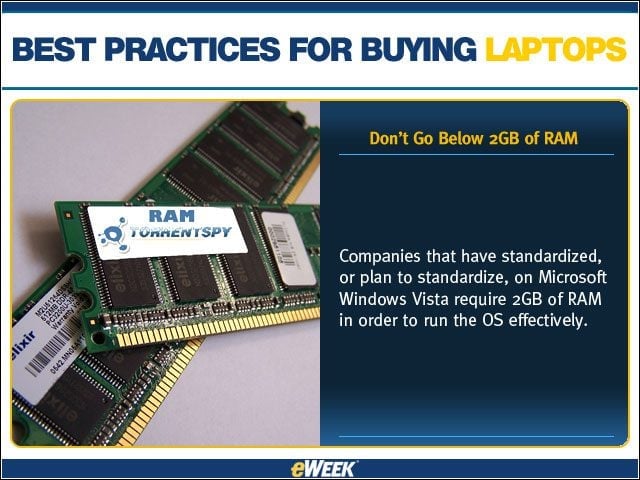
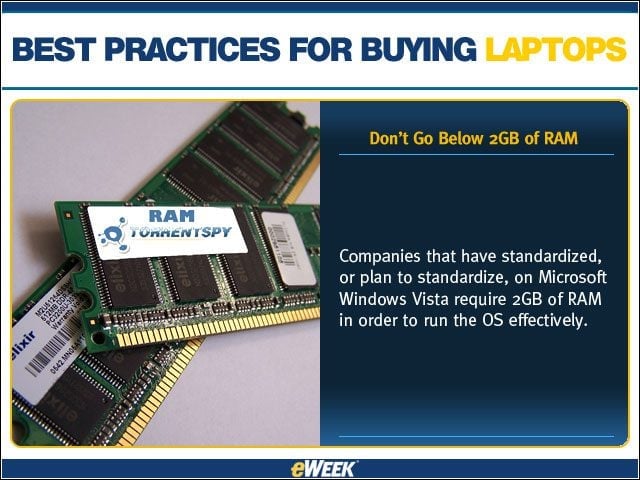
Companies that have standardized, or plan to standardize, on Microsoft Windows Vista require 2GB of RAM in order to run the OS effectively.
Best Practices for Buying Laptops – Dont Forget the Warranty
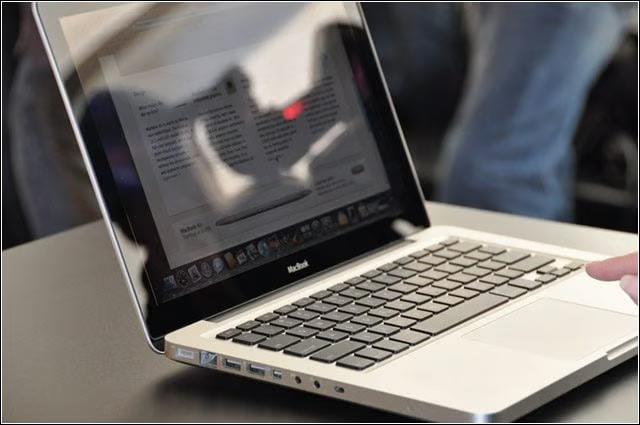
It’s a good idea to purchase support plans that go beyond the basics, including coverage for such things as laptops damaged by a steep drop or coffee spills.
Best Practices for Buying Laptops – Think Inside the Box
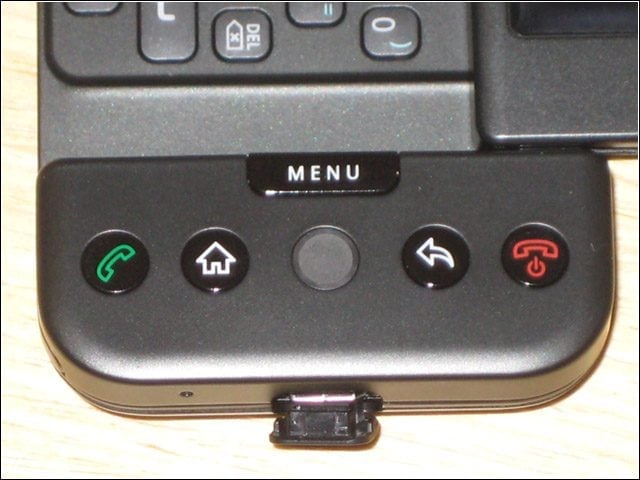
An IT manager’s job is much easier when vendors ship the laptop, desktop monitor and docking station in a single box.
Best Practices for Buying Laptops – Port Support

Smaller machines usually aren’t outfitted with a plethora of ports, but a port replicator will add USB 2.0 ports, pass-through connection for Gigabit Ethernet and outputs for an external mouse, keyboard and display.
Best Practices for Buying Laptops – Effective Mousing
If you are locked into a touchpad tracking device, set up tap points and scroll zones, so when users move their fingers from edge to edge, the movement is equated edge to edge on the screen.
Best Practices for Buying Laptops – Native Serial Port
It’s natural to think about what’s new when choosing a new laptop for your organization, but it’s important to also think about what’s old. Native serial ports are still necessary.
Best Practices for Buying Laptops – Protect Sensitive Information
Hard drive disk encryption should be used to protect all company notebooks, but your laptop should also have a fingerprint reader to simplify authentication to the encryption key.
Best Practices for Buying Laptops – Light Bright
The merits of LED technology are numerous, but its low power consumption is arguably No. 1. An LED backlight display will draw 25 percent less power than a fluorescent backlight at full brightness.
Best Practices for Buying Laptops – Solid State Drives
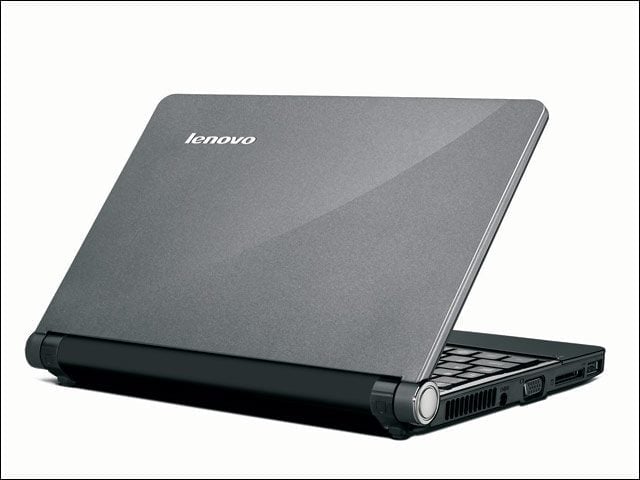
While not mainstream yet, SSDs are much more durable than standard hard drives because they have no moving parts. SSDs also decrease latency, and increase tolerance for extreme temperatures, shock, changes in altitude and vibration.
Best Practices for Buying Laptops – Danbury Technology Spells Relief
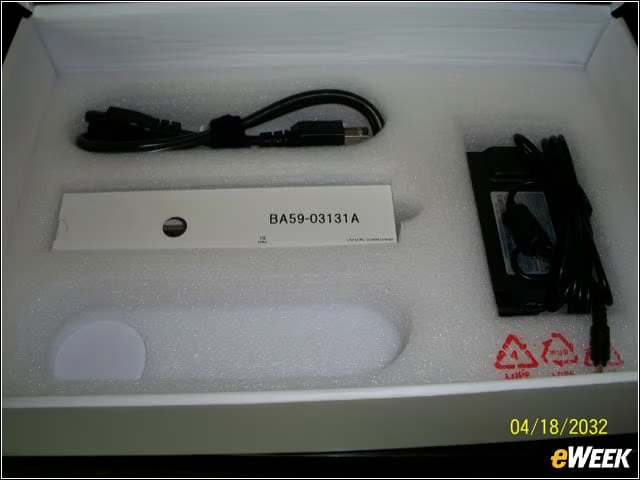
Intel will release its highly anticipated Danbury encryption technology, a hardware encryption engine that creates and maintains keys on the chip set with its Eaglelake chip set for vPro-branded PCs, improving backup performance and simplifying key management.
Best Practices for Buying Laptops – Roll With It
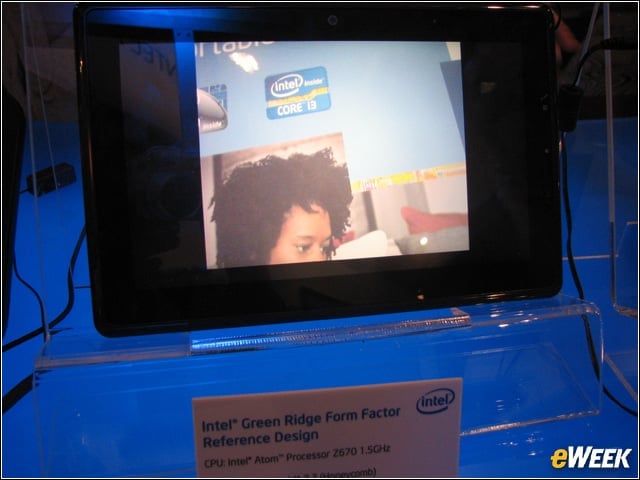
Unless you can ensure that your users will never mishandle their laptops, consider laptops that are equipped with case frames, such as Lenovo’s magnesium roll cage, to prevent distortion and other complications.