







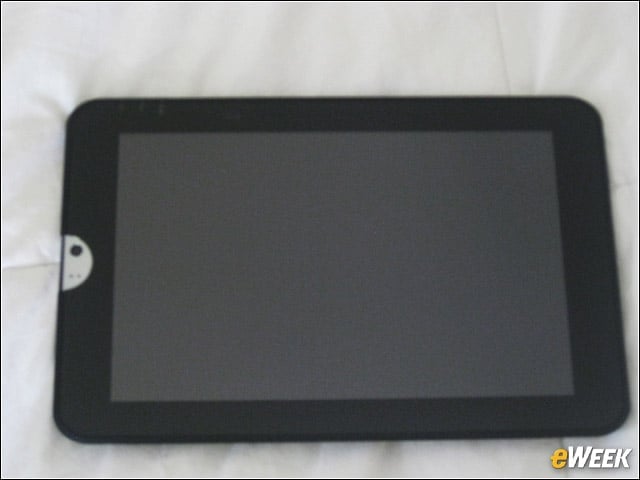
Toshiba Thrive Unboxed
At first blush, we weren’t impressed by the Thrive, which felt a bit unwieldy in our hands after using the Samsung Galaxy Tab 10.1 for the last three months. We eventually got used to holding the device, which felt like a ruggedized tool the military might carry with them in the field.
Back View
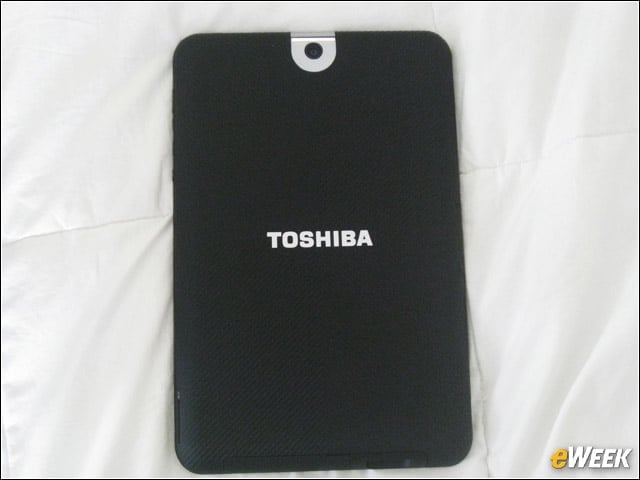
One of the reasons for our reluctance to be wowed was the rubberized, Easy Grip enclosure. Sure, it makes the tablet more rugged and reduces risk of damage if a user drops it, but it’s ugly and feels like we’re holding a car tire. We’re also not a fan of the silver camera bezel. We would have preferred uniform blackness on the slate. The back camera is an average 5 megapixel shutter with auto-focus and a 720p video capture; the front camera has a respectable 2MP eye with a microphone for video chat.
Good News!
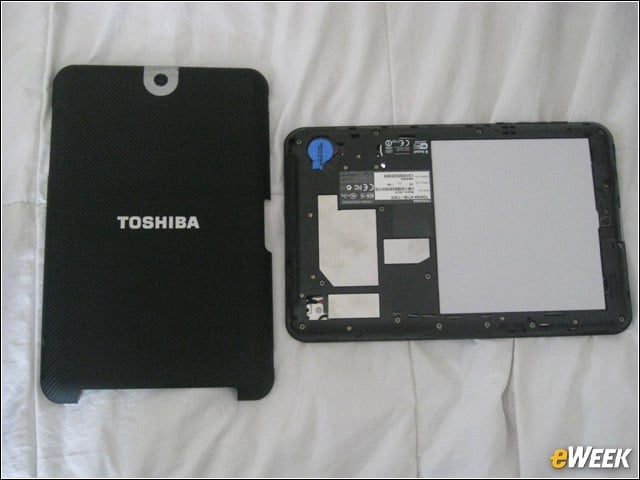
The good news is the back pops off so you don’t have to touch it if youd rather not.
More Buttons
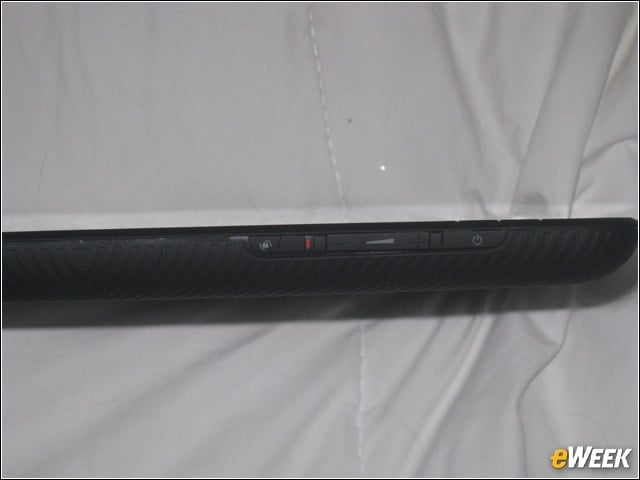
The side has a few of the many buttons and ports on the Thrive, including the power button, volume keys and the screen rotation lock/unlock switch. You get an idea for the thickness of the Thrive here; it’s more than a half-inch thick. Can you be happy with that?
Power Up
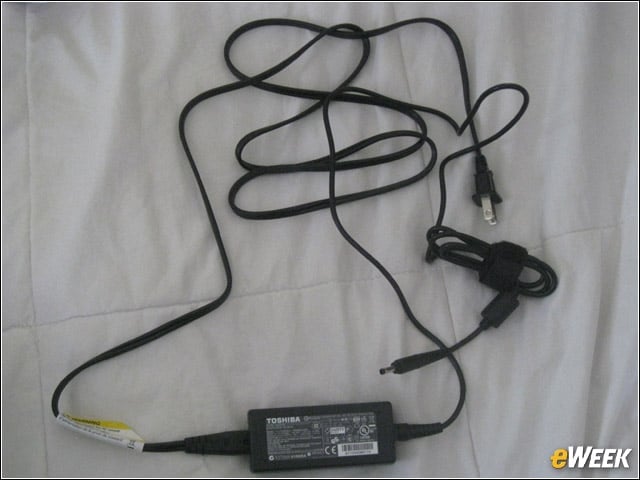
Yes, another way the Thrive is different is it uses a PC-style power cord instead of smaller smartphone-style power cord. Yet another way the Thrive appeals to the business user. Toshiba claims the Thrives gives users 11 hours of battery life.
5 Home Screens
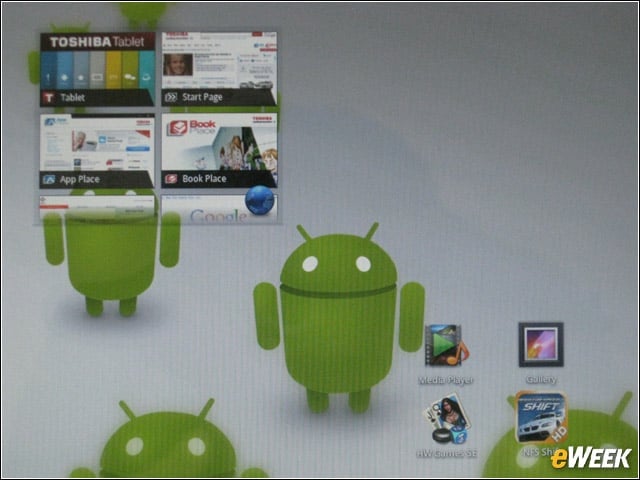
Here is one of the five customizable home screens, enhanced by Toshiba’s Adaptive Display and Resolution+3 video enhancement technologies for better clarity and sharpness.
Strictly Business
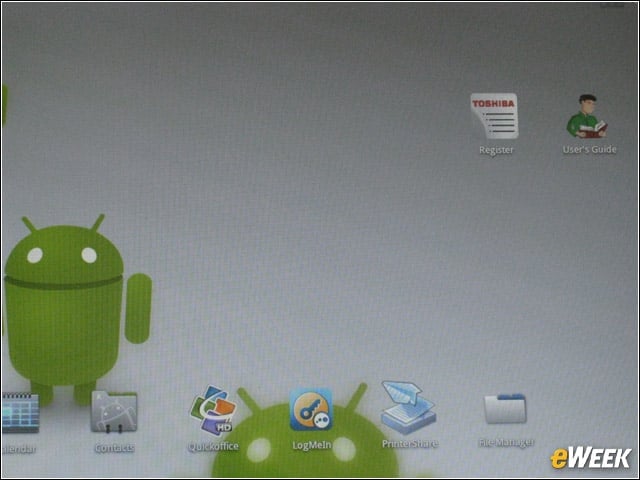
Thrive has a major focus on business applications, as we quickly learned from this home screen, which is populated by the Google Calendar app, as well as by Google Contacts, QuickOffice for enterprise file management, LogMeIn remote app access, as well as Toshiba’s PrinterShare and FileManager apps.
Google Calendar
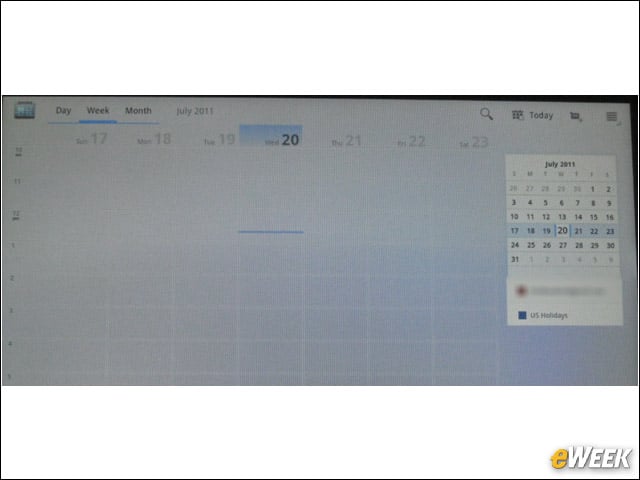
Google Calendar syncs across all your devices.
PrinterShare App
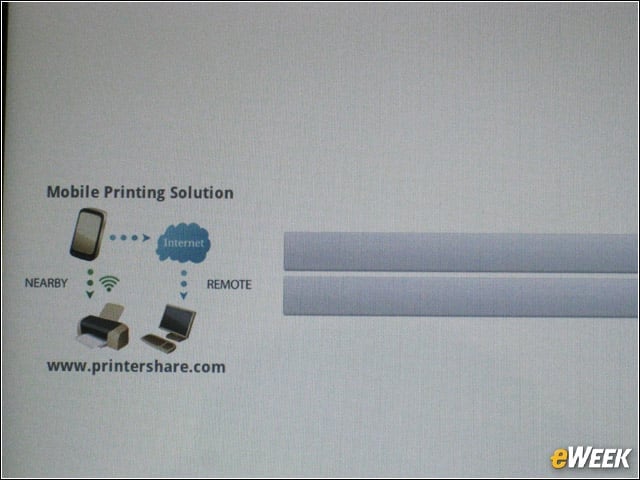
Toshiba’s mobile printing app in action, enabling printing over WiFi.
File Management
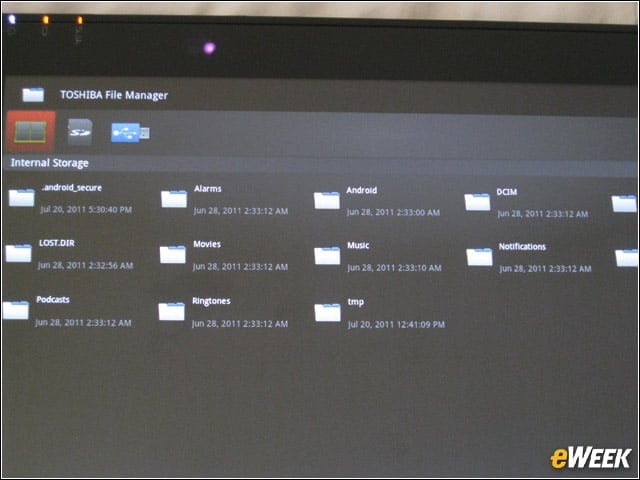
Toshiba’s Native file management application, another business user perk.
App Place Store
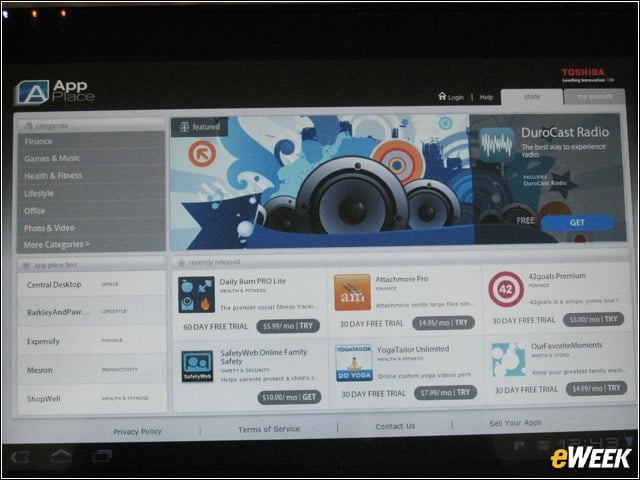
Toshiba’s App Place, an interesting euphemism for an app store. Though App Place includes games and entertainments apps, it appears to specialize in business-oriented software, such as apps by Central Desktop.
App Tray
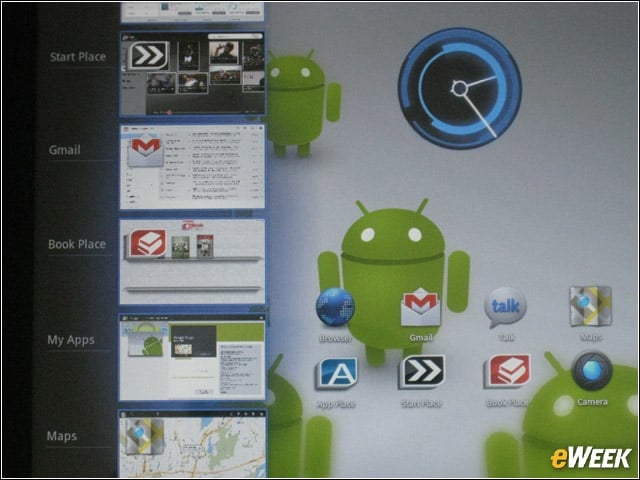
We love this application tray feature in Honeycomb, which allows us to minimize our apps and easily switch among them.
Quick News Access
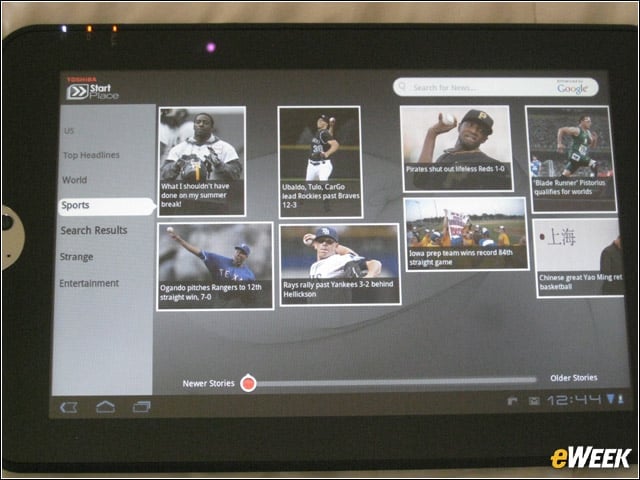
While business apps are a big part of the Thrive, so is consumer content. This Start Place app from Toshiba lets user bounce between different news items.
Electronic Bookstore
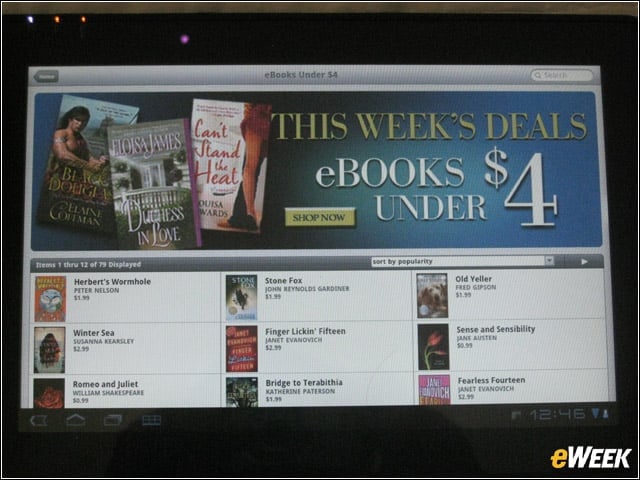
Thrive also features Toshiba’s Book Place electronic bookstore app. We’re not sure how this will fly versus Google’s own eBooks storefront and app for Android tablets.
Download Time
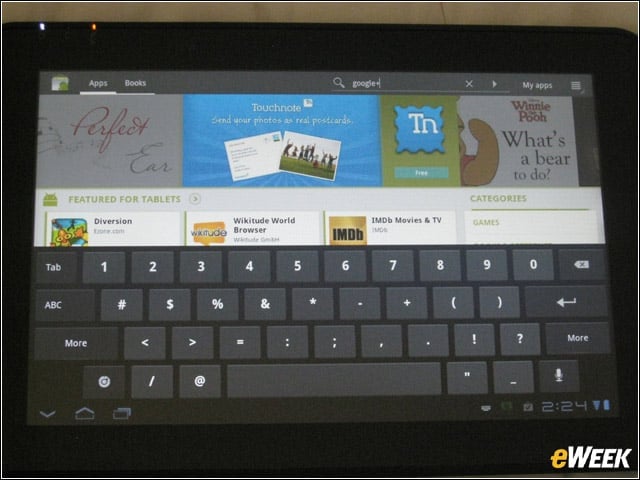
We tried downloading the new Google+ mobile app from the Android Market. Check out Thrive’s big, soft keys, which were well spaced and easy to use.
Google+ Download
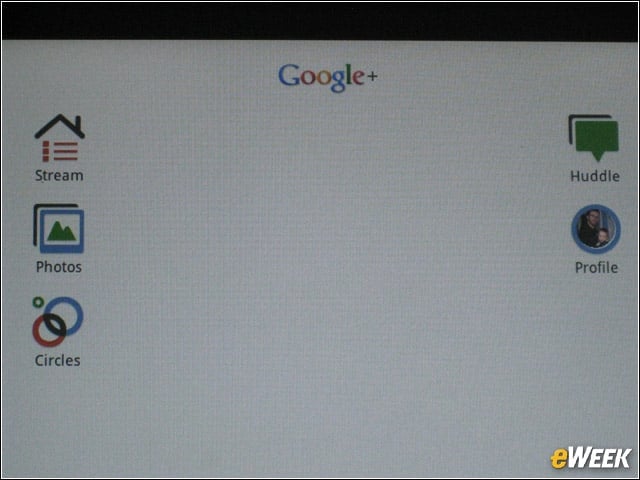
Success! The app downloaded to our tablet in 4 seconds.
Sharing Time
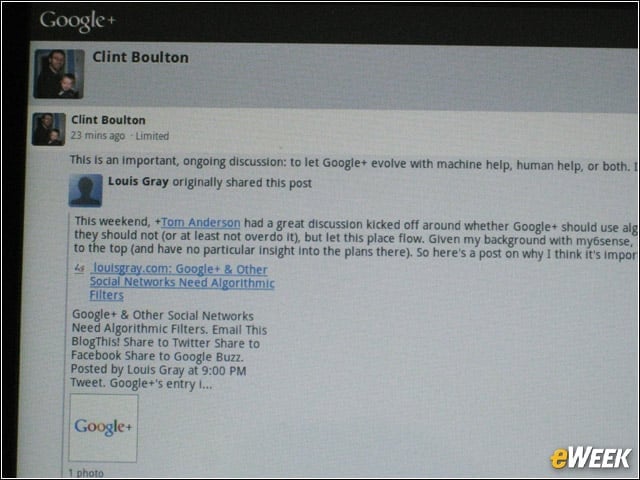
We quickly shared a blog post we liked. Overall, while the Thrive aims at being business friendly, it’s still just as consumer friendly with fine chops for accessing multimedia and apps.