







- Why the HP Chromebook 13 Is Worth a Closer Look by Business Users
- Chromebook 13 Can Survive Some Dings
- The 13-Inch Display Is Appealing
- Looking for Outstanding Battery Life
- Some Surprises for the Price
- Intel Delivers Power to Users
- It Ships With Critical Secure Connectivity Features
- Let’s Take a Look at Security Features
- Bring On the Google Apps for Work
- The USB-C Docking Station Will Come in Handy
- A Nicely Affordable Device
Why the HP Chromebook 13 Is Worth a Closer Look by Business Users
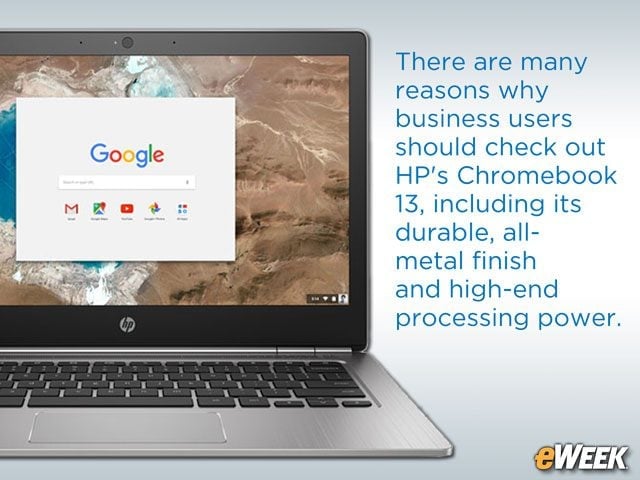
There are many reasons why business users should check out HP’s Chromebook 13, including its durable, all-metal finish and high-end processing power.
Chromebook 13 Can Survive Some Dings
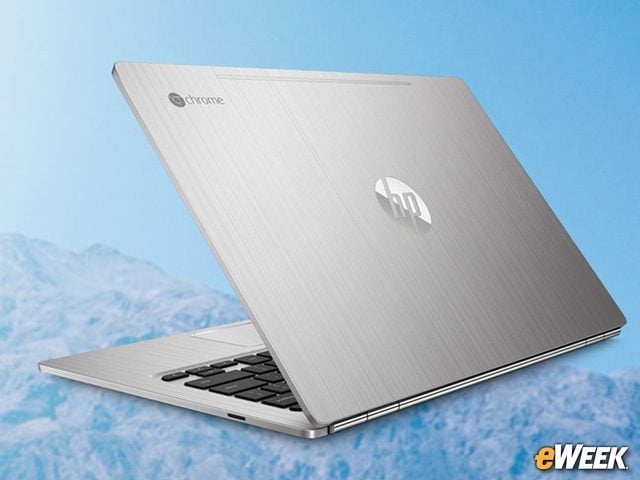
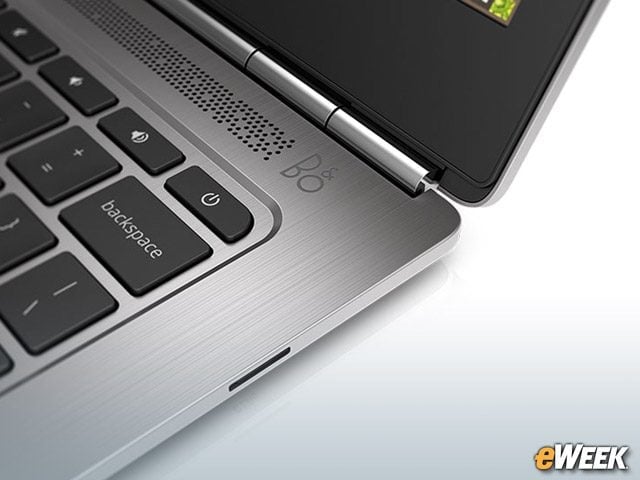
The Chromebook 13’s brushed anodized aluminum design makes it much more durable than plastic machines, as it can survive short falls. Along with its half-inch thickness, it has the kind of design that should catch the eye enterprise buyers.
The 13-Inch Display Is Appealing
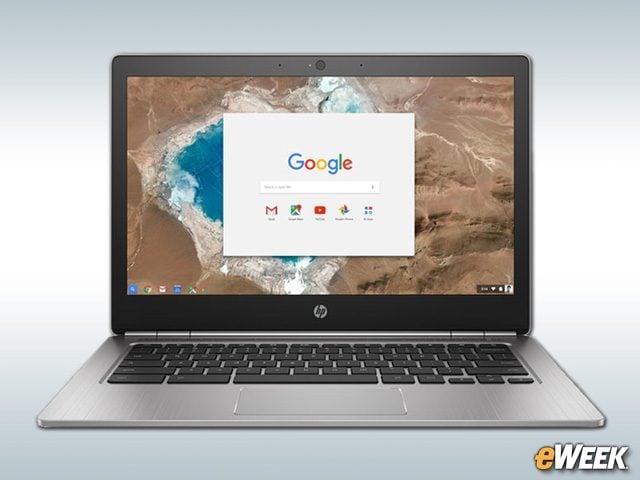
The Chromebook 13’s 13.3-inch display, which comes with a resolution of 3,200-by-1,800, should be attractive to business users. In total, the quad-HD display has nearly 6 million pixels, delivering what HP says is “razor-sharp text and photos.” At that resolution, the company might be right. Image 2: Please use this image:
Looking for Outstanding Battery Life

Battery life is critical to enterprise users, so it’s no surprise that HP has highlighted the feature in its Chromebook 13. The company says that the Chromebook 13 will deliver up to 11.5 hours of battery life. That said, HP added that “the battery will naturally decrease with time and usage.”
Some Surprises for the Price
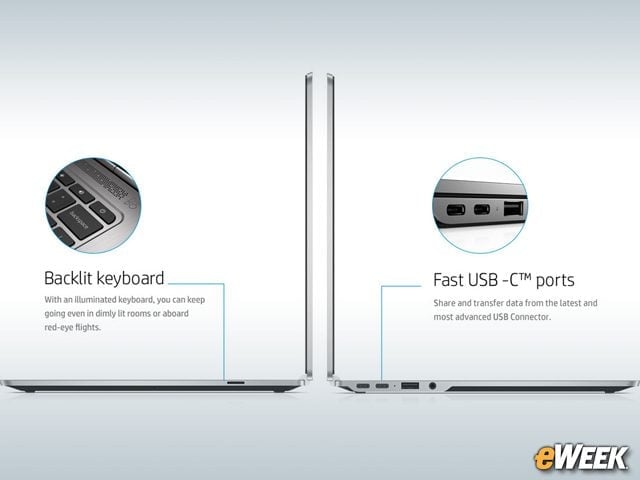
Most affordable notebooks don’t have backlit keyboards. That’s not the case with the HP Chromebook 13. The device comes with a full backlit keyboard. In addition, users will find USB-C ports, along with support for microSD. The USB-C port will deliver fast-charging capability, according to HP.
Intel Delivers Power to Users
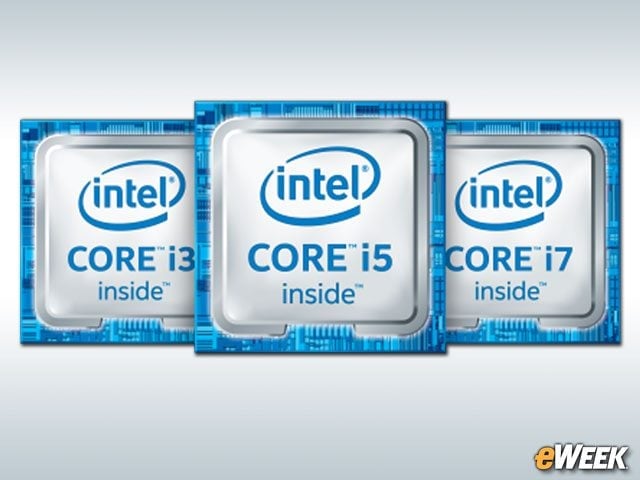
HP was quick to boast that the Chromebook 13 is the first to come with Intel’s sixth-generation Intel Core M processor. While HP’s site doesn’t currently give clock speeds, the company did say the device will be available with up to 16GB of onboard RAM.
It Ships With Critical Secure Connectivity Features
To appeal to enterprise users, a Chromebook must work with the systems and applications companies already have. The Chromebook 13 is both VDI- and VPN-ready, and it works with everything from Citrix Receiver to VMWare Connector. In addition, the Chromebook 13 is compatible with CiscoAnyConnect and SonicWall Mobile Connect VPN clients.
Let’s Take a Look at Security Features
The Chromebook 13 derives much of its security from Chrome OS. According to HP, the device will ship with Chrome OS’ automatic updates and antivirus protection, as well as sandboxing and verified boot, which ensures malware isn’t installed on the device before files are accessible on boot-up. IT professionals can manage a fleet of Chromebooks (including the Chromebook 13) with Chrome Management Console.
Bring On the Google Apps for Work
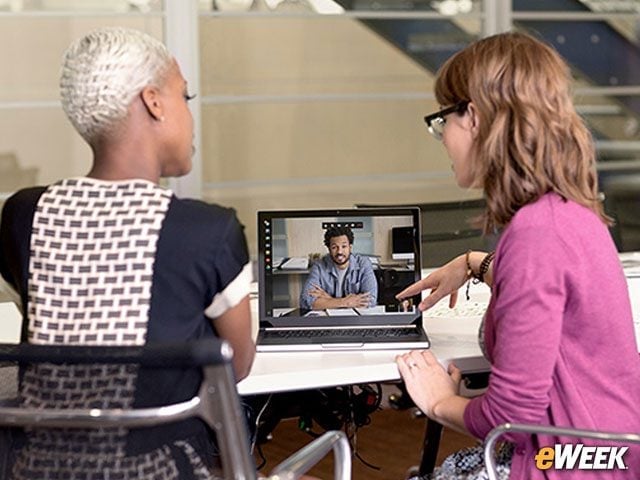
Google Apps for Work comes bundled with the Chromebook 13. With the feature, users will be able to collaborate with others on the domain across PCs, phones and tablets. Google Apps for Work is essentially a full productivity suite that includes Gmail, Hangouts, Google Drive and more—and it’ll work well on the Chromebook 13.
The USB-C Docking Station Will Come in Handy
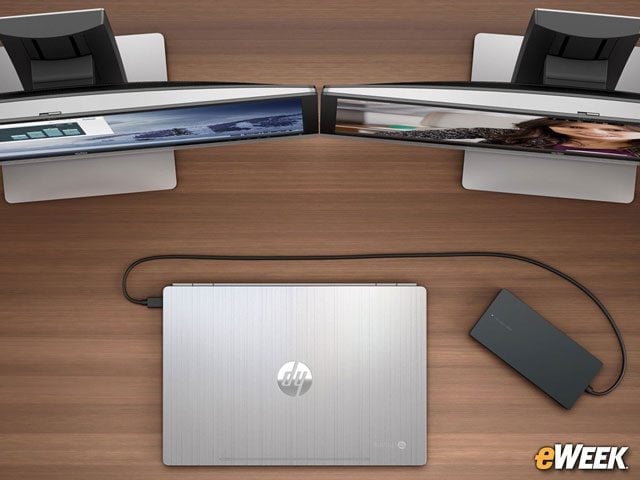
Thanks to the USB-C ports in the HP Chromebook 13, users should get some extra functionality out of the device. HP’s Elite USB-C docking station connects to the computer via the USB-C port and allows users to connect all kinds of other products, including displays and external hard drives. The Chromebook 13 supports up to two full-HD displays via the $149 docking station.
A Nicely Affordable Device
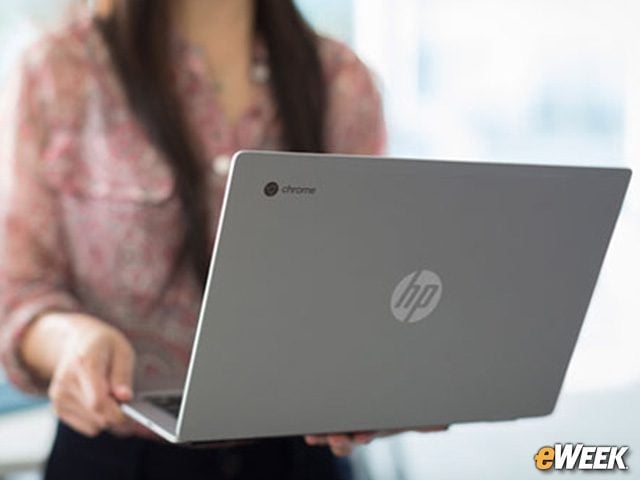
The Chromebook 13, like most other Chrome OS-based devices, will be affordable at launch. The device will start $499 for the base configuration and then go up from there. HP says pricing will top out at $1,029 for the top-of-the-line model featuring the best Core M processor and 16GB of RAM. HP says it expects to start shipping the Chromebook in May.