







Gmail
Google’s Gmail Webmail application has been the target for sophisticated hacks out of China, the search giant claims. This includes access to government officials’ accounts.
Strong Passwords
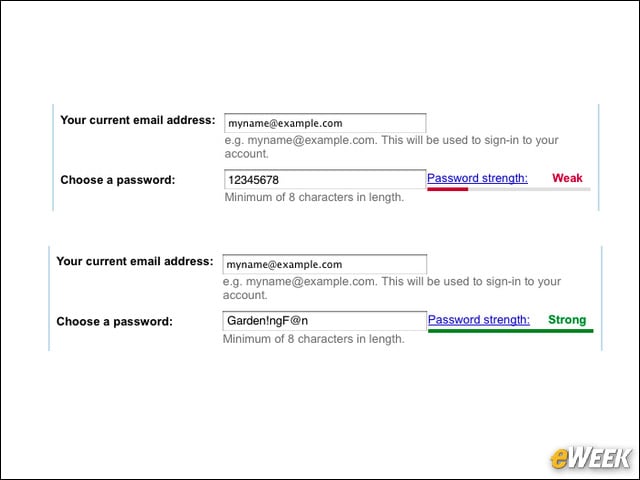
This might seem obvious, but it’s wise to use strong, tricky passwords with capital and lowercase letters, numbers and other symbols. Also, change your password regularly and don’t share it with others.
Two-Step Verification
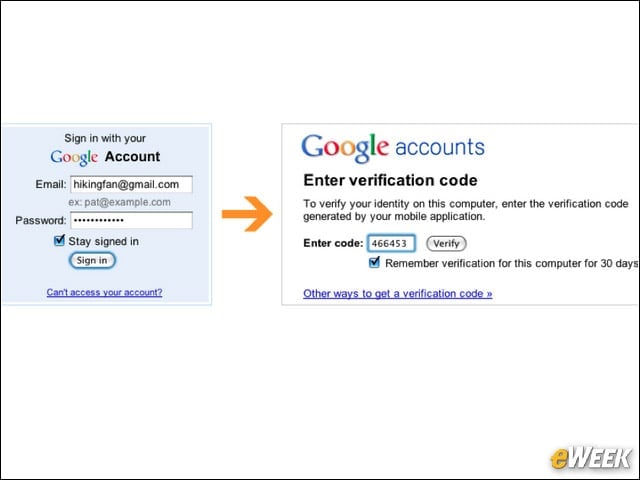
Google advises users to turn on two-step verification. This verification requires a code from a user’s phone, as well as their username and password, to sign into their Google Account.
Secure Connection
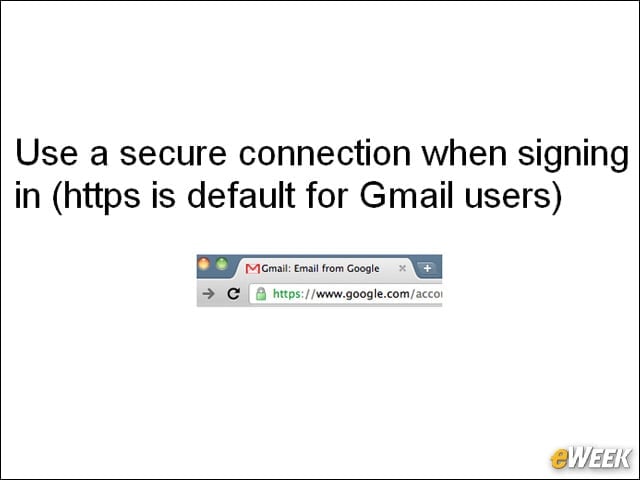
Gmail accounts use a secure HTTPS connection by default. This protects users’ information from being stolen when they’re signing in to a Gmail account on a public wireless network.
Check Forwarding
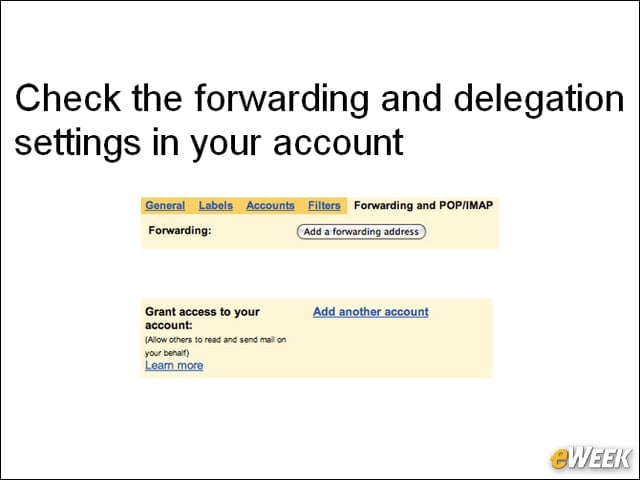
Google also recommends users check that their email is being properly directed by checking the “Mail settings” tab in Gmail for forwarding and delegation settings that grant others access to their account.
Recovery
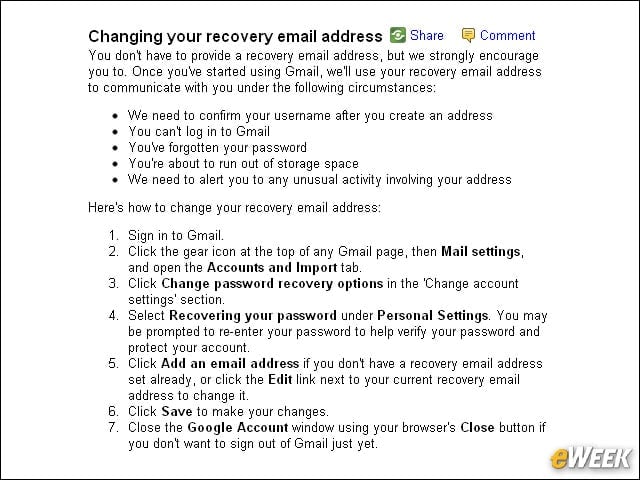
Gmail users should also update their secondary email address and security question, and provide a mobile phone for SMS-based account recovery.
Check for Unusual Activity
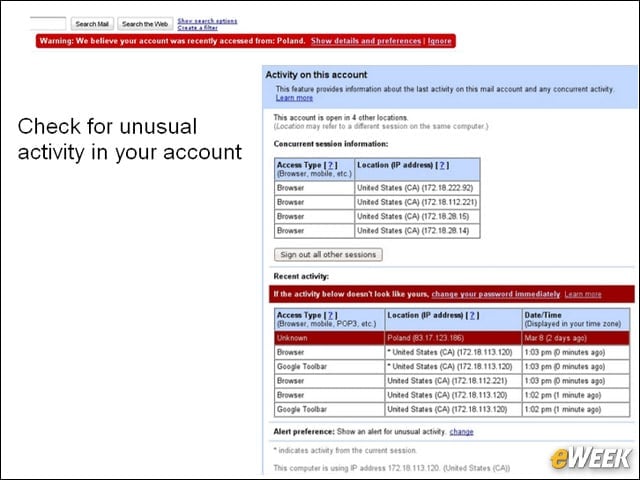
Google advises users to regularly review their Gmail accounts for unfamiliar or suspicious activity. Users may see the last account activity recorded at the bottom of the page, including the most recent IP addresses accessing the account.
Norton Hears a Who
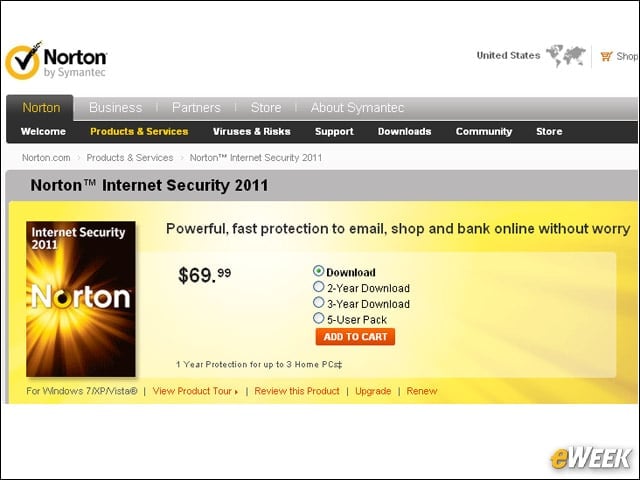
Google also advises users to install virus and malware scanning software to detect and squash any suspicious programs or applications. Norton is well-known, of course, but there are several more options Google lists here.
Phishing
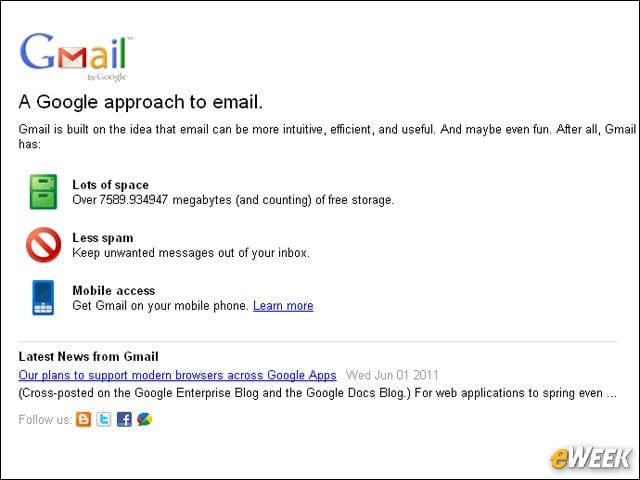
Google advises users to never enter their password after following a link in an email or chat message to an untrusted site. The company recommends users instead go directly to the site, such as mail.google.com, pictured here, to verify it. Also, don’t send your password via email or write it down.
Update Your System
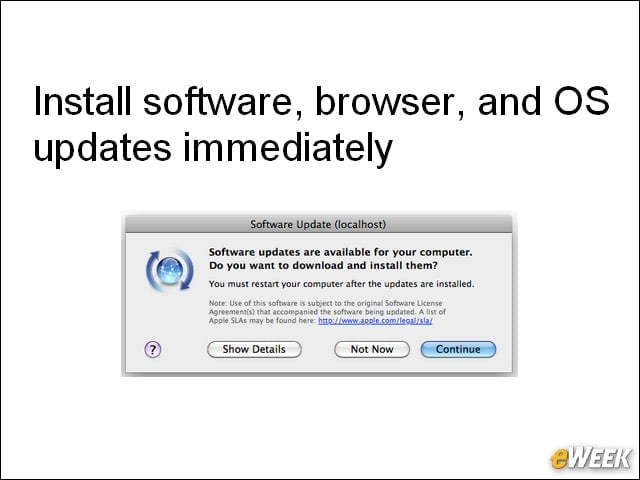
Finally, Google also recommends users update their operating system and browser regularly. We know this is a pain, but an ounce of prevention is worth a pound of cure. Enable your automatic update setting if one is available through your Windows, Mac or Linux operating system. Google Chrome automatically updates to new browser versions. To check for browser updates in Microsoft Internet Explorer, select the Tools tab and click Windows Update. In Mozilla Firefox, click the Help tab and select Check for Updates.