







Latest Enterprise Linux OS from Red Hat Shines in Server Room Roles
by Jason Brooks
Virtualization Host Install Option
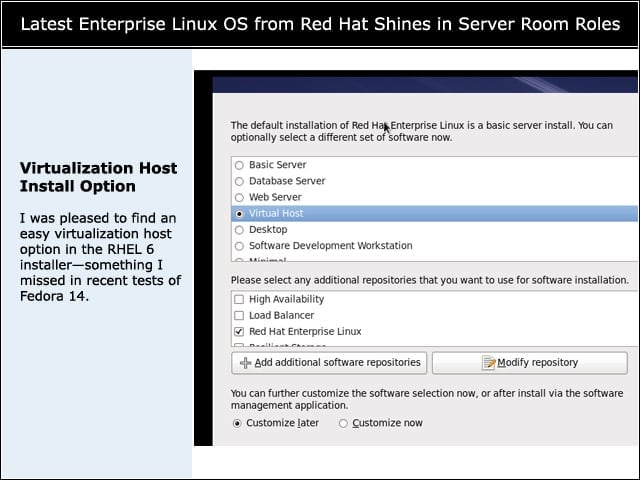
I was pleased to find an easy virtualization host option in the RHEL 6 installer—something I missed in recent tests of Fedora 14.
Virtualization Tools
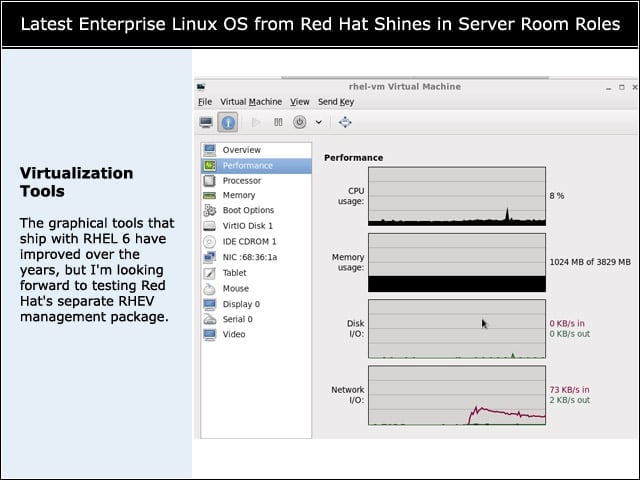
The graphical tools that ship with RHEL 6 have improved over the years, but I’m looking forward to testing Red Hat’s separate RHEV management package.
Windows Server 2008 on RHEL 6
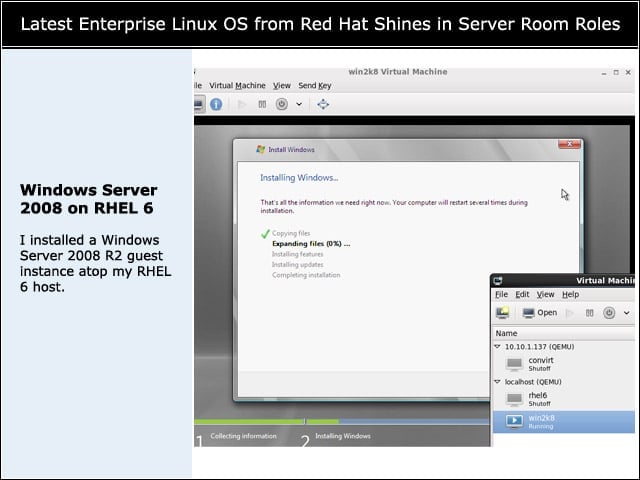
I installed a Windows Server 2008 R2 guest instance atop my RHEL 6 host.
Guest Instance Registration Miscues
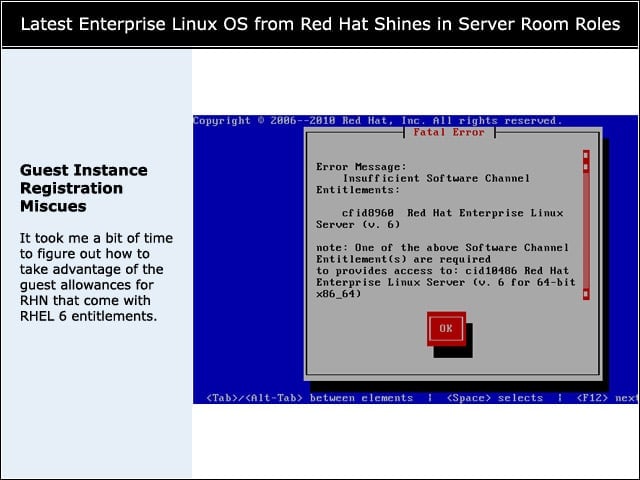
It took me a bit of time to figure out how to take advantage of the guest allowances for RHN that come with RHEL 6 entitlements.
PHP Apps
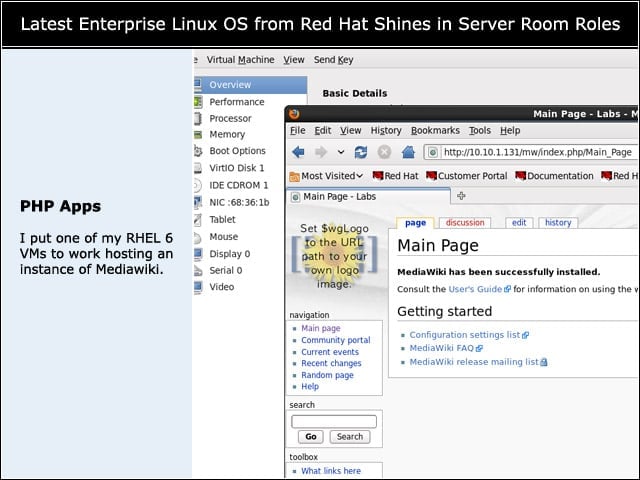
I put one of my RHEL 6 VMs to work hosting an instance of Mediawiki.
Memory Overcommit
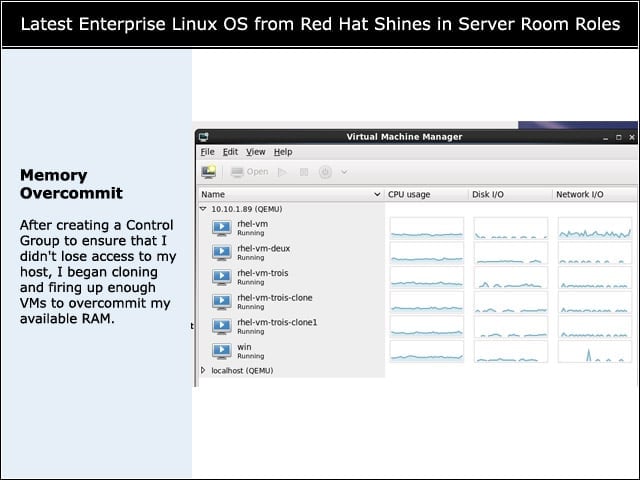
After creating a Control Group to ensure that I didn’t lose access to my host, I began cloning and firing up enough VMs to overcommit my available RAM.
RHEL 6 on the Desktop
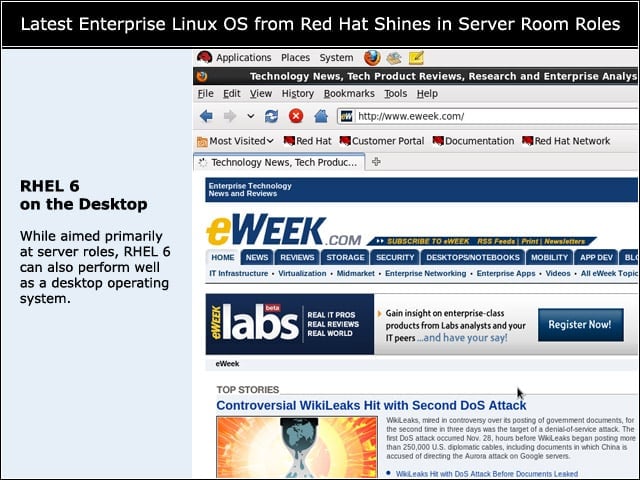
While aimed primarily at server roles, RHEL 6 can also perform well as a desktop operating system.
SELinux Sandbox
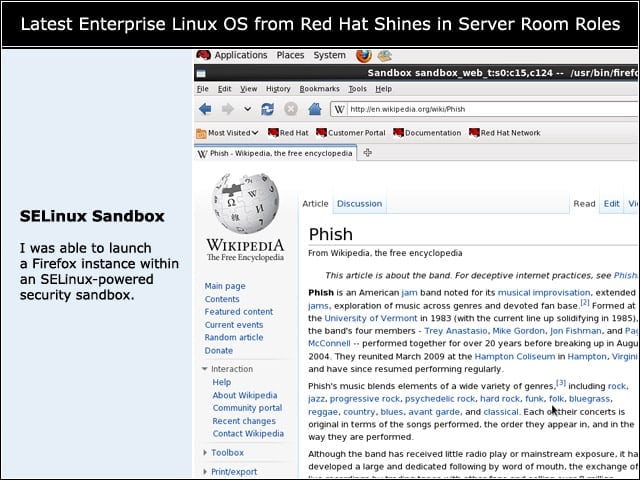
I was able to launch a Firefox instance within an SELinux-powered security sandbox.